





Preces apraksts
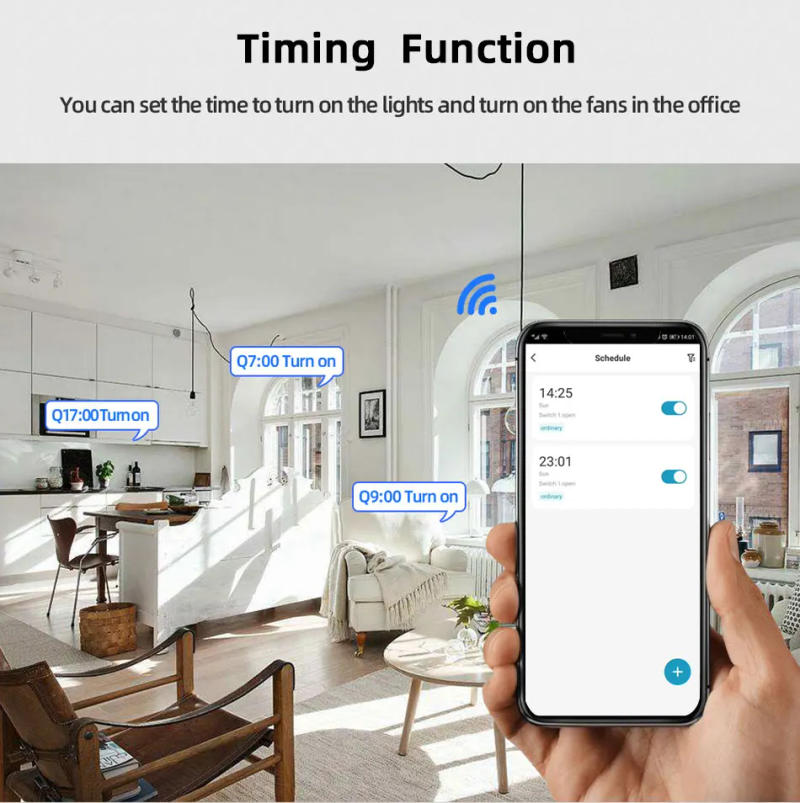
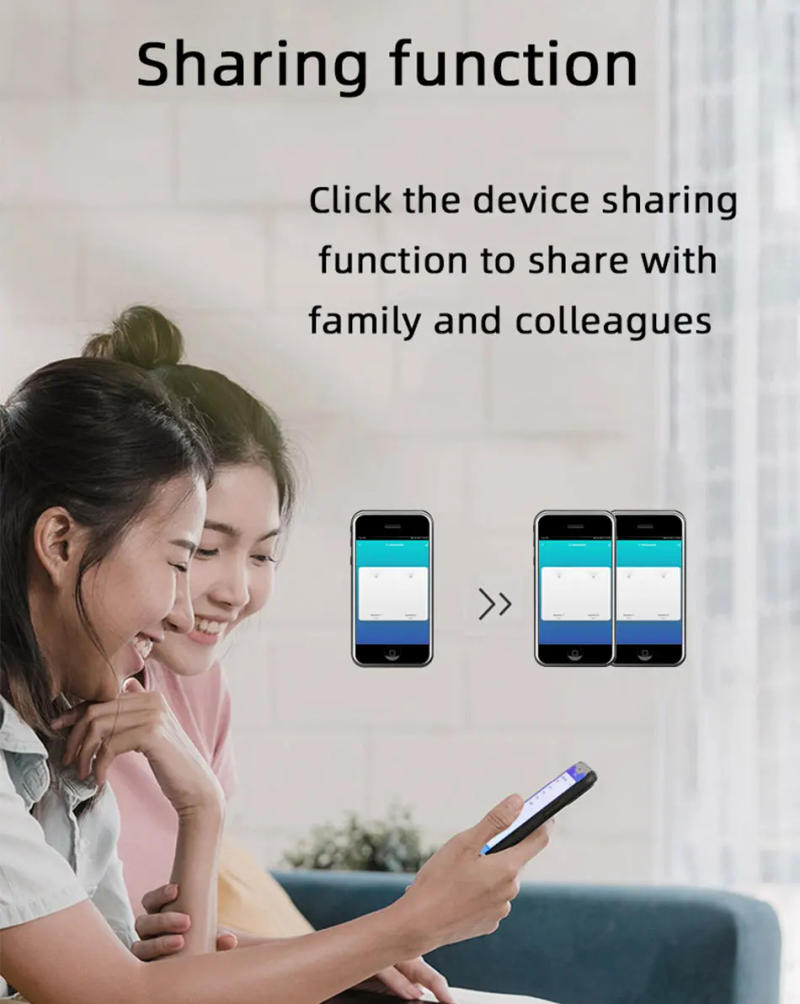
NOTE 1 product can&;t control the motor velocity 2 product can management DC Motor,AC Motor to Forward and reverse,such as linear motor,ac dc motor Wifi 2 Channel Relay(Three Working Modes) Use for 1 give a pulse sign to turn on and switch off Lights,Lamps,computer and different home equipment 2 give a pulse signal to show on and switch off Garage Door,Door Access,sliding Door 3 give a pulse signal to control DC Motor,AC Motor to Forward and reverse,such as linear motor,ac dc motor three Working Mode: 1 mode : Each channel can be switched on/off seperately can turn on/turn off all channel on the same time 2 mode : Switch on any channel , other channels can be switched off mechanically 3 mode : Switch on one channel,the channel might be automatically closed after 1 seconds channel is identical as the channel You can replace the inching time in the app The inching time only can be 1 to 3600 seconds If you should change the mode,you should change the mode button How to change the inching time? If you should substitute the inching time should press the mode button to go into into inching mode,so you can replace the inching time on the APP and the inching time solely available within the inching mode The time vary is 1-3600 seconds Features: 【Two Input Ports】 You may perhaps prefer micro USB 5V port or the screw terminal port to offer power within the input to make the pcb board board work 【Dry Contact/Passive Output】 No topic how many power you supply within the input, the output don&;t have any energy voltage If you do not supply energy in output port, the connectted home equipment can&;t work, you furthermore mght need to supply energy in output 【Timer】 The connectted home home equipment could be robotically grew to become on/off according to the time agenda Each channel can set various time time table Different Ways to Control the WIFI Module 【APP Remote Control】 You can management the connectted domestic equipment in Tuya or sensible life APP anyplace and anytime as light, electrical kettle, electric rice cooker, electric curtain, etc 【Mobile Phone Control】 As soon as you add the gadget in APP via 2 WIFI,you may control the gadget on your clever cellphone through 2G/3G/4G Mobile Network or WIFI (Note:The router deserve to on-line and the WIFI module should preserve a close distance with the router) 【Voice Control 】 Compatible with Alexa and Google Assistant, you need to use the voice control to turn it on/off the connectted home home equipment 【RF433 Control】 The WIFI Module assist RF433 Frequency,and you possibly can control the WIFI module by way of RF433mhz remote controller 【Share Control】 One system can control through Multiple phones,you can share the wifi module with your relatives your loved ones member can also control the module 【Group Control】 one telephone can management Multiple sensible device can upload the wifi module and other clever gadget in a group,and then turn on/off all smart gadget on the similar time Specification: Cutover current≤ 10A Input:Micro USB 5V Input 2:DC/AC 7-32V Screw Terminal port NO NC COM Output: Passive output ( Dry contact) Working Temperature: -20-70℃ Working Humidity: 40% to 80% RH WIFI Standard:2, IEEE 802 b/g/n(don&;t assist 5Ghz) Size:120*38*25mm APP:Tuya/Smart Life Timer Schedule Set time schedules to turn on/off lighting Share Control Share the gadget with your family or peers in order that they also can control the instruments remotely APP Control You can distant turn on/off family home equipment and set timing schedules to turn on/off the household appliances via app Tuya/Smart existence wherever anytime reminiscent of lights, celectric curtains ,electric curtains fans Voice Control Compatible with Google Assistant,Alexa Voice management to show on/off your house applicances How to set Inching time on the APP? Note: Please ensure you input into self-lock mode earlier than environment the inching time the APP The inching time solely out there in self-locking mode How to set the ability state at the APP? Wiring Diagram Wiring Diagram for Lamp Light Wiring Diagram for RF433 Remote Controller Wiring Diagram for DC Motor Wiring Diagram for AC Motor How to pair RF433 distant controller with with the devices 1 the RF433 pairing button for 4 seconds,and wait till the blue led indicator switch on 2 any key of RF433 distant controller, and then you possibly can pair the channel with one key of RF433 remote controller efficiently If you must pair different key of the RF433 Remote controller and other channel, you should repeat the step How to clean the pairing RF433 remote controller with with the devices 1 the RF433 pairing button for15 seconds,and wait till the blue led indicator turn off If you should clear the pairing between other key of the RF433 Remote controller and different channel, you need to repeat the step


Atsauksmes
0 people rated this product

DC 5V 12V 24V 32V 2 Channel WIFI Tuya Smart Life Motor Controller Smart Home,RF433 Remote,2CH Pulse Relay for Alexa Google Alice
Bezmaksas piegāde un atgriešana
 QWQER Express,
 USPS,
USPS, DHL
DHL
Shopping security
- Safe payment options
- Secure privacy
- Secure logistics
- Purchase protection