


説明
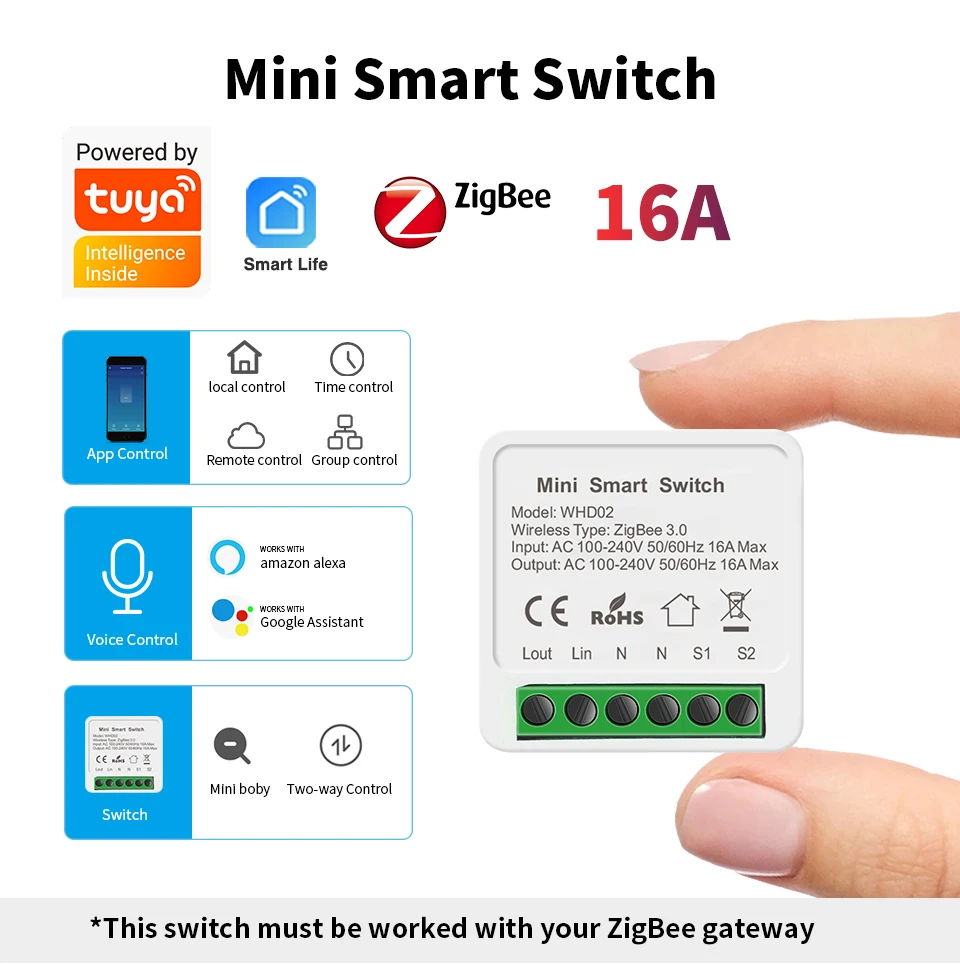
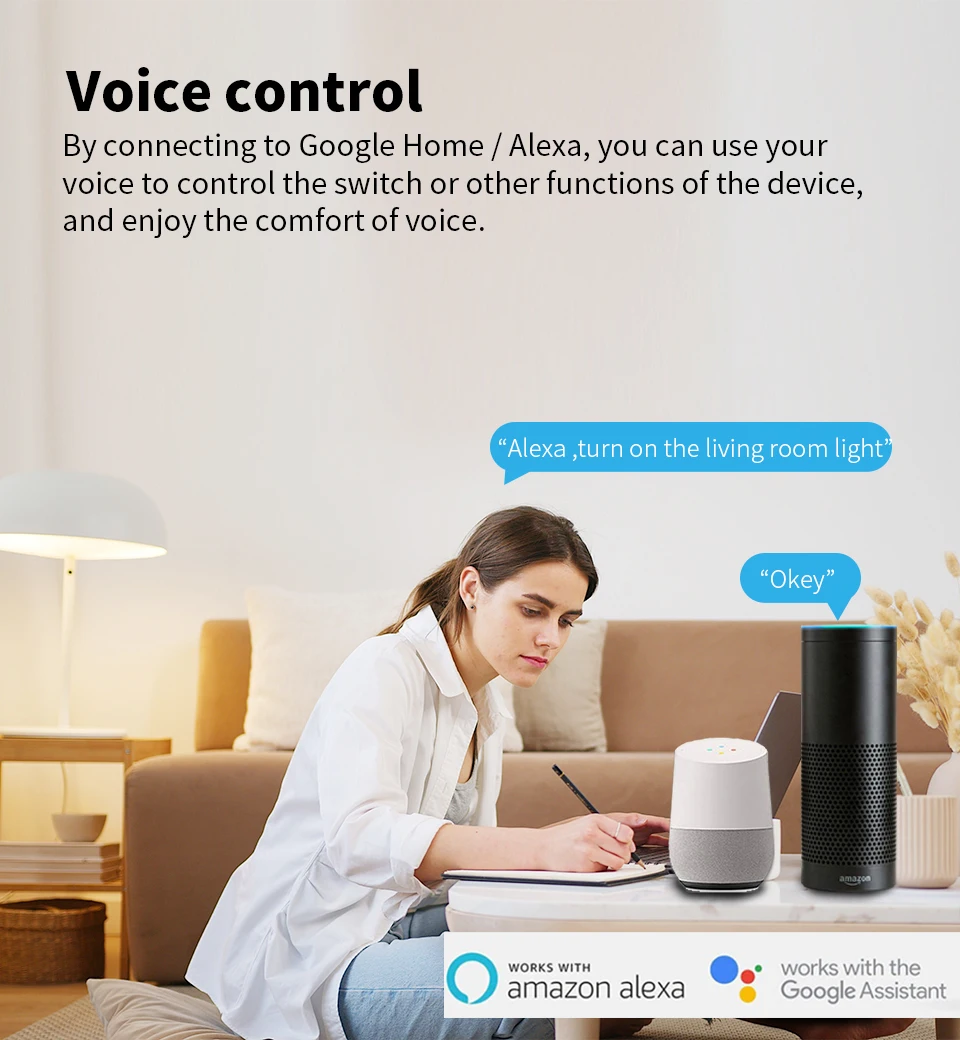
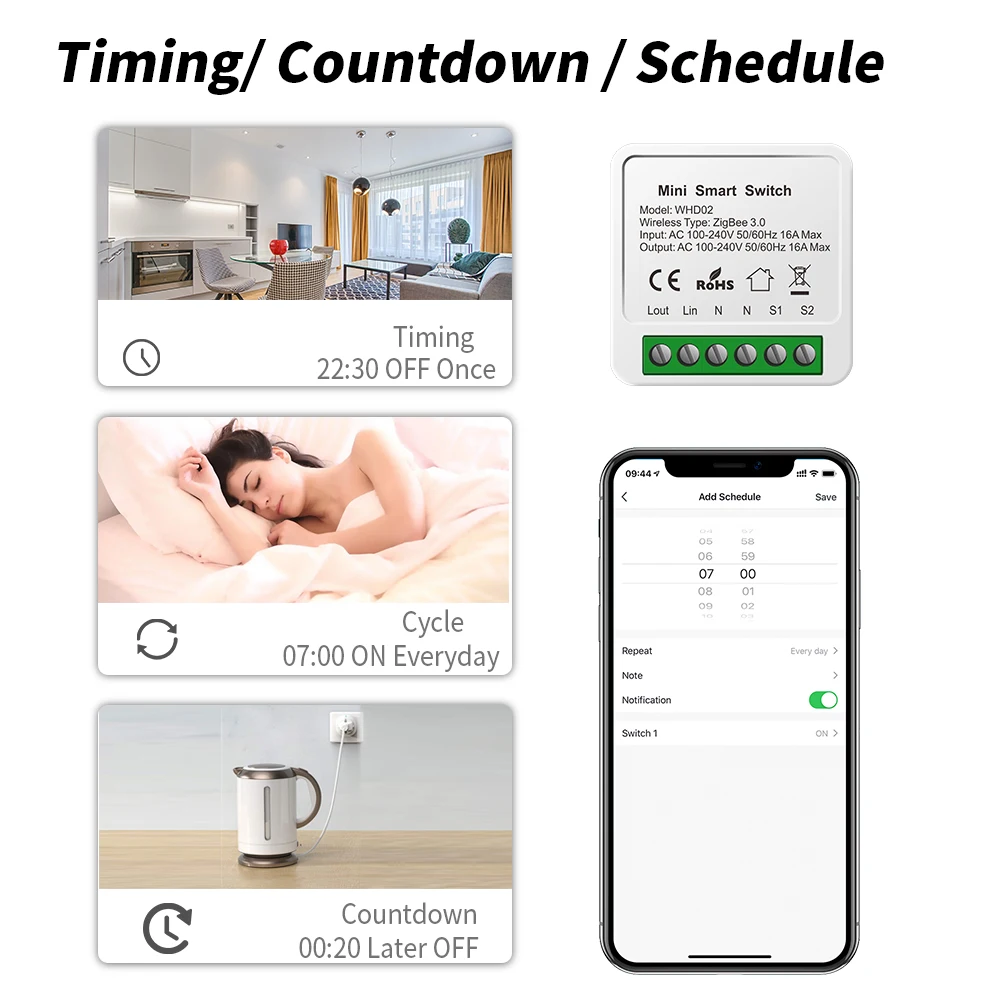
Zigbee sensible change The Zigbee sensible change is a new style of smart change designed in keeping with the Zigbee3 protocol Users can use other clever instruments as had to achieve whole-house intelligence The opening and shutting of the operation change is routinely sensed through distant and sensor, which has the benefits of simple operation, excessive stability, stable anti-interference ability, and low energy loss Features 1:Voice Control The Zigbee clever switch is perfectly well suited with Amazon Alexa, Google Home, and so on Just simply give a voice command in your Alexa or Google Home Assistant to regulate your instruments Features 2:App remote control by Smart Life/Tuya Smart You can control the clever instruments that are already linked to the application from wherever at anytime Features 3:Timing/Countdown/Schedule It is very good for you to establish a time time table to show on/off your devices robotically by way of the app The device will give up automatically&;t fear in regards to the gadget working all of the timeHelping you chop down electrical energy payments Features 4:SharinOne-tap to share the clever switch together with your family member via the app to remove extra setup processes account has the exclusive permissions,one click to proportion eht permissions with the complete kinfolk the family enjoy the fun of sensible life!g&Group Control Features 4:Small size, easy to put in Product paremeter Network access settings: Note: You should upload a smart gateway before including this system 1 Connect the equipment to the power delivery and attach the wires in line with the wiring diagram 2 It will mechanically enter the community distribution mode when it is powered on for the 1st time, or press and preserve the community swap button for more than 10 seconds, and the indicator at the again of the change will flash to go into the community distribution mode After the community is efficiently configured, the community indicator will exit three Open the Tuya APP or Smart Life APP, the "+" check in the upper correct corner of the motor homepage, click "Zigbee Gateway" to add a sub-device, and select Zigbee on-off gadget Follow the activates to complete the addition How so as to add device to Zigbee gateway How to add device to mobile app 1 the QR-code of the manual or Search &; Smart Life &; to obtain and install the device&;s APP 2 the wiring is completed, switch on the ability and function in keeping with the status of the wise change indicator: three the purple mild of the clever change flashes constantly at this time, it indicates that the smart change has entered the state of anticipating connection to WiFi; then open the APP and stick with the directions to connect with WiFi 4 If the indicator gentle of the wise switch isn't flashing red light, please press the button of the wise change and hold it for more than 5 seconds until the purple gentle flashes continuously, then open the APP and fasten to the WiFi consistent with the manual One-tap to proportion the wise switch with your family member through the app to get rid of more setup processes account has the exclusive permissions,one click to proportion eht permissions with the whole kinfolk the kinfolk enjoy the enjoyable of sensible life! Features 4:Small size, easy to put in Support 2 may well management Product paremeter Network entry settings: Note: You need to add a wise gateway before including this gadget 1 Connect the package to the ability delivery and fix the wires consistent with the wiring diagram 2 It will routinely enter the community distribution mode when it's powered on for the 1st time, or press and preserve the network swap button for more than 10 seconds, and the indicator at the again of the change will flash to enter the community distribution mode After the network is successfully configured, the network indicator will exit three Open the Tuya APP or Smart Life APP, the "+" register the upper right corner of the motor homepage, click on "Zigbee Gateway" to add a sub-device, and select Zigbee on-off device Follow the prompts to complete the addition The product enters the code matching mode How so as to add gadget to Zigbee gateway How so as to add gadget to cellular app 1 the QR-code of the guide or Search &; Smart Life &; to obtain and install the device&;s APP 2 the wiring is completed, turn on the flexibility and operate consistent with the fame of the clever switch indicator: three the crimson mild of the wise switch flashes consistently at this time, it indicates that the wise switch has entered the state of looking ahead to connection to WiFi; then open the APP and keep on with the directions to hook up with WiFi 4 If the indicator light of the sensible switch is not flashing purple light, please press the button of the smart change and maintain it for more than 5 seconds till the crimson mild flashes continuously, then open the APP and fix to the WiFi according to the manual null null


レビュー
0 people rated this product

SIXWGH Tuya Zigbee Smart Home Automation Switch Breaker Work With Smart Gateway Smartlife App Control support Google Home Alexa


送料・返品無料
 QWQER Express,
 USPS,
USPS, DHL
DHL
Shopping security
- Safe payment options
- Secure privacy
- Secure logistics
- Purchase protection