




Preces apraksts
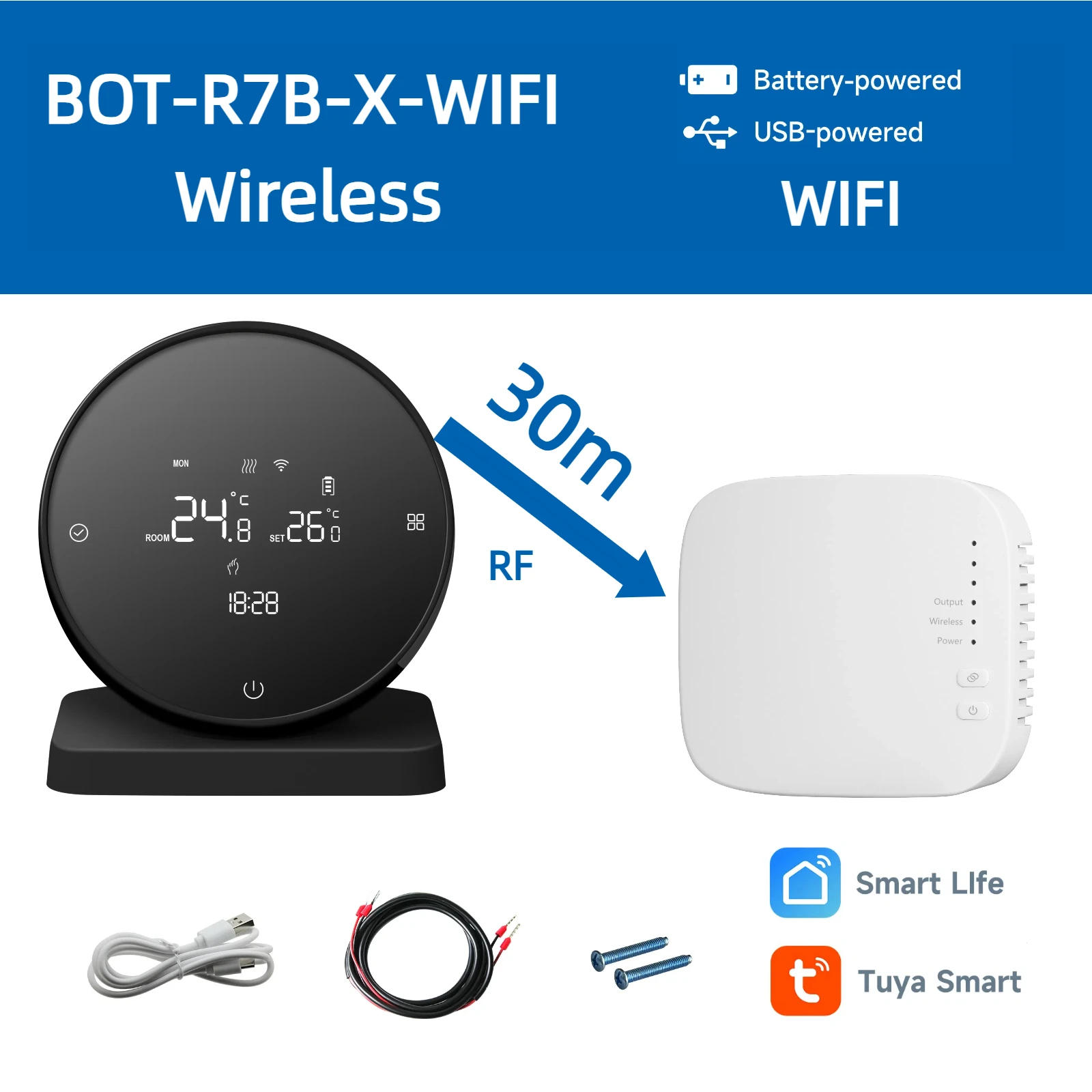
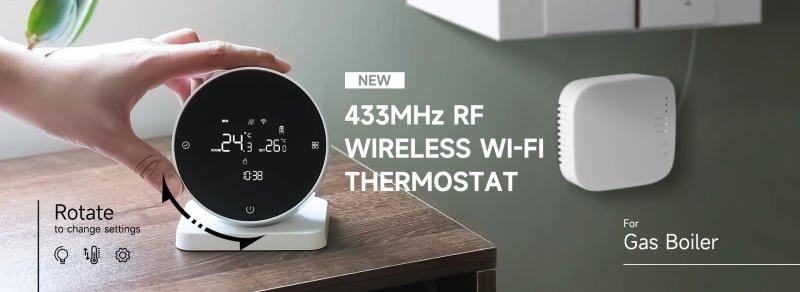
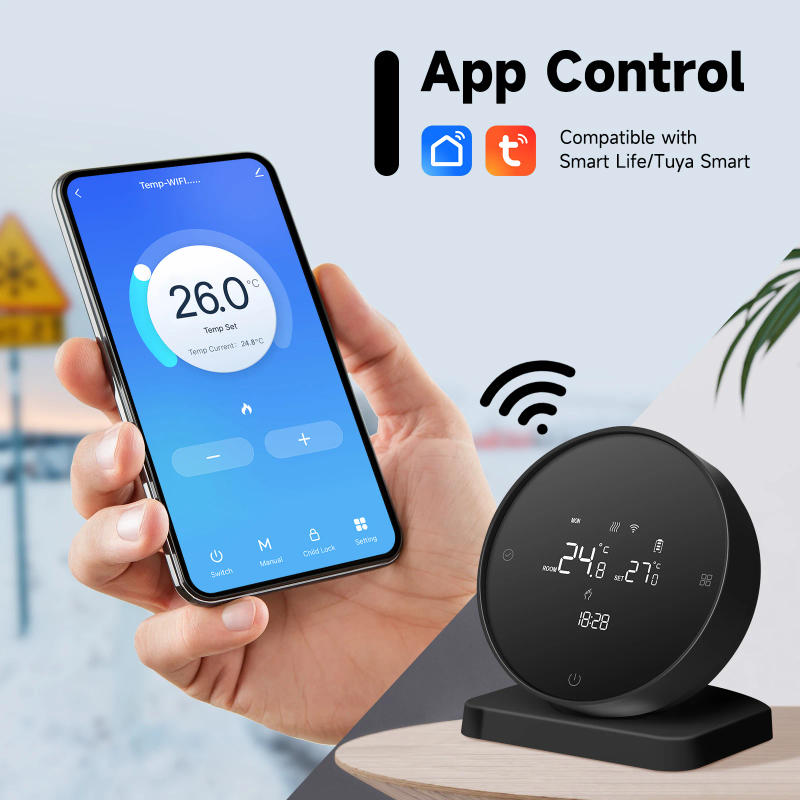
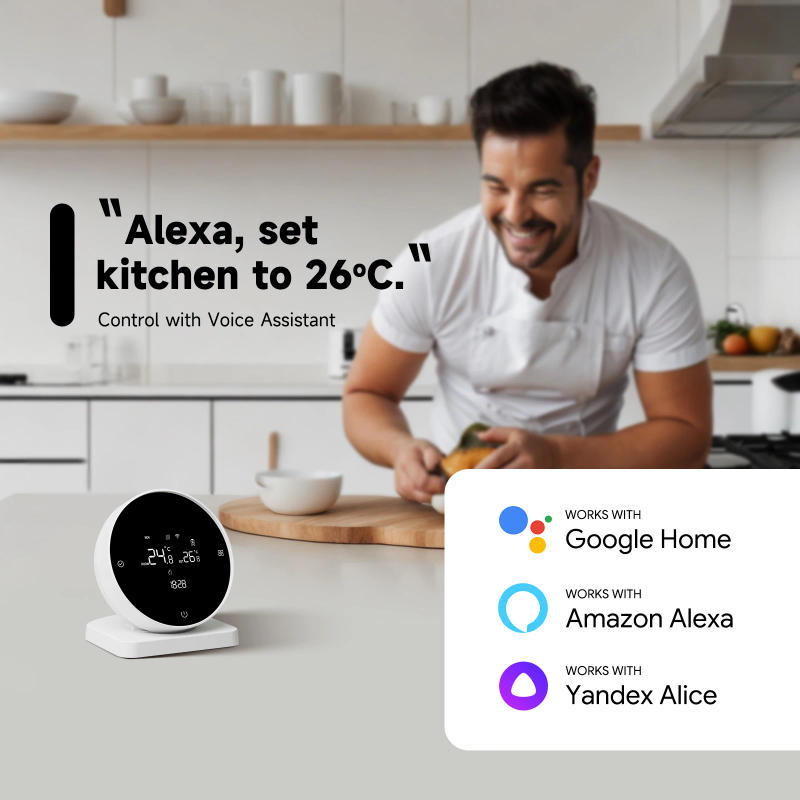
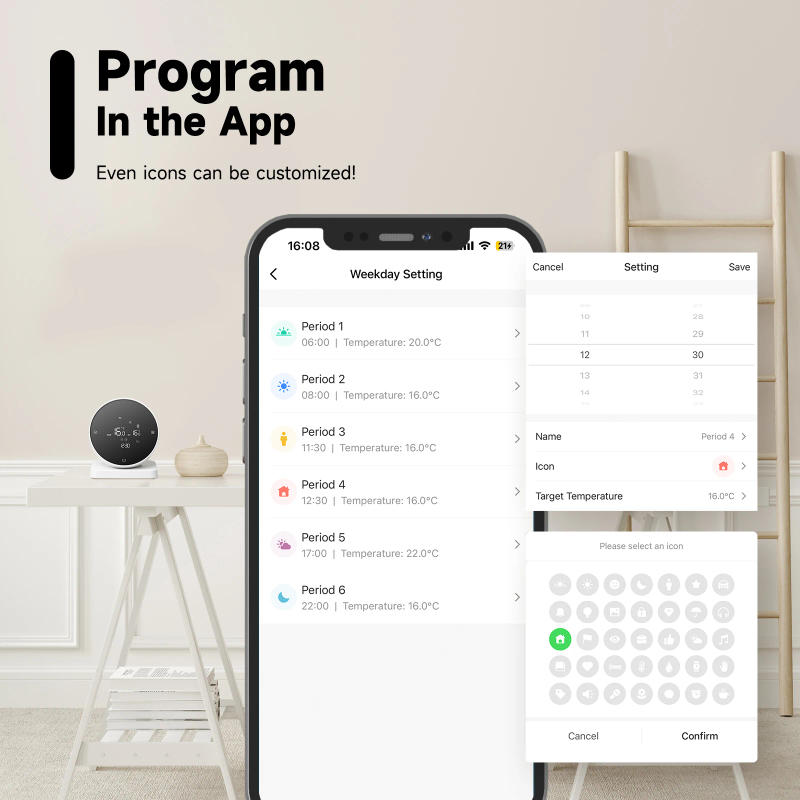
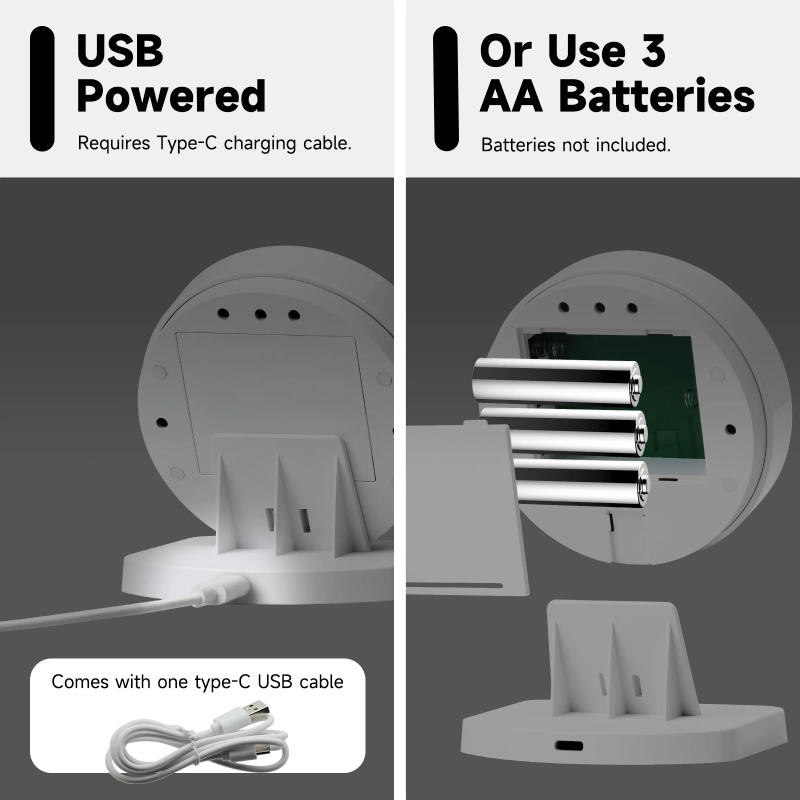
BOT-R7-X-WIFI is a electronic intelligent temperature controller that may control dry touch boilers and actuators It has a number of purposes and is handy in your life! NOTE: There are new and previous receivers, which are randomly despatched App control: APP:Work with Tuya and Smart Life Voice control: Alice, Google Home, Alexa Programmable: 5+2/6+1/7, with 3 suggestions for rest days, and six time intervals of temperature can be set each day Power supply: 2 power delivery modes: USB or battery powered(Both modes can't be used simultaneously) 2 placement methods: place on a desk or hold on a wall Other functions: 【Backlight adjustment】By rotating the outer ring of the temperature controller to adjust the backlight brightness, it is simple to operate 【freeze-proofing】 【Child lock】 Wiring diagram: Specifications: Current: 3A Voltage: 3 1 batteries Receiver Voltage:220V AC Temperature accuracy: zero ℃ Temperature sensor: NTC Package List: How to pair the controller and receiver? 1 Power at the receiving panel, the flexibility indicator is lengthy on Press and preserve the code matching button, and the code matching indicator flashes 2 Install three No 5 batteries on the transmitting panel After turning off the power, press and keep the left button for five seconds to envision the code When the code checking indicator gentle on the receiving panel remains on, the code checking is successful What must I listen in on earlier than connecting to WiFi? Before wifi connection 1 make certain your wlan network is 2, now not 5G 2 Confirm that the wifi password and call only have letters three Make sure your Bluetooth is became on 4 Make yes the wifi your phone is already linked to is on the same network as your thermostat How to connect BOT-R7X-WIFI to Wifi? 1 the temperature controller is turned off, press and maintain the ability button for five seconds The WiFi icon on the temperature controller video display will flash slowly, and the temperature controller will input the code checking state 2 the record of small family appliances devices, discover the temperature controller product BluetoothWIFI version in the specified distribution mode three the confirmation button on the page, choose the WiFi within the device's paintings subject that can connect with the internet four the WIFI password, click on Next, click on "Connect" per the page prompts, find the immediate content, dick "Prompt Content" and return to the Tuya app to enter the distribution process How do I hook up with the boiler? Note :Please ensure your boiler is in dry contact, otherwise it cannot be related 1 Connect N and L in the receiver to a 220V AC strength delivery 2 K1 and K2 to the dry touch boiler
Atsauksmes
0 people rated this product

Beok Tuya RF Smart Wireless Thermostat for Gas Boiler Heating Wifi Programmable Temperature Controller Alexa Google Home


Bezmaksas piegāde un atgriešana
 QWQER Express,
 USPS,
USPS, DHL
DHL
Shopping security
- Safe payment options
- Secure privacy
- Secure logistics
- Purchase protection