




Preces apraksts
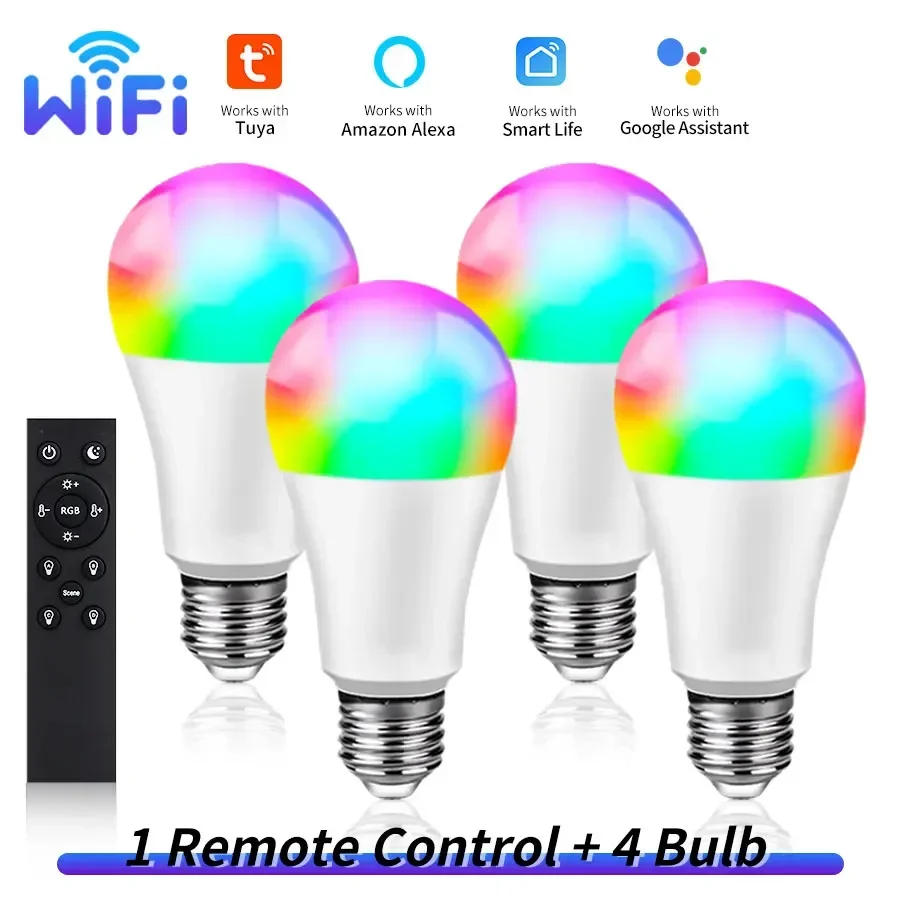
Howtoconnect the wifi bulbtoapp? 1.Makesurethatyourwifirouteris2,not5G. 2.RegisterinTuyaorSmartLifeapp.Turnonthewifiandbluetoothfunctionofyourphone. 3.Turnonthelamp,ifit'snotflashing,turnoff,turnon,turnoff,turnon,for5timesuntilthelampisflashing.ConnecttoTuyaorSmartLife,findthewifibulbdevice,writethewifipassword,waitforfewseconds.Afterconnection,thelampstopsflashing.Thenadjustthelight. 4.FindAmazonAlexaorGoogleorSmartThingsfunctioninTuyaorSmartLifeapp,clickitandconnectwithTuyaorSmartLife.Thenyoucancontrolthelampbyyoursmartspeaker,talktoit. Howtoconnect this bulbwiththeRF2remote? 1.MakesurethatthelampisconnectedwithTuyaorSmartLifeapp. 2.Turnonthelamp,turnoff,andturnonagain.ThereareABCD4buttons,chooseonebuttonwhichyouneed,longpressfor10seconds,connectwiththelamporlampgroupsuccessfully.Thenfortheotherlamporlampgroup,turnon,trunoff,turnonagain,choosetheotherbuttonandlongpressfor10seconds. 3.Nowyoucancontrolthelampsbyremote,bydifferentgroups. 4.Ifyouwanttocanceltheconnection,longpressthepowerbuttonandbrightness-buttonatthesametimeforseveralseconds,untilthereisaflashinglight,thentheremotecannotcontrolthelamp.


Atsauksmes
0 people rated this product

Tuya Smart WiFi LED Light Bulbs 220V 110V 10W 15W E27 Smart Life APP Alexa Google Home Voice Control Dimmable Home Party Decor


Bezmaksas piegāde un atgriešana
 QWQER Express,
 USPS,
USPS, DHL
DHL
Shopping security
- Safe payment options
- Secure privacy
- Secure logistics
- Purchase protection