






Preces apraksts
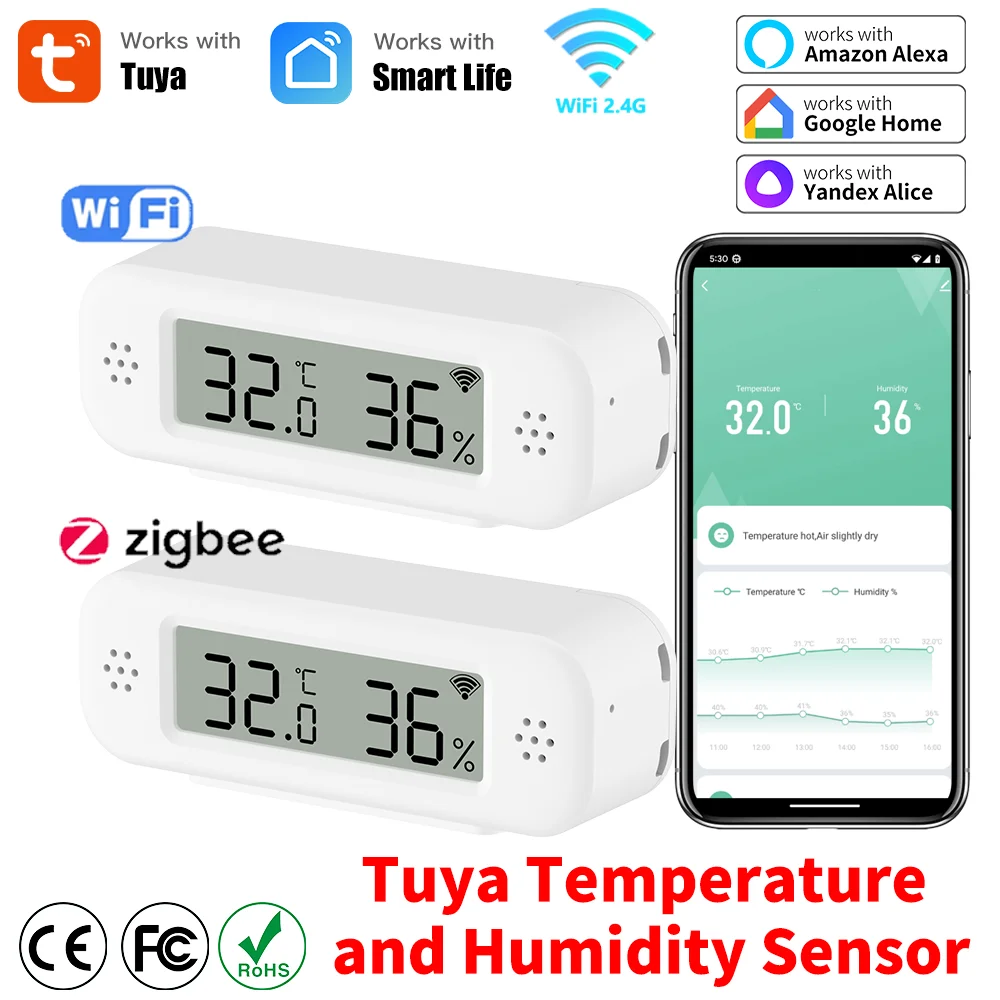
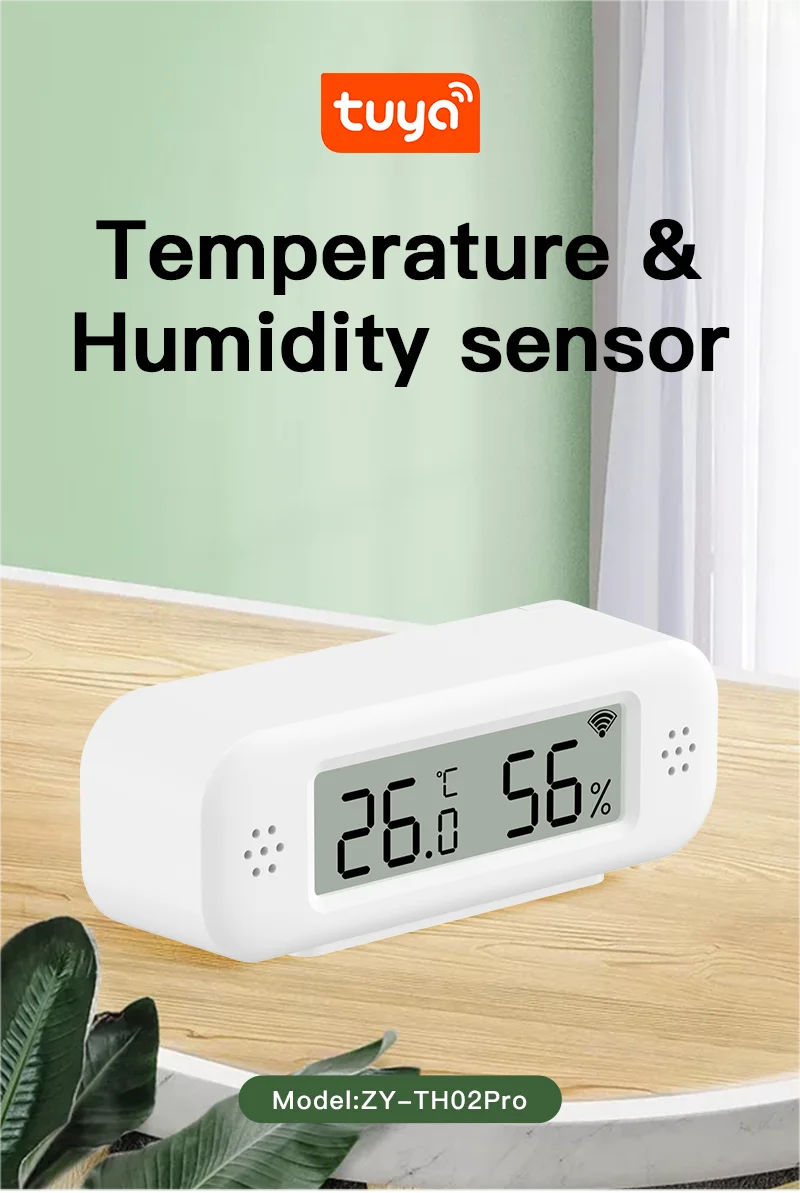
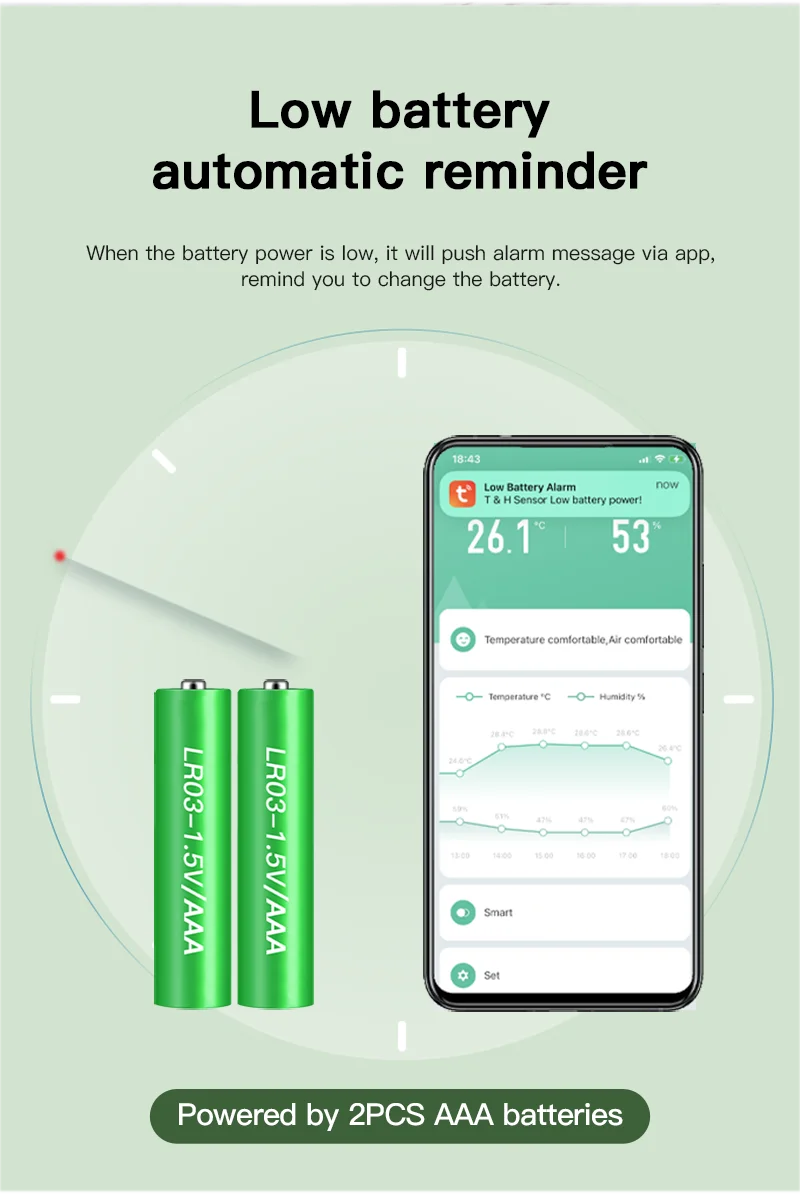
NOTE: 1 The battery isn't always incorporated in the equipment Please use LR03-1 alkaline batteries 2 The product is not waterproof, Not compatible for outside use 3 WiFi Version(ZY-TH02Pro) solely helps WiFi 2 4 Zigbee Version(ZY-ZTH02Pro) solely helps Zigbee 3(Tuya) Product Features: 1 High precision The sensor makes use of top suppliers It can guarantee the high precision of the measurement records 2 App monitoring and recording The sensor will visual display unit the temperature and humidity in APP You can view the adjustments within the value at the APP Record the temperature and humidity adjustments on the APP, and use the graphics to show you 3 Scene linkage The sensor can be utilized as the temperature and humidity data supply of Tuya Smart, Smart Life, Amazon Alexa, Google Home You can do many automated processes according to the data source 4 Third-party voice help The sensor supports Amazon Alexa, Google Home Assistant You can examine the current temperature and humidity via voice APP Remote Monitor When the sensor is registered to the APP and connected to the Internet, you possibly can computer screen the temperature and humidity of the room in real time anywhere in the world NOTE: 1 Battery powered, designed to save power, sensors are not consistently connected to the community (WiFi) It will sleep to save strength 2 When the temperature substitute exceeds ±0℃ or the humidity exceeds ±5%RH, it will connect to network, initiate ship data to the server three The sensor connects to community once or more an hour and reviews information once Low battery computerized reminder When the battery strength is low, it'll push alarm message via app, remind you to alter the battery Intelligent link High-precision and real-time tracking enable you to total varied linkage ideas For example, if the temperature reaches 32 levels Celsius, than turn on the air conditioner via our universal handheld remote control Or turn on the humidifier when the humidity is lower than a certain cost NOTE: Other devices need to be purchased individually Other instruments are use Same APP Temperature & Humidity Records You can view the historical curve of the temperature and humidity in the app, and export in your e-mail deal with Temperature & Humidity Alarm You can preset the variety for the temperature and humidity within the Scene page, when the temperature or humidity reaches the range, you'll receive alarm message on cellular Accurate Measurement NOTE: After configuration, it'll take 30 minutes to be correct Work with Amazon Alexa, Google Home After connecting Amazon Alexa and Google home, you would question the present temperature and humidity by voice NOTE: 1 Because Alexa and Google domestic do not provide corresponding advancement interfaces, the temperature and humidity cannot be displayed wisely or now not displayed on them 2 It isn't always possible to create a Route or an automatic activity on Amazon Alexa or Google Home by way of temperature or humidity (Only support to create an automated activity in Smart Life or Tuya Smart) 3 But you could query the present temperature and humidity by means of voice Multiple usage recommendations Product Parameter: Power supply: LR03-1/AAA*2(not included) Wireless Type : Wi-Fi 2(WiFi Version)/Zigbee(Tuya)(Zigbee Version) Temperature Measure Range: -9℃-60℃ Temperature Accuracy: ± 1 Humidity Measure Range: 0% RH~100% RH Humidity Accuracy: ±5% RH NOTE: Rechargeable 1 battery can cause erroneous strength measurement Application Scenarios You can set up the sensor anyplace you need (Wi-Fi connection network is required) Technical elements About Update Frequency 1 The sensor uses a set off mechanism When the temperature or humidity modifications to the set value, the sensor will file the info immediately Generally, the info is updated as soon as an hour 2 The sensor can't set the replace report information frequency 3 The sensor can't set alarm The alarm operate is determined at the APP If you need to replace records in genuine time, please buy a USB powered version(TH06/TH16) About Proper Selection and Use of Batteries 1 Only LR03-1 alkaline battery can be used (1 rechargeable battery could cause the kit to discover improper voltage and document low voltage) 2 Batteries of different units or manufacturers can't be mixed three New and previous batteries can't be mixed 4 It is illegal to use inferior batteries Otherwise: 1 Configuration fails; 2 Battery consumption is too quick How to acquire high quality battery? Please buy in a regular supermarket or chain supermarket Note: After the device configuration is completed, it must be placed in a position the place the wireless signal is good, in any other case the machine signal strength will turn into larger, that may end in excessive battery intake About Network Testing Devices utilizing the network eat lots of energy To make sure the service life of the battery, the device will quit utilizing the network when it doesn't should report data Therefore, it is meaningless to check the community sign of sensors in APP Error on temperature and humidity 1 All temperature and humidity sensors can have certain errors, please note The temperature error of this sensor is ± 1 ℃, and the humidity error is ± 5% RH Any value within this vary is regular 2 The sensor error and manufacturing activity will meet, and there will also be some errors between products of a similar mannequin 3 According to Newton&;s 0.33 law, warmth conduction takes a certain time The sensor needs 30 minutes or 1 hour to be in line with the room temperature, and the dimension can be accurate Historical curve of temperature and humidity 1 The minimum granularity of historical data (daily chart) is 1 hour, and the minimum granularity of exported data also is 1 hour 2 Days of historical data are stored for 7 days three The value of historical records is the average price That is, the average price of a minimal granularity time Support for third-party clever speakers 1 Because the third-party clever audio system (Google Home/Amazon Alexa) don't have control panels akin to temperature and humidity sensors, Therefore, the APP of third-party sensible audio system won't display the temperature and humidity properly But we've advanced voice question operate Therefore, the present temperature and humidity could be queried by way of voice 2 Route or computerized task associated with temperature and humidity cannot be established at the third-party smart audio system 3 The gadget does not assist Yandex Alice Trigger mechanism of temperature and humidity in automated job We used Edge Triggered (ET) That is, the action can solely be precipitated if the condition crosses the set situation A: For example, switch on the sunshine when the automatic surroundings temperature is greater than 25 ℃ A When the temperature rises from under 25 ℃ to twenty-five ℃, the automatic task can trigger the ON light A After the automatic task is set, the temperature is often above 25 ℃, and the lamp isn't became on B: For example, when the automatic surroundings temperature is lower than 20 ℃, turn on the sunshine B When the temperature drops from above 20 ℃ to twenty ℃, the automatic process can trigger the start lamp B After the automated process is set, the temperature is always under 20 ℃, and the lamp is not turned on When will the battery devour soon 1 The appropriate variety of battery isn't always selected, or the battery is blended 2 The sensor shall be installed on the location where the ambient temperature or humidity modifications dramatically In this environment, the system will regularly birth the network to file information three The sensor is put in in a low temperature environment for a long time (such as lower than zero ℃), and the battery functionality will decline quickly at this temperature four The sensor is put in at a location the place the community sign is very poor When the network sign is poor, the equipment will increase the transmission power of the signal, leading to elevated energy intake 5 The package is in a high humidity environment for an extended time, which will corrode the battery and cause battery leakage FAQ Q: What are the mandatory conditions for using it? A: Firstly, it's best to have a smartphone to install the app Secondly, If you buy a Wi-Fi version, it desire Wi-Fi at 2 and the Wi-Fi router needs to be continually online If you buy the Zigbee version, it requires Tuya Zigbee Hub or Tuya Multi-Mode Gateway Q: Why will we should use new batteries when configuring? A: It should be noted that Wi-Fi connections eat a lot of power During the configuration process, the machine must preserve the Wi-Fi function on If outdated batteries are used, the machine won't operate wisely thanks to a lower in battery power Ultimately resulting in configuration failure Q: How do I know my Wi-Fi router has a frequency of 2? A: Most routers come with a 2 frequency band, and this data is always marked at the router&;s nameplate Some routers default to turning off the two frequency Please talk over with the router&;s handbook to show on the 2 frequency Q: Can I control it through 2G, 3G, 4G, 5G cellular networks? A: YES Operating Smart IR Remote through APP means that as long as your cellular telephone can entry the Internet (no matter what communication mode), APP can control it Q: What do I should pay attention to when installing it? A: 1 Please be sure that the signal (Wi-Fi Version required Wi-Fi 2) on the installation location is good 2 The sensor isn't waterproof and might solely be used indoors Q: What kind of battery can I use? A: LR03-1 Alkaline battery Especially in the Wi-Fi version, Wi-Fi connections require many of power, so it is necessary to have a effective battery to preserve its traditional operation, and our product has a low battery caution Q: Why does the network trying out function at the device houses page always fail? A: In order to save lots of power, the sensor will shut down the network for sleep when it is not mandatory The community testing function requires the machine to be online and requires strength intake for long-term testing, and the battery of the sensor can't guarantee long-term operation When trying out the network, the sensor is sleeping, so it'll fail, and we have confidence it's also meaningless Of course, the sensor will delivery reporting data at a set time, or when the temperature or humidity changes exceed the set value, the triggering mechanism will wake up the sensor to begin the network and ship data Q: Why can&;t I see the display obviously after tilting? A: YES These sorts of displays all have an optimal viewing angle, and our product has the biggest viewing perspective among products of the same kind What is its viewing attitude of fifty ° Q: Can multiple humans use it? A: YES There are two methods: 1 You can use the sharing function to proportion together with your peers or family 2 You can create a virtual homeon the app and invite your family or friends to hitch Q: What do I deserve to do when configuration fails? If I purchase a Wi-Fi version A: 1 Check whether or not the handheld remote control is powered on or now not And be sure that the indicator mild of Smart IR Remote is in fast flashing mode 2 Check whether or not your mobile device is attached to 2 Wi-Fi network 3 Ensure that Smart Life has Bluetooth permission and make sure that the telephone has Bluetooth became on (some phones have low-power Bluetooth in GPS, if so, please ensure that the location information is became on) 4 Check your community connectivity, ensure the router is working correctly 5 Make yes the Wi-Fi password entered is correct when including handheld remote control 6 Confirm that the Wi-Fi router would not have restricted access features, reminiscent of Mac handle whitelist 7 If Wi-Fi 2 and 5GHz use a similar SSID, you possibly can try replacing the name and feature your smartphone hook up with Wi-Fi 2 eight If the configuration nonetheless fails, please flip off your phone&;s Bluetooth, lengthy press the Smart IR Remote Reset Button for 5 seconds to switch the device&;s indicator light to slow flashing mode, and then upload it utilizing AP mode Select the sluggish flashing indicator light option on the add page to enter AP mode, and the APP page will guide you through the operation Q: How must I configure my Smart Speaker / Amazon Alexa / Google Home / Yandex Alice ? A: Smart IR Remote cannot immediately hook up with third-party sensible speakers They deserve to provide account links and assist during the "Skill" function You can use the ensuing methods: Smart Life ->Me ->Third-Party Services But the mandatory situation for these is that you have already configured Smart IR Remote to Smart Life Q: Why are third-party pages varied from Smart Life pages? A: We are using Tuya&;s solution, and the pages on Smart Life are customized But neither we nor Tuya can customize third-party pages, we can only use their internal default page demonstrate



Atsauksmes
0 people rated this product

Tuya Zigbee /WiFi Temperature Humidity Sensor For Smart Home Thermometer Hygrometer APP Remote Work with Google Assistant Alexa


Bezmaksas piegāde un atgriešana
 QWQER Express,
 USPS,
USPS, DHL
DHL
Shopping security
- Safe payment options
- Secure privacy
- Secure logistics
- Purchase protection