
Preces apraksts
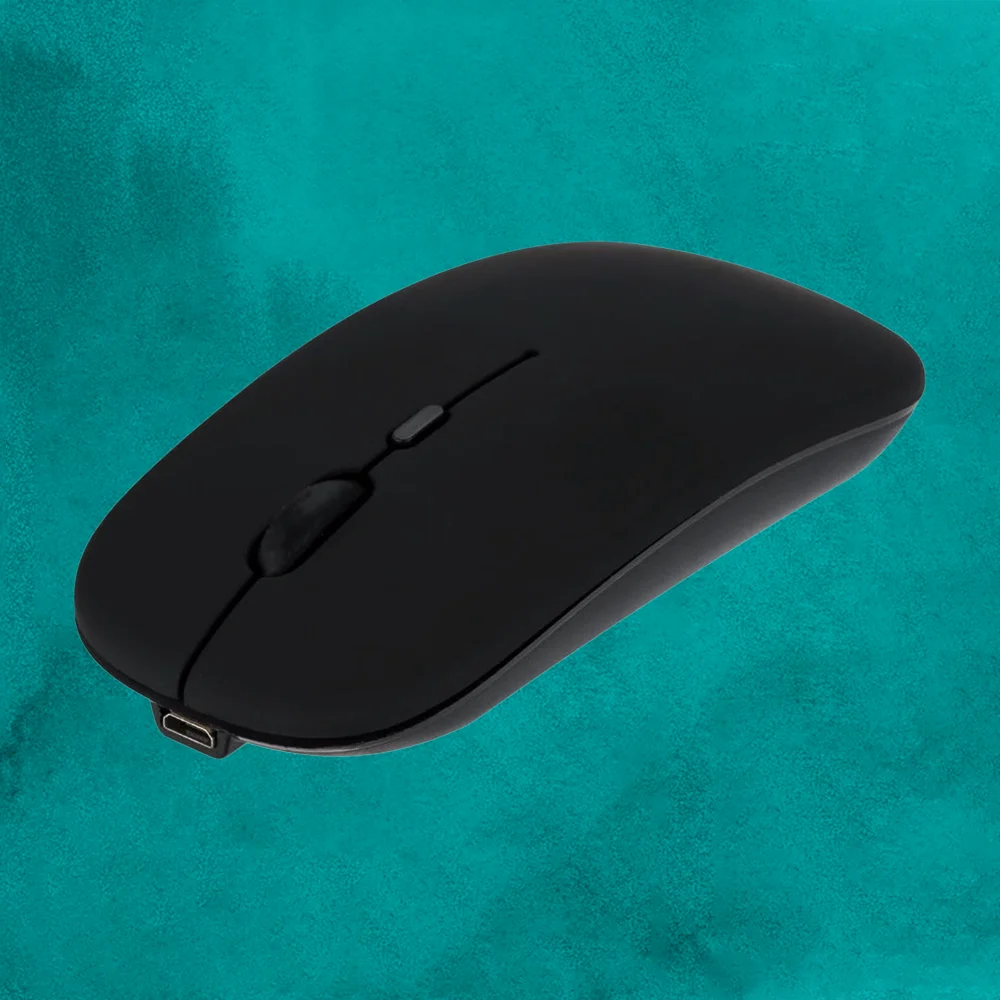
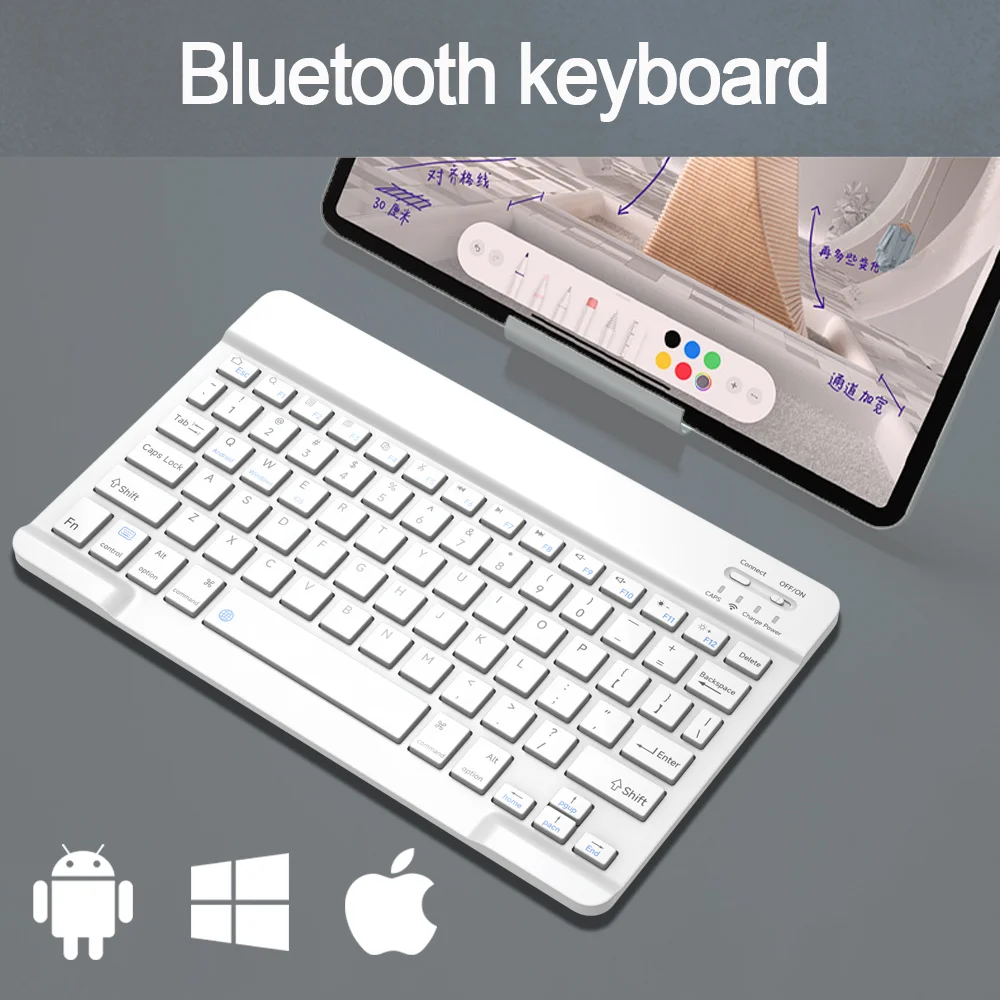
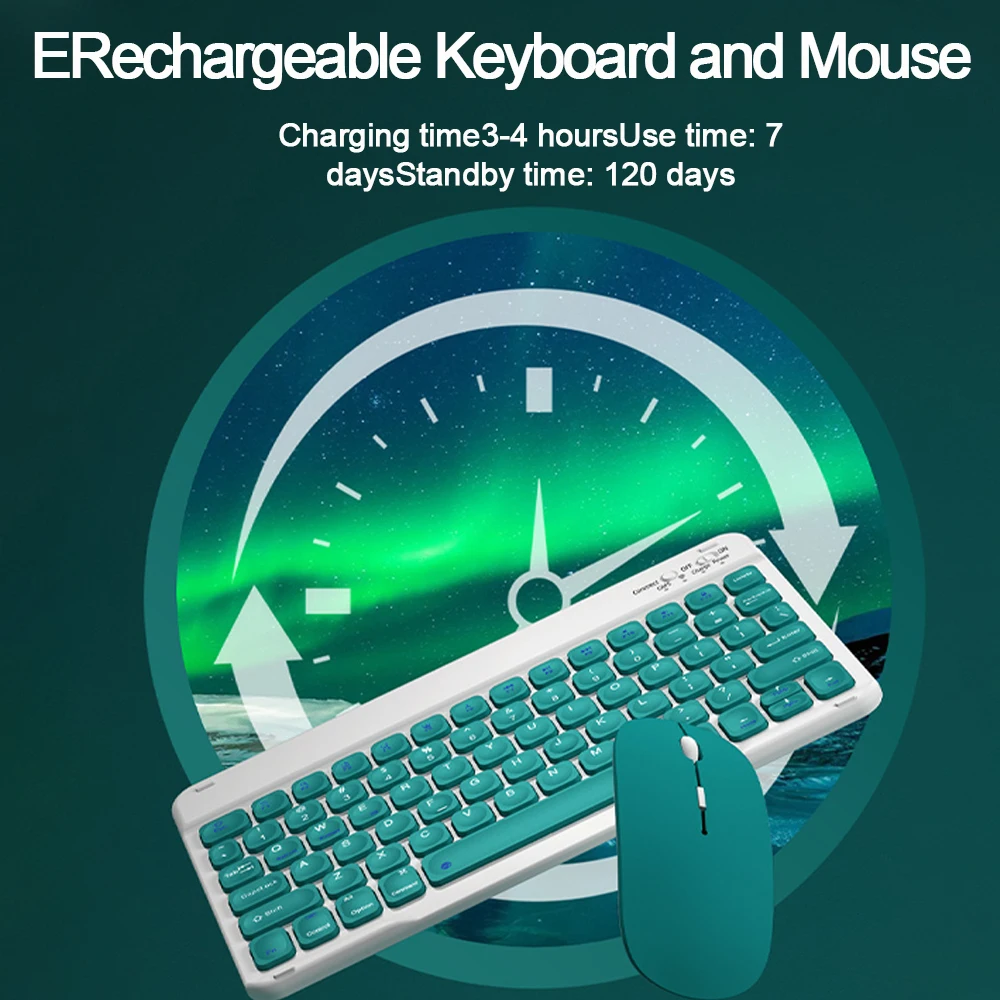
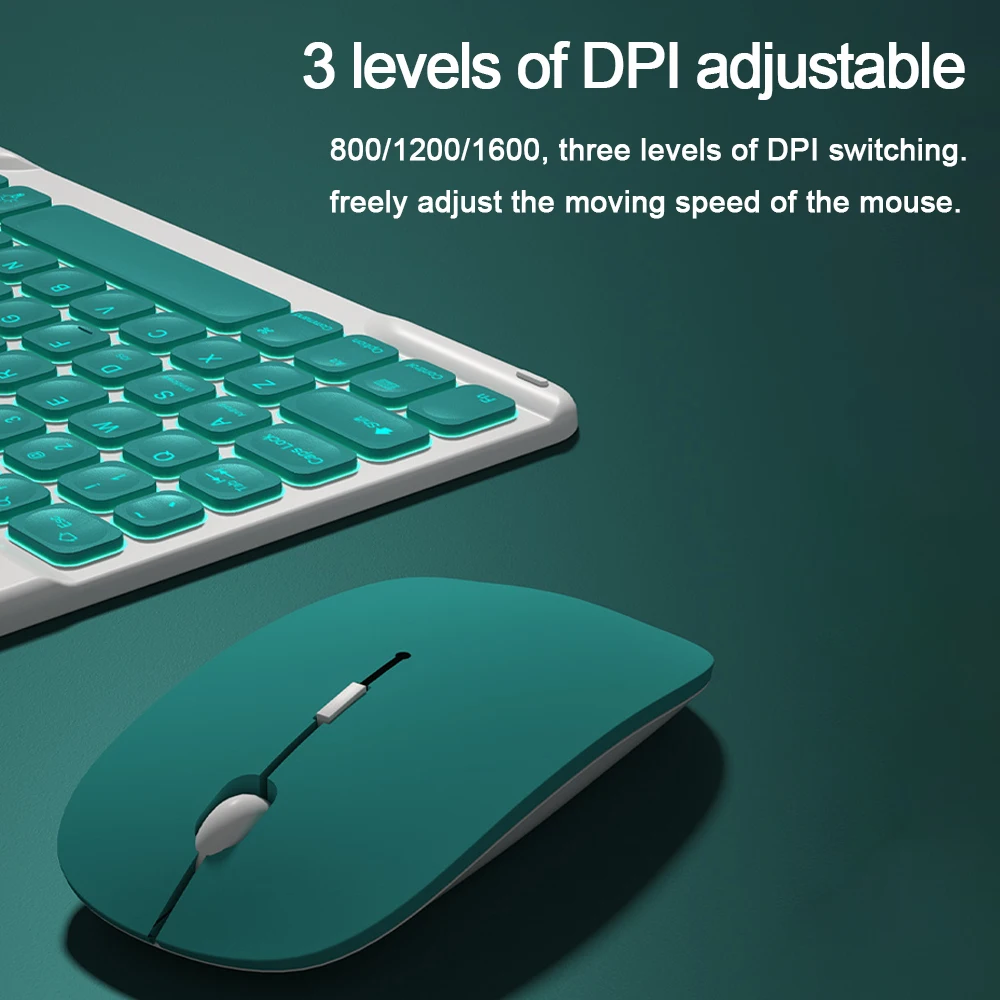
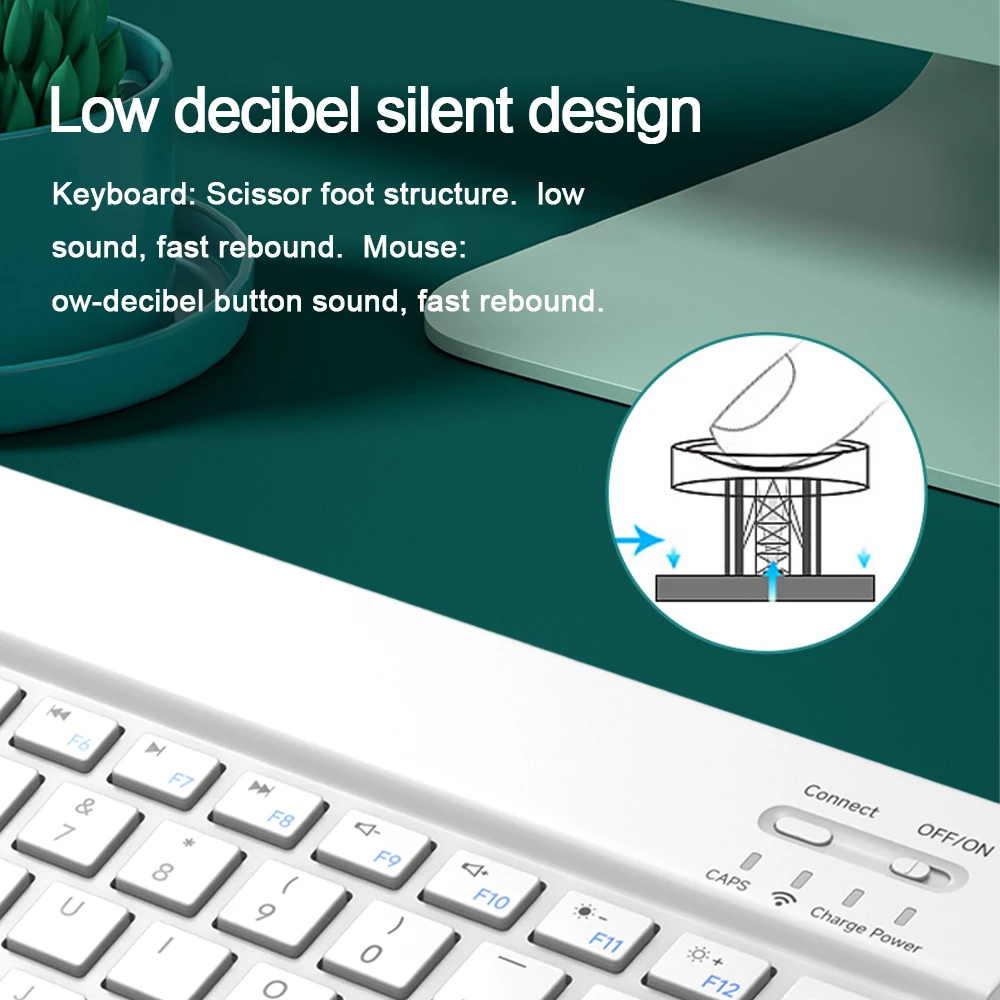
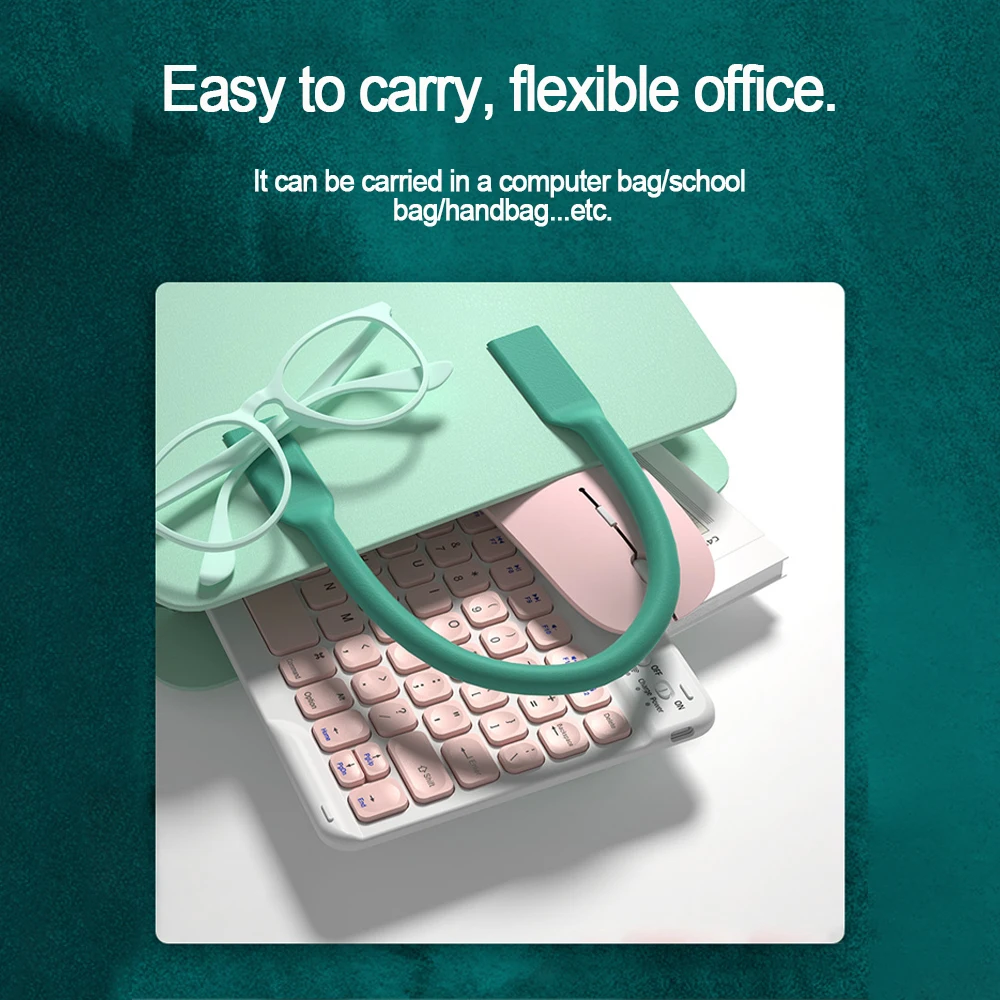
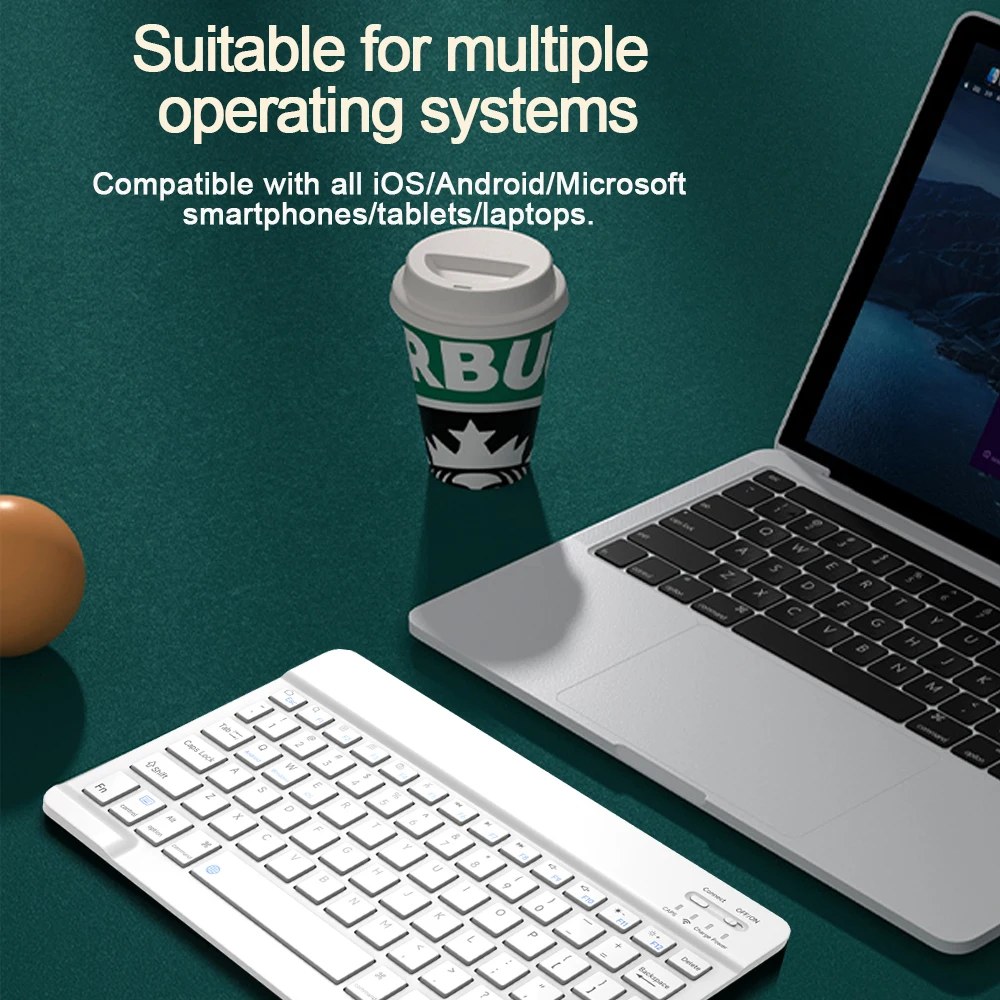
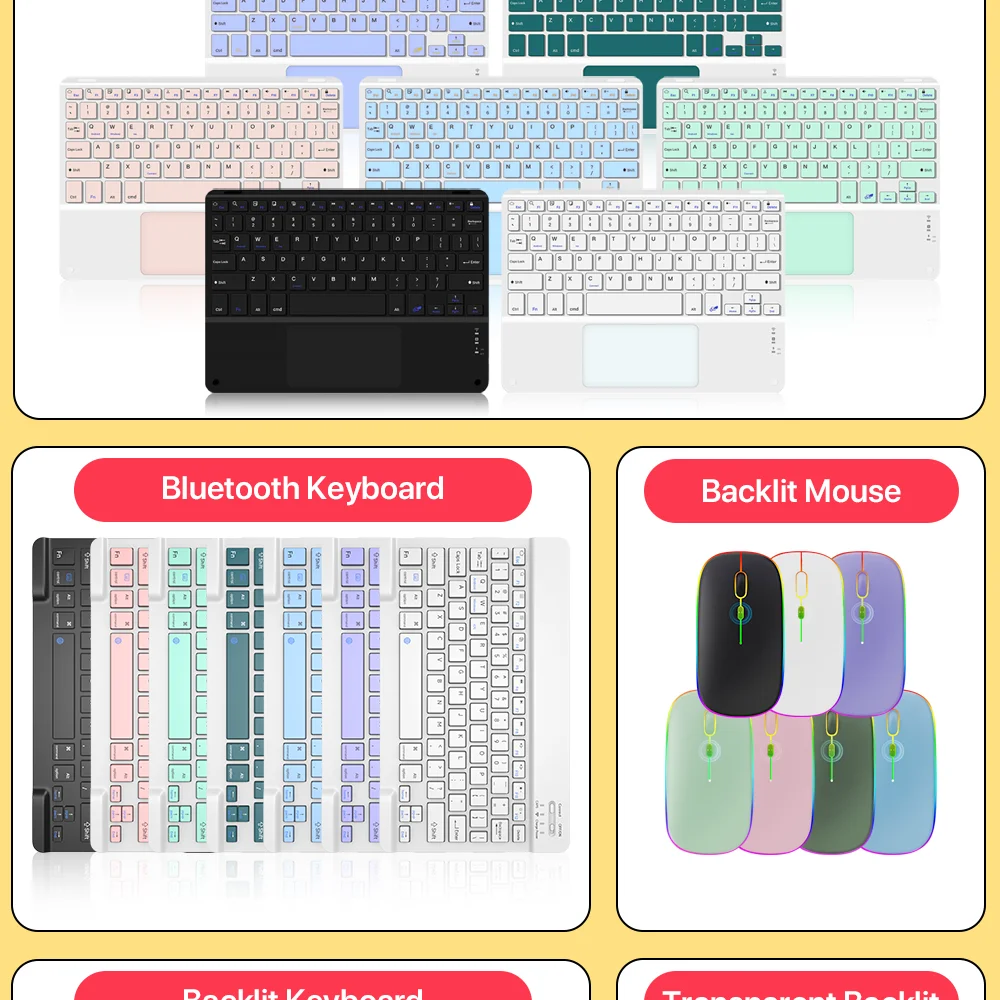
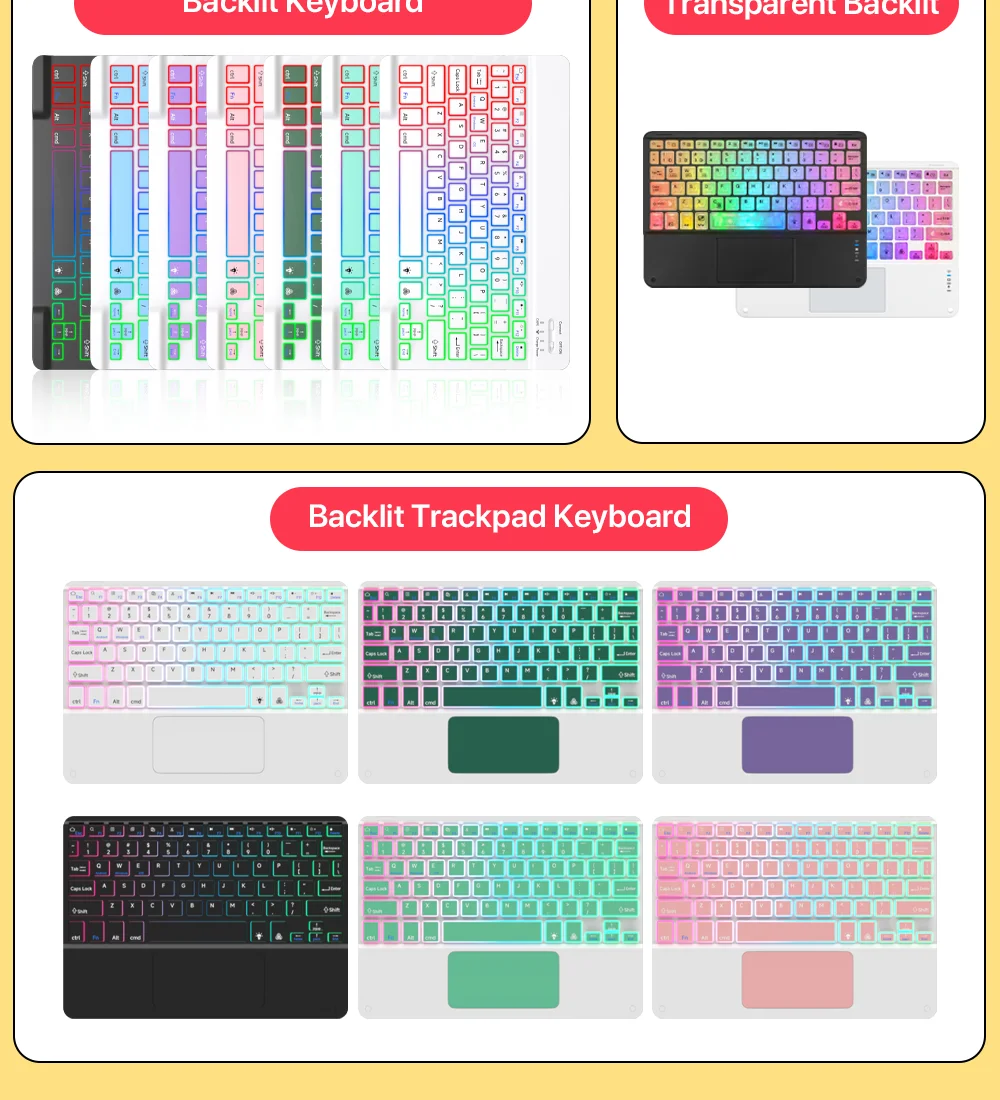
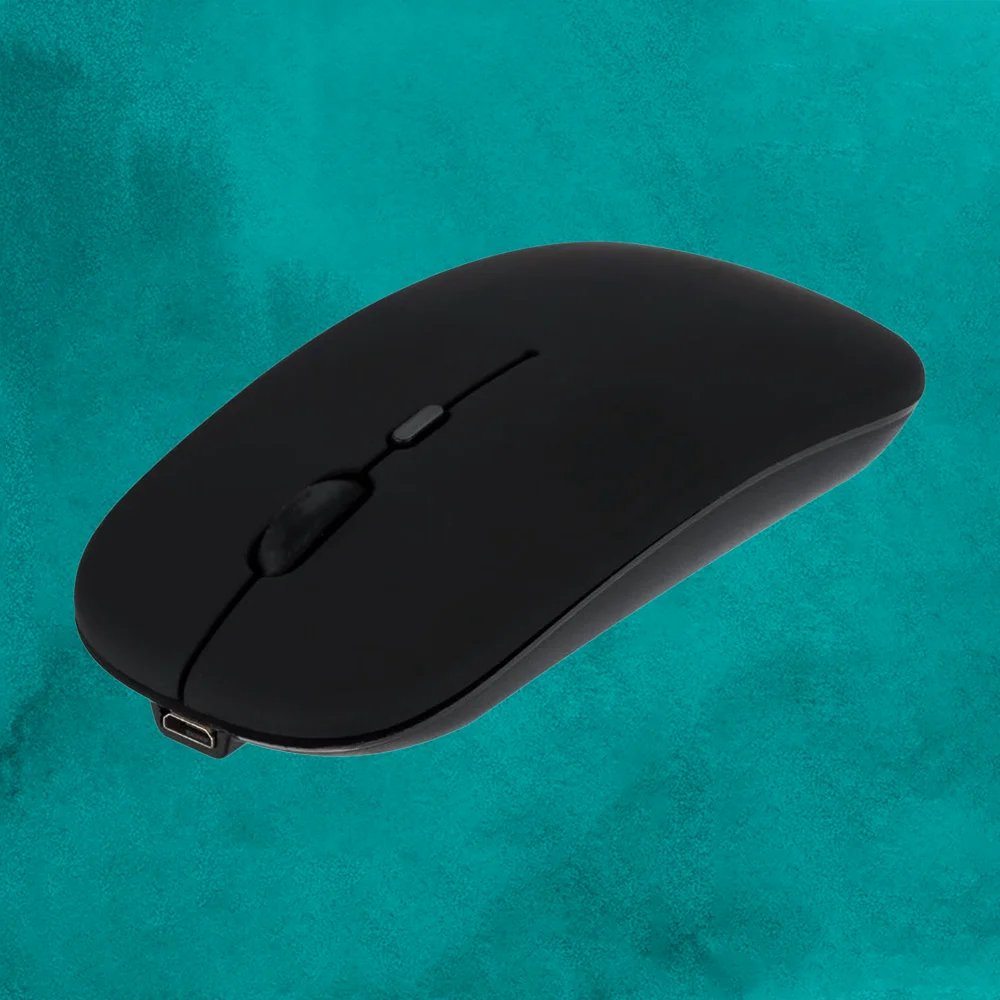
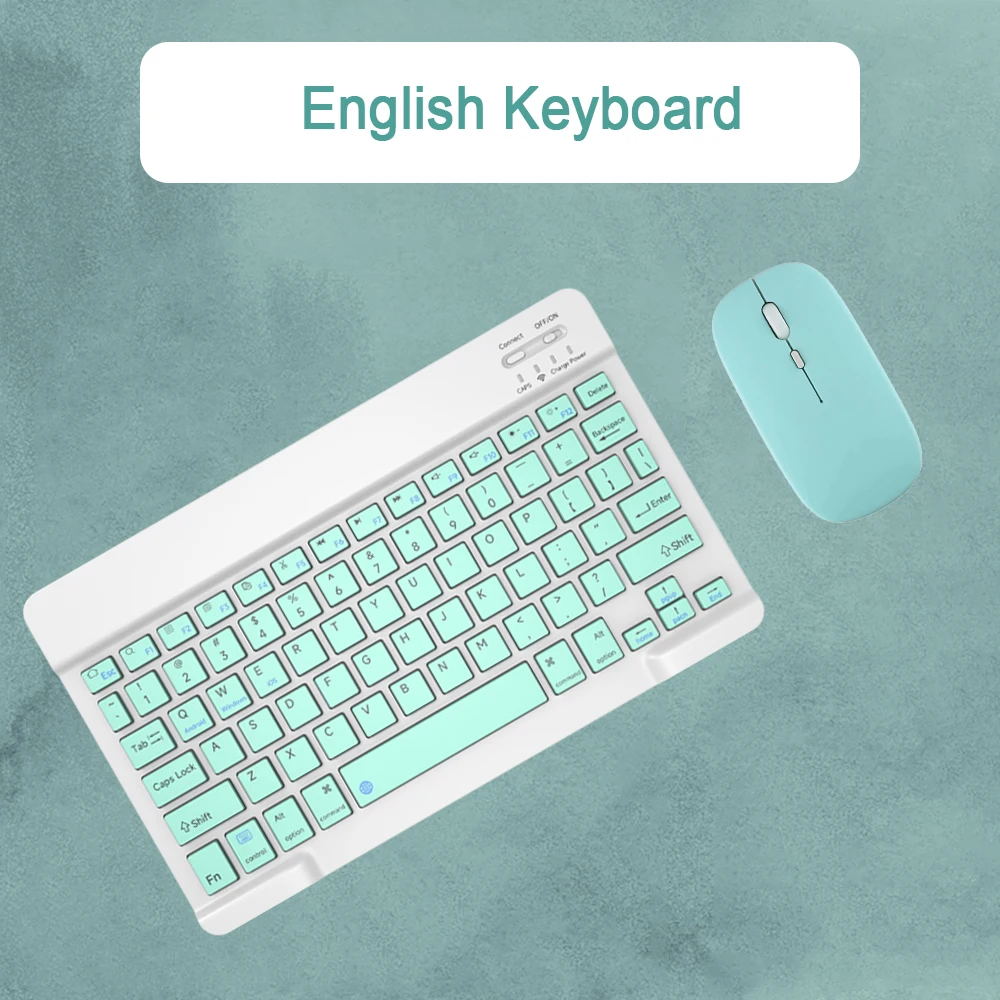
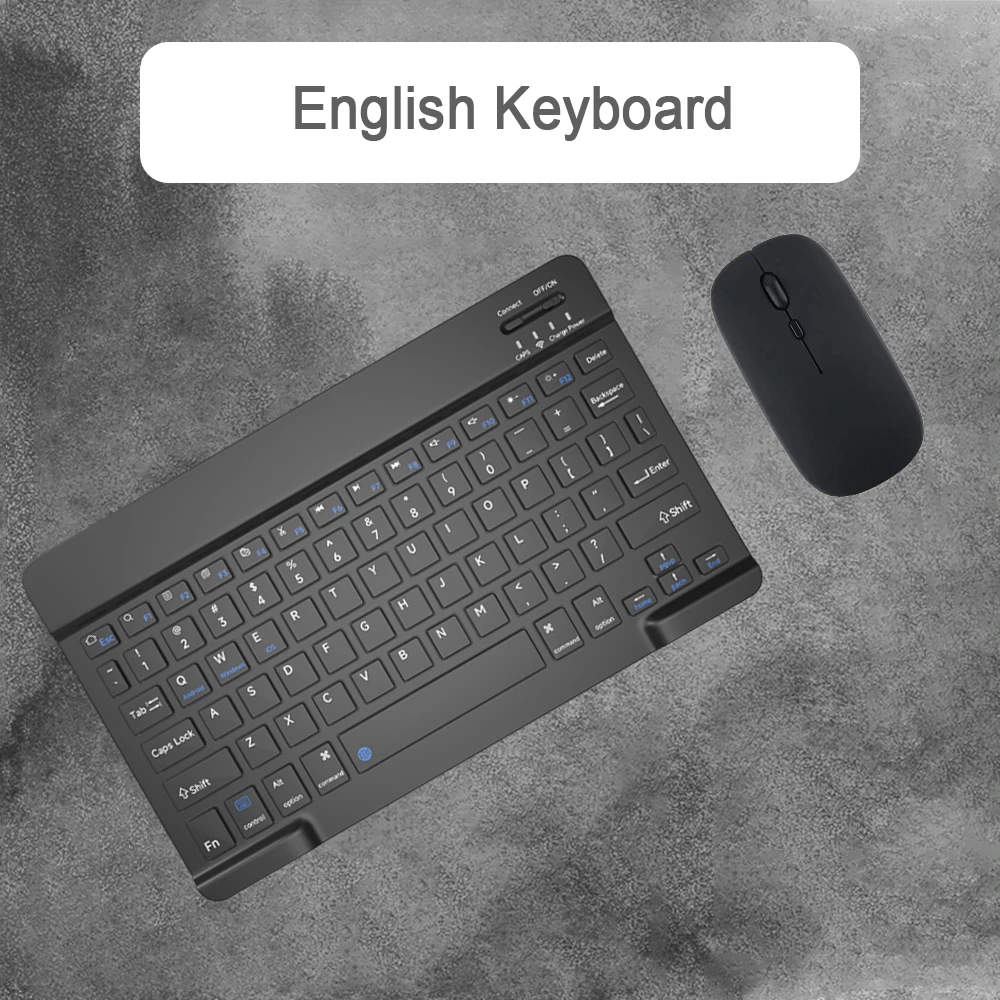
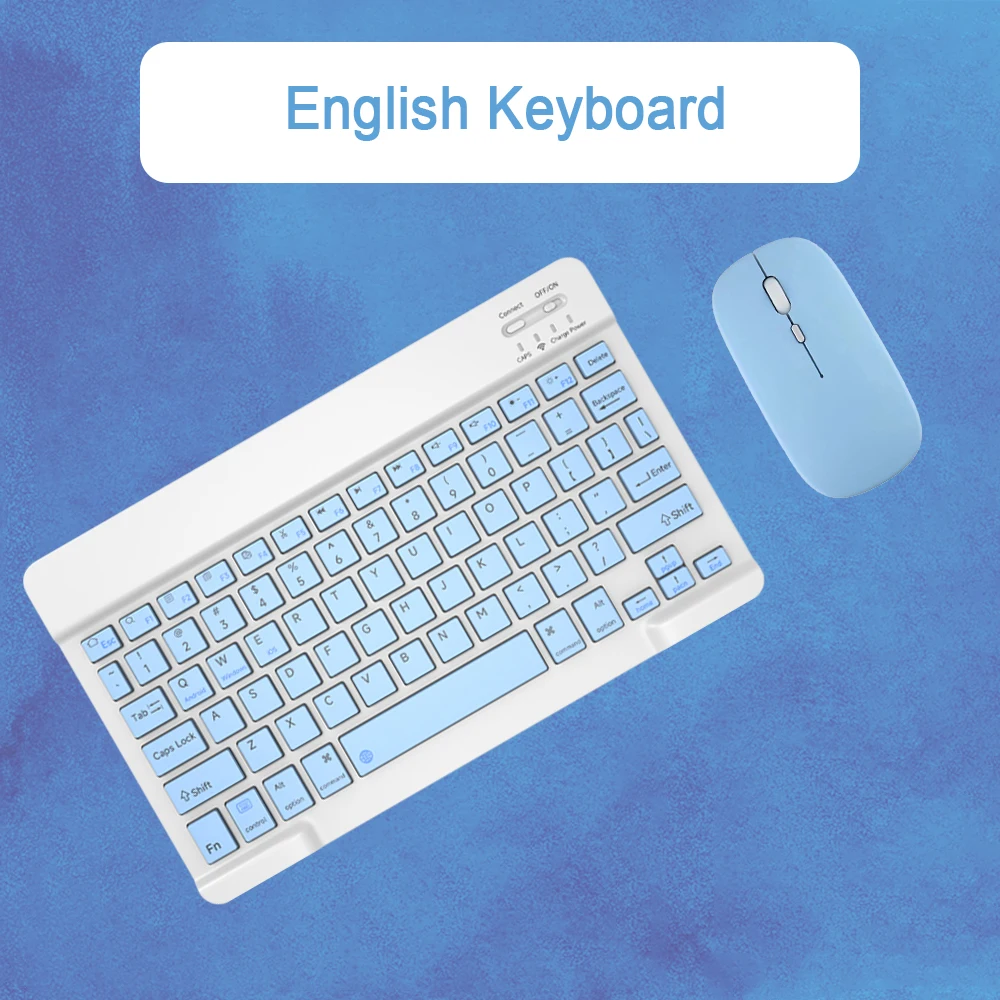
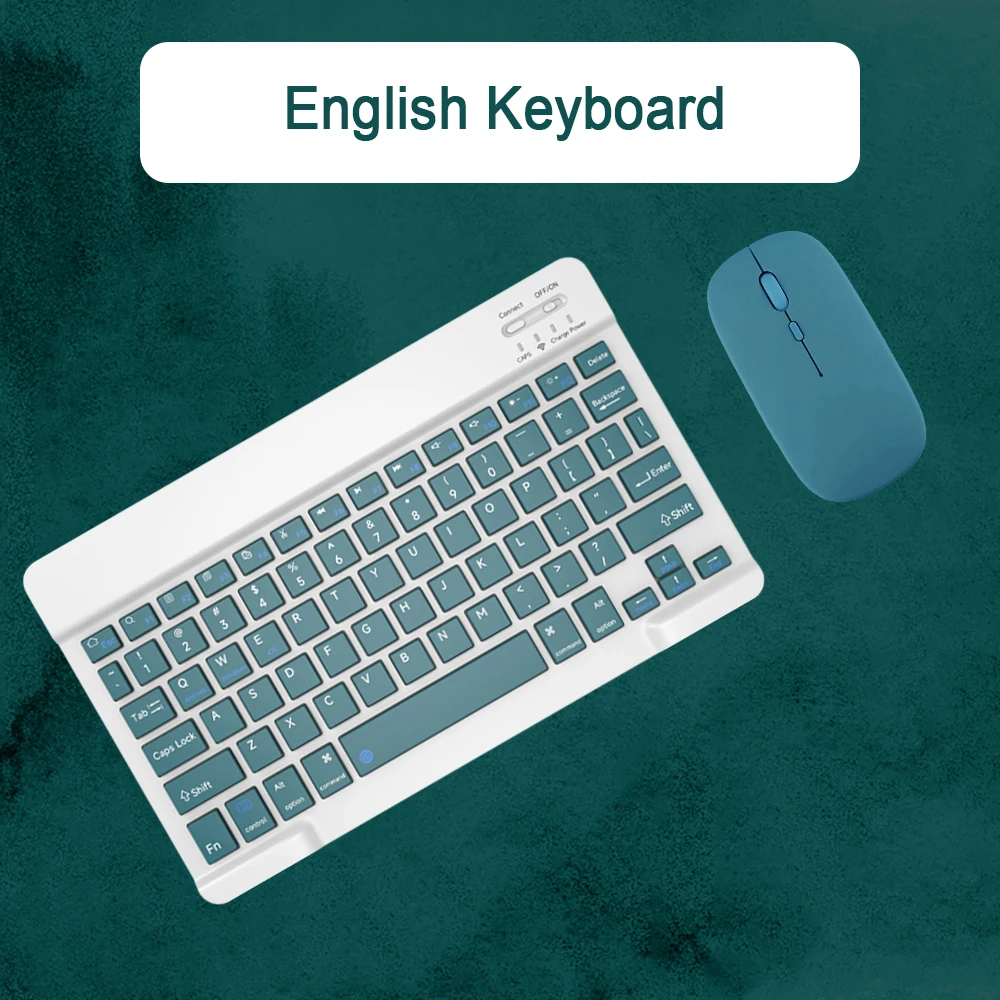
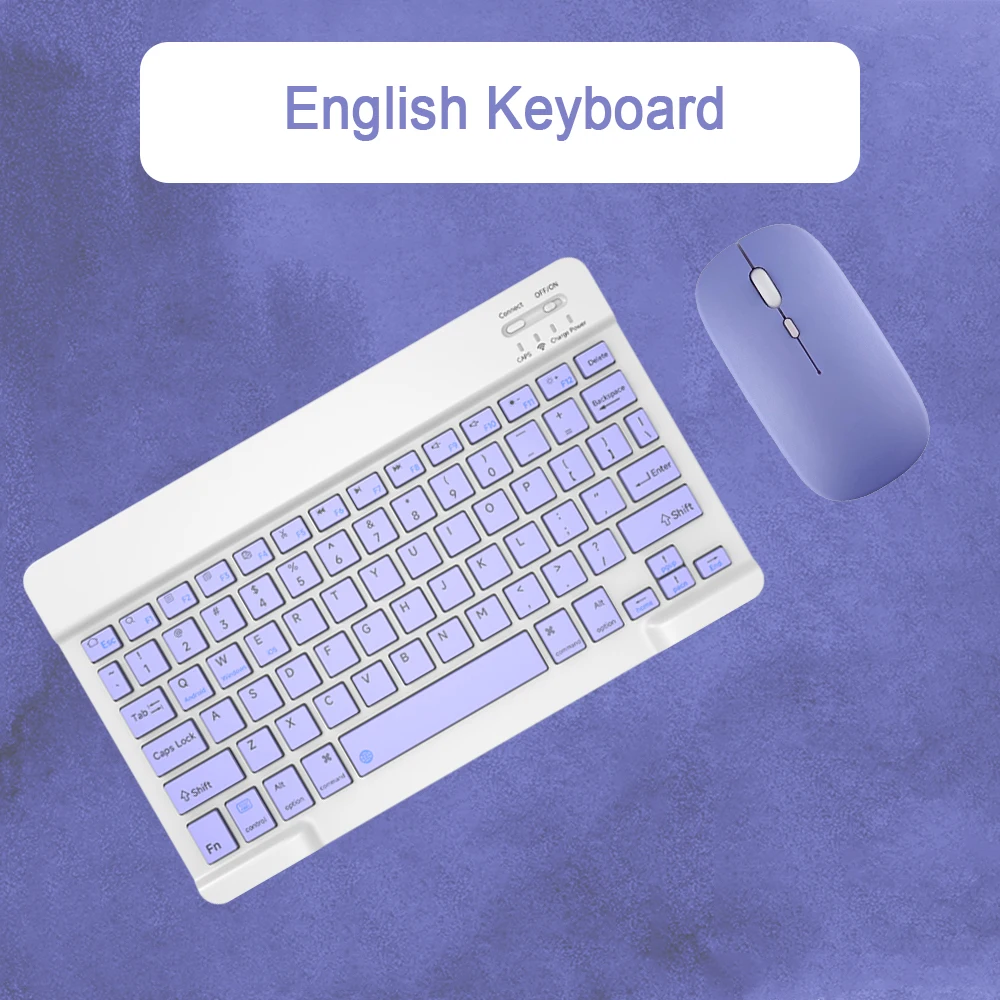
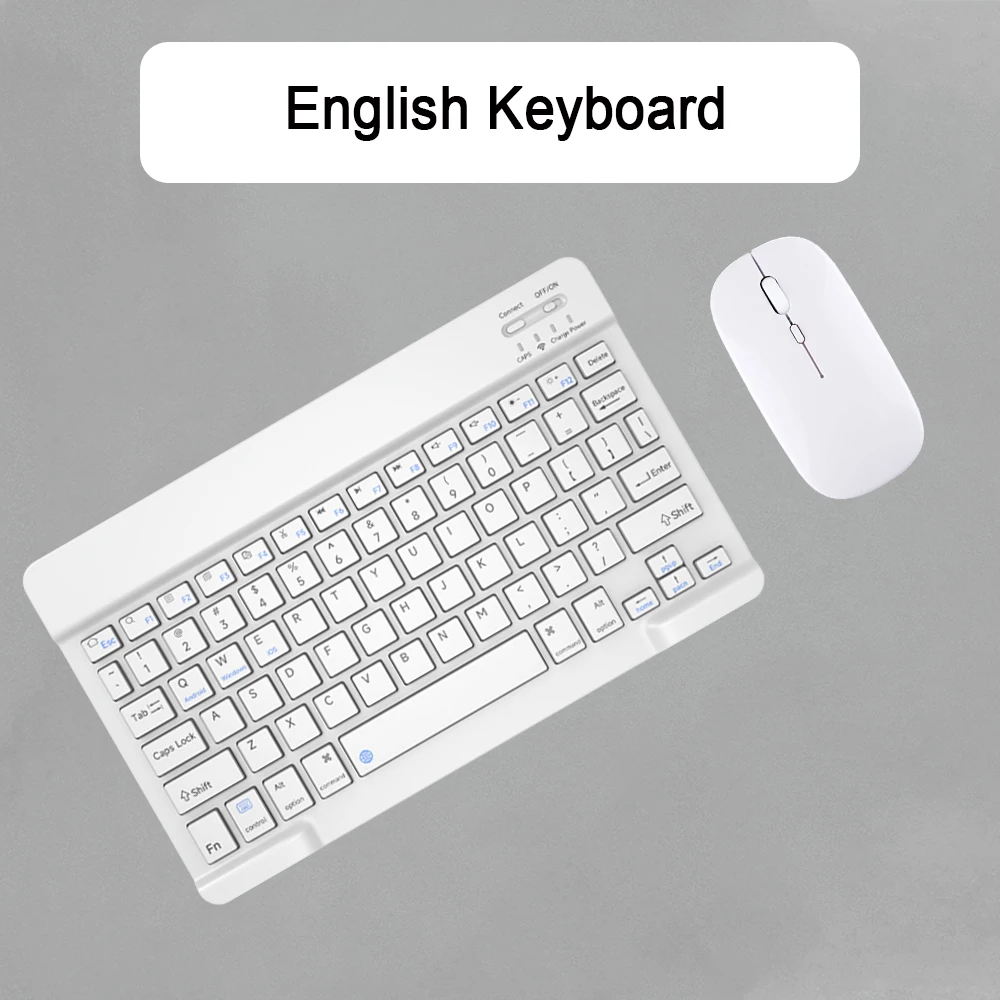
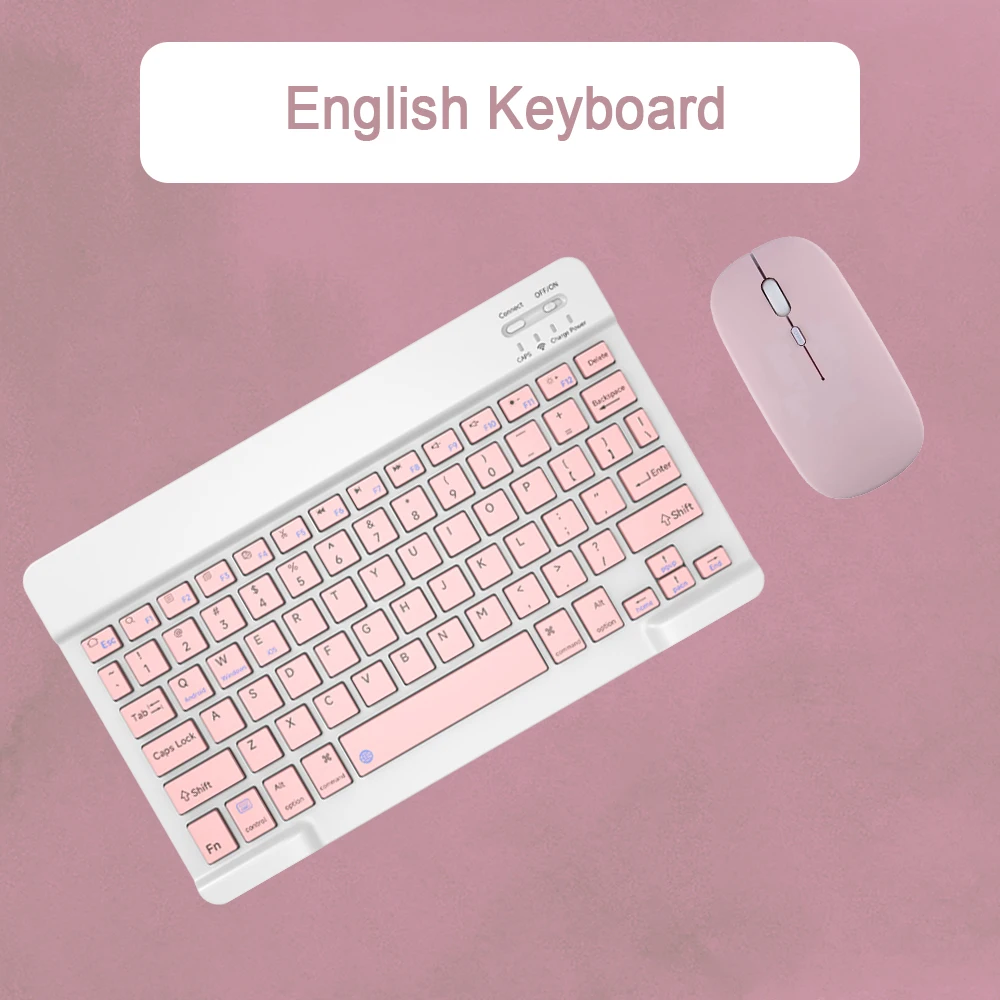
Description Please Read before Buying 1.Features Welcome you to choice this Bluetooth wireless keyboard. It adopts Bluetooth wireless connection and scissor key structure, which will bring you a perfect input experience. It has built in rechargeable polymeric lithium battery and charging indicator. The keyboard will enter into sleeping mode if there is no action in 10 minutes, therefore it has a small consumption and long battery life. 2.2.Pairing Instruction Before use this keyboard,it must be connected with your tablet or other device. When it pairs successfully, you do not need to re-connect it in future. Please connect the keyboard with your tablet according to the right graphic instruction as below. 1). Turn on the keyboard. 2).Press the "Connect" button to 3 seconds, the blue light blinks. 3). Open the Bluetooth from settings in your IPAD and find the Bluetooth keyboard, then click and connect(Password free connection). 3.Indicator Power LED:When the keyboard turns on, it flashes1-2seconds and then goes out automatically Charge LED: It flashes while charging and goes out once the battery is full . BT LED: It flashes when the keyboard is connecting and goes out after connected. CAPS LED: It flashes when switch to capital letters 4.Charging Instruction 1).Please charge at least 6 hours when you first time use this keyboard. Next time when the battery is low, please at least charge 2 hours. 2).The red indicator flashes means the it is low battery and please charge it in time. It is charging when the red indicator flashes all the time. 3).Please connect the charging cable to the keyboard 5.Troubleshooting If your keyboard doesn't work properly; 1). Please make sure that your computer bluetooth function is enabled. 2.The keyboard should be within 10 meters of the computer. 3).The connection password entered is correct. 4).keyboard built-in battery power is too low,please charge the keyboard. 5).if the keyboard is not connected or paired with the tablet computer after successful pairing, the text input delay or even typing letters appear in the process, please according to the following steps: delete all Bluetooth devices, tablet computer Bluetooth option in the closed on a tablet computer Bluetooth option - restart the tablet computer keyboard and tablet computer again. 6.Input Switch ios: Control+Space Notebook key feel The same key structure of the notebook,the key micro-frosted touch micro-concave key cap fits the finger belly more comfortably Suitable for multiple operating systems Compatible with all iOS/Android/Microsoft smartphones/tablets/laptops Low decibel silent design Keyboard:Scissor foot structure.low sound,fast rebound. Mouse:ow-decibel button sound,fast rebound. Easy to carry,flexible office. It can be carried in a computer bag/school bag/handbag...etc. ERechargeable Keyboard and Mouse Charging time 3-4 hoursUse time:7 daysStandby time:120 days 3 levels of DPI adjustable 800/1200/1600,three levels of DPI switching. freely adjust the moving speed of the mouse Multi-function keyboard detailed operation instructions 11 functional hotkeys 01.Home F1.Return to F2.Search for F3.Select all F4.Copy F5.Paste F6.Cut F7.Previous song F8.Pause/Play F9.Next F10.Volume minus F11.Add
Atsauksmes
0 people rated this product

Wireless Keyboard For iOS Android Windows Smart Teclado For Apple Iconic Brand Huawei Samsung Bluetooth Ultra-Slim Tablet Clavier
Piegāde un atgriešana
 QWQER Express,
 USPS,
USPS, DHL
DHL
Shopping security
- Safe payment options
- Secure privacy
- Secure logistics
- Purchase protection