


Açıklamalar
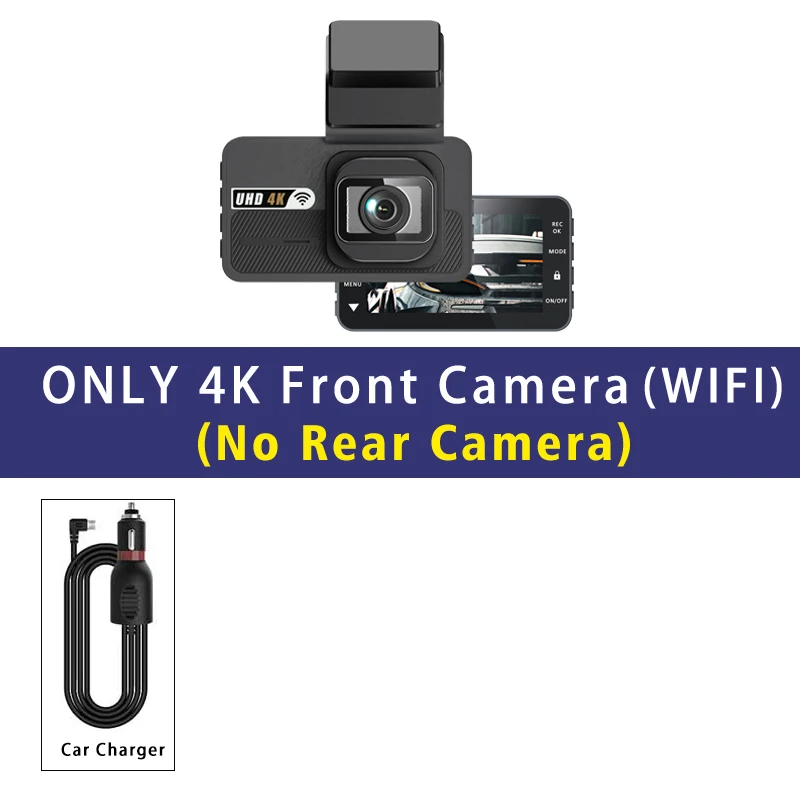
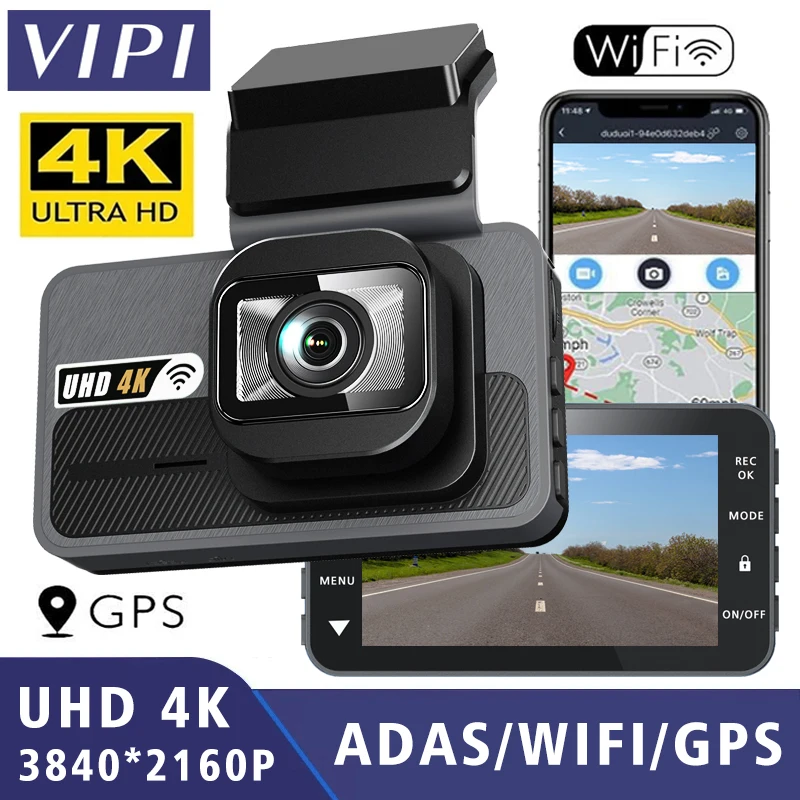
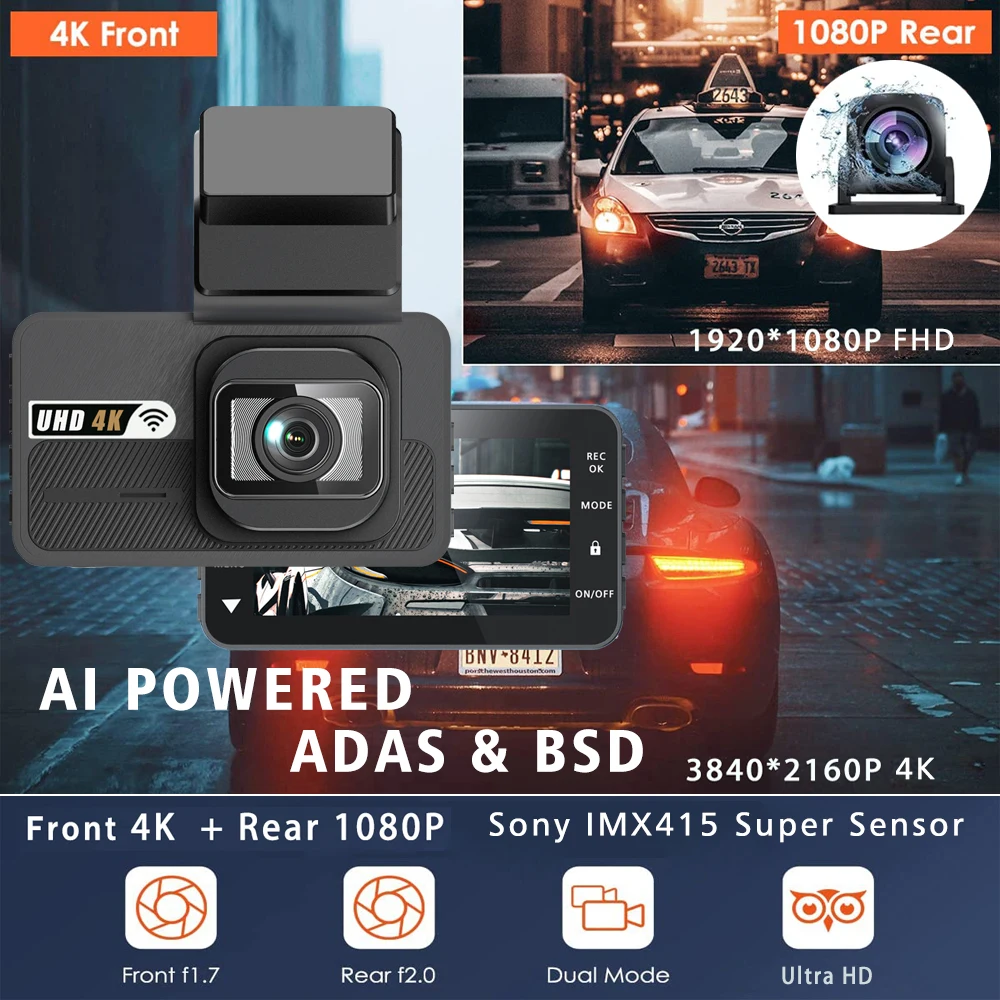
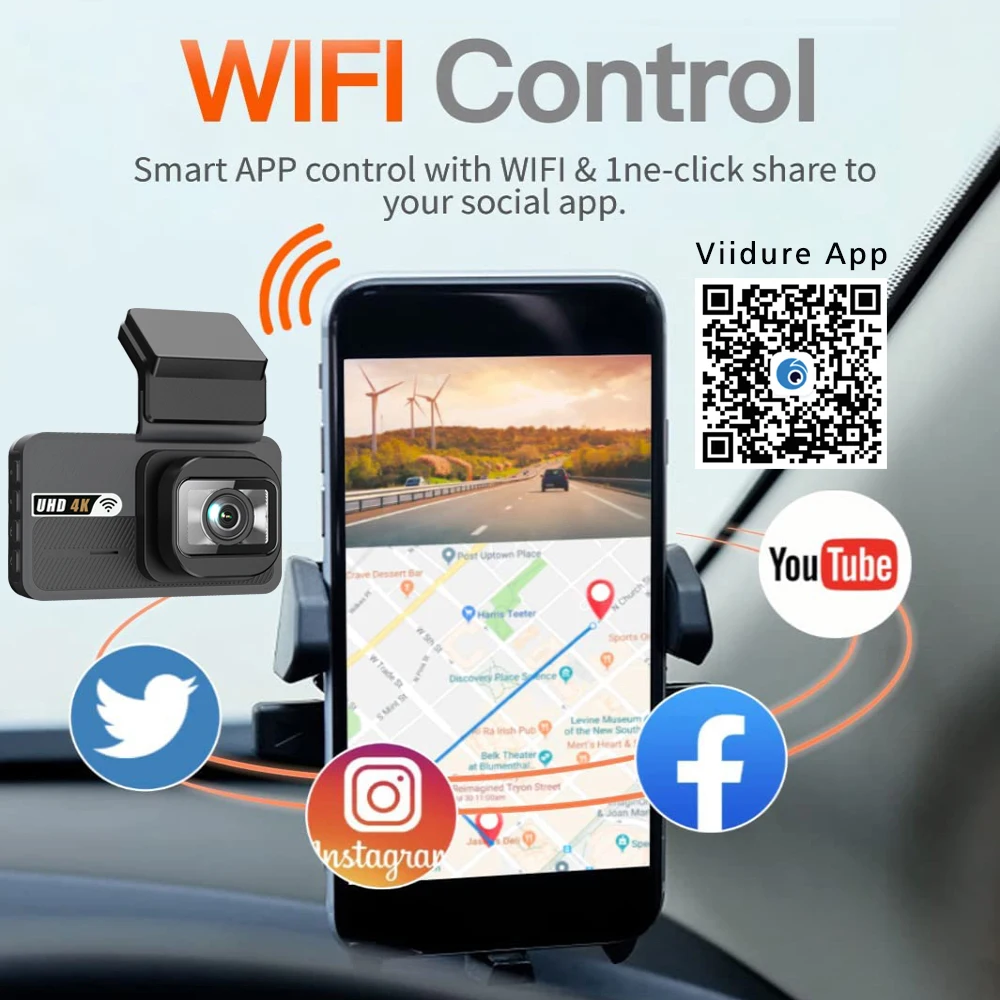
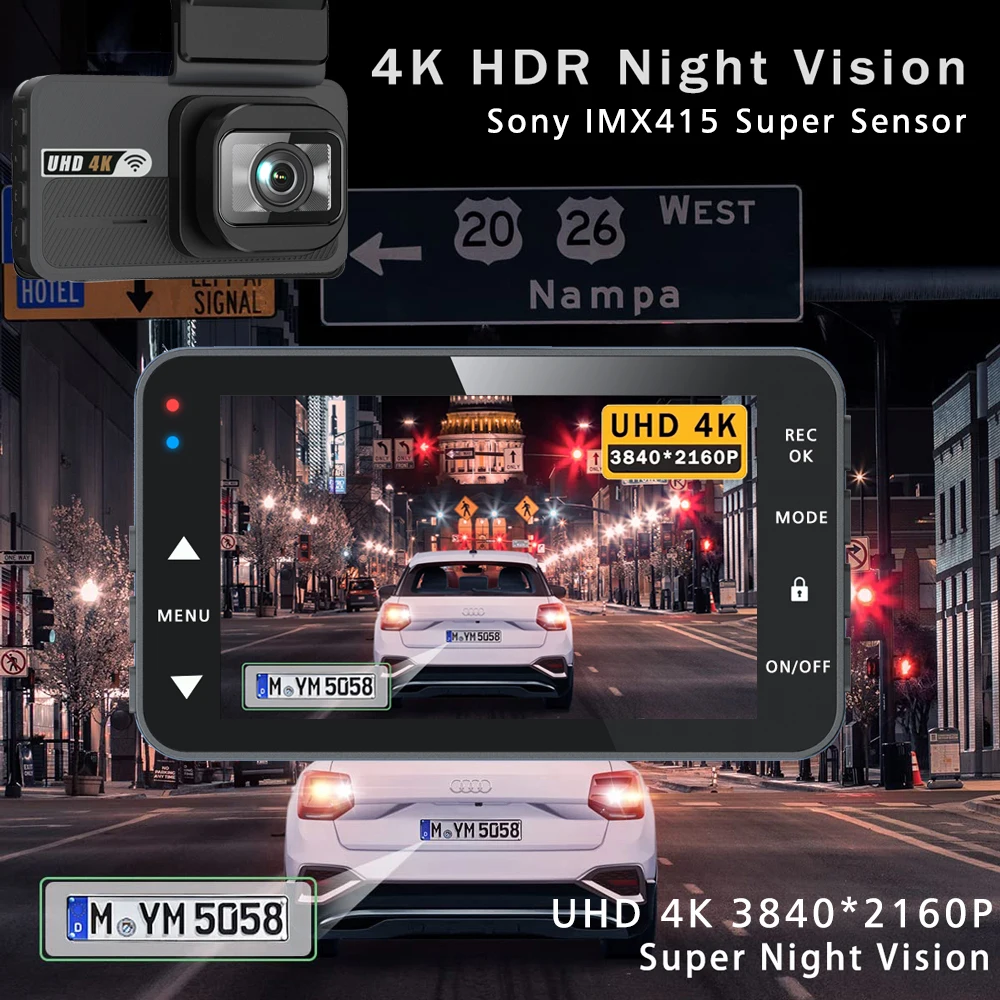
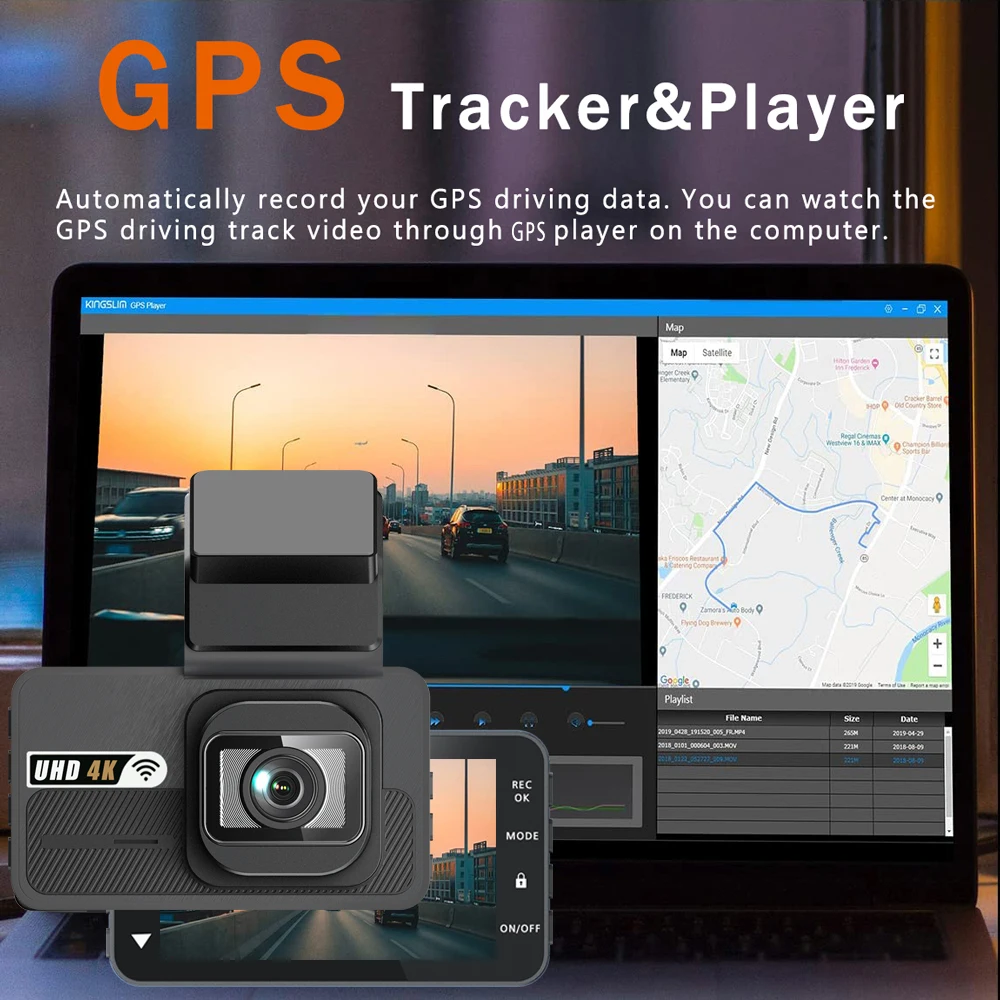
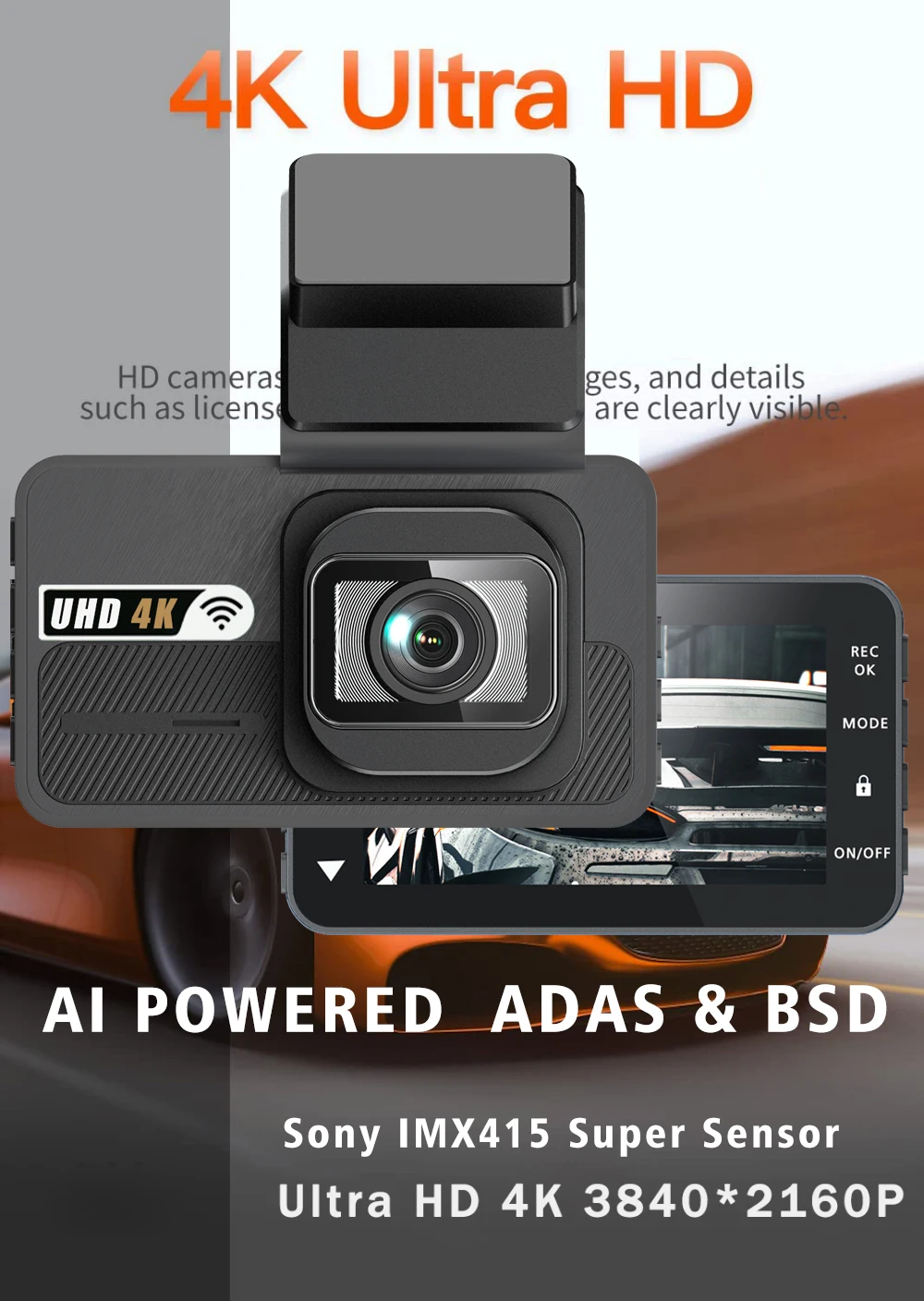
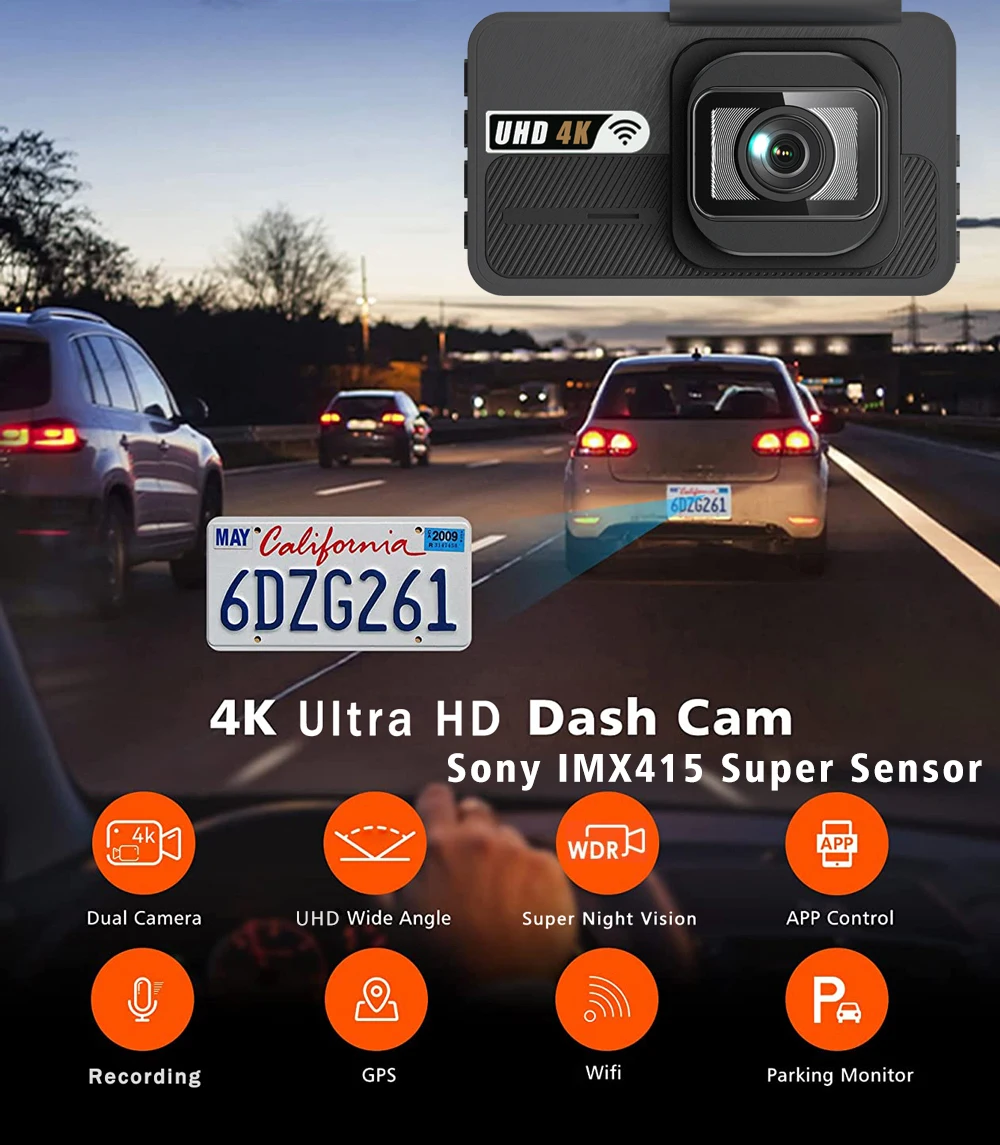
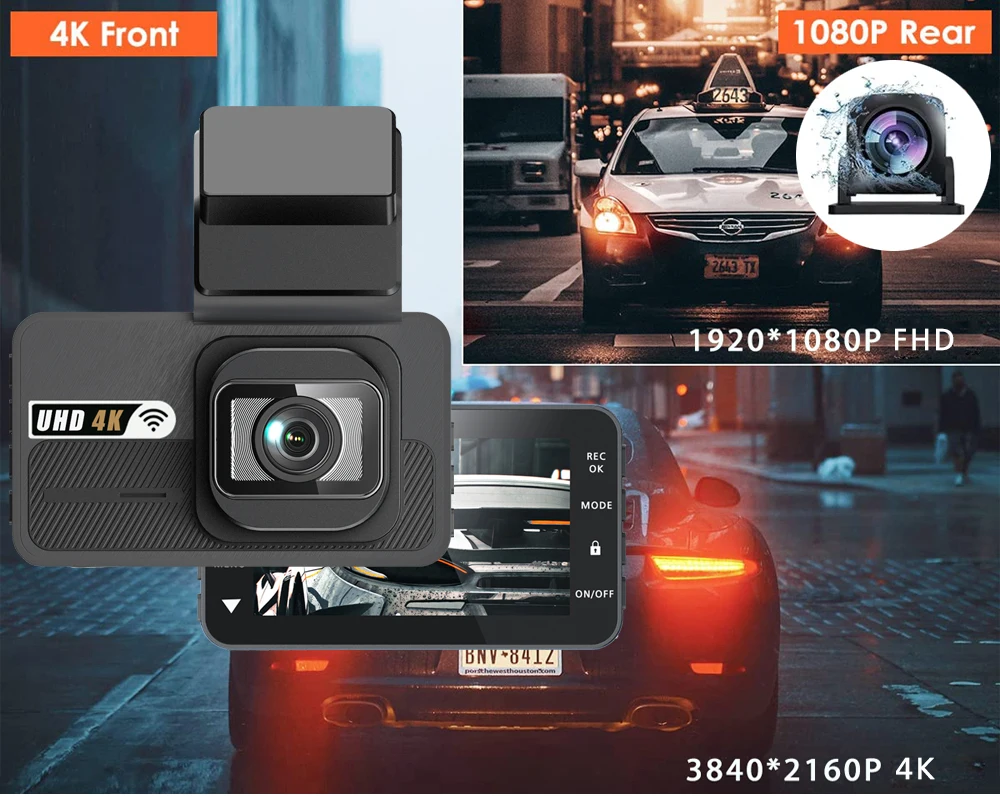
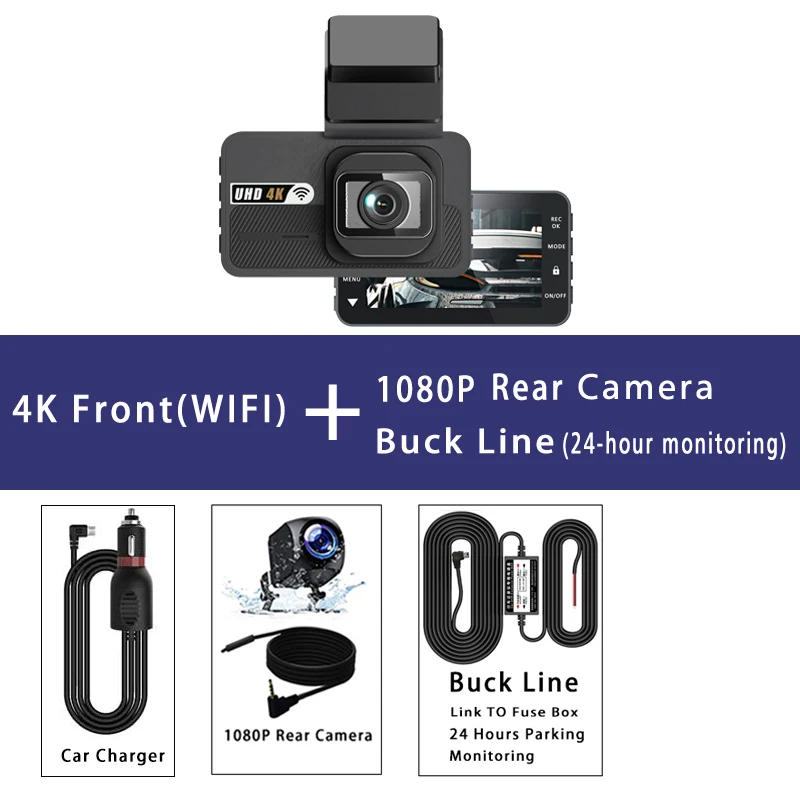
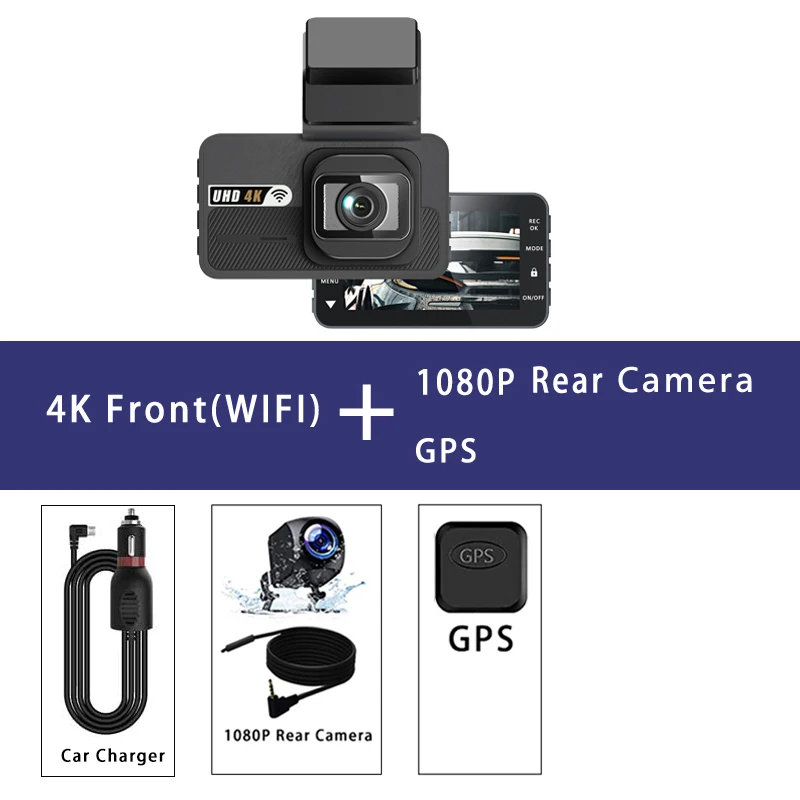
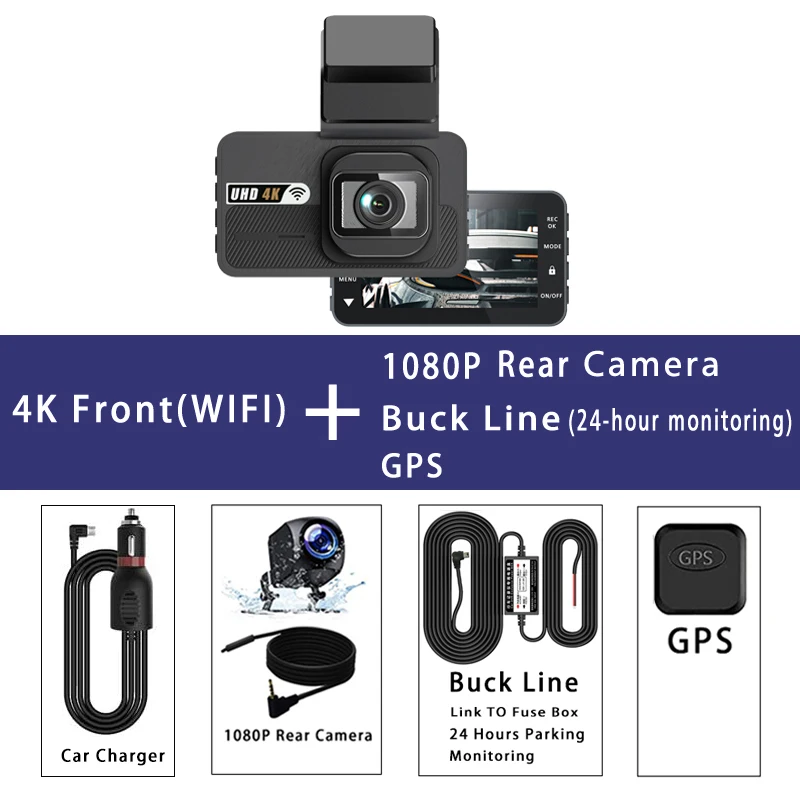
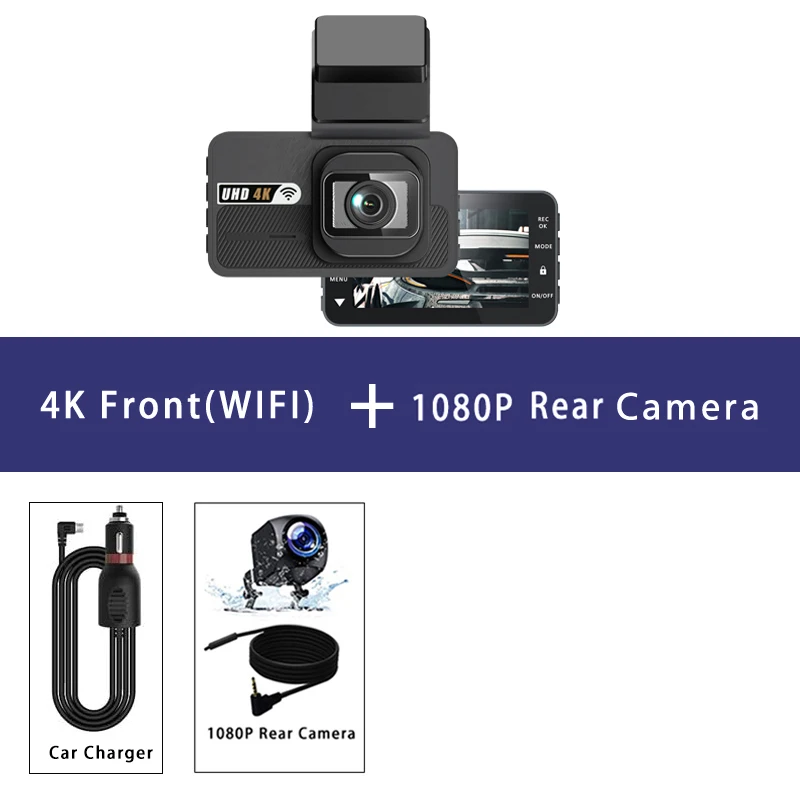
Supported Languages:English, Chinese, Korean, Japanese, Russian, Arabic, Spanish, Portuguese, Polish, Turkish, French, German, Italian, Hebrew,Indonesia,Thai,Vietnamese Memory Card: Up to 256G CardImportant reminder: Due to the high-speed garage requirements of high-definition DVR, please make certain to apply tremendous U3 grade branded reminiscence cards with C10 speed Some low-quality low-priced memory playing cards for sale might not assist DVR to operate correctly About WIFI Connection: 1 Before connecting to the DVR at the phone, it's a necessity to install the WIFI connection app "Viidure APP" upfront can look for "Viidure" installation in the Apple App Store or Google App Market 2 the "Viidure" APP in your phone, enter the configuration mode, switch on the wifi operate of the phone, persist with the activates find the SSID wifi signal(FHCAM***) of the DVR and enter the password(12345678) to connect; three successful configuration, you might connect and function the DVR during the "Viidure" APP About 24-Hour Parking Monitoring: If you need the 24 hour parking tracking function, you would order the corresponding Buck Line equipment to interchange the car charger Buck Line, the DVR power would be obtained straight from the auto battery or car ACC, in order that the DVR can keep normal recording paintings even if the automobile is turned off(Since varied car models have various battery interfaces or ACC interfaces, it's not counseled to install it by yourself It is usually recommended find a pro to install the Buck Line) About The Installation And Use Of GPS: 1 Connect the GPS module to the DVR; 2 Install the DVR at the automobile and begin the recording mode Start the auto outside and force for a certain distance The GPS module will mechanically seize the satellite tv for pc sign and the DVR will automatically listing the video with the GPS driving music Video Playback Of GPS Tracks: 1 Install the GPS dedicated video participant "Hit GPS Player" on your computer Please enter the link under on your pc browser to obtain and install; Download link: 2 Open the recorded DVR video with GPS tune information on the computer by way of "Hit GPS Player" to play back the GPS riding tune Front: UHD 4K 3840*2160P; Back: FHD 1920*1080P
Gözden geçirmek
0 people rated this product

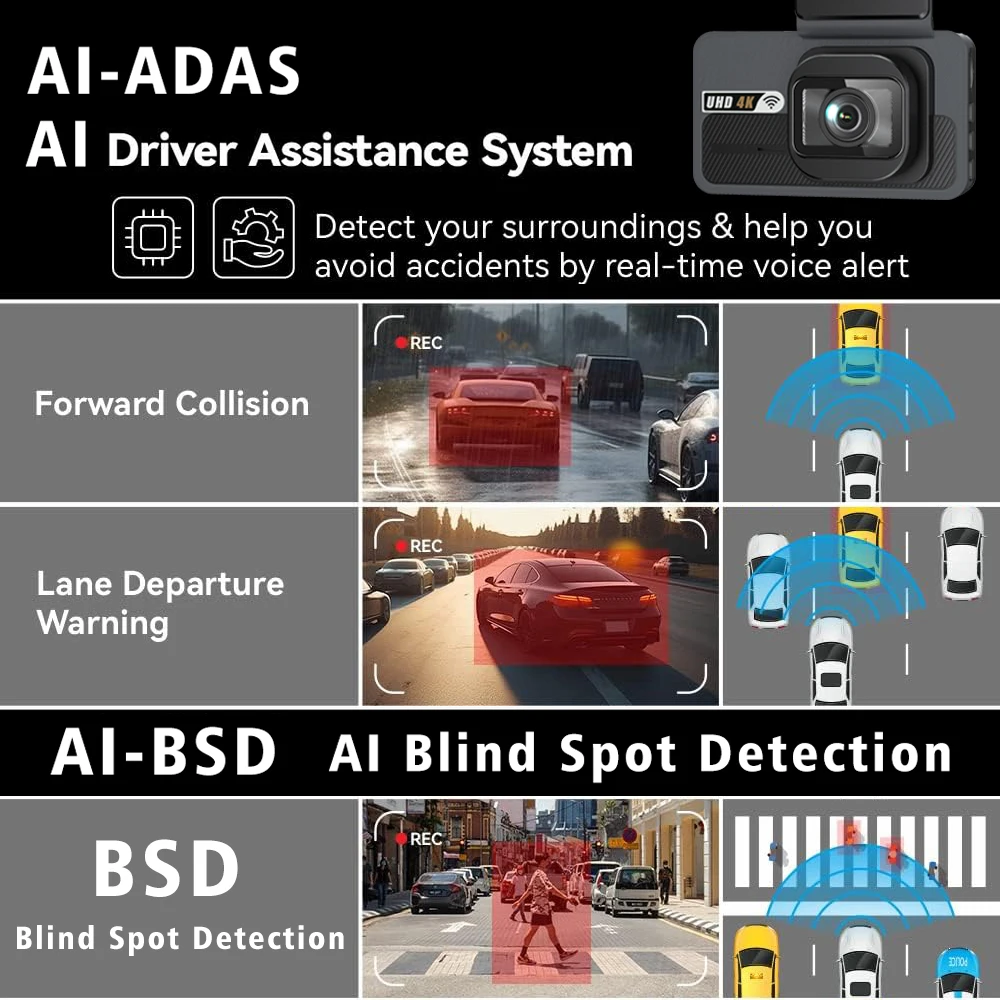
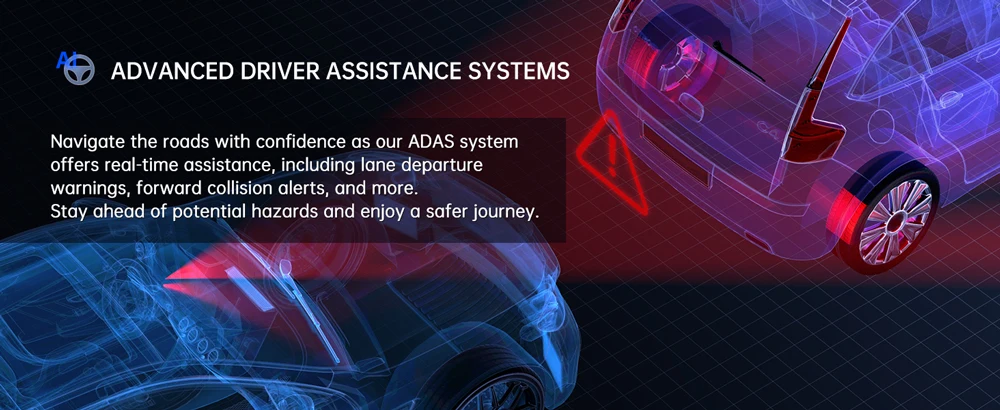
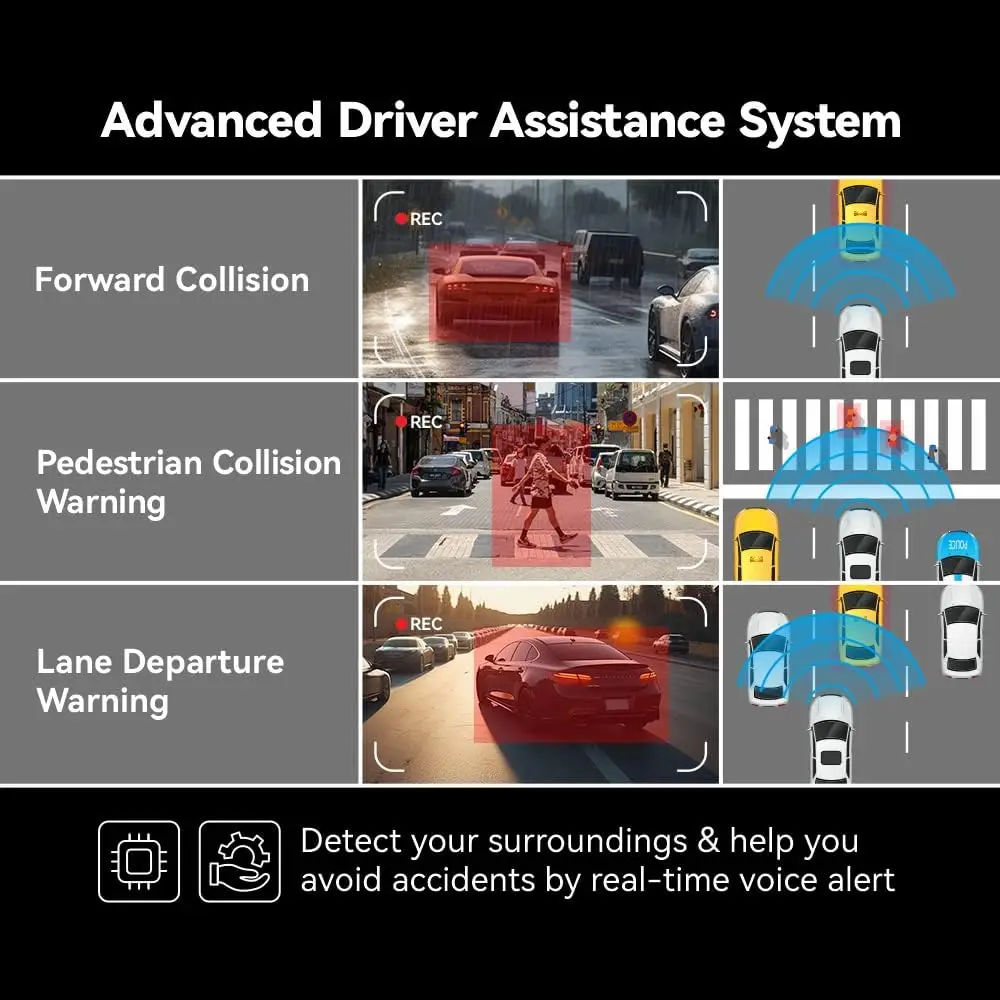
4K 2160P ADAS Dash Cam WIFI GPS Car DVR Camera Dual Lens Dashcam Video Drive Recorder Registrar Black Box AI Driver Assistance
Ücretsiz kargo ve iade
 QWQER Express,
 USPS,
USPS, DHL
DHL
Shopping security
- Safe payment options
- Secure privacy
- Secure logistics
- Purchase protection