

Açıklamalar
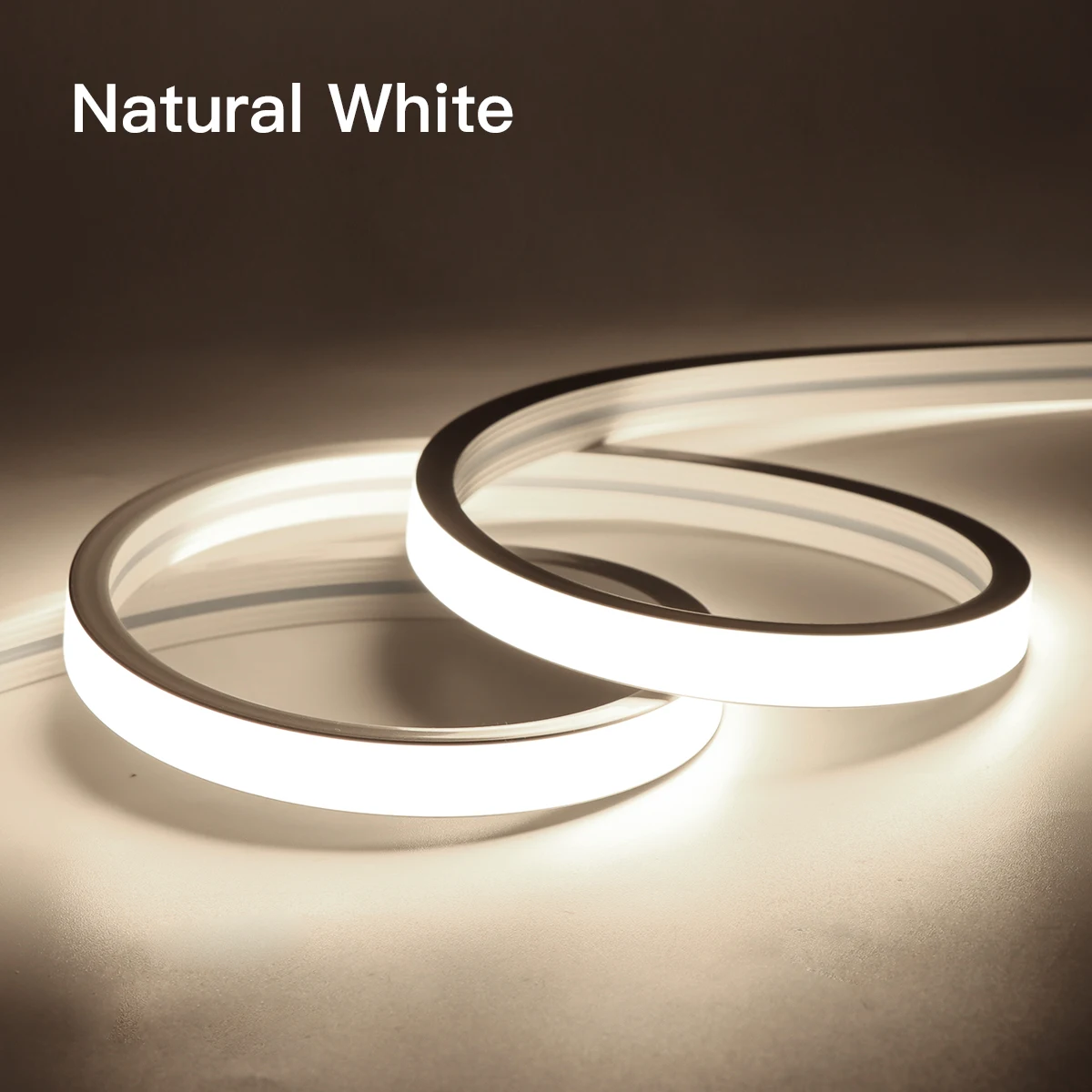
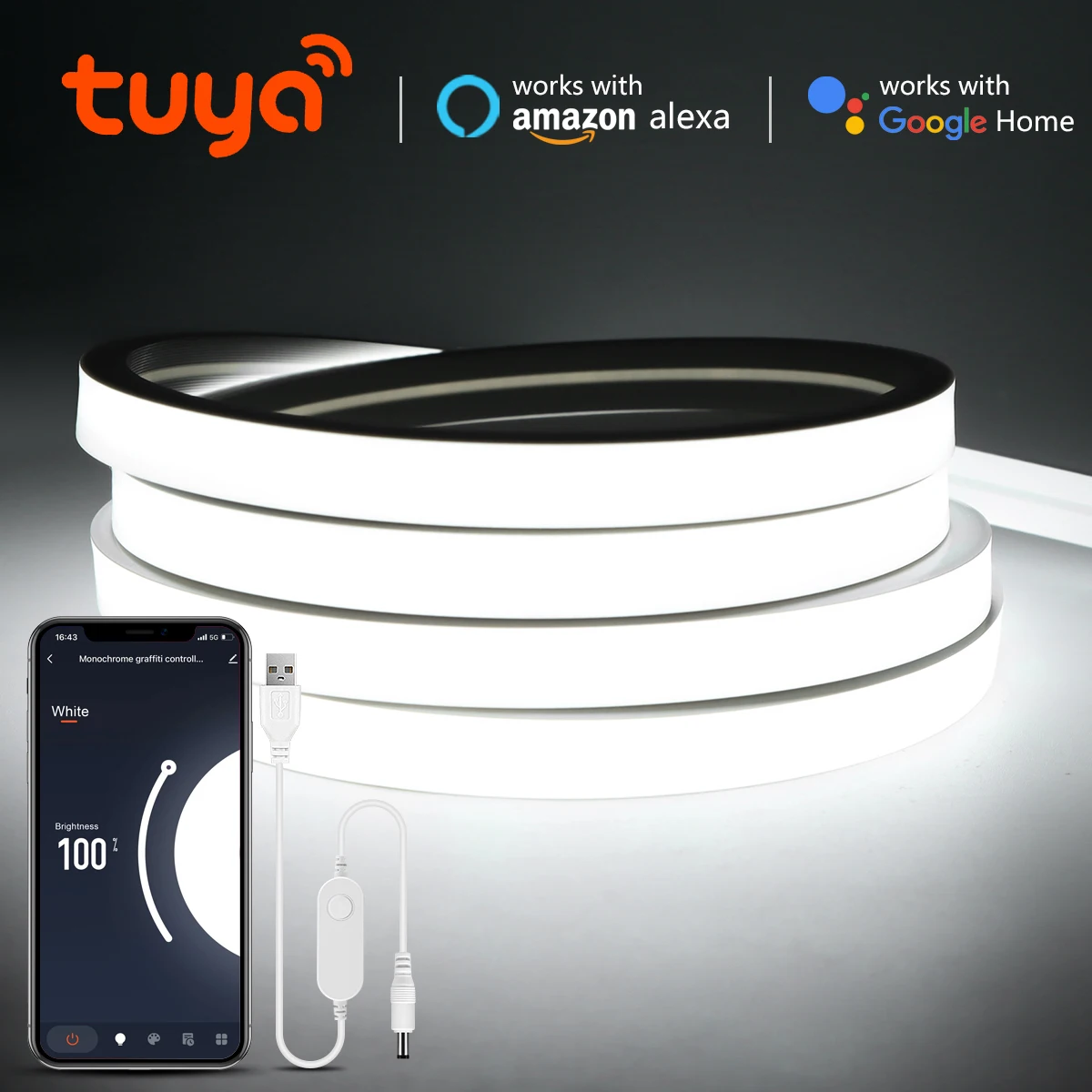
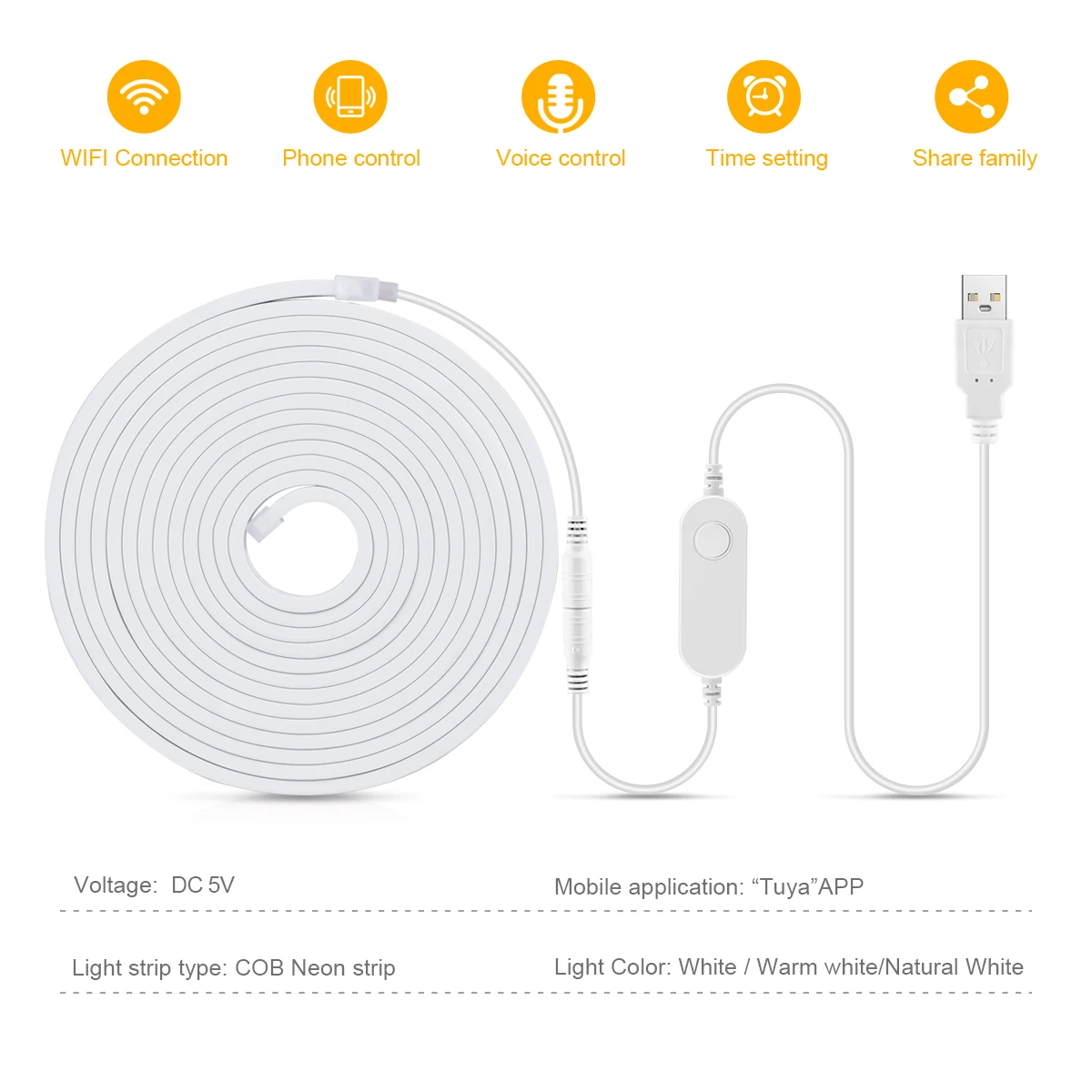
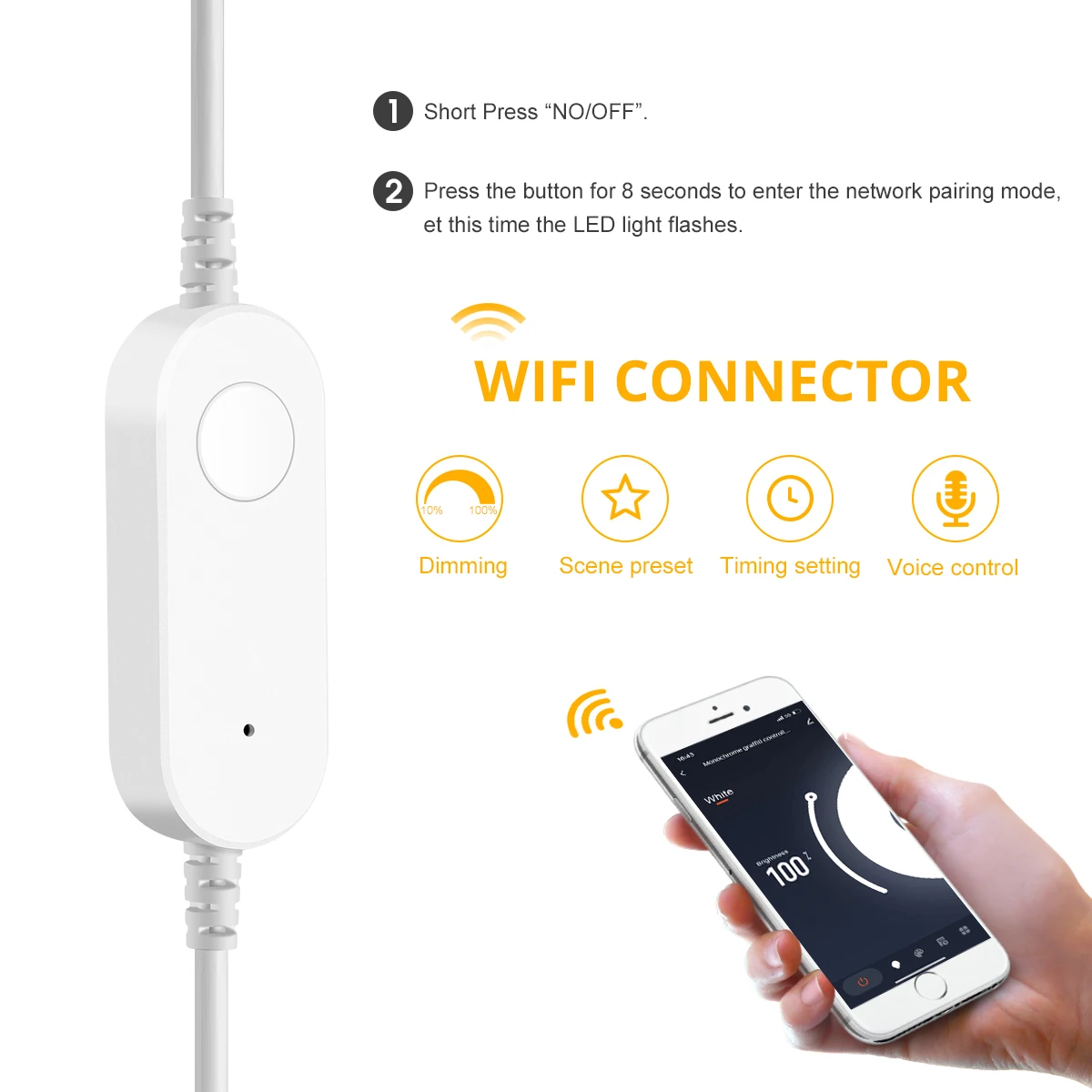
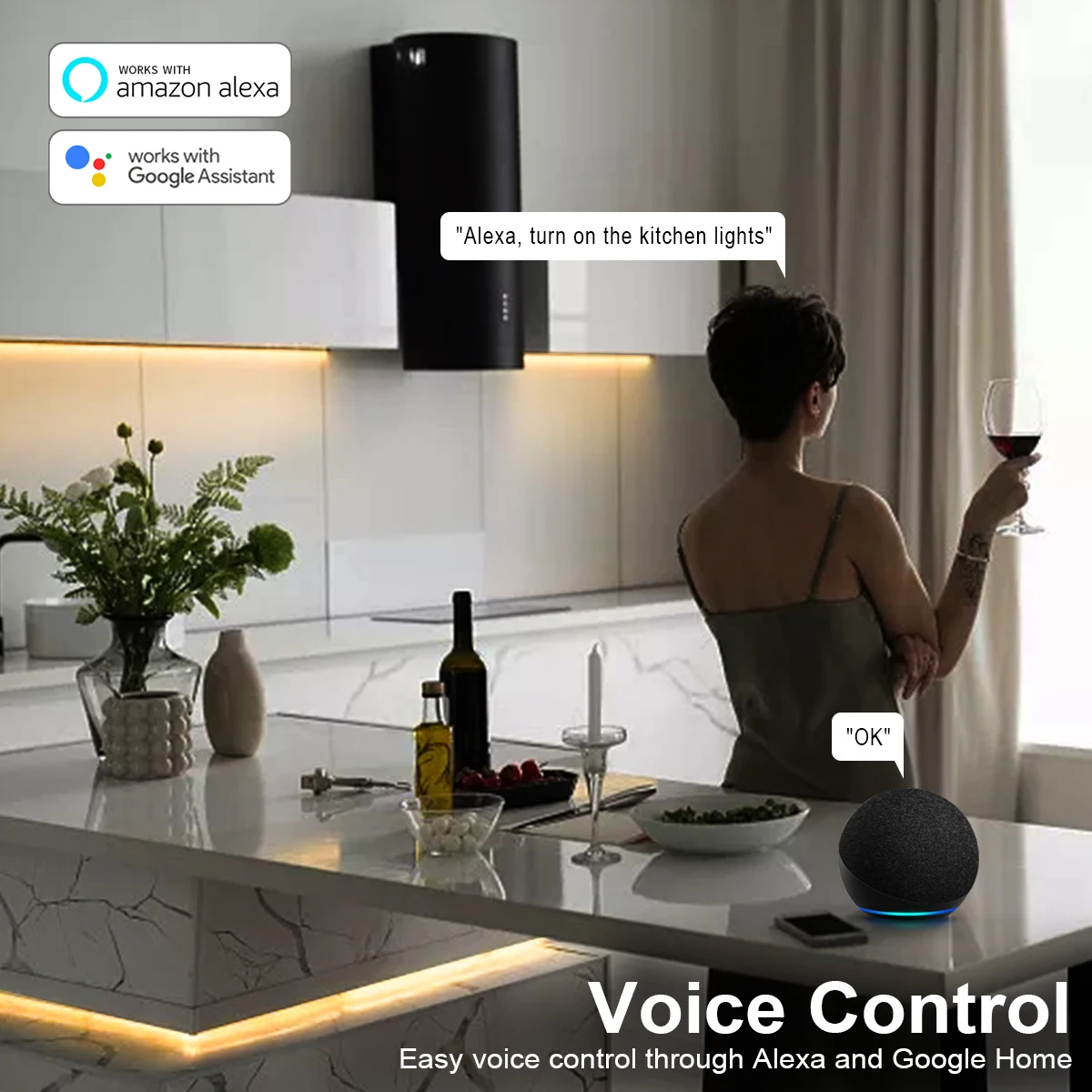
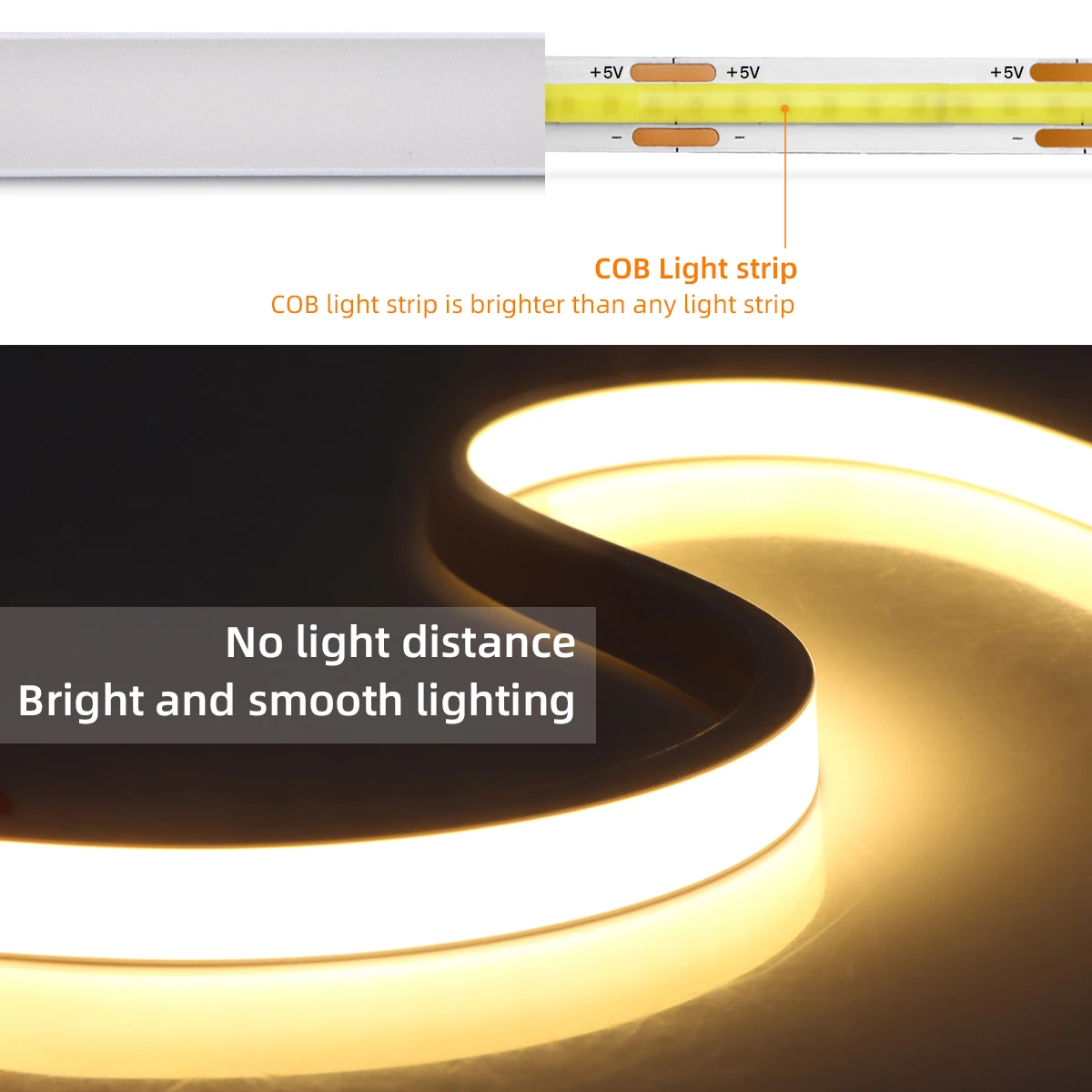
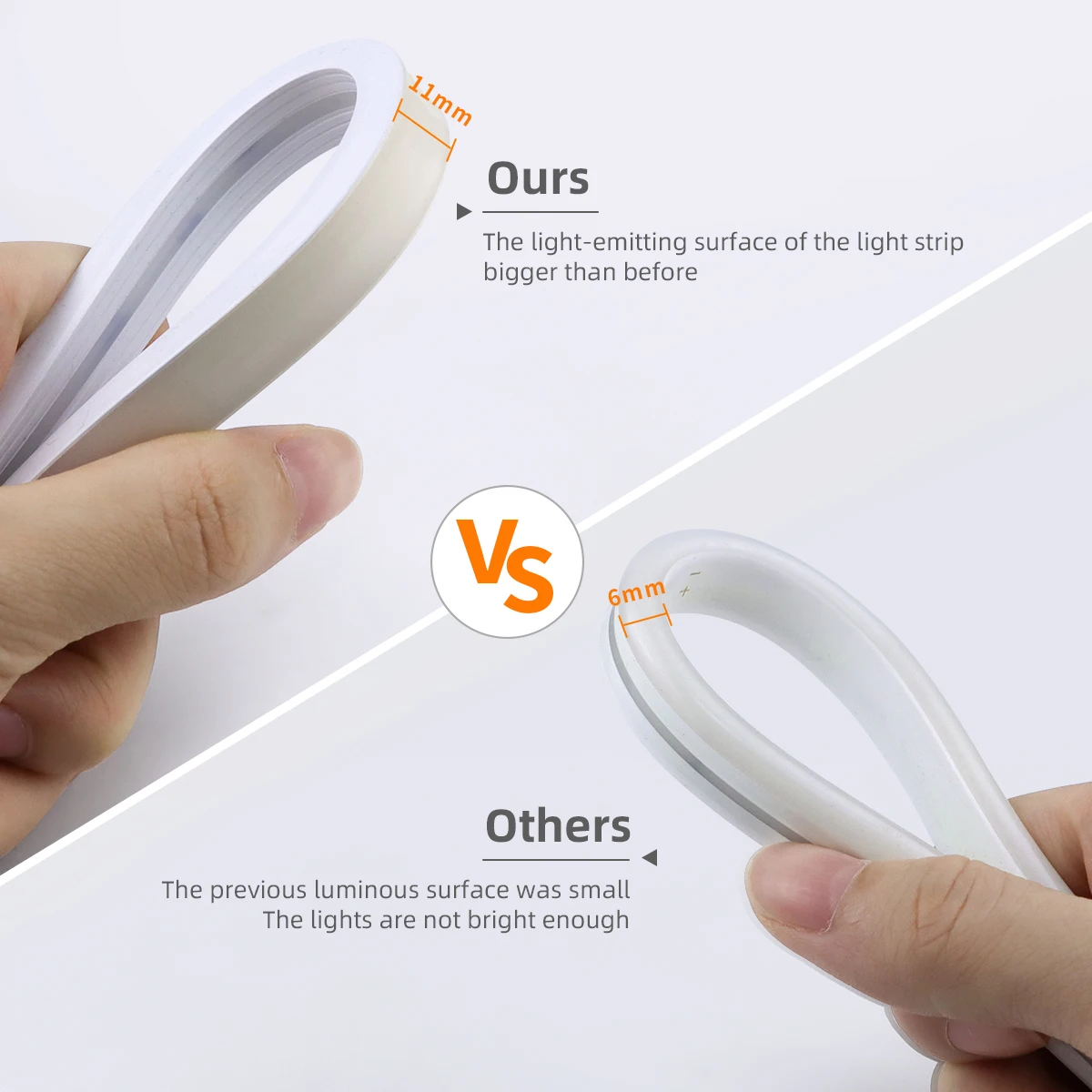
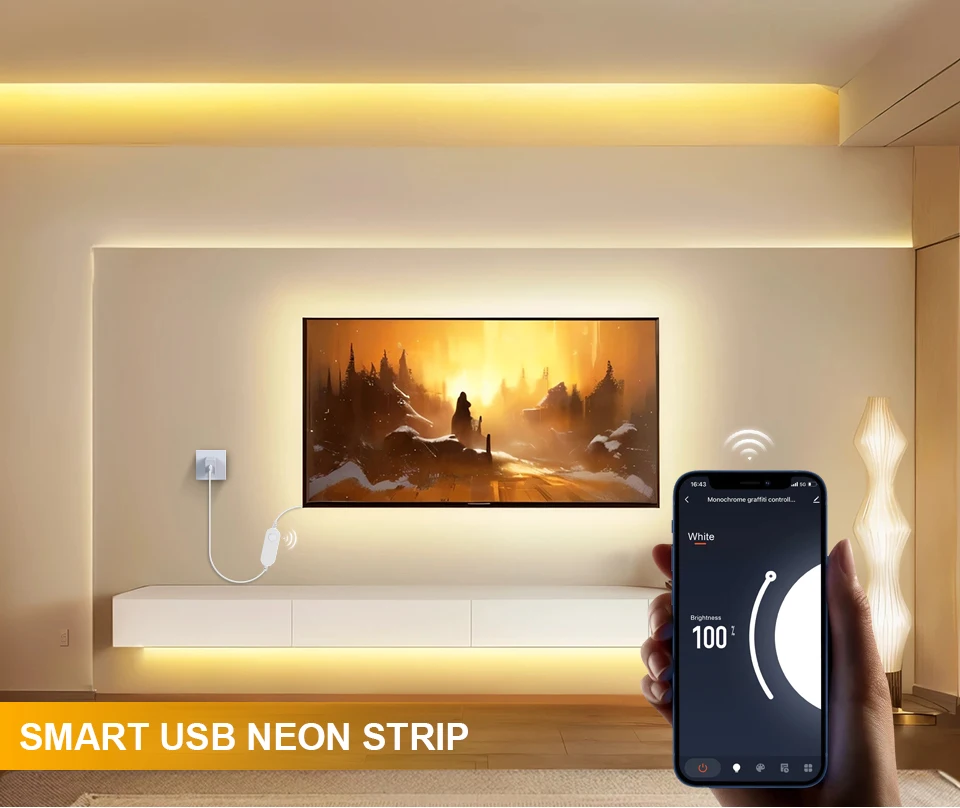
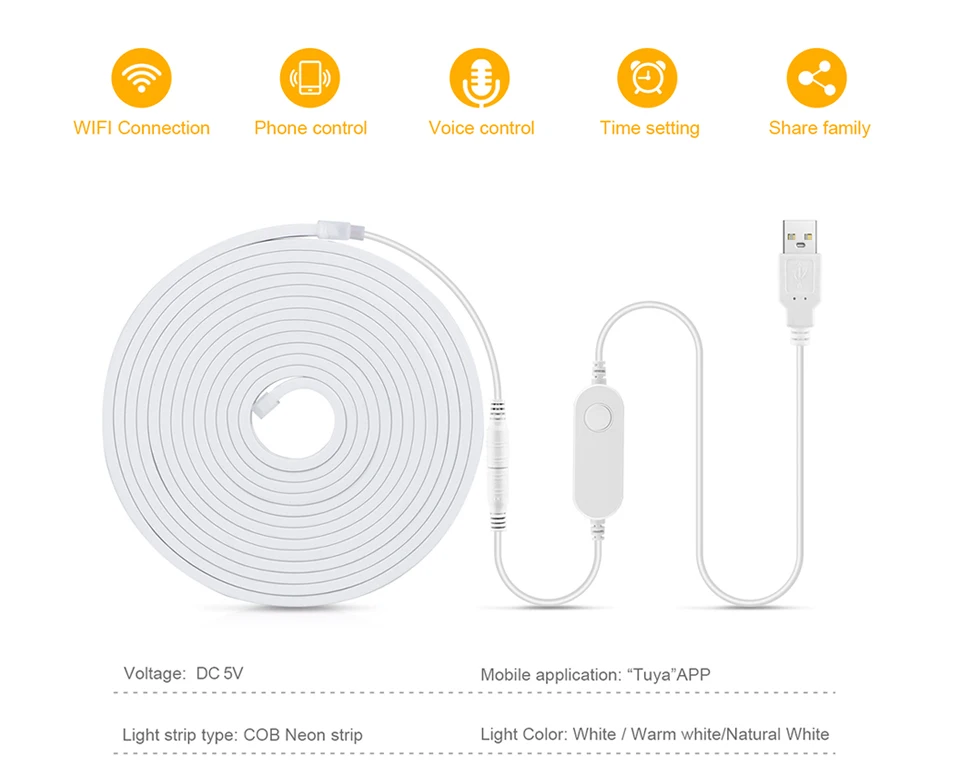
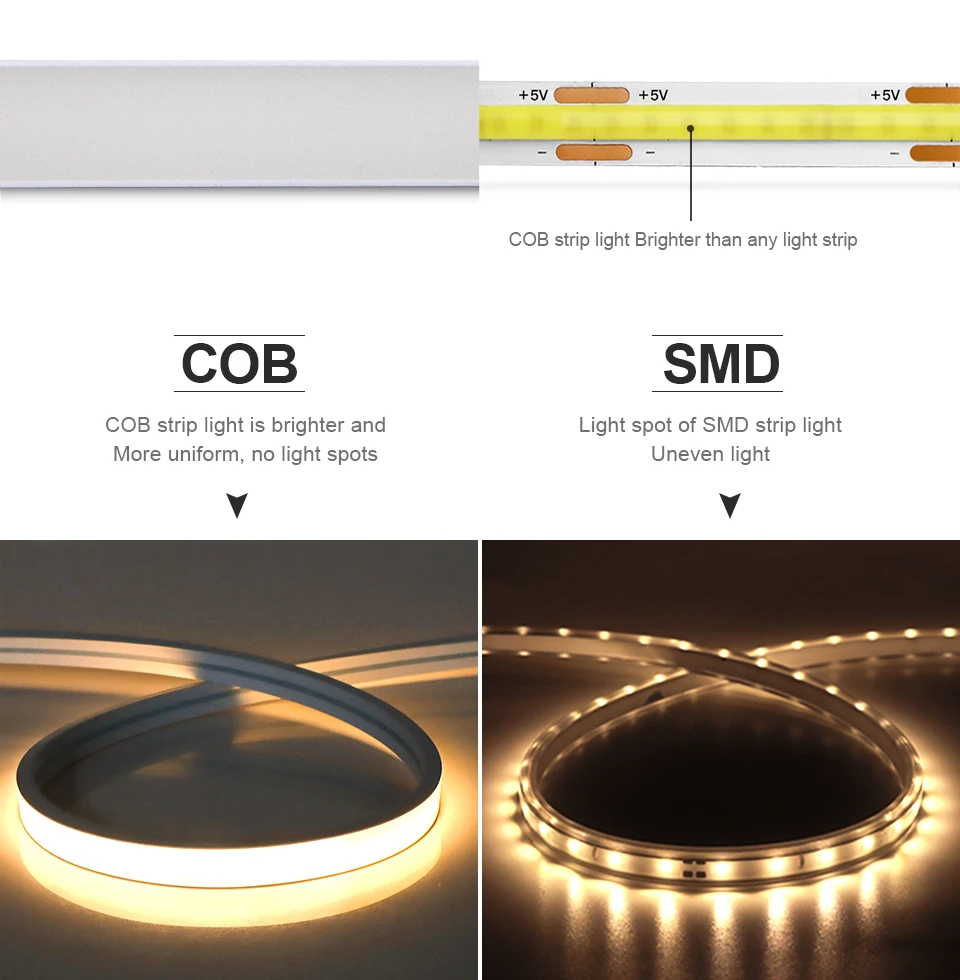
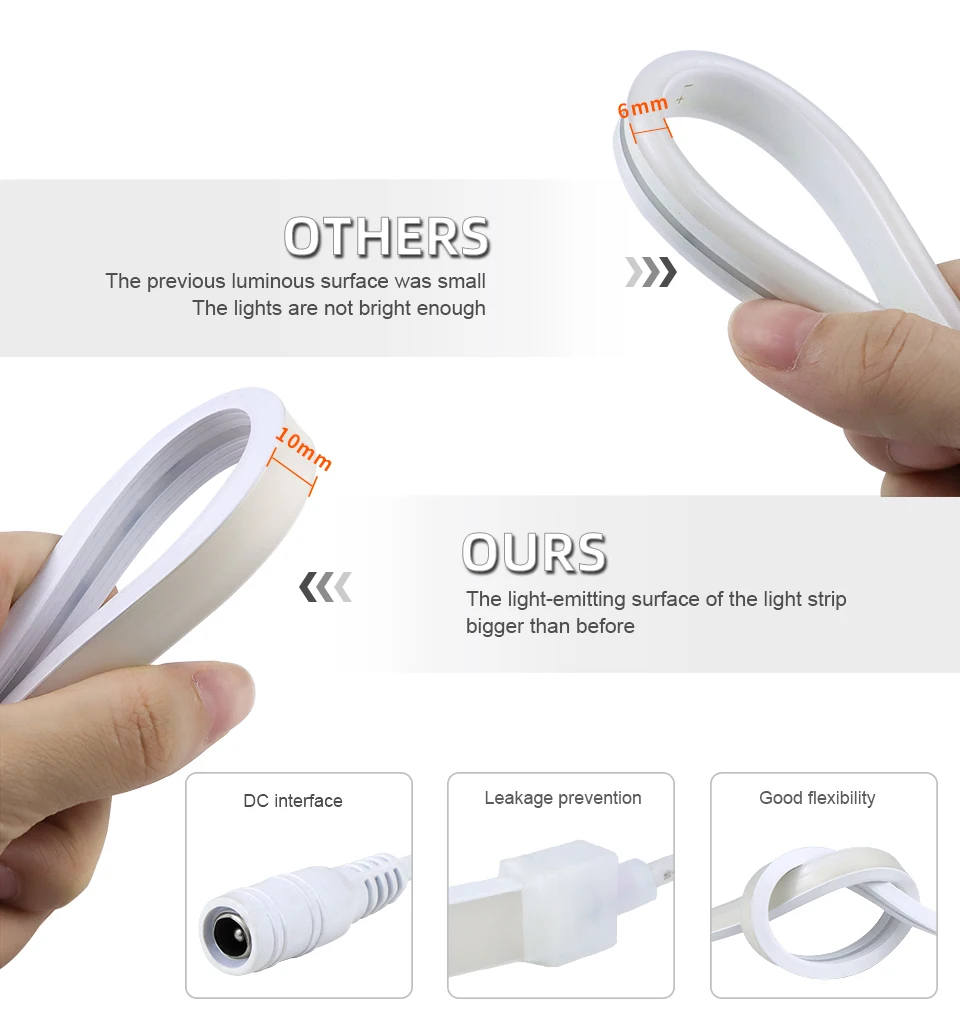
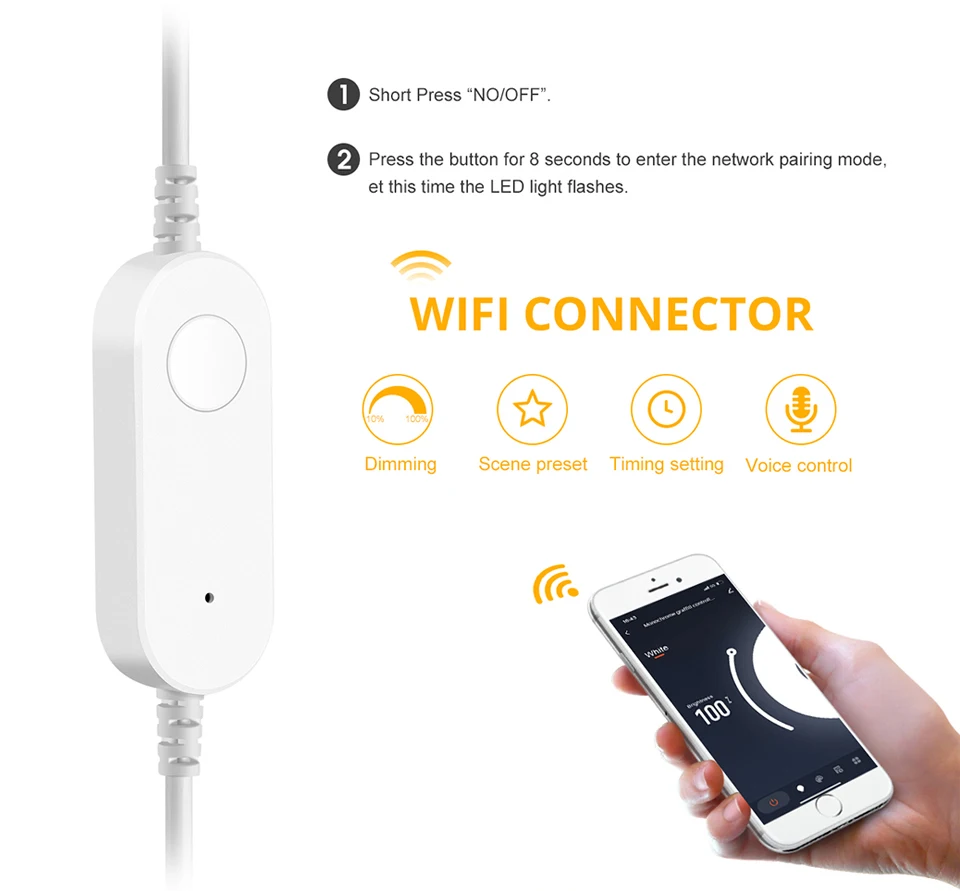
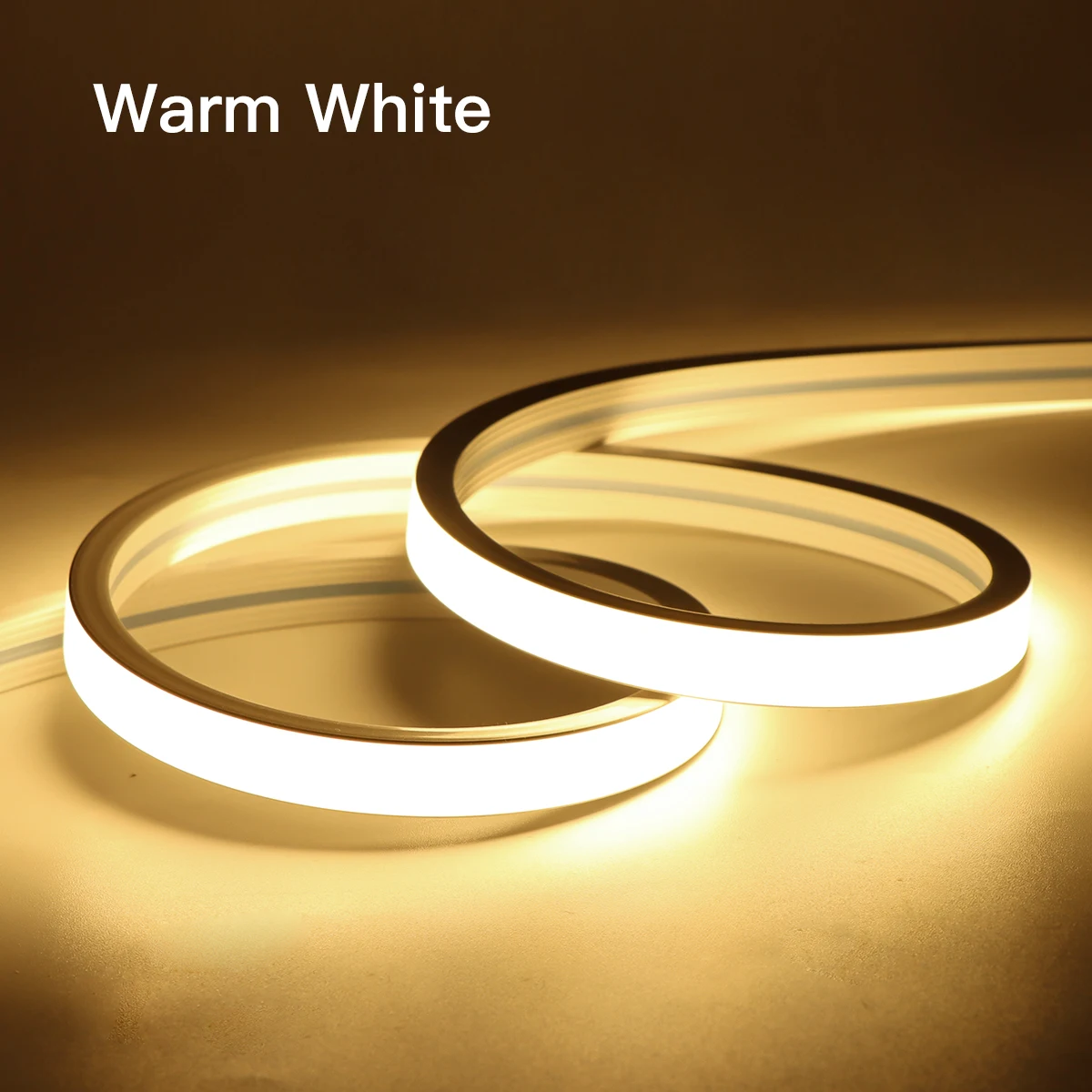
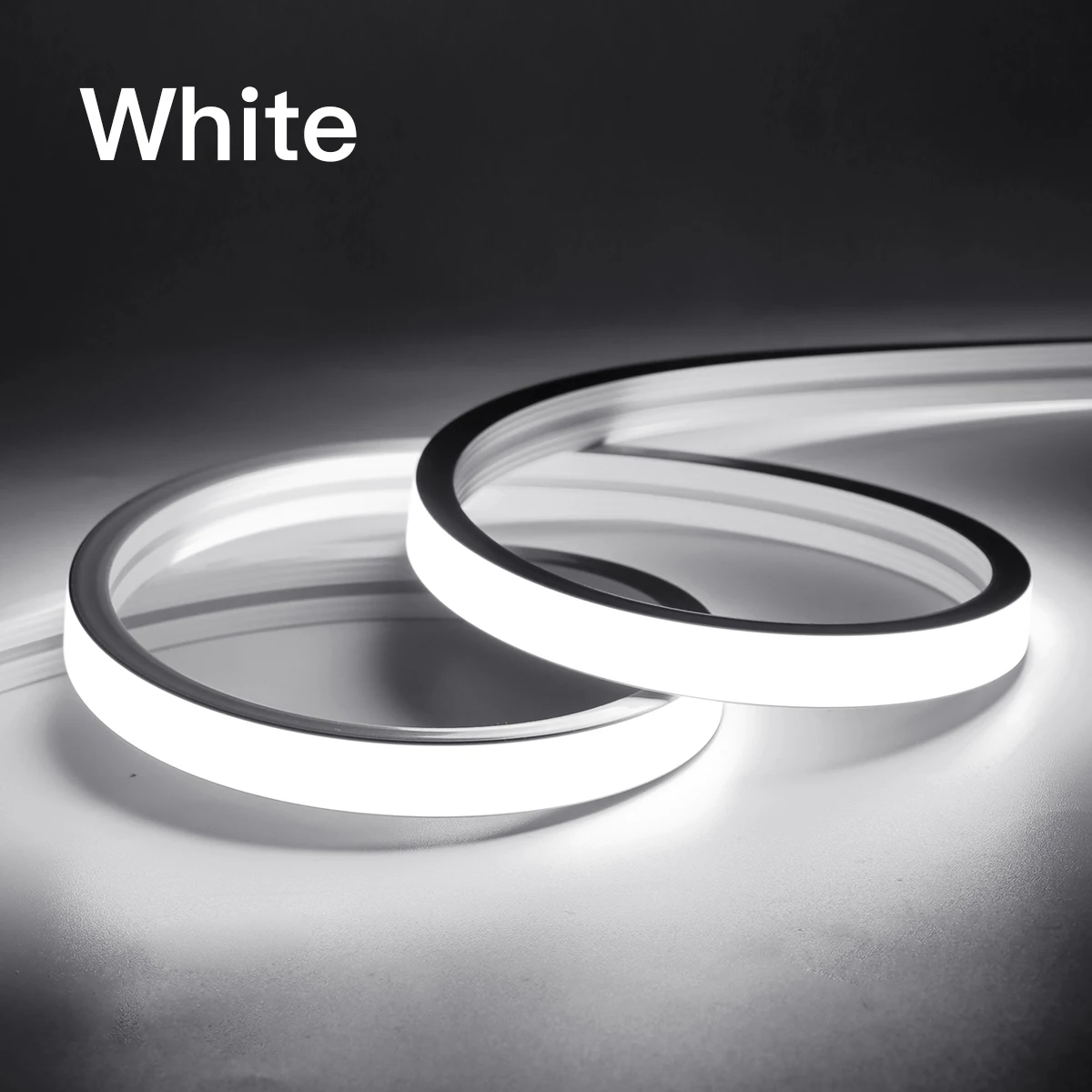
Specification: Type:USB 5V WIFI COB Neon LED Strip Light Color: White/Warm White/Neutral White Color temperature: Warm White(3000K),White(6000K);Neutral White(4000K) Color Rendering Index: Ra>90 Voltage: 5V USB Length: 1M/2M/3M/5M Network: 2 Wi-Fi App Download: Tuya or Smart Life Support Mobile: Android/IOS Function: Voice Control, APP Remote Control, Dimmable, Compatible with Amazon Alexa Echo Google Home Assistant, IFTTT Features: 【Remote Control】 Even you are not at home, you must management your smart led strip on/off with your telephone via Tuya or Smart Life App. Easily set time table in your sensible led strip. Customize your place gentle system, like surroundings lights to come on at dusk or turn off at sunrise. You can create a set for all of your wise led strip and control all of them with only one command. Works with 2 Wi-Fi network. 【Voice Control】 Control your wise led strip by way of your voice with Google Assistant . Just give a voice command to show on/off or dim/brighten your light, No hub required and easy to install. No favor subscription. 【Energy SavingWide Usage】With LED technology, Save your electrical energy fee with most modern lighting technology. Instructions: 1. Scan the QR code of the product to acquire the APP and sign in the account. 2. Connect the controller and LED gentle strip, and turn at the energy supply. 3. Open the Tuya Smart App and click Add Device (reset the device, switch the power on and stale 3 times, (Power on, calories off, energy on, calories off, power on), enter the flash state and total the community distribution operation within 3 minutes). Select Lighting → Light Strip → Confirm the indicator is in flash, input WiFi password → Click Next → Connection is added efficiently → Click Finish to finish the product network distribution. 4. Enter the APP leading interface in 5 parts: on/off, white light brightness adjustment interface, scene, plan, and Settings. ① Enter the white coloration ring interface to regulate the light brightness. ② When moving into the scene interface, you may freely choose diversified scenes. The scene could be edited and set, comparable to the light mode could be set to static, jump, breath, etc., and the scene could be freely named. ③ Enter the schedule interface (you can want the timing type, sleep and wake up) ④Enter the environment interface for timing (lights off, light fixtures on, lights on and dimming, lights on and environment scene), countdown (delayed lighting fixtures off), energy response. five function: short press on/off, long press to adjust brightness. Quick double click on to regulate the brightness, double click twice to regulate the brightness by means of means of 10%. Tips--App: Be yes that you're using 2 WiFi when connecting with the intelligent bulb. And WiFi must be detectable status. Many routers have five GHz and a couple of GHz community and your telephone will constantly routinely hook up with the 5 GHz network. So, it is best to permanently flip off your five GHz network via going in your router settings (enter the router IP address into your cyber web browser, usually anything like 192), forcing your telephone to connect to the two GHz network. In addition, the router encryption mode ought to be WPA2-PSK kind and the authentication sort should be AES.
Gözden geçirmek
0 people rated this product
Tuya Smart WiFi APP DC 5V USB COB Light LED Strip Neon Silica Gel Tape Backlight DIY Home Decoration work with Alexa Google Home
Kargo ve İadeler
 QWQER Express,
 USPS,
USPS, DHL
DHL
Shopping security
- Safe payment options
- Secure privacy
- Secure logistics
- Purchase protection