






Açıklamalar
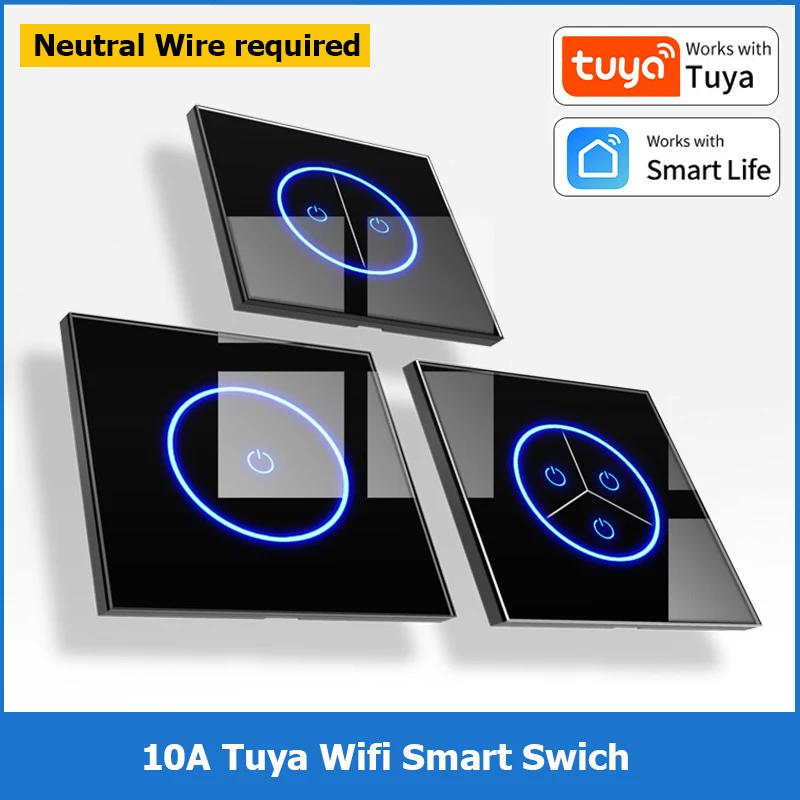
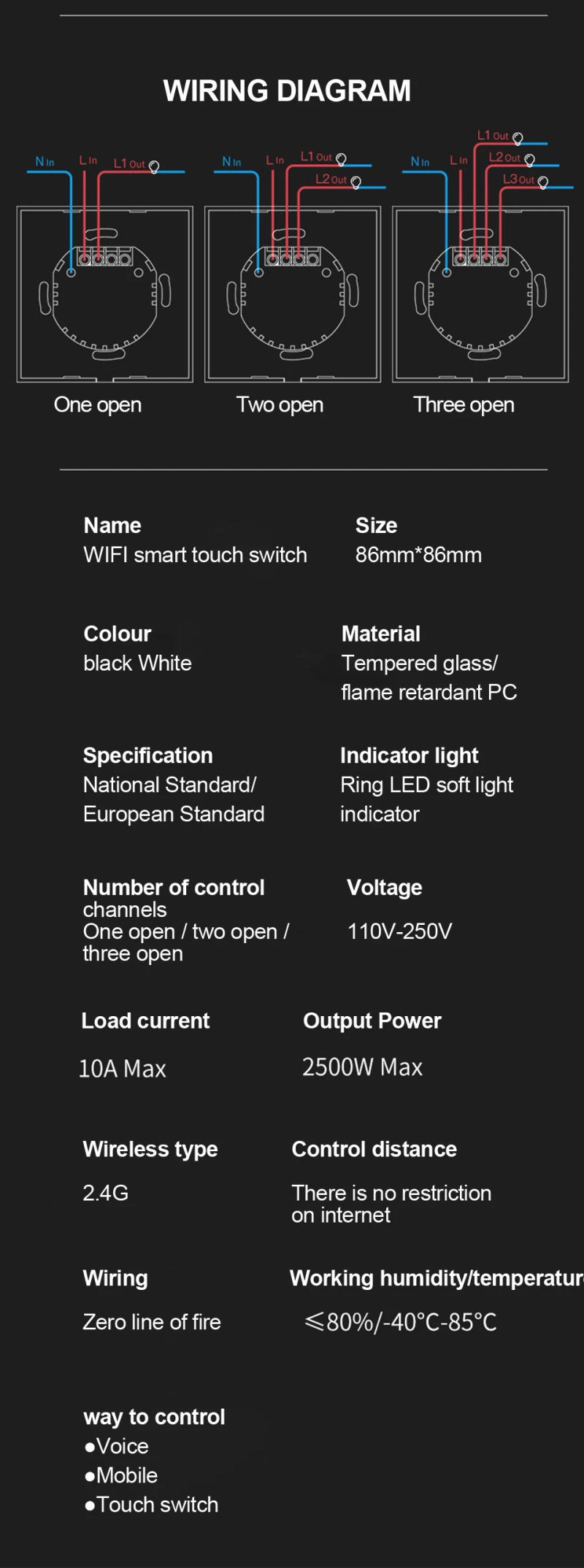
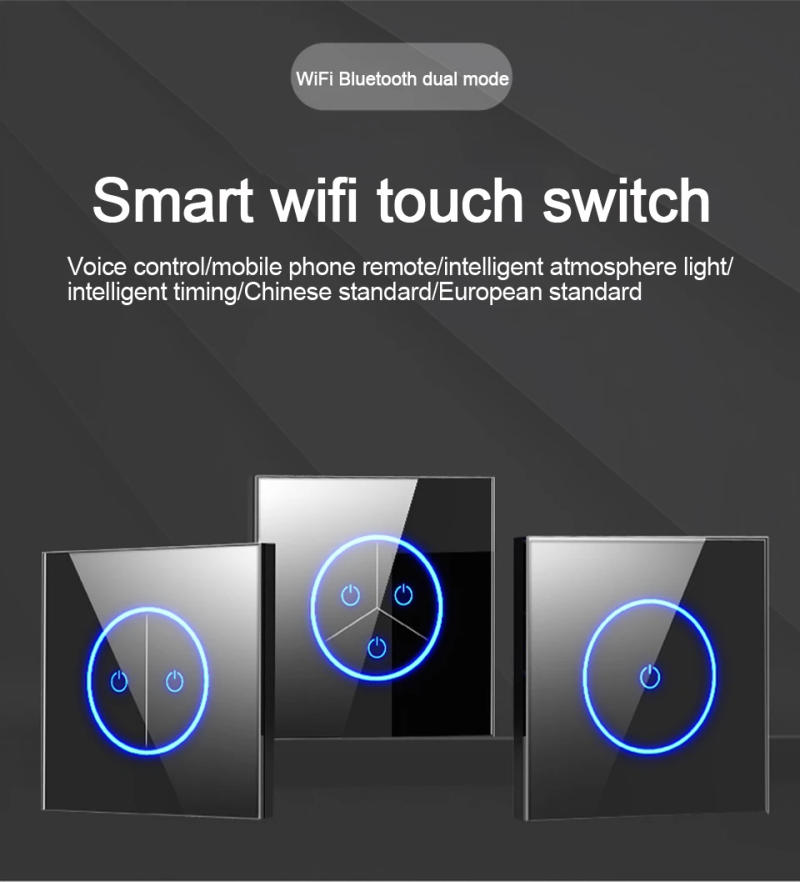
Tuya Wifi EU Smart Switches 1/2/3Gang Touch Light Switch Wall Glasses Panel Switch Smart Life APP Control for Alexa Google Home Note:The product needs to be related to both the neutral and dwell wires so as to work! Specification product name:Smart WIFI touch switch size:Type 86/86mm*86mm colour:Classic black/simple white Material:Tempered glass/flame retardant PC specification:National standard/European regular Indicator light:Ring LED gentle gentle indicator Number of control channels:One open / two open / three open Voltage:110V-250V Load current:10A MAX Output Power: 2500W MAX Instructions to be used APP Control Mode 1 Scan the Qr Code on your phone, or search for &;&;Cloud Intelligence&;&; within the APP market, download the APP and sign in 2 Install the equipment, make it electrify, can use normally, long press any key of the kit to gentle with flashing, enter Distribution Network State (Fast Flicker: Bluetooth-Config, SlowFlicker: Smart-Config) three Open the &;&;Cloud Intelience&;&; APP, input the home page, click &;&;+&;&;in the upper correct nook to automatically find out the device, or click so as to add manually and choose &;&;obbo Smart Switch&;&; 4 According to the interface prompt, enter the password of the họme2 wi-fi network, the machine will hook up with the wi-fi community 5 After setting the machine call and placement of the room, the system is added efficiently 6 Once added scessfullly, the gadget could be controlled Intelligent Speaker Voice Control Amazon alexa 1 Bind device: bind the gadget throughout the &;&;Cloud lntelligence&;&; APP, upload it to the machine checklist on the home page, and you may rename it, comparable to &;&;My Smart Switch&;&; 2 Tum at the &;&;Cloud intelligence&;&; Skill, you need to have an Amazon Echo speaker, then search for &;&;Cloud Intelligence&;&; the abilities part of the Alexa APP and Click &;&;Enable&;&; 3 Link an account: enter the account name and password of the &;&;Cloud Intelligence&;&; APP to associate &;&;Cloud Intelligence&;&; with &;&;Alexa&;&; four Voice control device: after assoclation, voice control could be performed at the system bound to &;&;Cloud Intelligence APP Google Assistant 1 Bind device: bind the device throughout the &;&;Cloud Intelligence&;&; APP, upload it to the gadget checklist at the domestic page, and you may rename it, resembling &;&;My Smart Switch&;&; 2 Tum at the &;&;Cloud ltelllince skill: you must have ạGoogle Home speaker, and then search &;&;Cloud Intelligence&;&; in the Home Control of Google Home (or Google Assistant)APP 3 Link an account: input the account and password of the &;&;Cloud Intelligence&;&; APP to accomplice &;&;Cloud Intelligence&;&; with &;&;Google Assistant&;&; 4 Voice management device: after association, voice control would be performed at the gadget sure to &;&;Cloud Intelligence&;&;&;APP Note: 1&;t lid at the glass panel when the change is in electric 2 glass panel changed into lid on when it is in electrical then the change will not work three Restart the main electrical swap in your home it will work 4 present, the wise switch is connected to the neutral line and the reside line, after which the line of the lamp is connected So make sure you test the wiring diagram earlier than shopping


Gözden geçirmek
0 people rated this product

Tuya Wifi EU Smart Switches 1/2/3Gang Touch Light Switch Wall Glasses Panel Switch Smart Life APP Control for Alexa Google Home


Ücretsiz kargo ve iade
 QWQER Express,
 USPS,
USPS, DHL
DHL
Shopping security
- Safe payment options
- Secure privacy
- Secure logistics
- Purchase protection