




说明
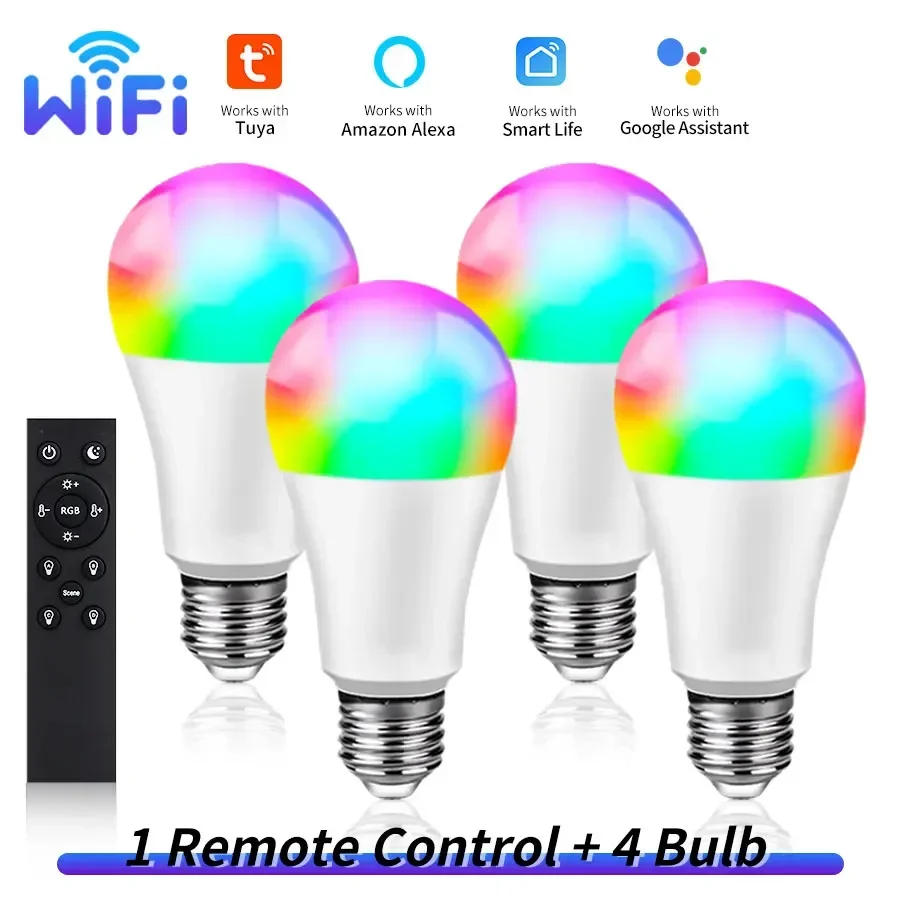
Howtoconnect the wifi bulbtoapp? 1.Makesurethatyourwifirouteris2,not5G. 2.RegisterinTuyaorSmartLifeapp.Turnonthewifiandbluetoothfunctionofyourphone. 3.Turnonthelamp,ifit'snotflashing,turnoff,turnon,turnoff,turnon,for5timesuntilthelampisflashing.ConnecttoTuyaorSmartLife,findthewifibulbdevice,writethewifipassword,waitforfewseconds.Afterconnection,thelampstopsflashing.Thenadjustthelight. 4.FindAmazonAlexaorGoogleorSmartThingsfunctioninTuyaorSmartLifeapp,clickitandconnectwithTuyaorSmartLife.Thenyoucancontrolthelampbyyoursmartspeaker,talktoit. Howtoconnect this bulbwiththeRF2remote? 1.MakesurethatthelampisconnectedwithTuyaorSmartLifeapp. 2.Turnonthelamp,turnoff,andturnonagain.ThereareABCD4buttons,chooseonebuttonwhichyouneed,longpressfor10seconds,connectwiththelamporlampgroupsuccessfully.Thenfortheotherlamporlampgroup,turnon,trunoff,turnonagain,choosetheotherbuttonandlongpressfor10seconds. 3.Nowyoucancontrolthelampsbyremote,bydifferentgroups. 4.Ifyouwanttocanceltheconnection,longpressthepowerbuttonandbrightness-buttonatthesametimeforseveralseconds,untilthereisaflashinglight,thentheremotecannotcontrolthelamp.


审核
0 people rated this product

Tuya Smart WiFi LED Light Bulbs 220V 110V 10W 15W E27 Smart Life APP Alexa Google Home Voice Control Dimmable Home Party Decor


免费送货和退货
 QWQER Express,
 USPS,
USPS, DHL
DHL
购物安全
- 安全支付选项
- Secure privacy
- Secure logistics
- 交易保护