


Beschreibung
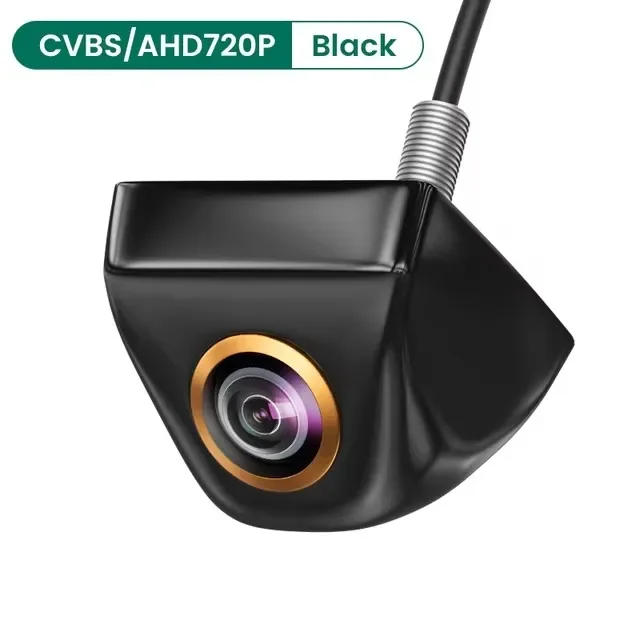
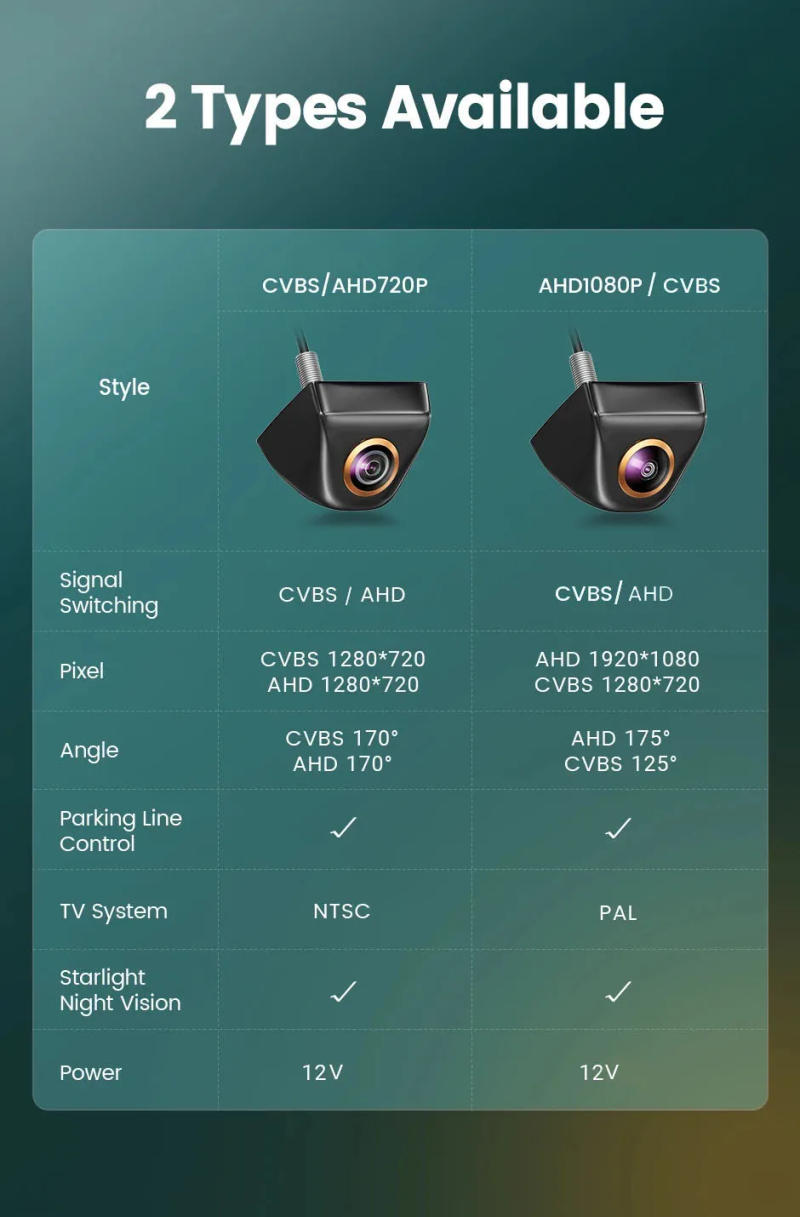
FAQ: How to make a decision a rear view digicam that may be appropriate for my automobile model? A) According to the key automobile model, search within the shop, there will be a number of form of cameras, and then buy in step with your precise usual license plate/ manage B) Or you could possibly measure your size and consult customer support to substantiate the digicam mannequin Tip: as a result of there may be slight differences between vehicles produced in numerous countries, please verify the size before procuring After connecting the rear view camera, the display displays no signal, black display and no picture, what should I do? A) Please test your connection, purple set off line must connect to your opposite gentle and display screen reverse-in cable B) Please test your sign format, favor right sign to run the camera C) If your visual display unit has AUX-IN function, you possibly can connect with the AUX-IN Tip: CVBS cameras can test the performance at the TV Universal cameras with 4Pin plugs can solely be put in with our cables You can seek the advice of customer support while you come upon any problems throughout the installation job After connecting the rear view camera, the display screen displays black and white, what should I do if there is not any color? A) Choose wrong digital camera system(such as PAL/NTSC) will cause the screen to be black and white Please choose the right formulation to run the camera and restart the camera energy CVBS digicam is NTSC system, AHD1080P digicam is PAL formulation B) Please examine whether or not the 6M line is normal, please update with one other 6M cable to test the camera What purposes do the white and green cables of the rear view digital camera control? A) White cable: video sign control • GFA camera: ( CVBS )+( 1280x720 )+( 170° ) Cut the white cable(reconnect the digicam power)→( AHD )+( 1280x720 )+( 170° ) • GAHD camera: ( AHD1080P )+( 1920x1080 )+( 175° ) Cut the white cable(reconnect the digital camera power)→( CVBS )+( 1280x720 )+( 125° ) B) Green cable: parking line control Camera with parking line/camera would not demonstrate parking line, you could minimize the fairway cable, then reconnect the camera&;s strength supply, that will substitute the parking line Please verify whether the Android unit helps AHD1080P camera! -If AHD1080P can't be selected, AHD1080P cameras usually are not supported! -Go to Car settings >> Factory settings >> Reverse (picture) settings >> Select AHD1080P -Cameras with CVBS video signal is common for all monitors, but AHD will solely paintings with AHD monitor! -So, if monitor donot help AHD signal, please bring to an end the green/blue line



Rückmeldung
0 people rated this product

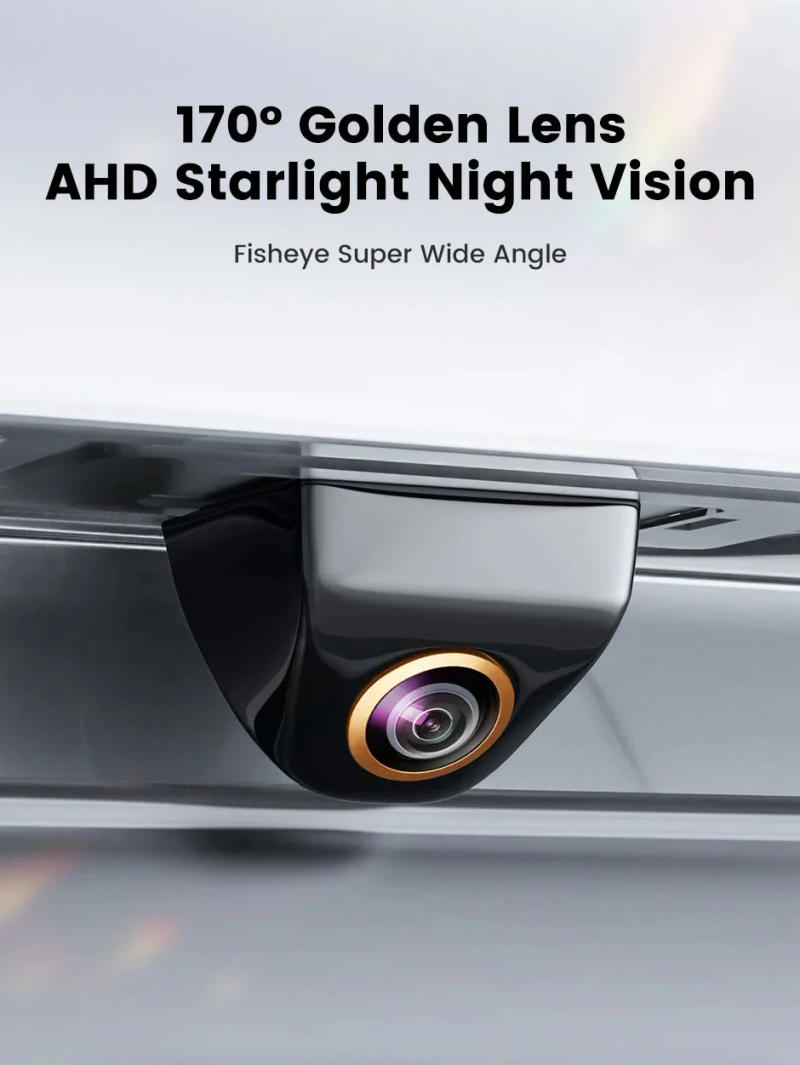
Fisheye Len Car Rear View Camera AHD CVBS 1080P Full HD Reversing Image Camera 170° Wide Angle Night Vision Car Reversing Camera


Versand & Rückgabe
 QWQER Express,
 USPS,
USPS, DHL
DHL
Shopping security
- Safe payment options
- Secure privacy
- Secure logistics
- Purchase protection