
Beschreibung
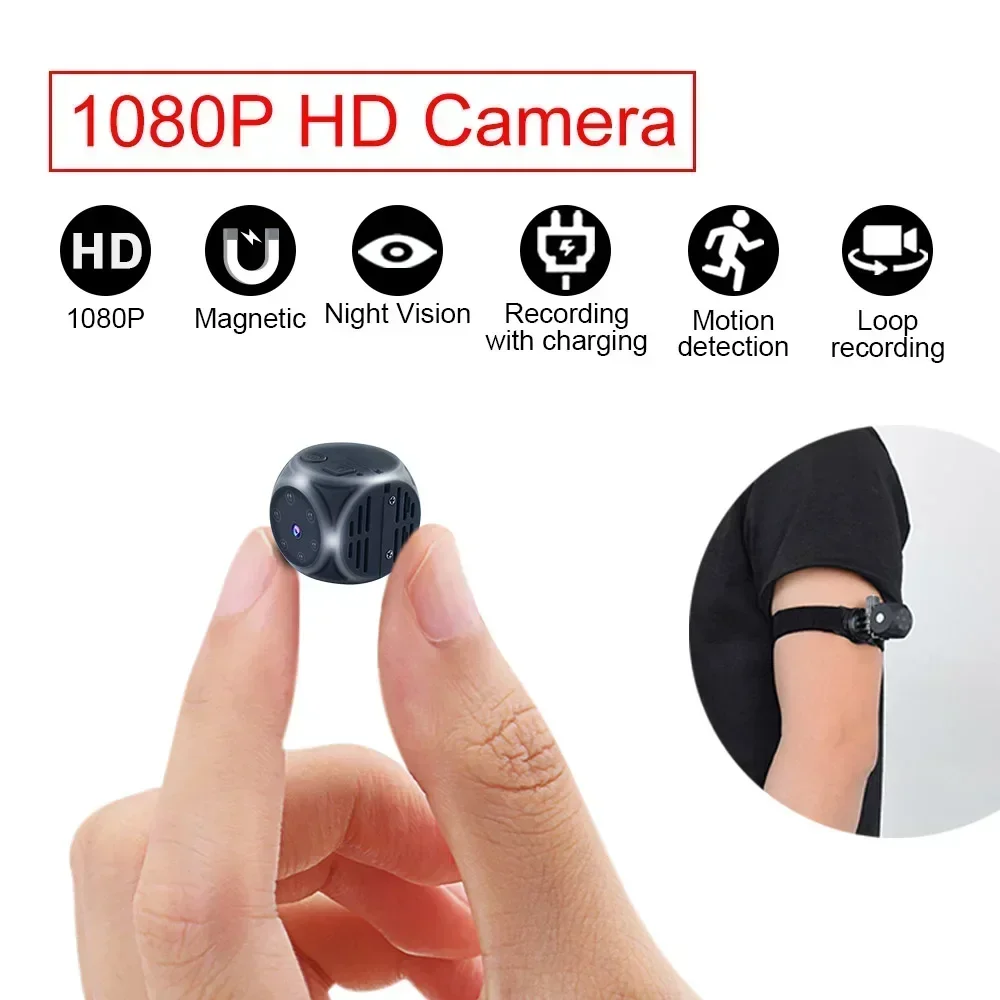
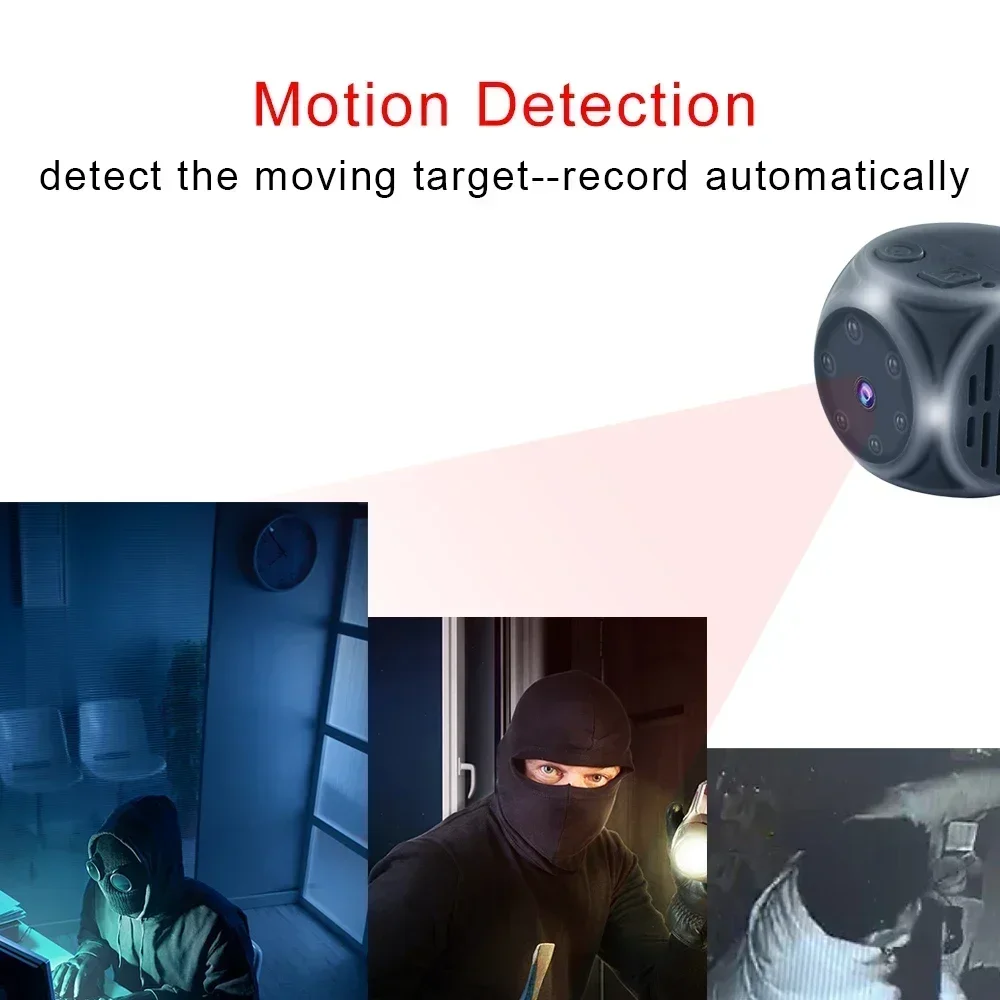
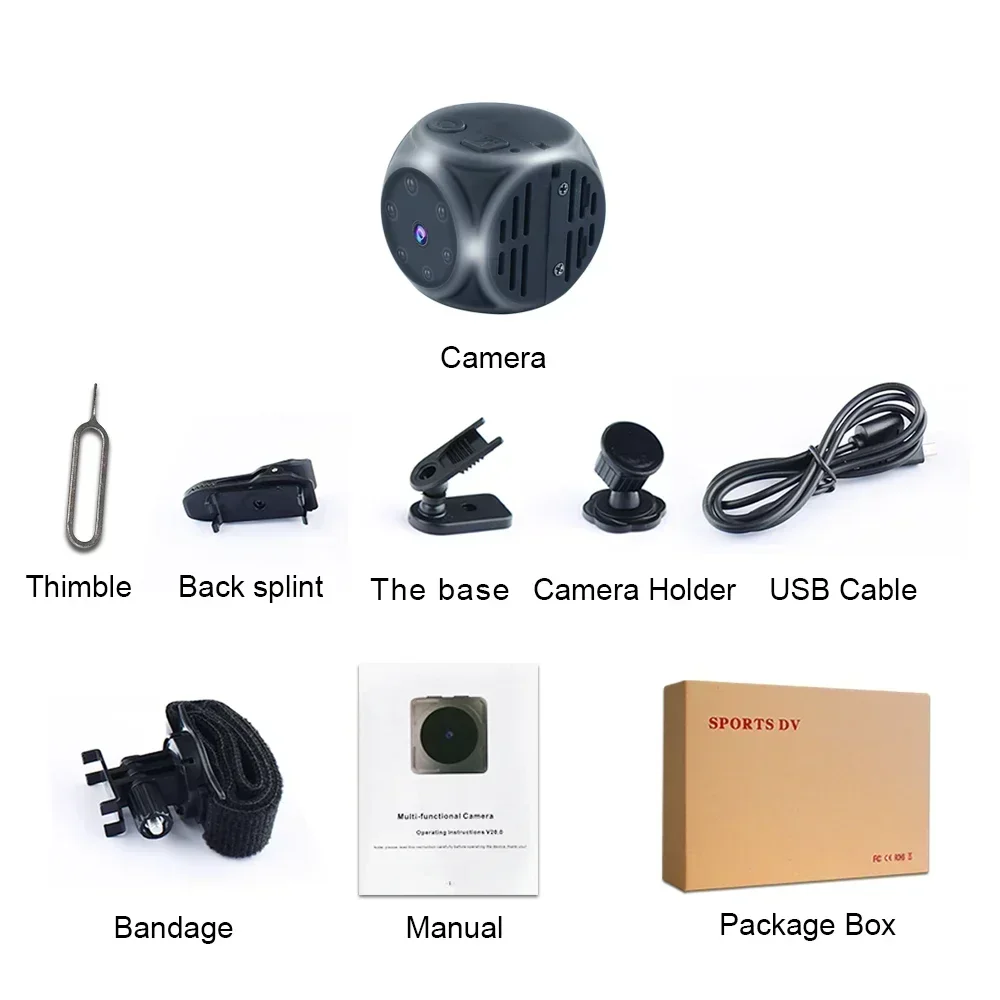
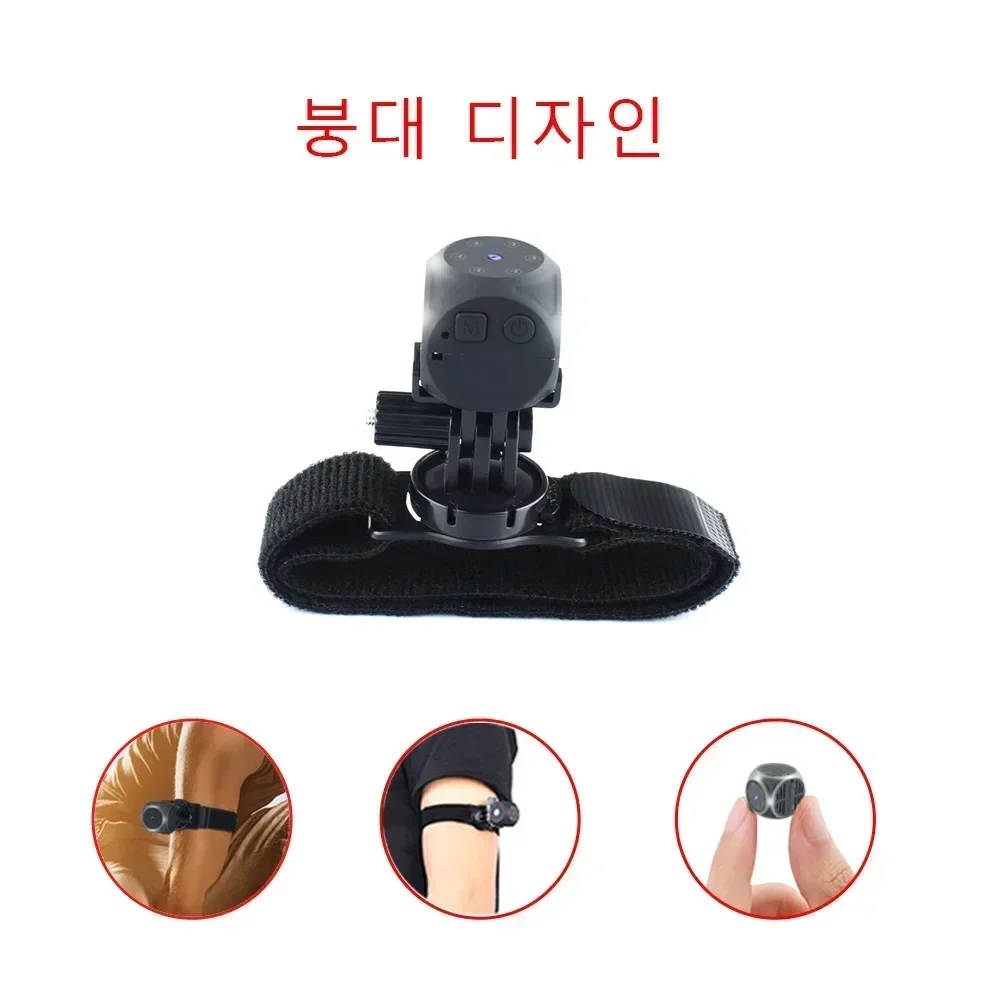
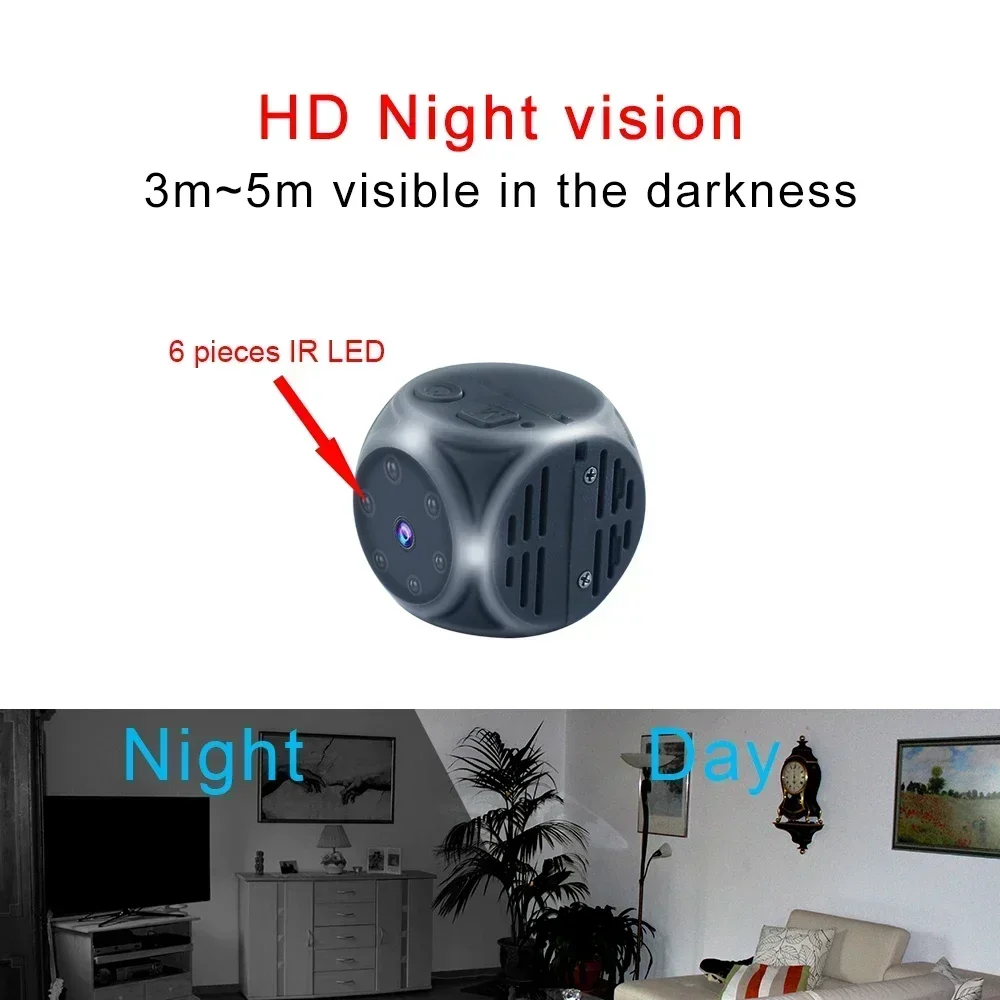
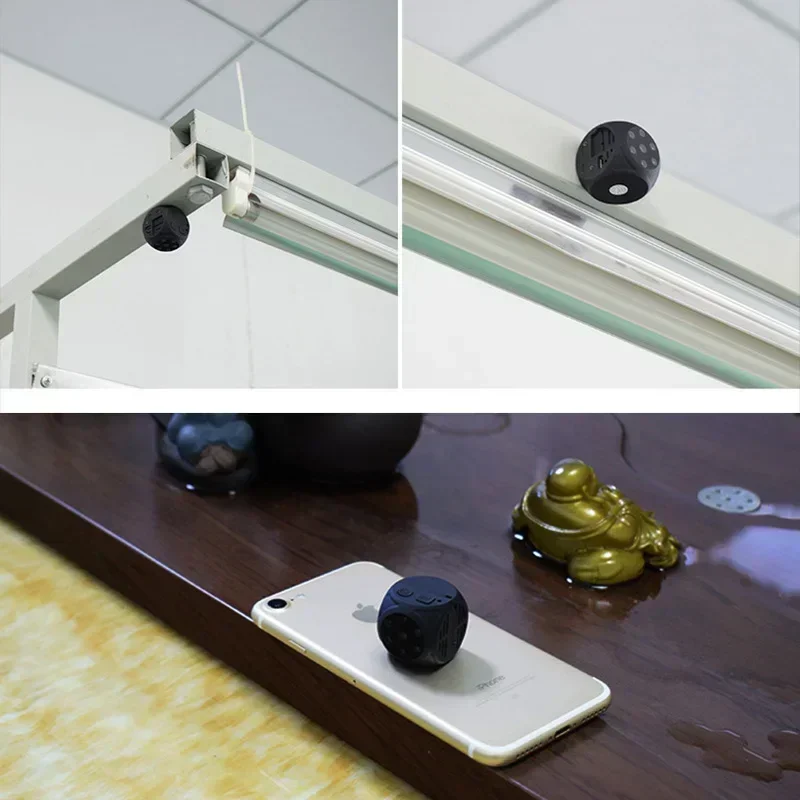
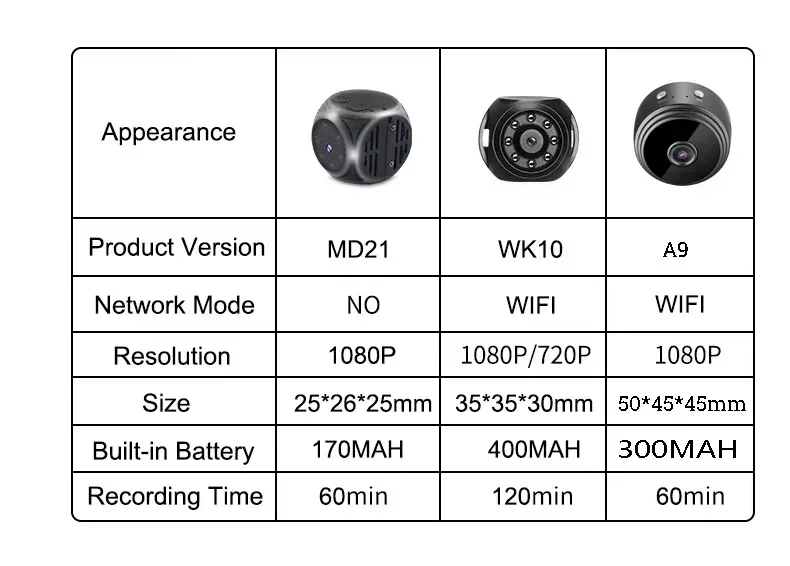
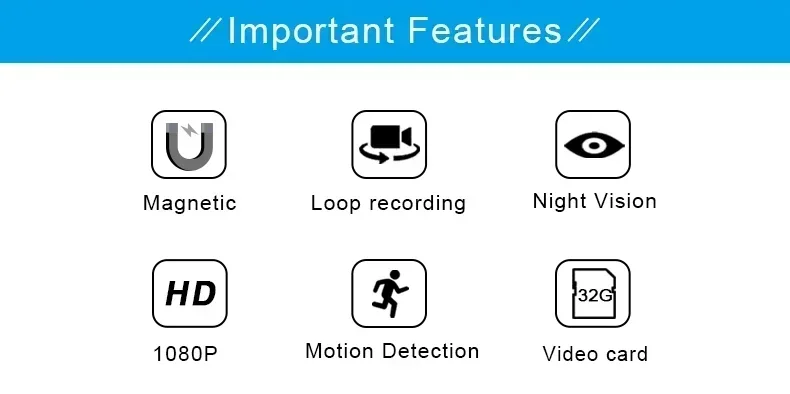
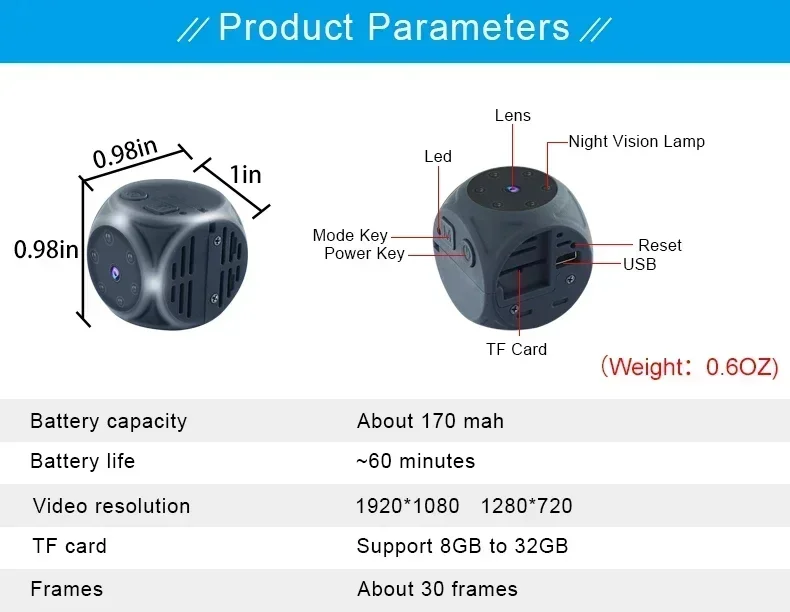
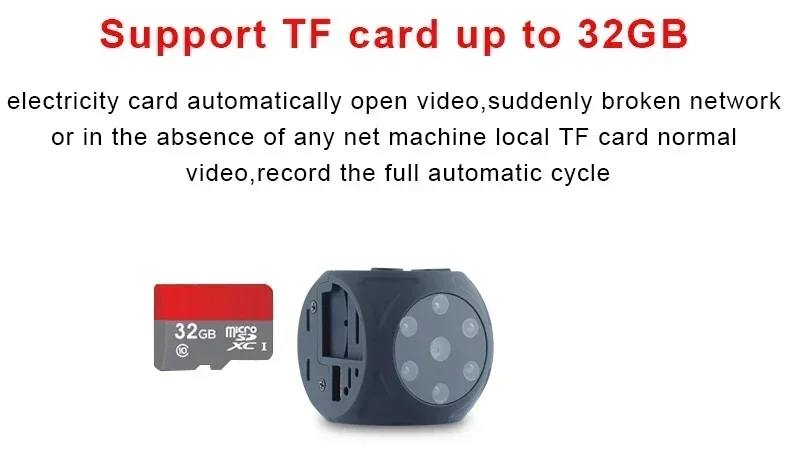
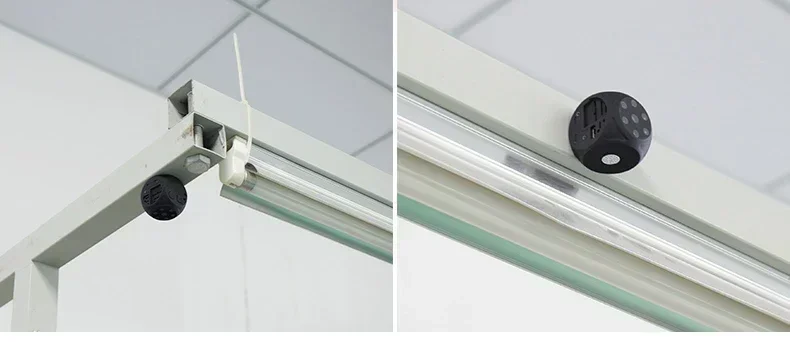
Note: The physique does not have memory, you need to insert a memory card MD21 JUST Support 8-32G,thank you! (This product belongs to card direct recording, non-mobile phone WIFI shooting) The physique has a strong magnetic suction, (distribution car bracket + sports activities belt) Accessories: again clip, base, DV bracket, lanyard, strap, thimble, information cable, handbook Functions: video, camera, night imaginative and prescient infrared, wide-angle 140 degrees, movement detection, Resolution: 1920*1080P /1280*720P, 6 evening vision infrared lighting fixtures Recording time: about 70 minutes Charging time: 2 hours Battery: 180MAH Function: magnetic, motion detection Night vision: yes NO WIFI Support 8-32G How to use: 1 Long press for three seconds to turn on, and the blue light will continually be displayed after turning on 2 Press the flexibility button again, the blue mild flashes three times and then is going out, and the recording begins successfully Press the ability button back to pause the recording 3 Long press for 5 seconds to shut down four Take out the TF card five Use the card reader to insert the TF into the computer 6 Turn on the computer and view the video of the cardboard reader 1 Power button; 2 M button-mode button; 3 Lanyard hole; 4 Indicator light; five TF card slot; 6 USB; 7 Reset button; eight Night vision light; 9 Lens 1 Product parameters: Video format: AVI Video encoding: M-JPEG Video resolution: 1920*1080 1280*720 Video body rate: 30fps Camera resolution: 4032*3024 Picture format: JPG Battery capacity: about 170mah Recording time: about 60 minutes Charging voltage: DC-5V 1A Storage support: 8GB-32GB Transmission speed: USB 2 Interface type: Mini 8PIN USB 2 Operation instruction manual (please perform the following operations after putting the cardboard normally) Note: 1 When the battery strength is low, the red and blue lighting fixtures flash for 5 seconds after which the machine will close down instantly 2 There is not any card when the mechanical device is became on, and the purple and blue lighting fixtures will flash for 5 seconds after which the machine will mechanically shut down 3 There is not any operating mode after booting, and it'll mechanically shut down after 1 minute 1) Charging: This mechanical device has a integrated rechargeable lithium battery When the ability of the mechanical device is low, please fee it You can payment it in the following ways: 1 Connect a 5V charger; 2 Connect the mobile energy supply; 3 Connect the pc USB port Note: The pink light flashes when charging, and the red gentle is on when it is totally charged Press the ability button for 2 seconds to turn on, the blue mild may be on after turning on, and it is in standby mode 2) 720P video recording: In standby mode, click on the ability button once, and the blue gentle flashes three times to move out to go into the recording During recording, there is not any indicator light prompt; during recording, click on the flexibility button as soon as to stop and save the recording, the blue mild is on, and it returns to standby mode A video of five minutes, automatically stored in segments, and supports loop policy 3) 1080P video recording: In standby mode, click on the mode button once, the pink and blue lights are on for 1080P recording mode, and then click on the flexibility button once, the purple lighting flash 3 times, and the crimson and blue lights are off on the same time to go into the recording; throughout recording, click the flexibility button as soon as to stop saving Recording, the pink and blue lighting fixtures are on on the same time, and it returns to standby mode A video of 5 minutes, routinely stored in segments, and supports loop coverage 4) Take pictures: In standby mode, click the mode button twice, the pink gentle is on and the blue gentle is off In this mode, click on the power button once, the crimson gentle will flash once, and an image may be generated and kept To proceed taking pictures, click the flexibility button again 5) The infrared gentle is turned on and off: Turn on: In any mode after booting, press the power button for approximately 2 seconds to release, the pink light flashes 2 times, and the infrared evening imaginative and prescient mild is became on Turn off: In any mode, press the power button for roughly 2 seconds to release, the red light flashes three times, and the infrared evening vision operate is became off 6) Motion detection mode (720P -1080P): 720P movement detection: After booting, the blue mild is often on, lengthy press the mode button for three seconds and release it, the red gentle flashes 3 times, and the blue gentle is on, that is, the motion detection recording mode is turned on After a transferring object is detected , The blue mild is going out to go into the motion detection recording; after five minutes, the recording is routinely saved If there is not any transferring object, the blue gentle is on and the machine is in the detection state; when there is a moving object, the blue mild is off, and the video is entered (Press any button as soon as to go out the movement detection mode) 1080P motion detection: After booting into standby mode, click on the mode button once, the crimson and blue lights are on, the mechanical device is in 1080P video mode, lengthy press the mode button for 3 seconds, the purple lights flash 3 times, red and blue lighting fixtures at the identical time to go into movement detection Recording mode, after detecting the motion of the object, the pink and blue lights might be off at the same time to enter the motion detection recording After five minutes, the video is mechanically kept If there isn't any transferring object, the pink and blue lighting fixtures are on, and the machine is within the detection state; when there is a moving object, the crimson and blue lights are off, and the video is entered (Press any button as soon as to exit the movement detection mode) 7) Record whereas charging: Connect the charger or cellular strength delivery to list whereas charging, or you can manually quit recording and switch to any mode 8) Reset: The mechanical device crashes, the buttons are invalid, and can't be used normally, you would click on the button within the reset gap to reset the mechanical device 9) Shut down: In any mode, press and hold the flexibility button for approximately 6 seconds, and all the crimson and blue lighting will go out to shut down When no applications are used in standby mode, it's going to automatically close down after 1 minute of standby 10) Time modification: After the mechanical device is turned on, it's going to mechanically create a TXT textual content file (TIMEREST) within the root directory of the TF card When it's turned off, use the information cable to hook up with the computer After opening the TIMEREST file on the removable disk, edit the time and layout (year) you wish Month, day, hour, minute and second) After 20180101192526 Y, save the file, and the mechanical device could be burned into the mechanical device usually after the boot time The mechanical device would not demonstrate the time by means of default If you need to reveal the time watermark, exchange the N within the dossier to Y The reference format is as follows: 1: 20180101192526 Y (with time watermark display) 2: 20180101192526 N (no time watermark display) Precautions: Use occasion: Please strictly abide via the relevant legal guidelines of the country where it's used, and do not use this product for any illegal goal
Rückmeldung
0 people rated this product

Surveillance Secret Sensor Camcorder Mini Camera Security Video Recorder Protection Camera 1080P Monitor Security
Versand & Rückgabe
 QWQER Express,
 USPS,
USPS, DHL
DHL
Shopping security
- Safe payment options
- Secure privacy
- Secure logistics
- Purchase protection