




Beschreibung
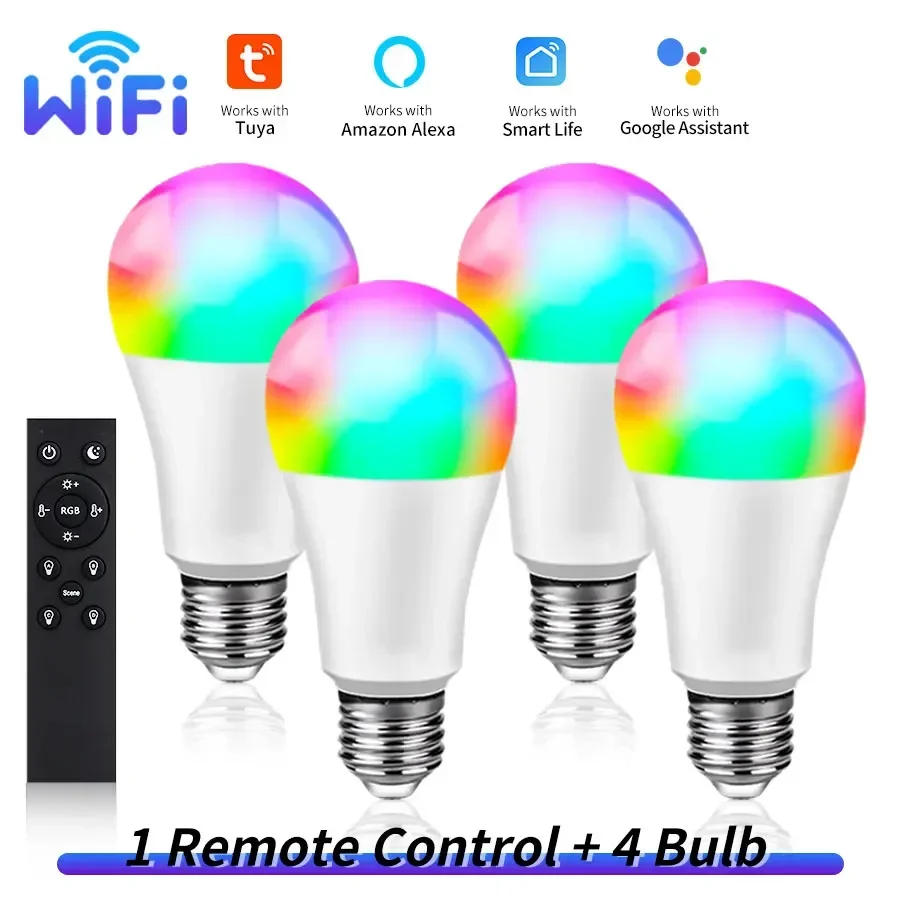
Howtoconnect the wifi bulbtoapp? 1.Makesurethatyourwifirouteris2,not5G. 2.RegisterinTuyaorSmartLifeapp.Turnonthewifiandbluetoothfunctionofyourphone. 3.Turnonthelamp,ifit'snotflashing,turnoff,turnon,turnoff,turnon,for5timesuntilthelampisflashing.ConnecttoTuyaorSmartLife,findthewifibulbdevice,writethewifipassword,waitforfewseconds.Afterconnection,thelampstopsflashing.Thenadjustthelight. 4.FindAmazonAlexaorGoogleorSmartThingsfunctioninTuyaorSmartLifeapp,clickitandconnectwithTuyaorSmartLife.Thenyoucancontrolthelampbyyoursmartspeaker,talktoit. Howtoconnect this bulbwiththeRF2remote? 1.MakesurethatthelampisconnectedwithTuyaorSmartLifeapp. 2.Turnonthelamp,turnoff,andturnonagain.ThereareABCD4buttons,chooseonebuttonwhichyouneed,longpressfor10seconds,connectwiththelamporlampgroupsuccessfully.Thenfortheotherlamporlampgroup,turnon,trunoff,turnonagain,choosetheotherbuttonandlongpressfor10seconds. 3.Nowyoucancontrolthelampsbyremote,bydifferentgroups. 4.Ifyouwanttocanceltheconnection,longpressthepowerbuttonandbrightness-buttonatthesametimeforseveralseconds,untilthereisaflashinglight,thentheremotecannotcontrolthelamp.


Rückmeldung
0 people rated this product

Tuya Smart WiFi LED Light Bulbs 220V 110V 10W 15W E27 Smart Life APP Alexa Google Home Voice Control Dimmable Home Party Decor


Kostenloser Versand & Rückversand
 QWQER Express,
 USPS,
USPS, DHL
DHL
Shopping security
- Safe payment options
- Secure privacy
- Secure logistics
- Purchase protection