


Beschreibung
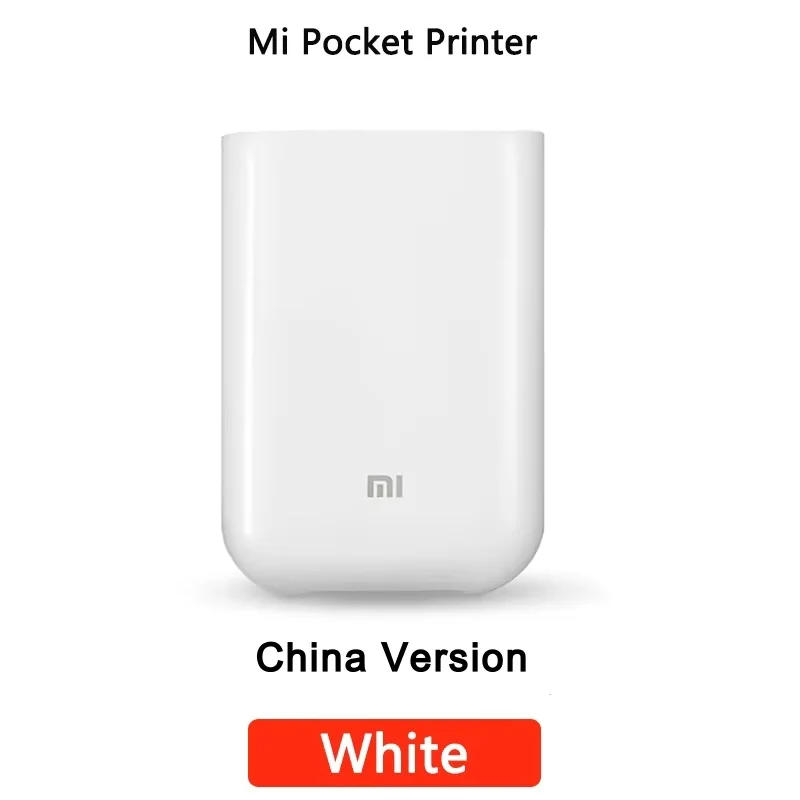
Note: This printer is Chinese version: When connecting to the Mi Home app, you need to switch the region to "Mainland China", If your Mijia account is hooked up to instruments in different regions, you cannot connect to Chinese instruments on the identical time! Model Mi Portable Photo Printer Specification Printing Technology: Thermal (ZINK) Input: 5V-1A Print resolution: 313*400dpi Print photo paper size: 2*3 inches (50mm*76mm) Printing speed: about forty five seconds / web page Carton capacity: as much as 10 piece Support dossier format: JPEG, PNG AR Photo: Support Bluetooth multiplayer connection: up to three deceive Package contents Printer *1 USB charging cable *1 Photo paper pack(5 sheets) User's handbook *1 Warrantry be aware *1 Will there be any blank space when printing out the photograph paper? Of course, there has been no blank area left First, insert the orange calibration card at the bottom and place photograph paper on top of the calibration card After calibration, the broadcast picture paper are not left clean Open the outer shell of the printed piece and you may see instructions stating that the orange calibration card in the photo paper packaging ought to be positioned on the backside before putting the photo paper After calibration, the published photo paper isn't always left blank Bundle Contents Standard equipment (Mi Printer standard/global) Printer *1 USB charging cable *1 Photo paper pack(5 sheets) User's guide *1 Warrantry word *1 Printer and 20sheets Standard package + ZINK 20-sheets Printer and 40sheets Standard package + ZINK 20*2-sheets Printer and 60sheets Standard package + ZINK 20*3-sheets Printer and 100sheets Standard kit + ZINK 20*5-sheets Printer *1 USB Cable *1 User's manual *1 Photo paper pack(5 sheets) Mi Portable Photo Printer Bring moments to lifestyles with 15-second AR photosAR Photo | AR audio | Multiple connect | 3-inch inkiness sticky-backed images Inkless printing Collage photos Various filters Sticker printing Multi-device connection Bluetooth printing AR video printing AR phonograph Scan AR images Scan the AR audio photo, Play the audio and cross on the feeling Mi Home app assist sorts of fun exhibit photograph creativity One printer shared by means of three gadget Small and exquisite, pocket portable Slide disguise to load paper, smooth to function Clear colors, prompt printing High-viscosity adhesive sticky-backed photograph paper Operation handbook 1, First step Open the printer strap conceal 2, Second step Load the photograph paper into the printer with the orange calibration card barcode dealing with down(It is usually recommended to put a whole bag at a time, and the orange calibration card needs to be positioned on the bottom) 3, Third step Close the printer tray hide


Rückmeldung
0 people rated this product

Iconic Brand ZINK Pocket Printer AR Photo Video DIY Bluetooth Inkless 3-inch Portable Share Smart Printer Develop Photographs Device


Kostenloser Versand & Rückversand
 QWQER Express,
 USPS,
USPS, DHL
DHL
Shopping security
- Safe payment options
- Secure privacy
- Secure logistics
- Purchase protection