
Description
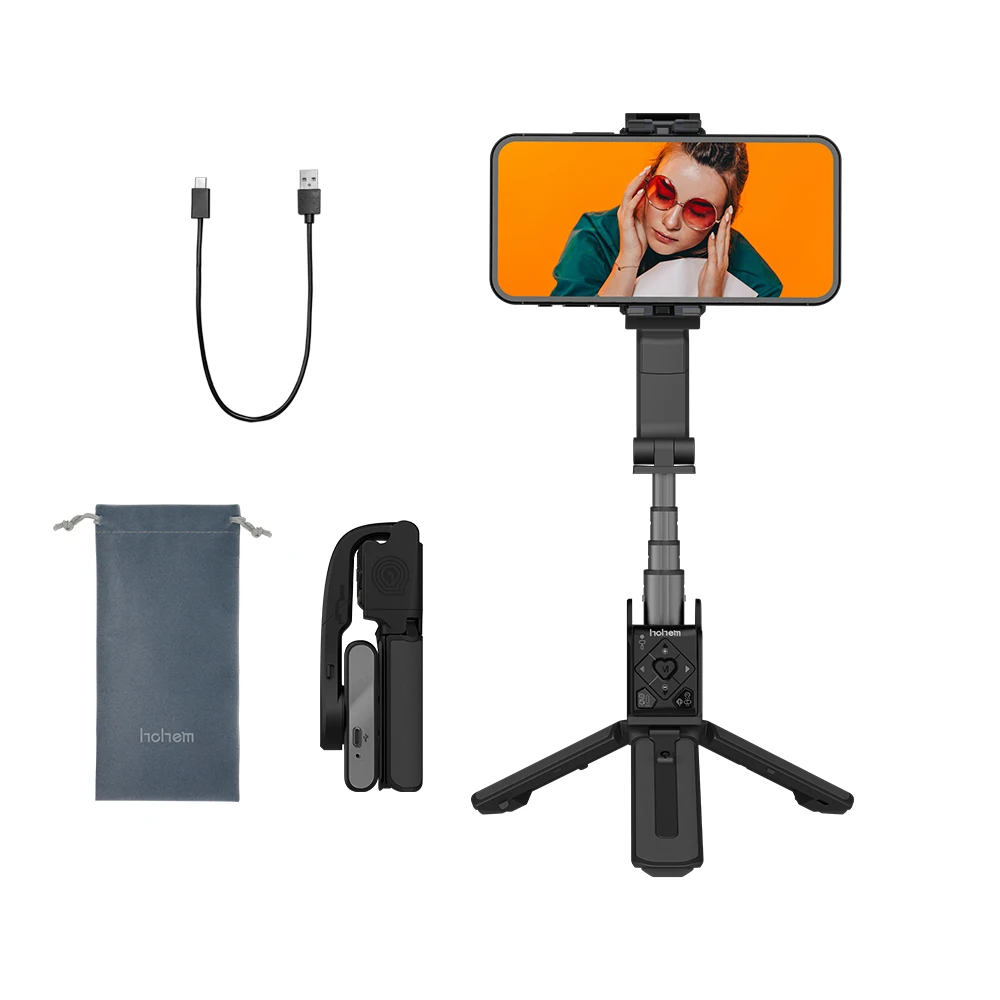
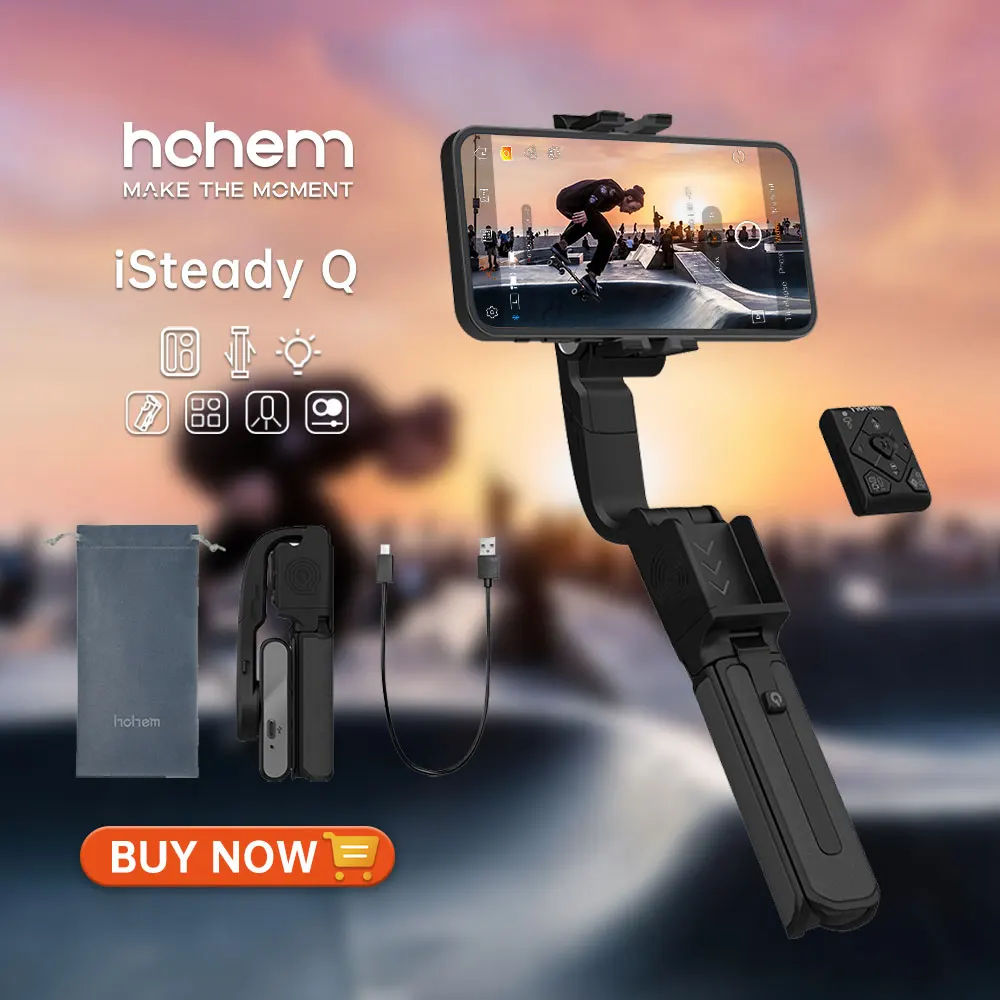
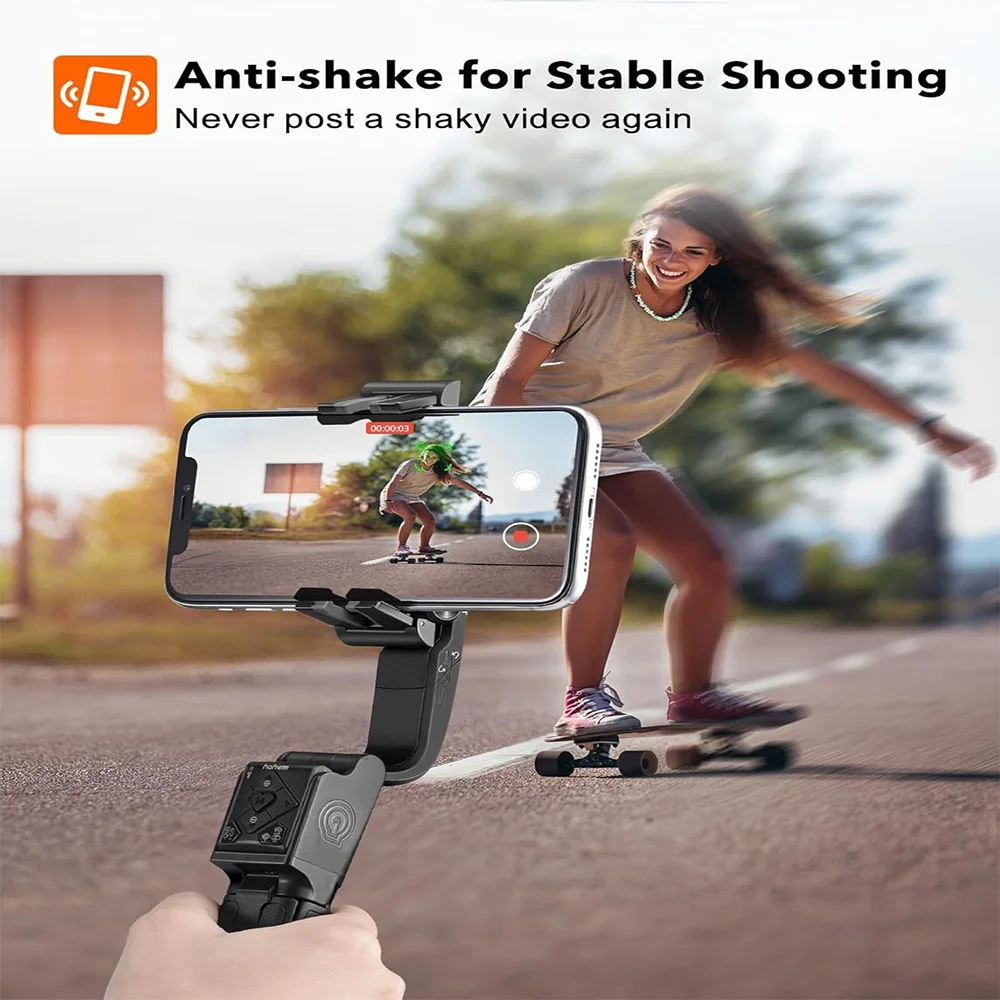
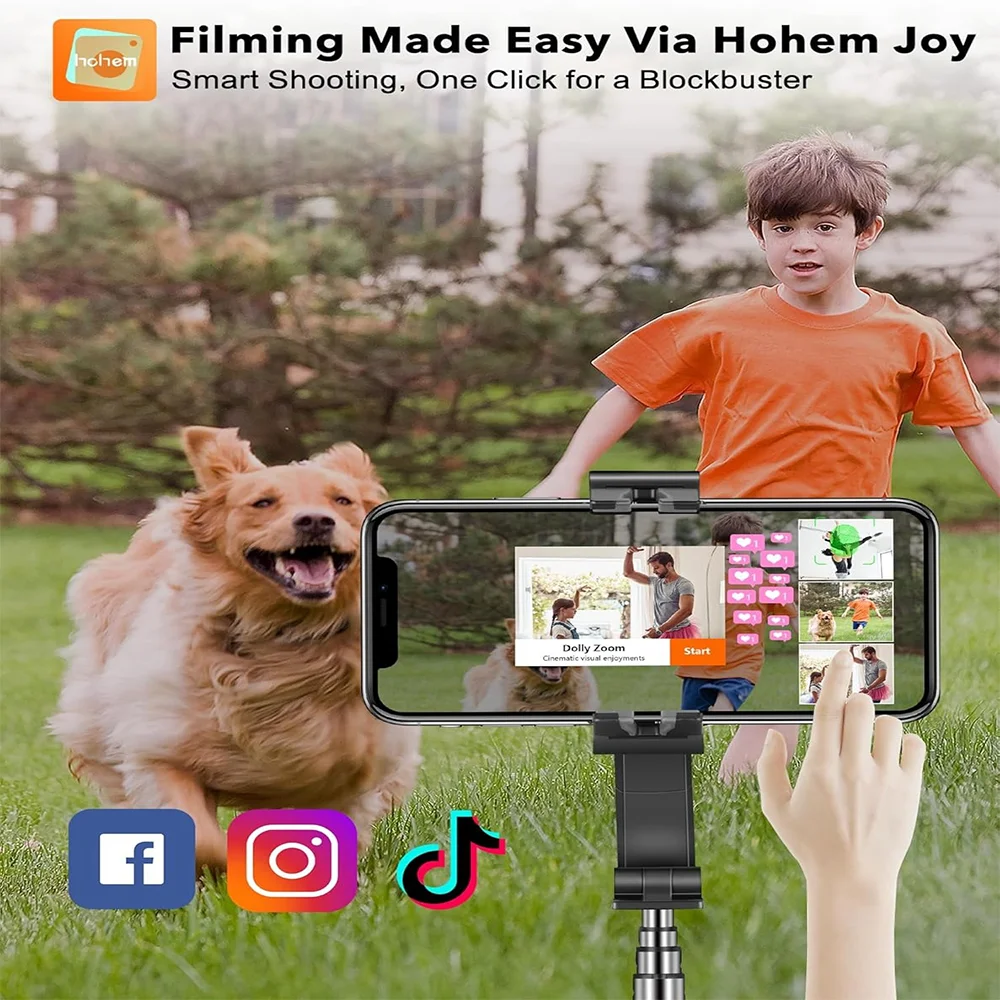
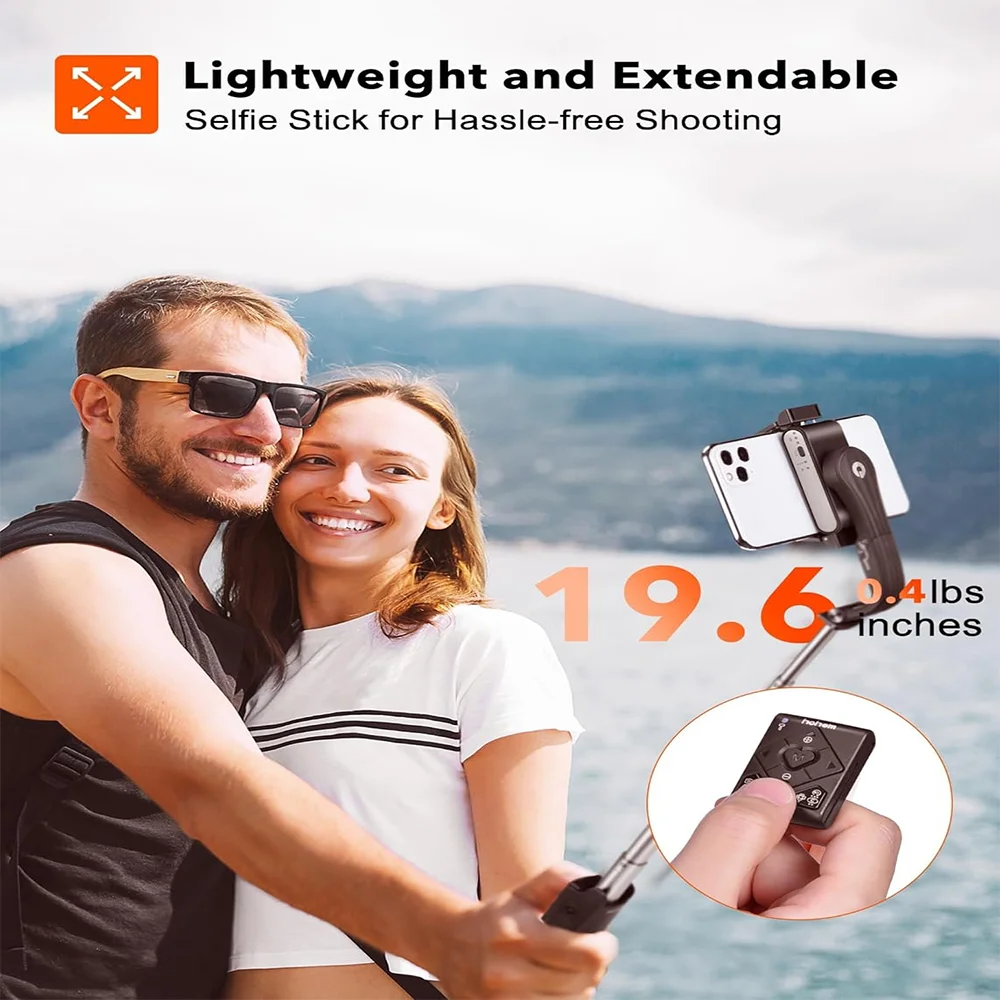
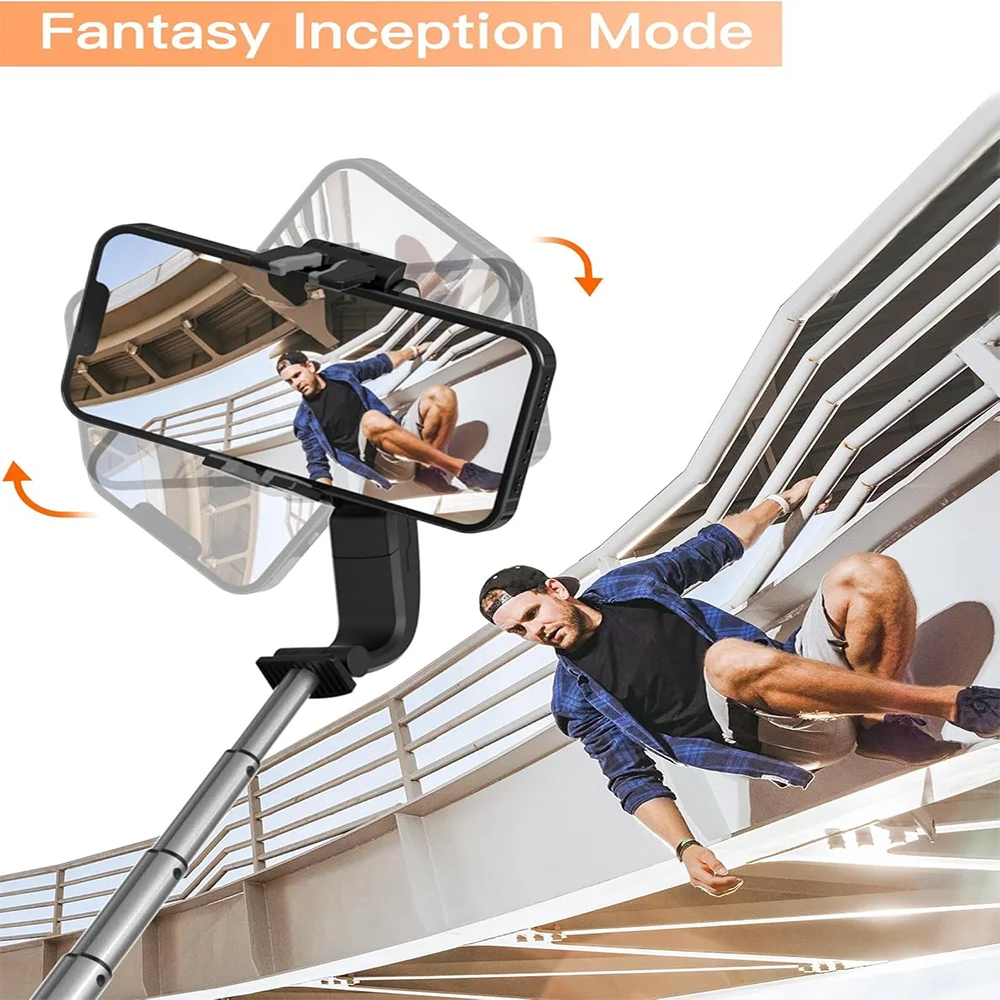
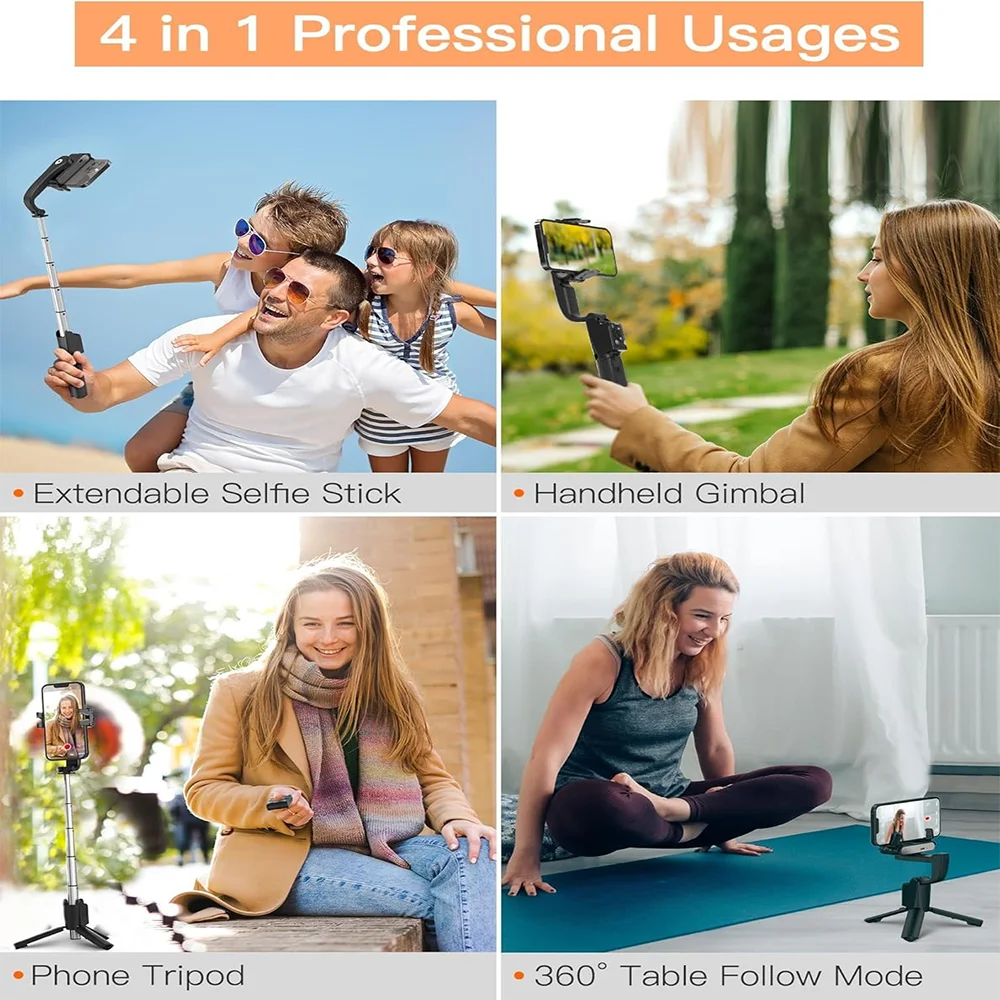
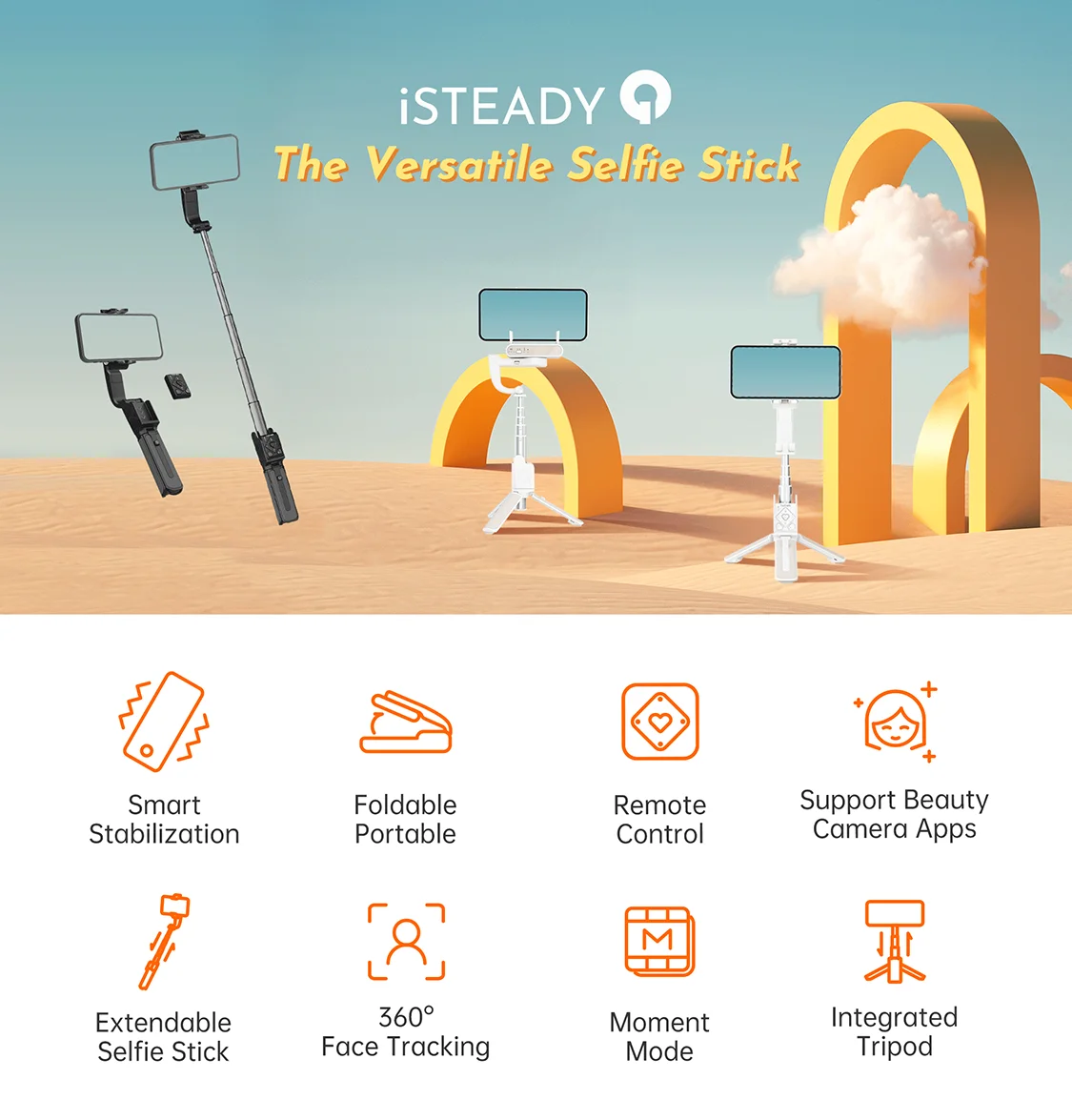
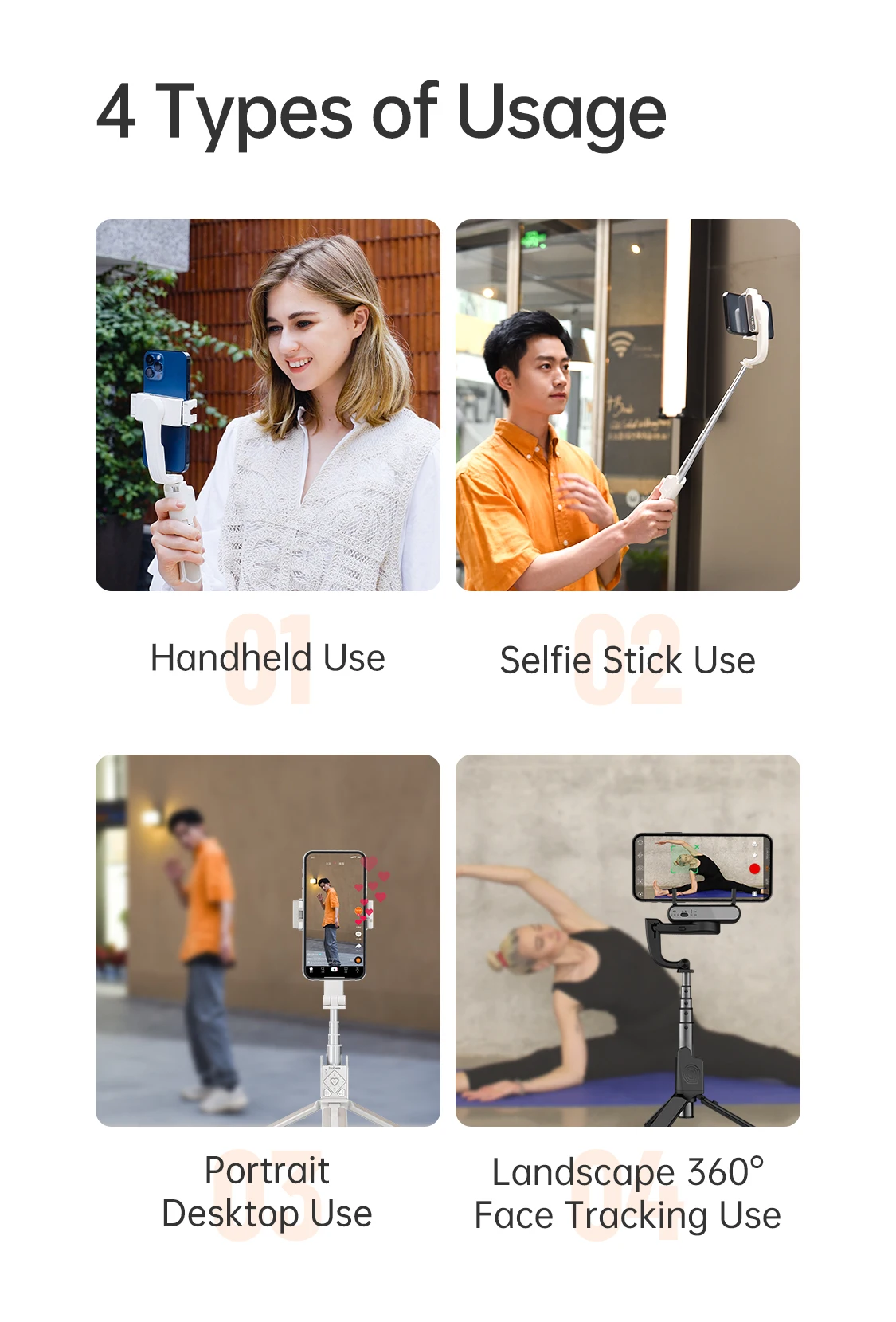
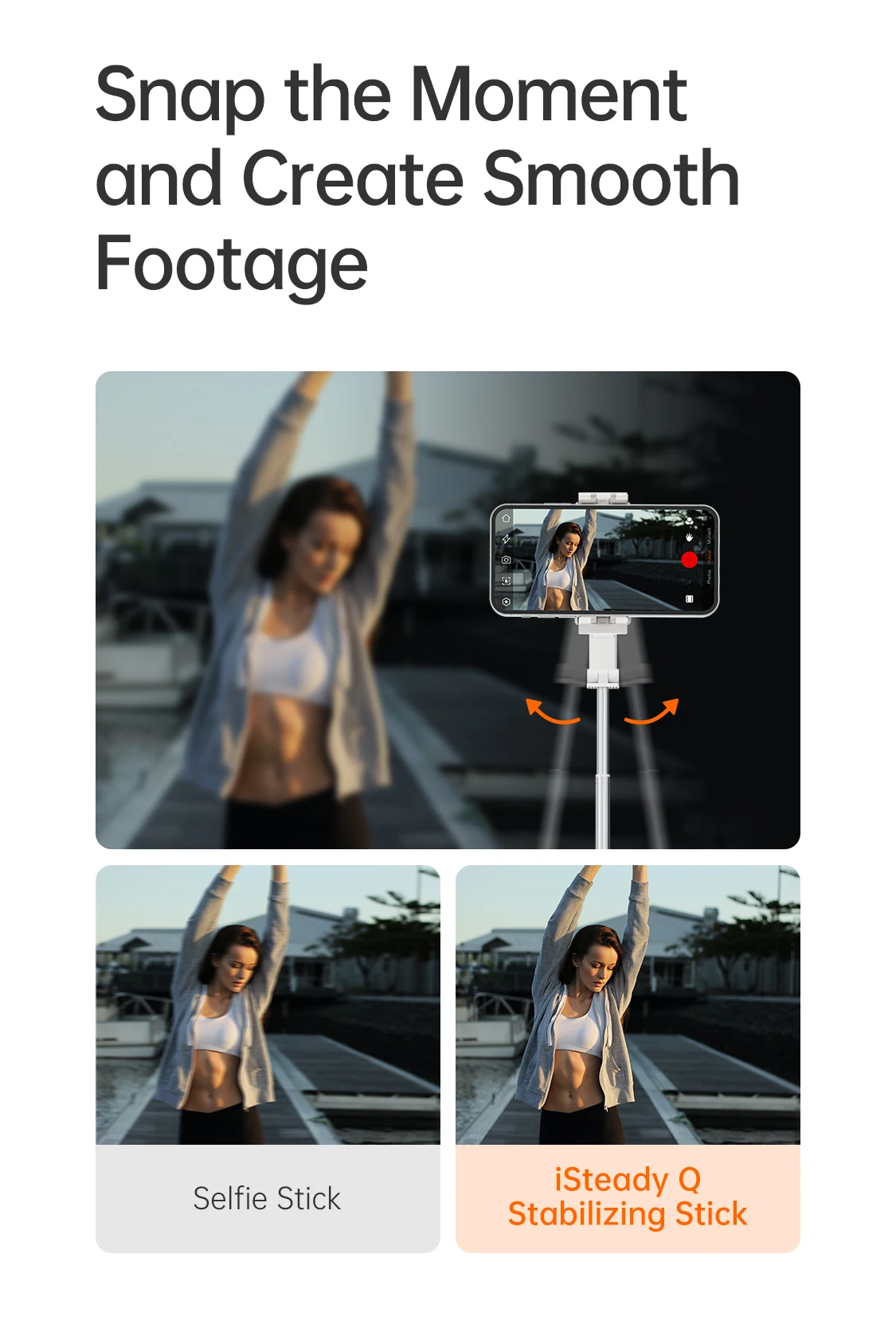
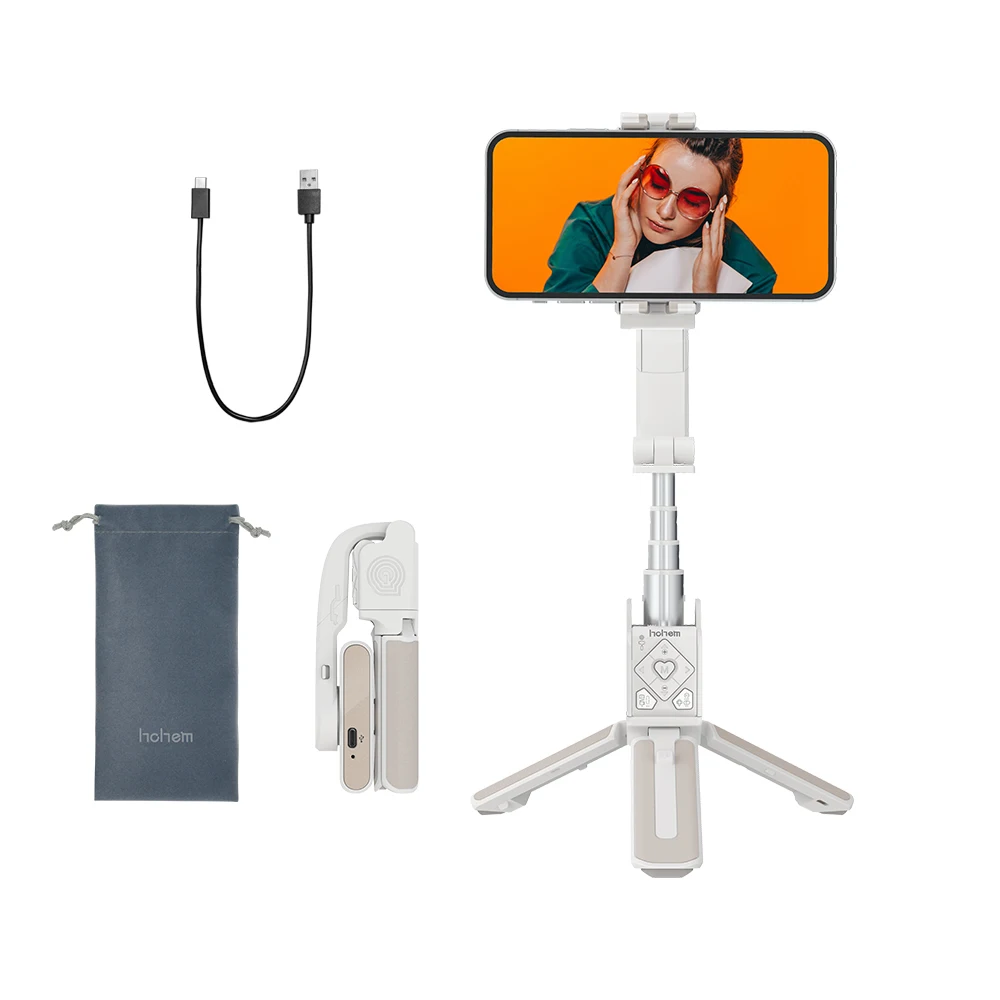
SpecificationsModel: iSteady QWeight: 195gColor: Black and WhiteFolded Size:140*54*36mmMax Length: 550mmCompatible Phones:weight:<280gthickness:≤11mmwidth:55 Included1 PC* Selfie Stick1 PC* Charging cable1 PC* Bag1 PC* Multilingual ManualUltimate Selfie Experience iSteady Q combines the aspects of the selfie stick, tripod, gimbal, and livestreaming equipment iSteady Stabilization Technology Built-in single-axis brushless motor, iSteady Q let you easy to make gentle video Innovative Design of the Rotatable Arm Rotate the arm through 90° to alter the direction of rotation of the telephone clamp, iSteady Q can remodel into a 360° desktop gimbal Face Tracking Technology iSteady Q is able to rotate your smartphone 360° horizontally It can automatically track your face, keep on with your dynamic movement, and be your unique pictures assistant Auto-rotation300° Inception Mode iSteady Q can rotate the telephone to make a spinning shot and dreamy rotation effect 360° Horizontal Rotation iSteady Q can rotate the telephone 360° horizontally to take a wide ranging video Detachable Remote Control No matter when you take a selfie alone, take a set photo, or take photos of pets from a low angle, the control is in your palms Snap A Selfie When Traveling Solo The remote control and tripod allow you to take a selfie from a distance, and don&;t should ask somebody that will help you take images Take a set photo with peers Stretching iSteady Q and easily press the shutter button to capture all your friends collectively in a single photograph Low Angle Shooting with Lovely Pets Inverting iSteady Q to soon capture cute pets and children A low-angle shot will motivate a brand new perspective Features of Remote Control iSteady Q can't solely soon snap a photograph but in addition can start video making, change between the portrait mode and panorama mode, and remotely control the rotation angle of the mobile phone Moment Mode Try Moment Mode in Hohem Joy app, some clear-cut cinematic templates are here for you Don&;t want any modifying skills, simply click on and revel in The Integrated design iSteady Q is designed with an extendable stick, tripod, and remote control It is extra accessible, easy-to-pack, and never fear about losing any accessories Motor Lock Design iSteady Q can use as a typical selfie stick while you lock the motor to fix the phone clamp and it will enter the low power mode -Turn the motor lock to the left, and the telephone clamp isn't always able to rotate -Once locked, the telephone clamp won&;t rotate *After locking the motor, even though iSteady Q has no battery, it nonetheless can be utilized as a typical selfie stick Support Smartphone Native Camera iSteady Q supports local cameras and maximum cosmetic camera apps, which ensures fantastic photographs and video Delicate Design in Every Detail Quick Mounting of Mobile Phone Skin-friendly, non-slip leather-based handle, ergonomic design Black or white, decide your favourite coloration Quickstart Guide 1 the stabilizing stick 2 mounting and balancing,Turn telephone digicam in the direction of the left,Turn &;hohem&; emblem in the direction of the left 3 on,Long press the ability button for 3s four the Hohem Joy app and stick with the prompts to attach via Bluetooth 5 taking photo/video (Bluetooth connection required): Single press the shutter button Q&A How to attach the stabilizing persist with the telephone app? 1 the Hohem Joy app in the app shop 2 the telephone Bluetooth 3 the activates within the Hohem Joy app homepage to connect four failed? *If the relationship is unsuccessful, please activate the phone&;s Bluetooth and Location, cancel different linked Bluetooth devices, re-start the stabilizing stick and Hohem Joy app, and try to connect again What are the main purposes of the remote control? 1 Turn on the remote control: Turn the flexibility button ;ON; 2 taking photo/video (Bluetooth connection required): Single press the shutter button three between the portrait mode and landscape mode: Single press the function button 4 the rotation of stabilizing stick: Long Press Left/Right Button How to show the stabilizing stick into desktop use? 1 the tripod and put it at the table 2 rotate 90° alongside arm&;s bevel reduce 3 cellphone clamp to point with the desktop 4 the telephone clamp, and clamp the phone within the middle of the telephone clamp


Review
0 people rated this product

Hohem iSteady Q 2-Axis selfie stick for Smartphone with Auto face tracking tripod 360° rota with Remote Control for phone holder
Shipping & Returns
 QWQER Express,
 USPS,
USPS, DHL
DHL
Shopping security
- Safe payment options
- Secure privacy
- Secure logistics
- Purchase protection