
Description
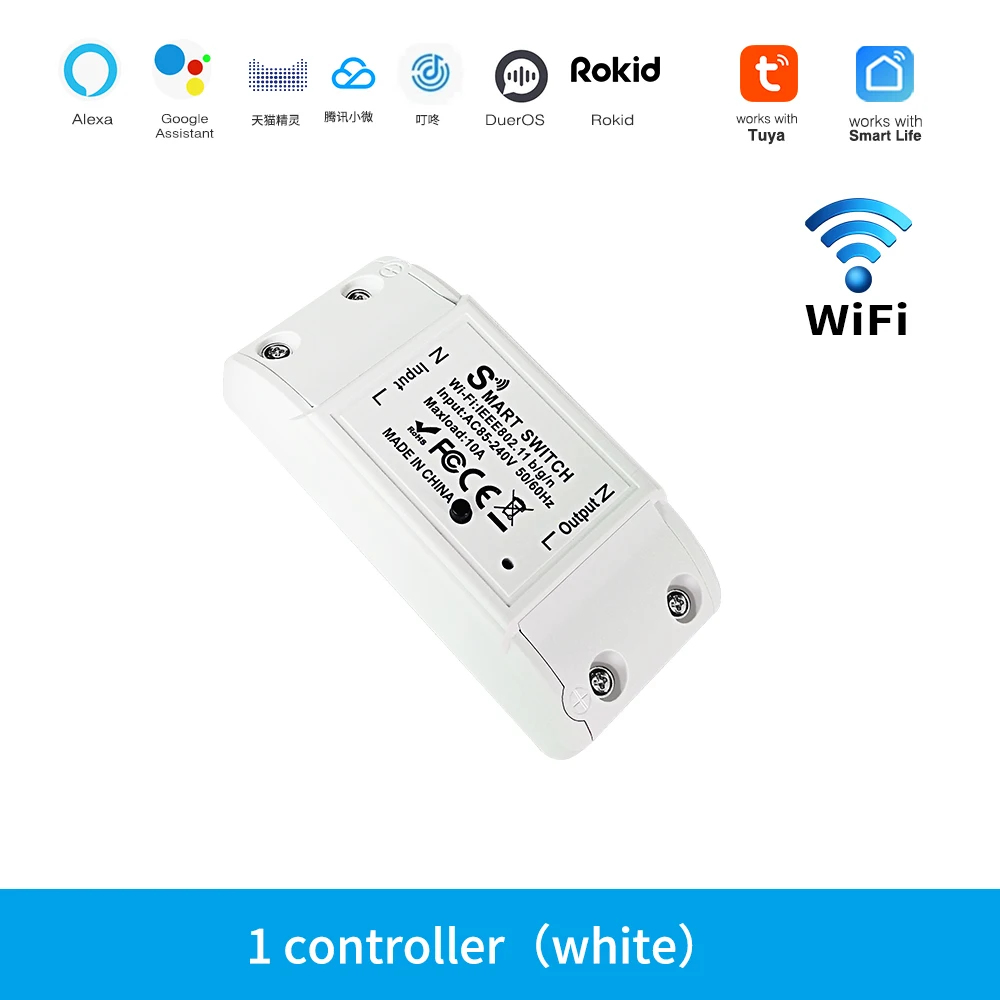
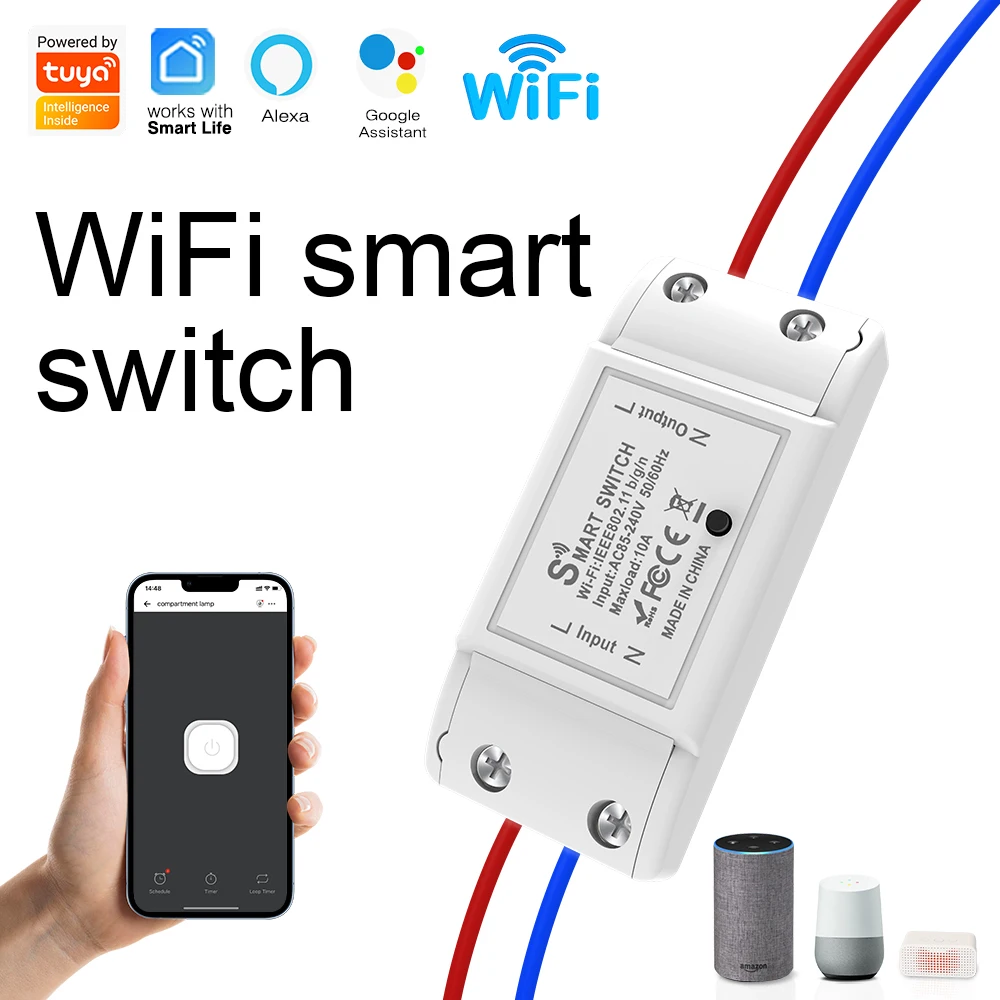
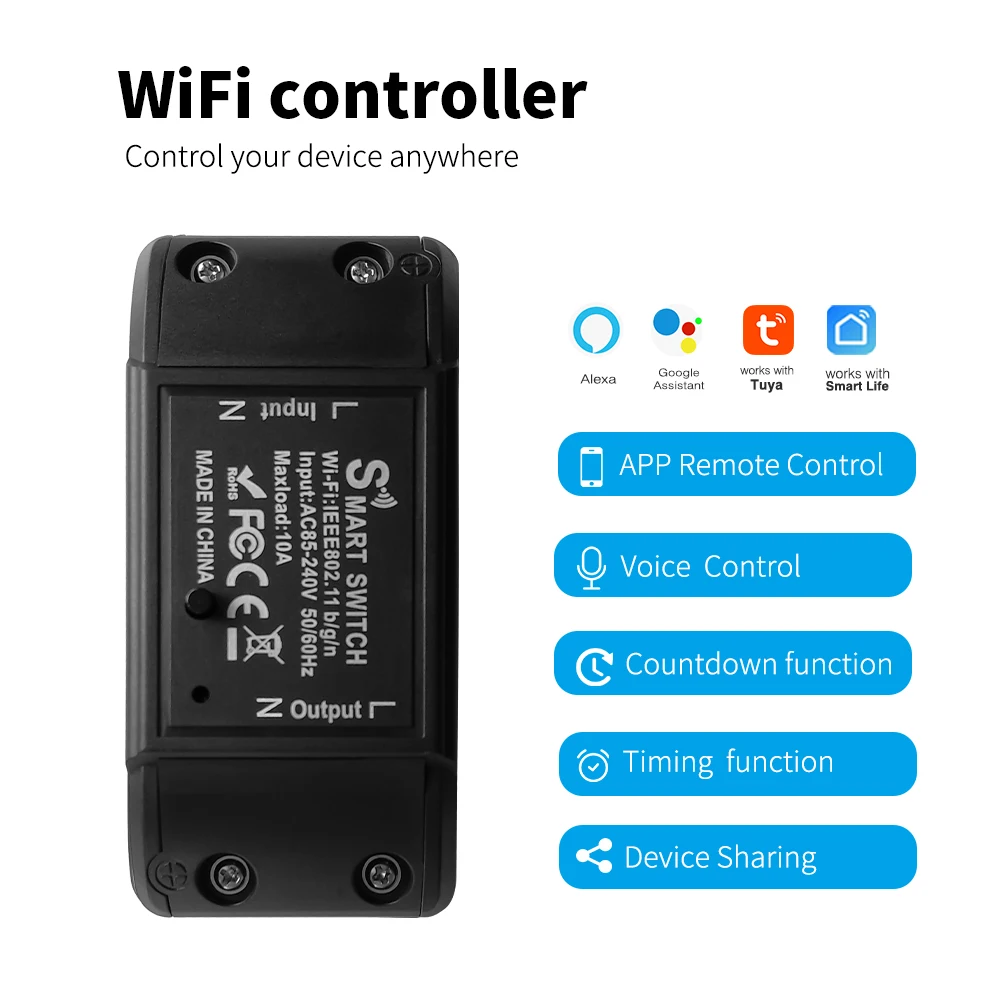
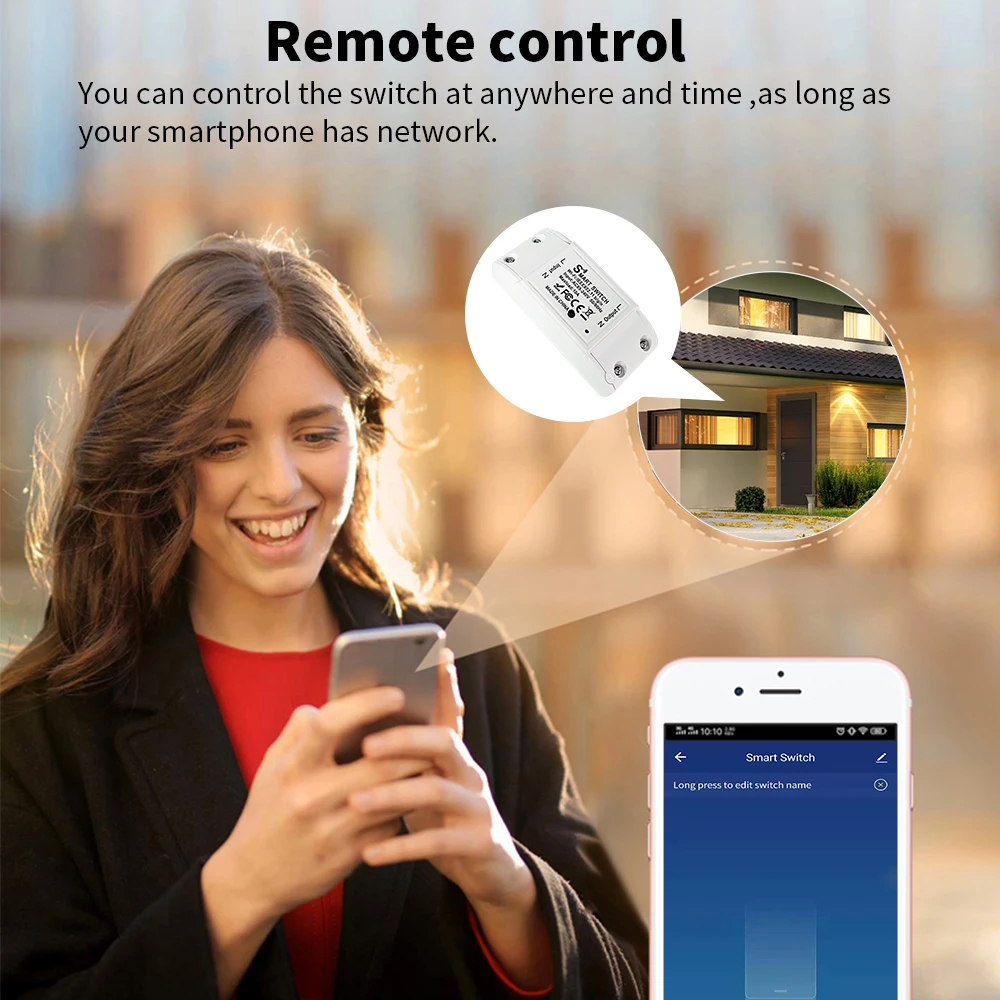
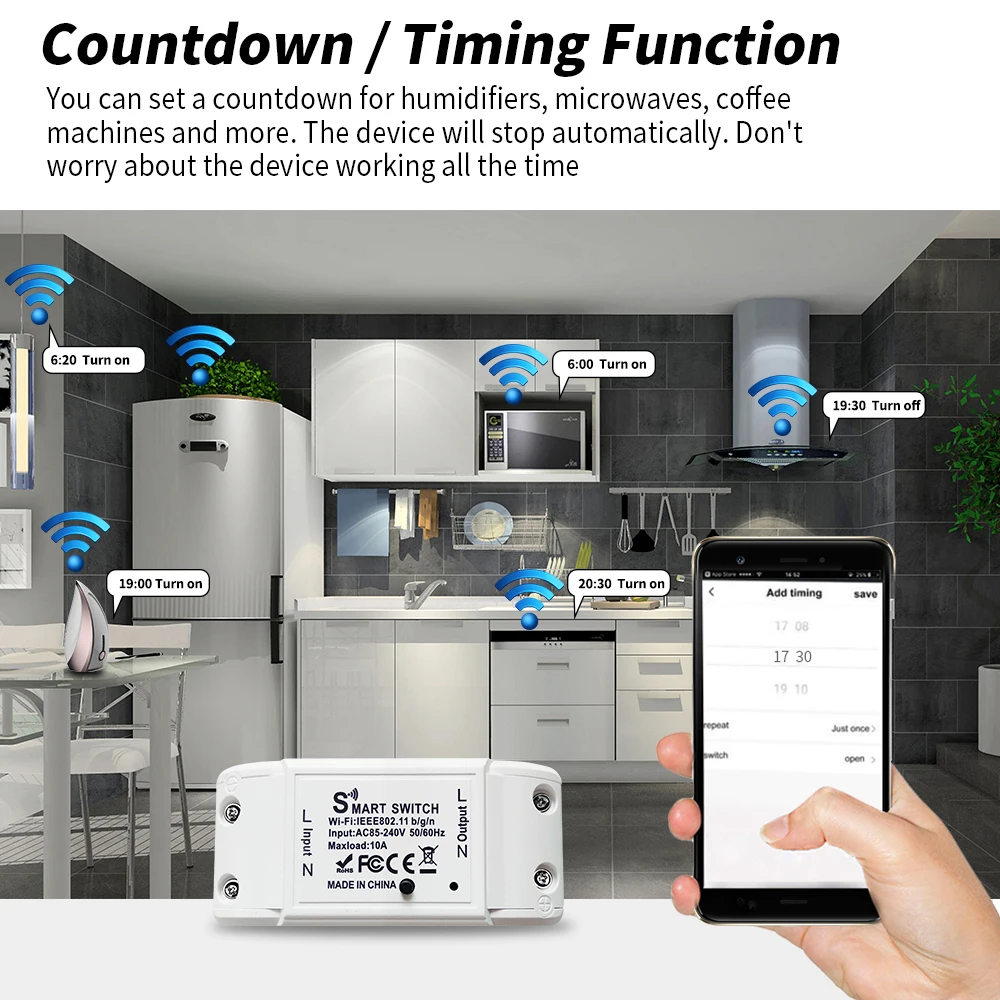
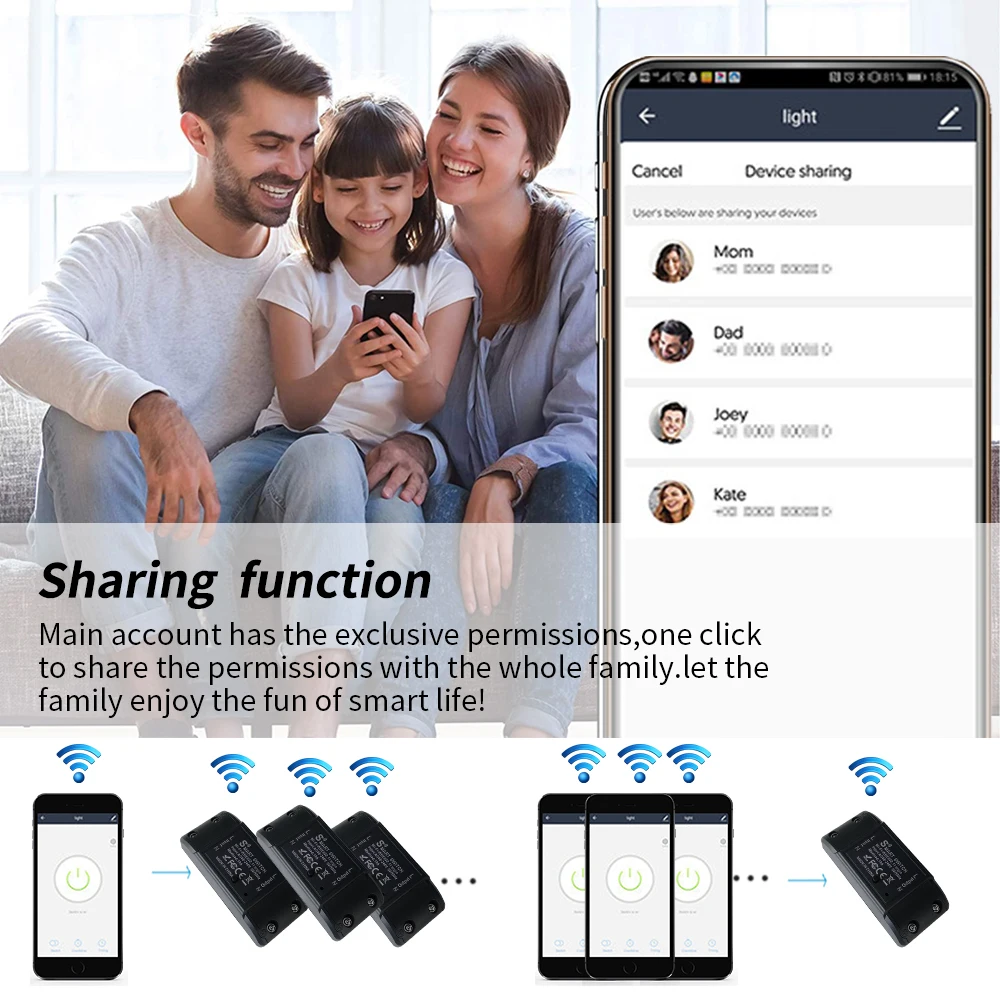
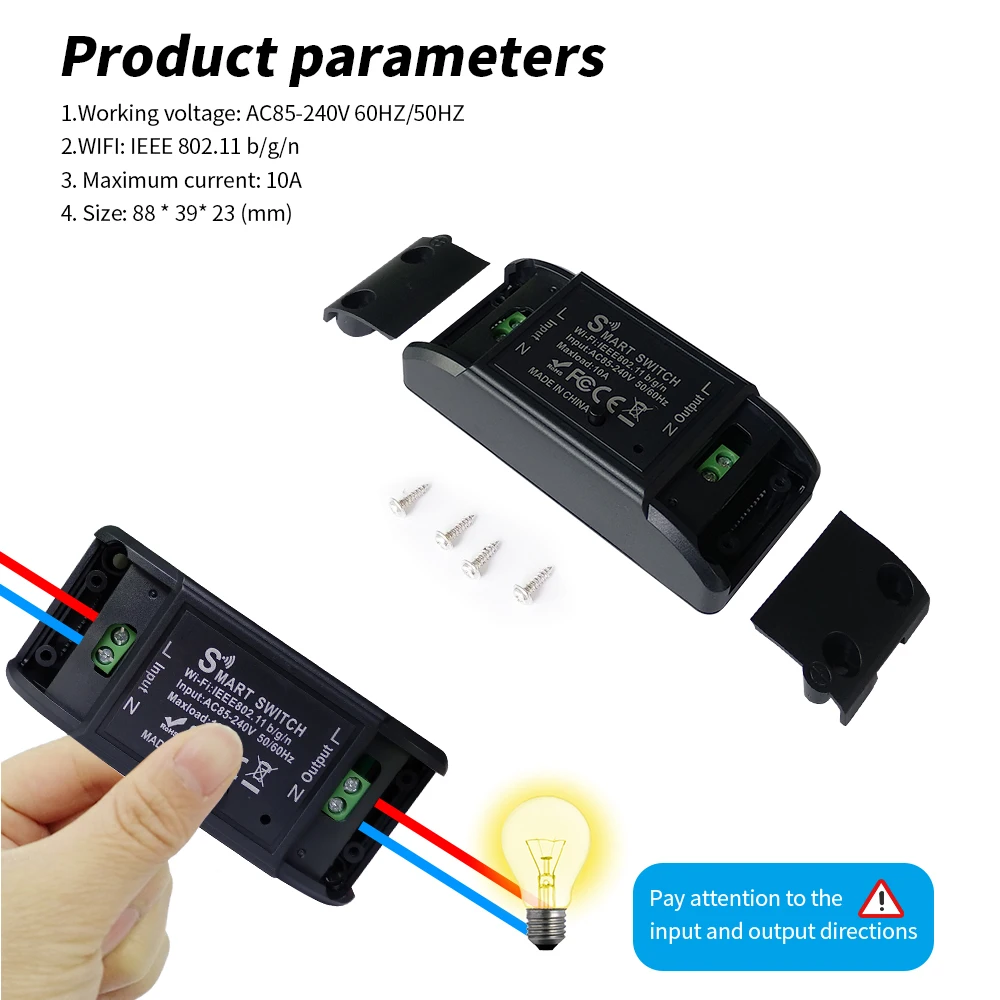
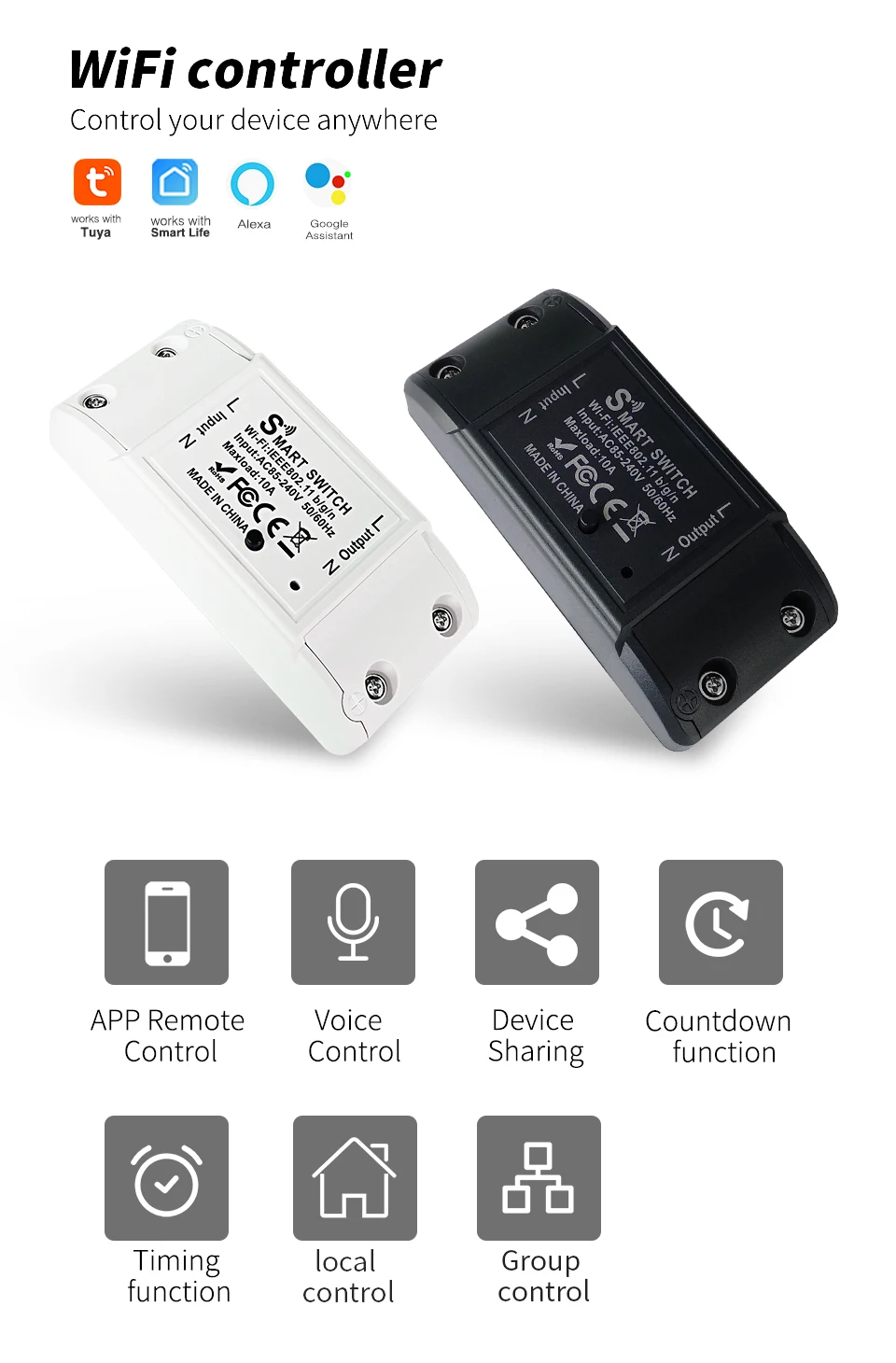
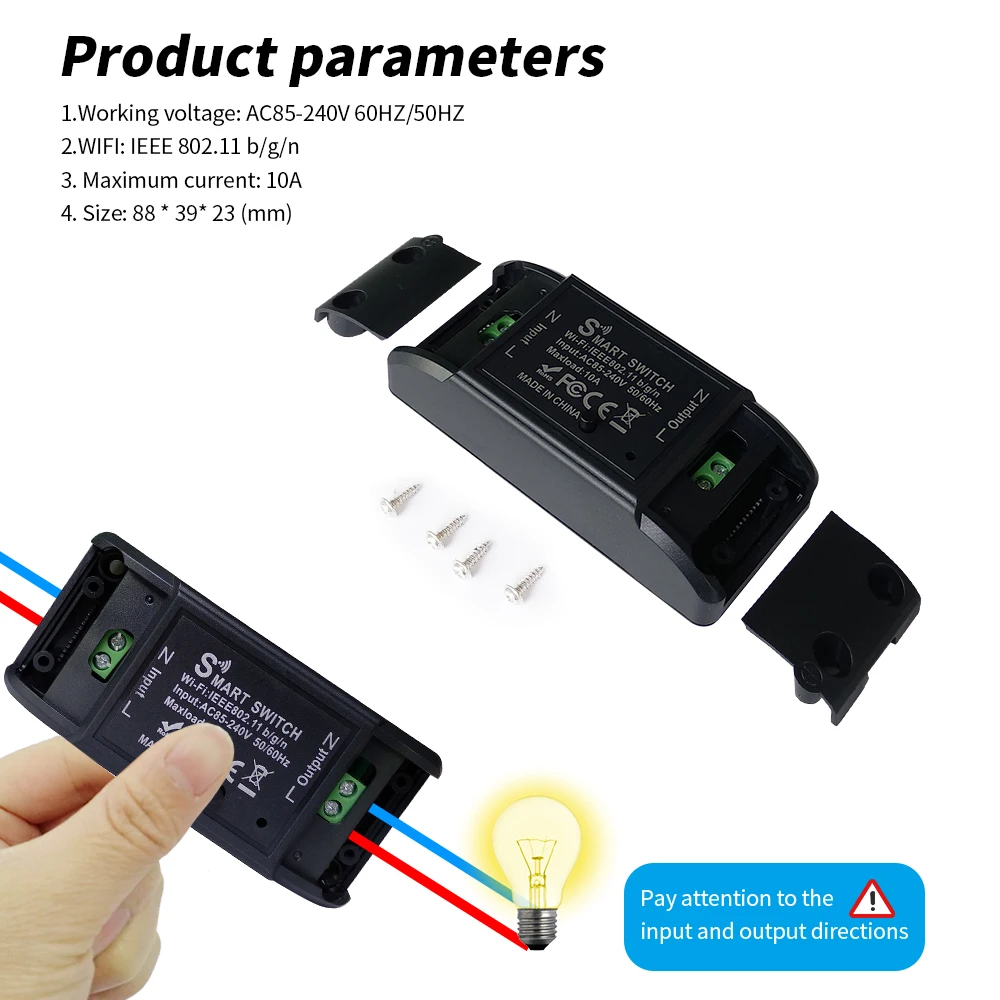
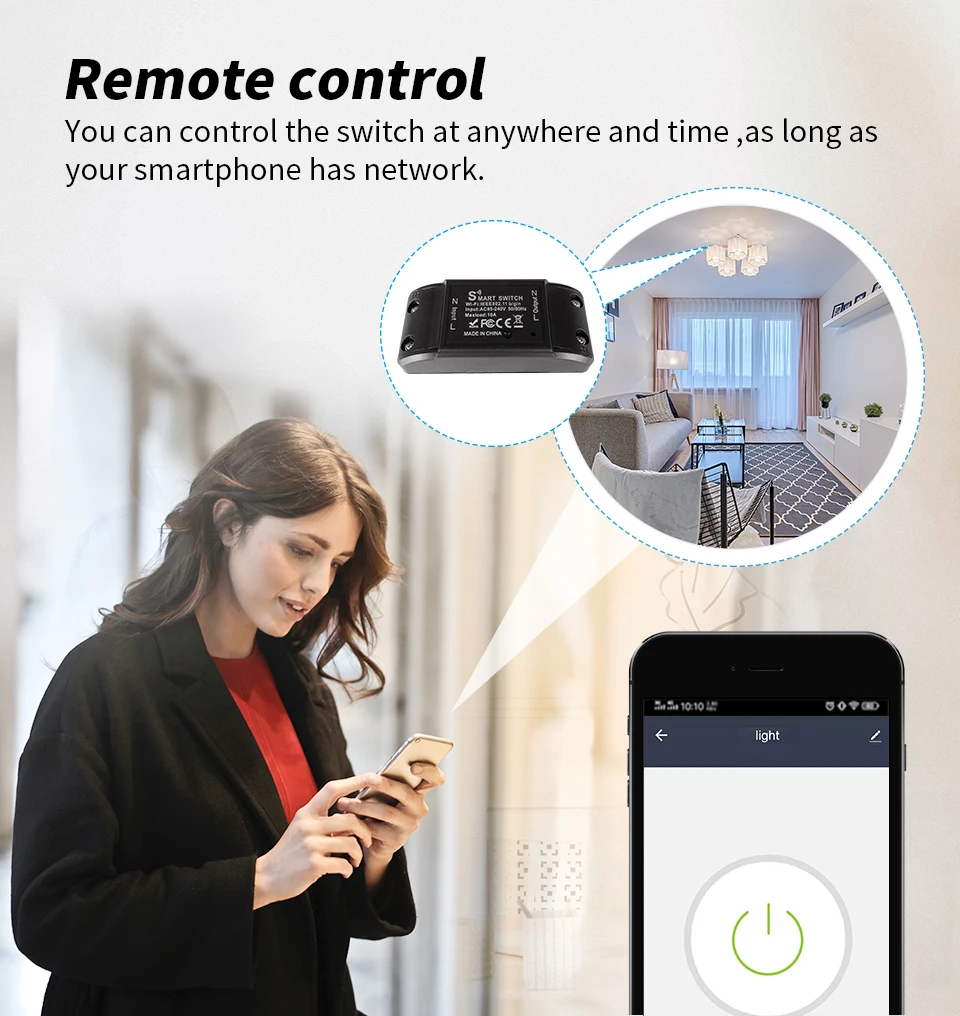
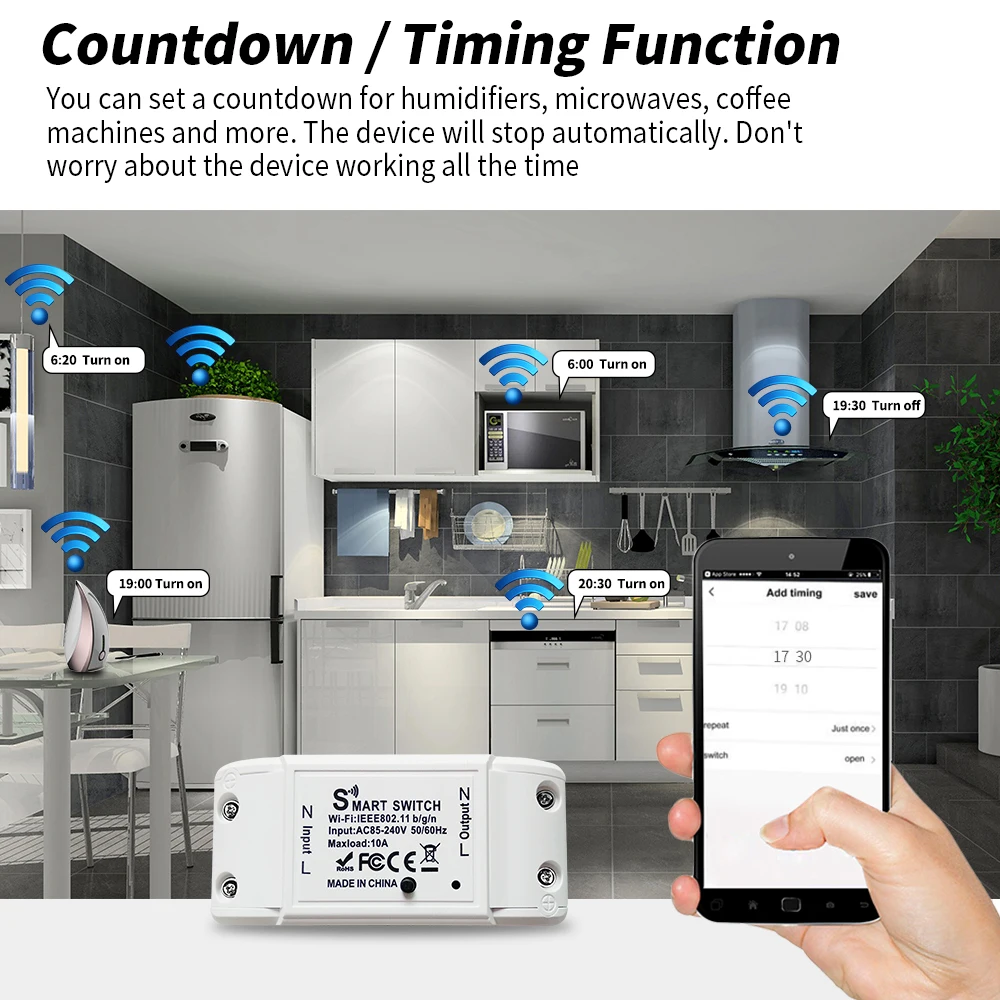
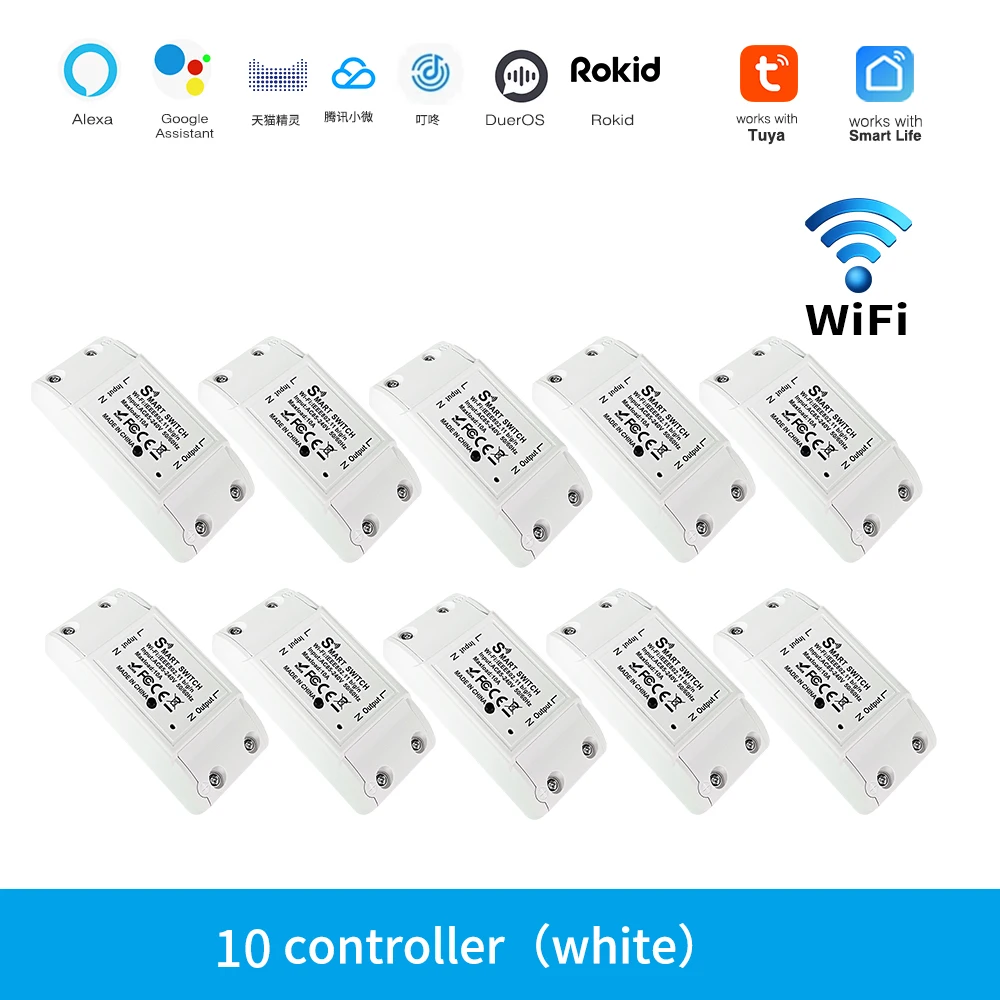
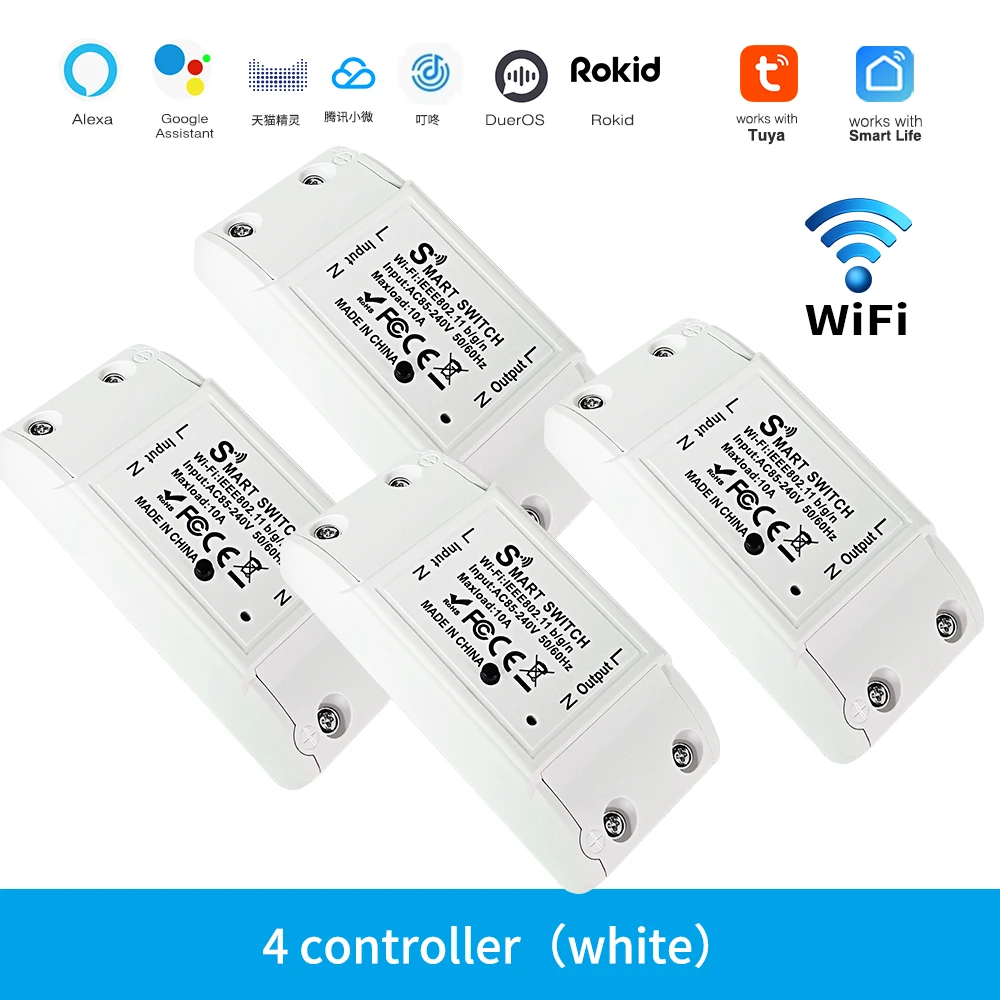
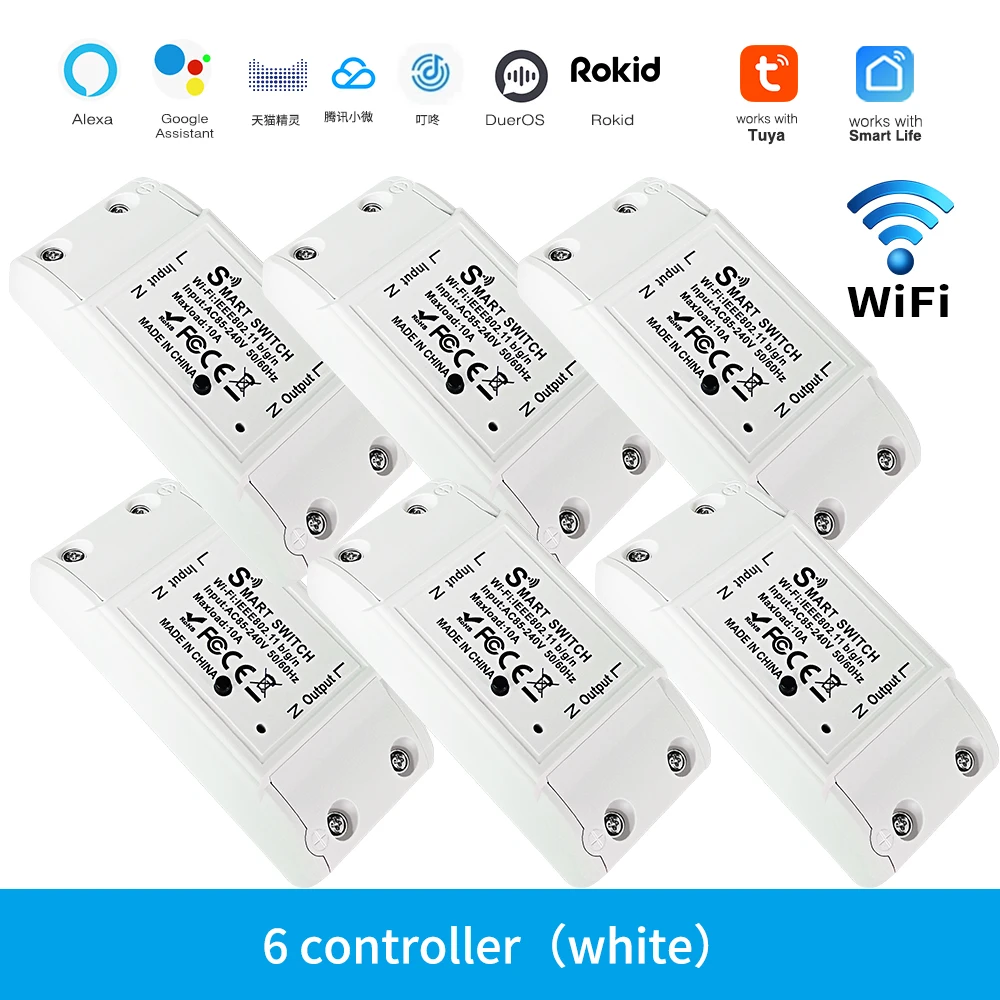
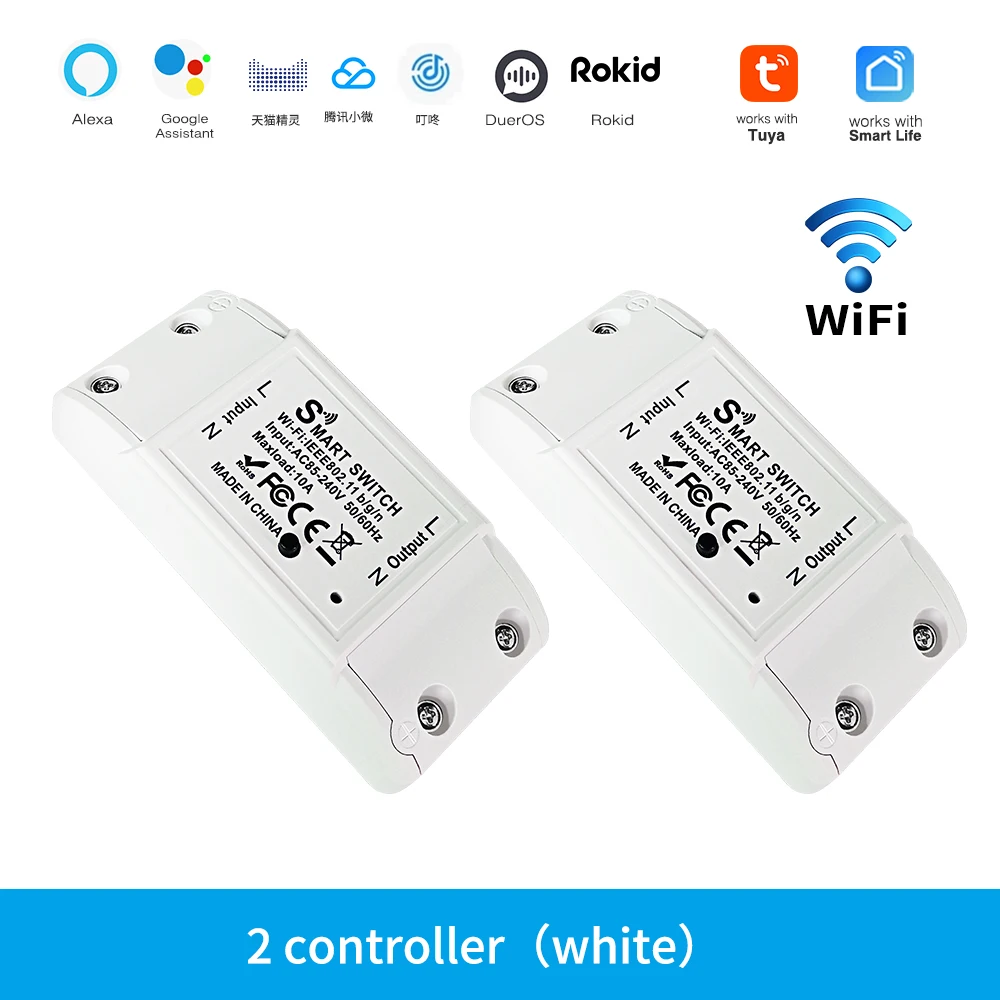
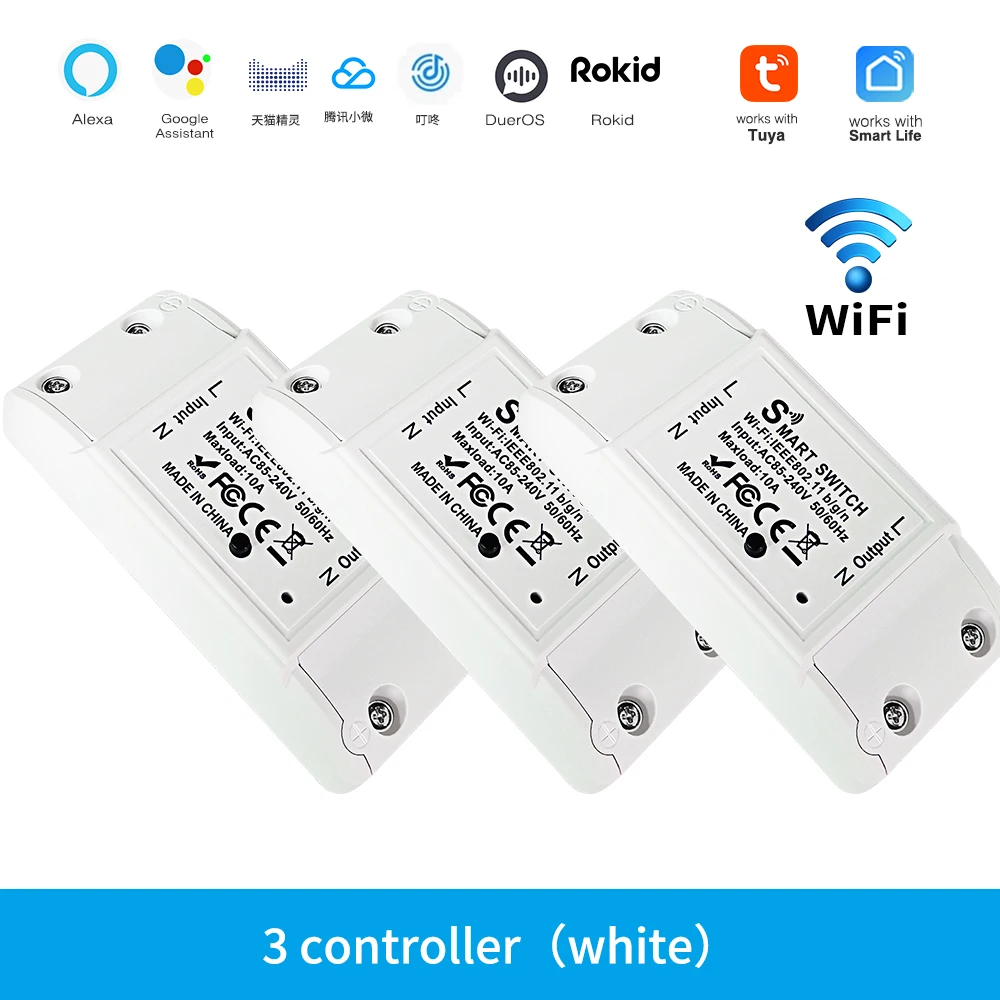
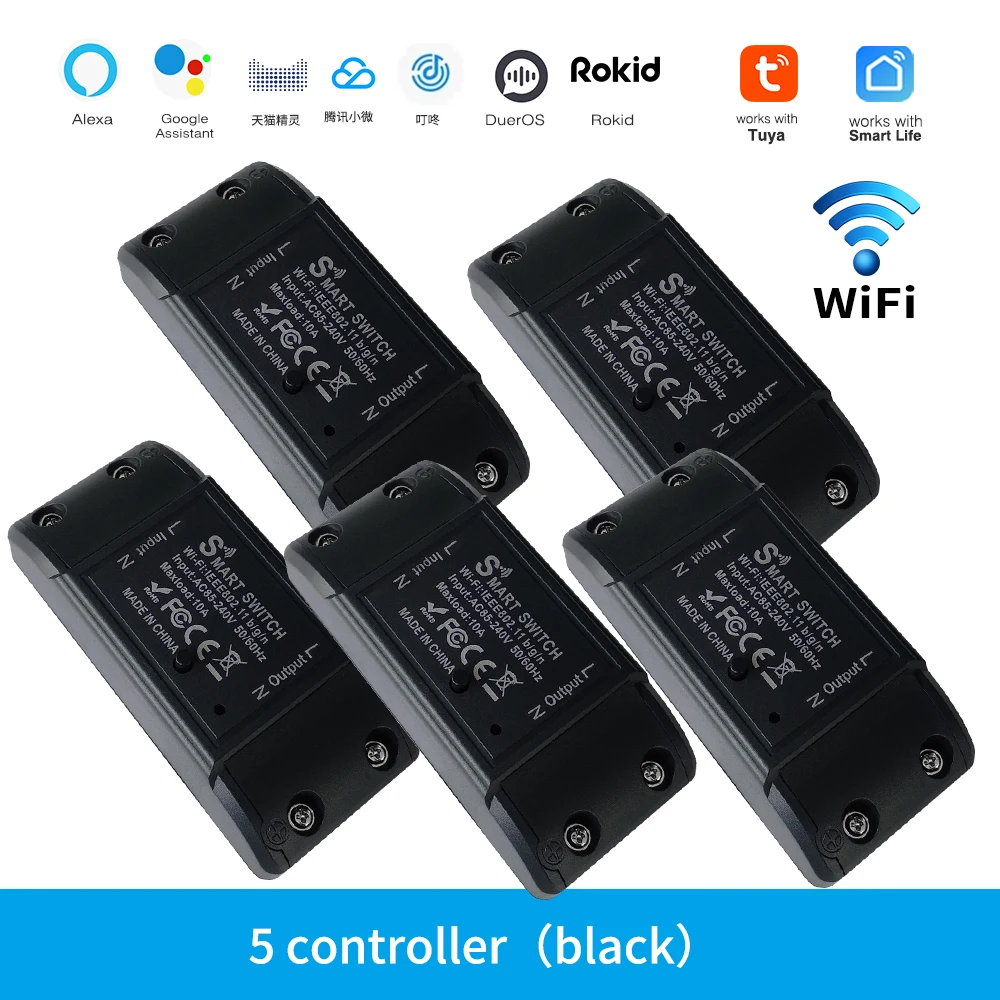
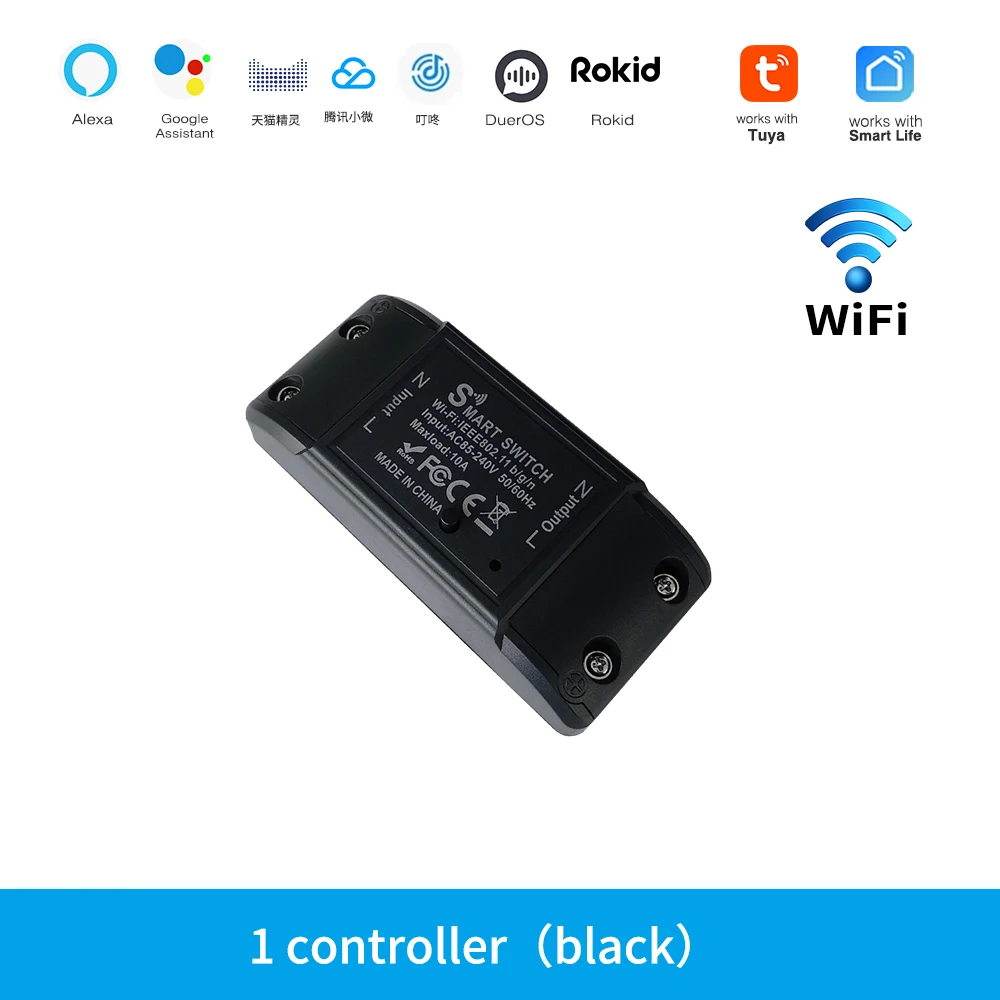
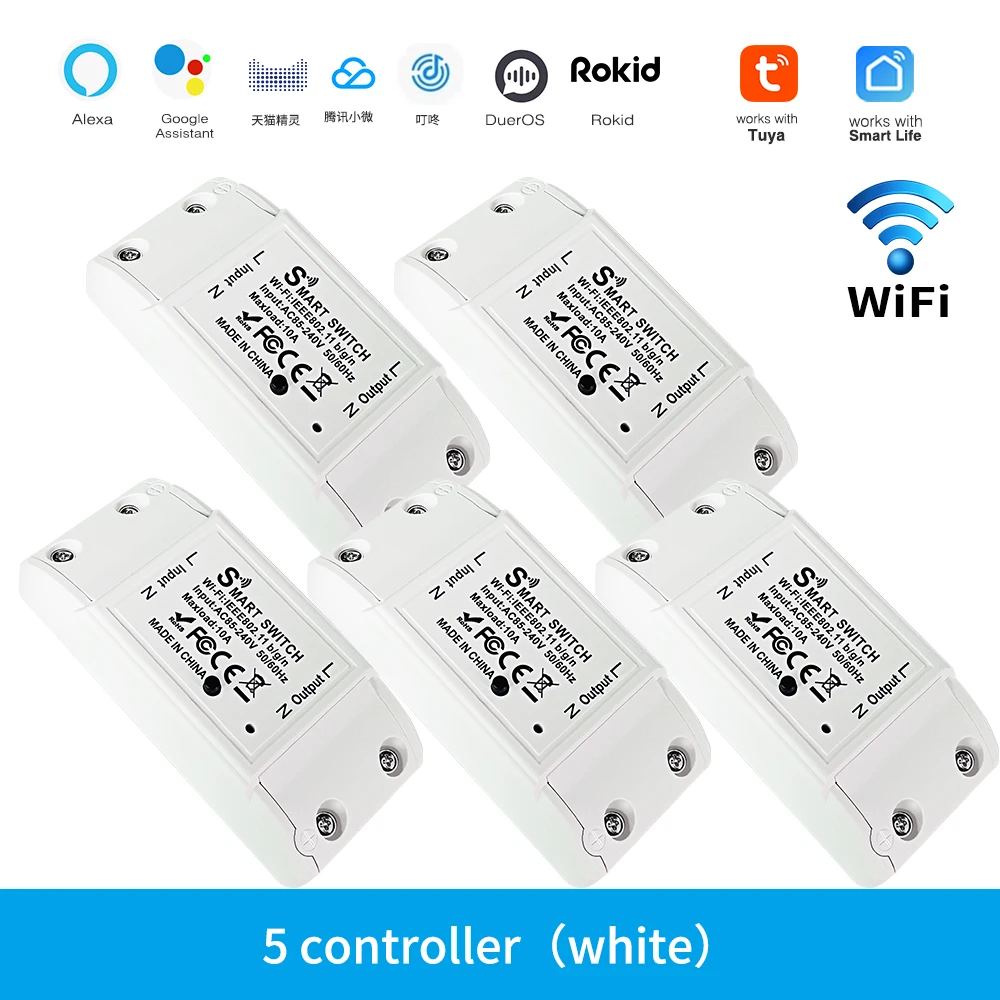
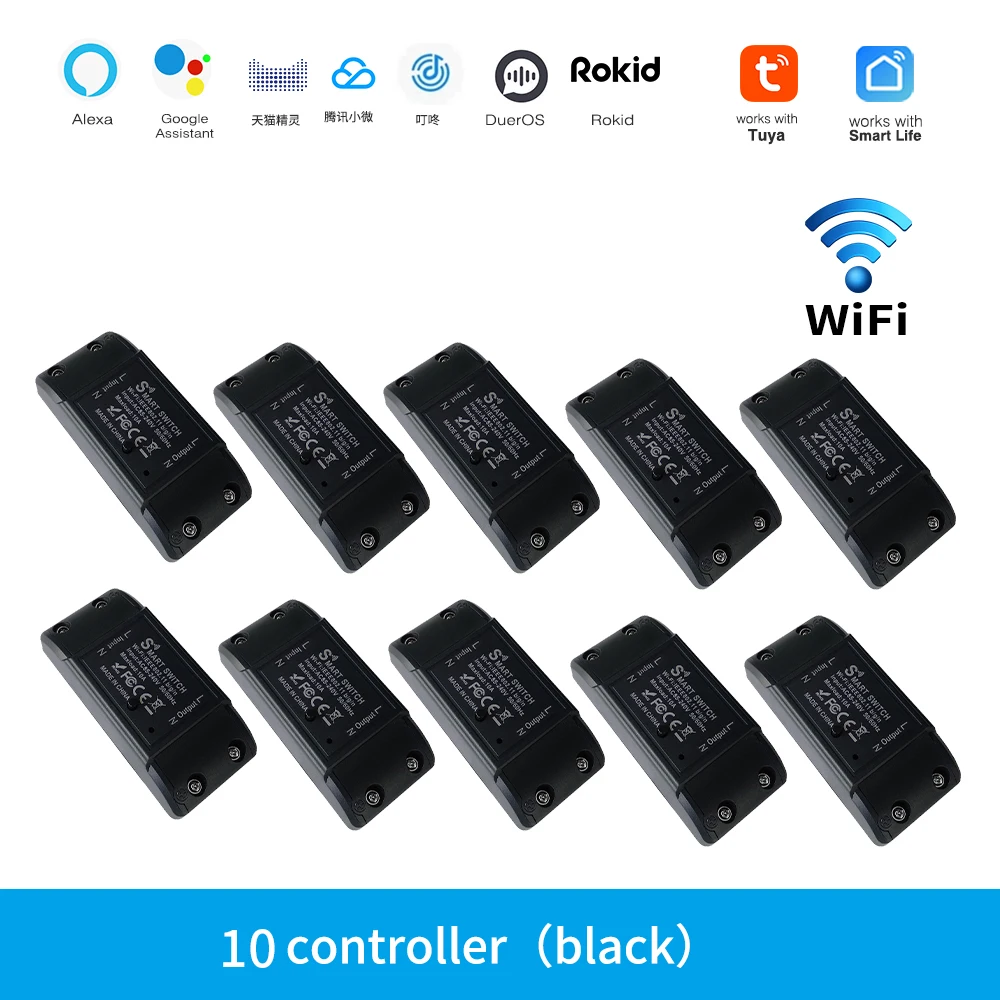
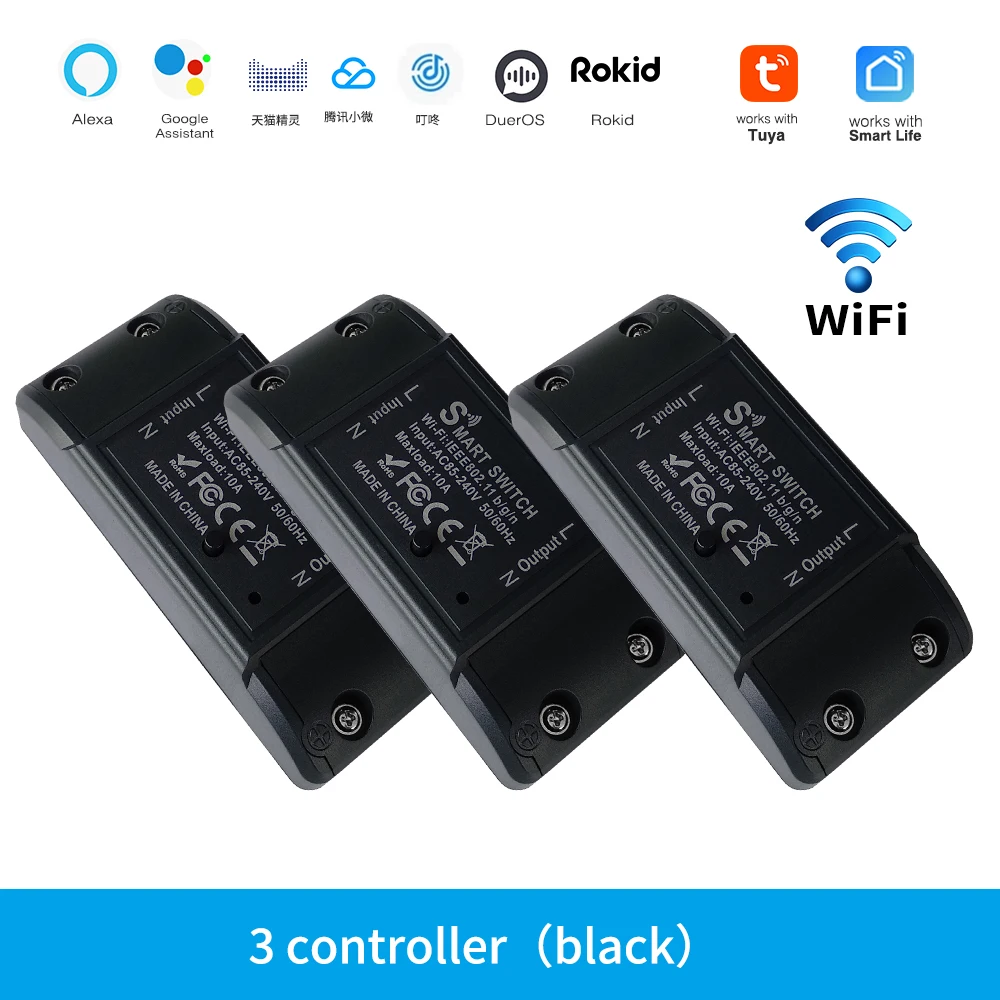
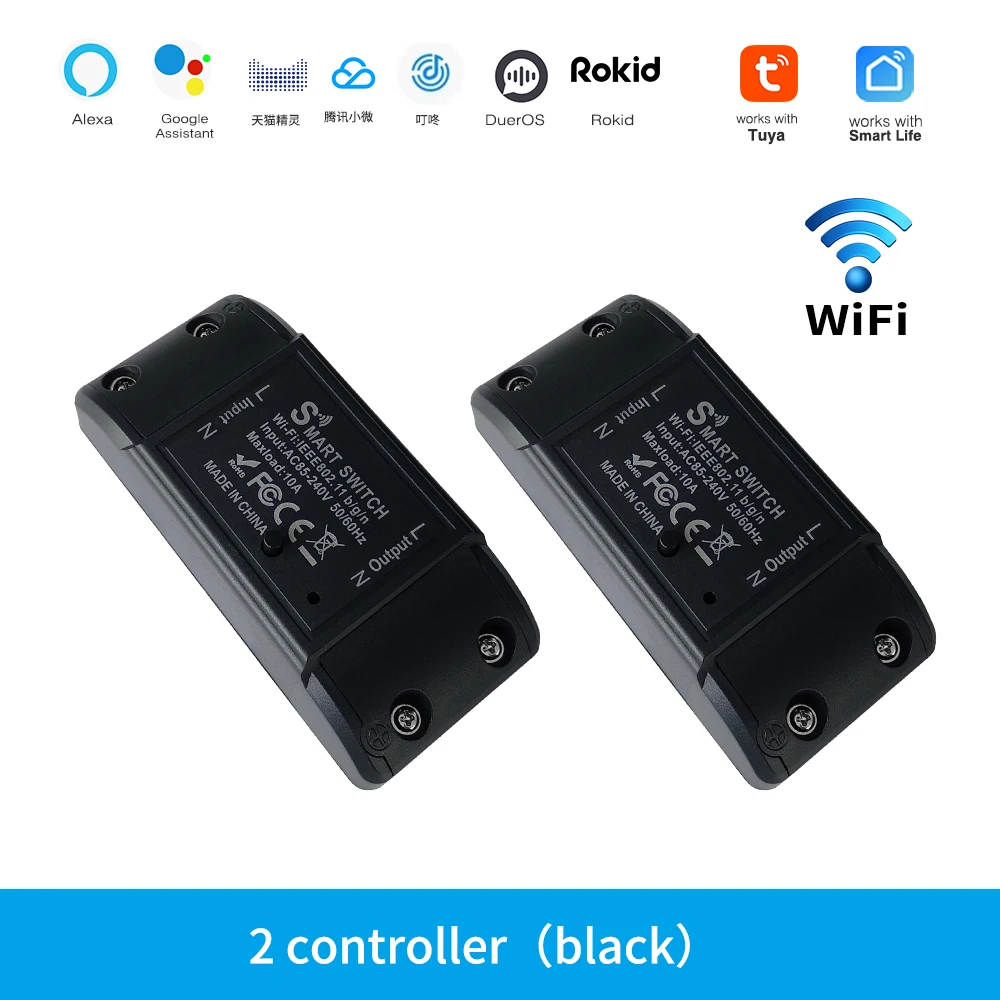
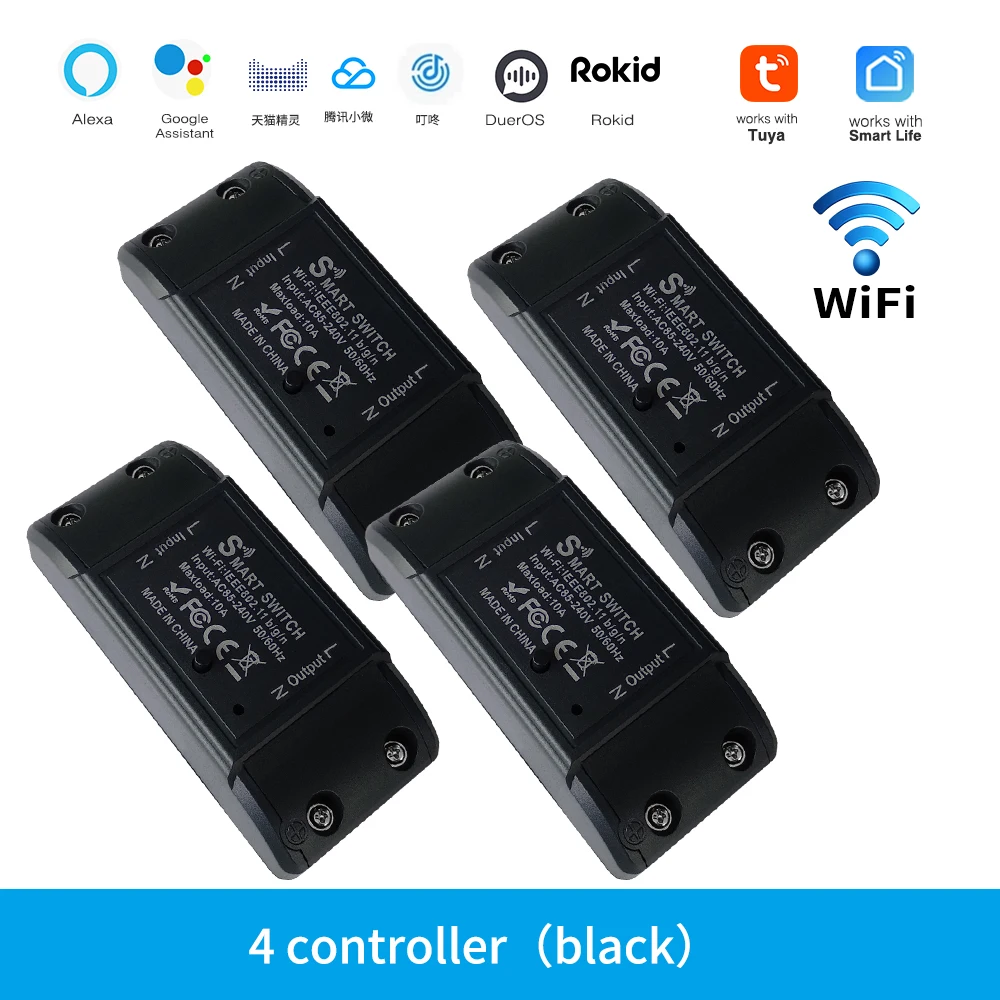
explain: 1 Transform typical non intelligent appliances or instruments into clever ones; 2 Mobile application control Control the device&;s switch, timing, countdown, and different purposes via a cellular phone; 3 Voice control: helps voice assistants corresponding to Tmall Assistant, Alexa, and Google homepage, reaching applications corresponding to switches; 4 Remote control: It could be remotely managed through mobile apps similar to Tuya and Smart Home, with out the desire for any supplies As lengthy as your phone can connect to the network, you could management it; 5 Sharing and security: The main account can be shared with different kin members, in addition features and configurations WIFI CONTROLLER Control your system anywhere Features 1 :Voice control Simply give a voice command to Alexa or Google Home to show on/off swap when your hands are full,and enjoy the comfort of voice Features 2:Smart life/Tuya Smart APP Remote management You can control the swap at anyplace and time,as lengthy as your smartphone has community Features three :Countdown/Timing It is superb for you to establish a time time table to show on/off your instruments robotically by means of the app Helping you cut down electrical energy payments Features four :Sharing&Group Control One-tap to share the clever change together with your member of the family via the app to eliminate extra setup processes account has the unique permissions,one click on to proportion eht permissions with the complete family the relations benefit from the enjoyable of wise life! How so as to add machine to cellular app 1 the QR-code of the guide or Search ‘ Smart Life ’ to obtain and set up the device&;s APP 2 the wiring is completed, switch on the power and operate in step with the repute of the clever change indicator: three the pink mild of the clever switch flashes consistently at this time, it signifies that the clever change has entered the state of awaiting connection to WiFi; then open the APP and stick to the directions to connect to WiFi four If the indicator mild of the sensible swap isn't always flashing purple light, please press the button of the clever change and hold it for greater than 5 seconds until the pink light flashes continuously, then open the APP and connect to the WiFi in keeping with the handbook Certified product

Review
0 people rated this product

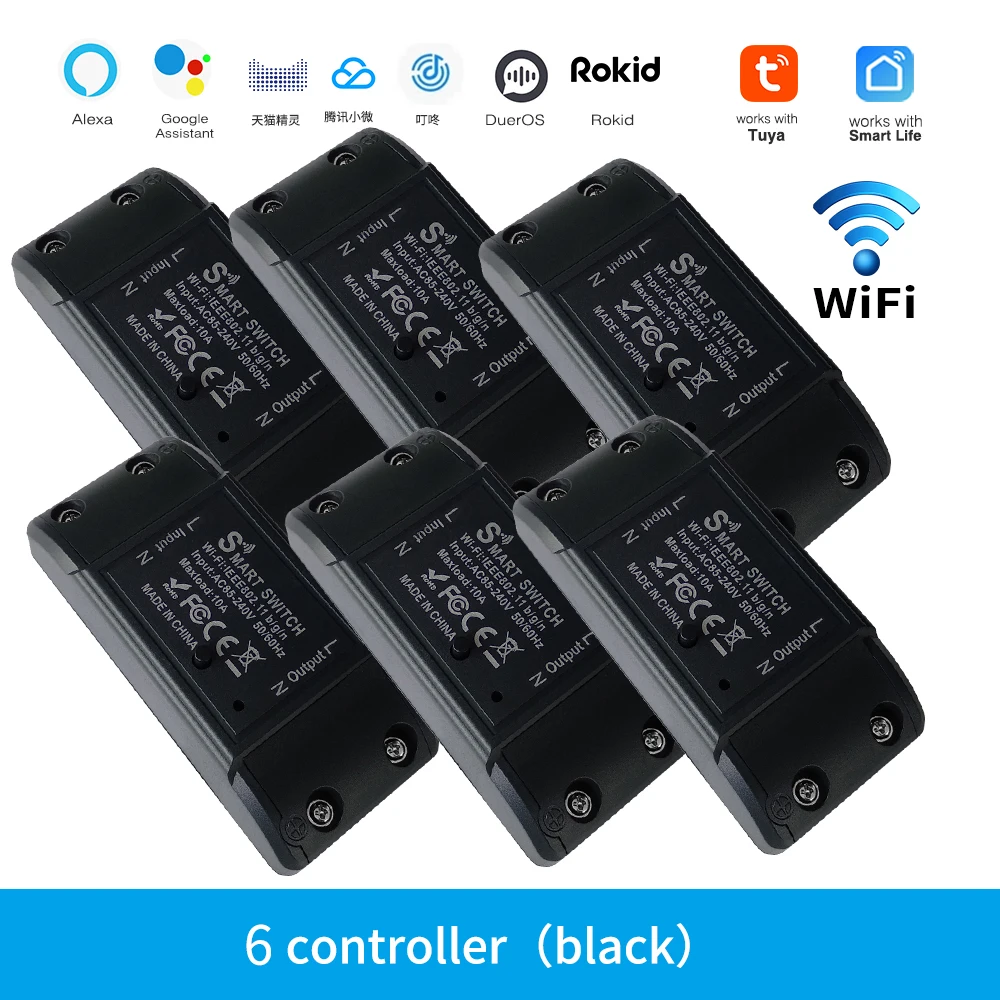
Tuya WiFi Smart Switch APP Wireless Controller Universal Breaker Timer Smart Life Work with LED Light Switch Alexa Accessories
Shipping & Returns
 QWQER Express,
 USPS,
USPS, DHL
DHL
Shopping security
- Safe payment options
- Secure privacy
- Secure logistics
- Purchase protection