
Descriptions
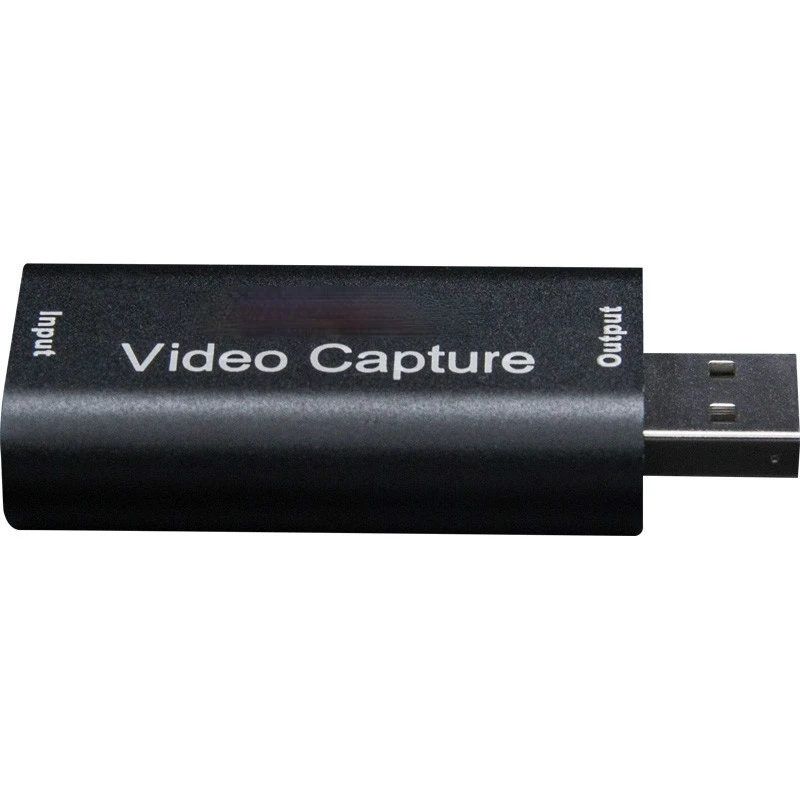
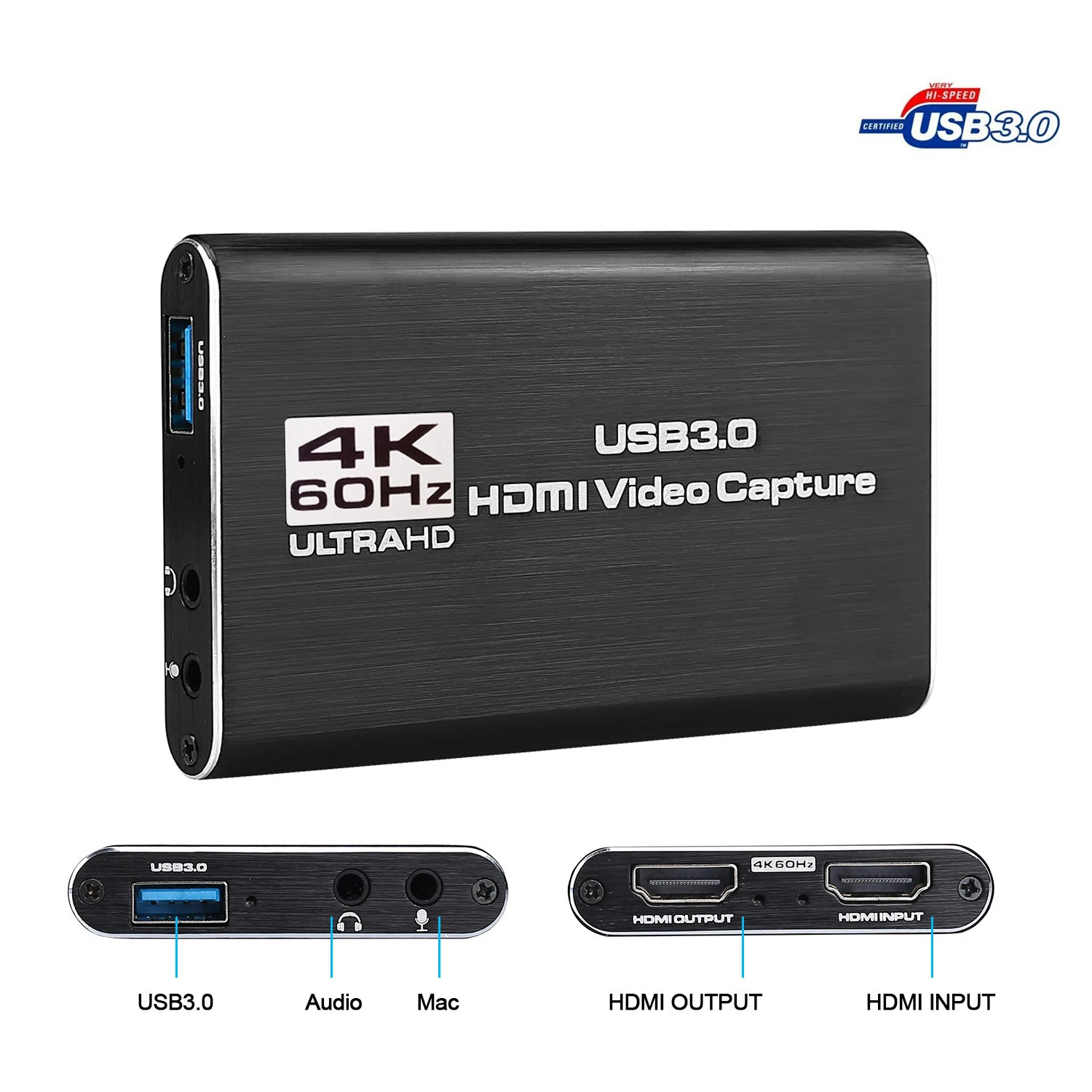
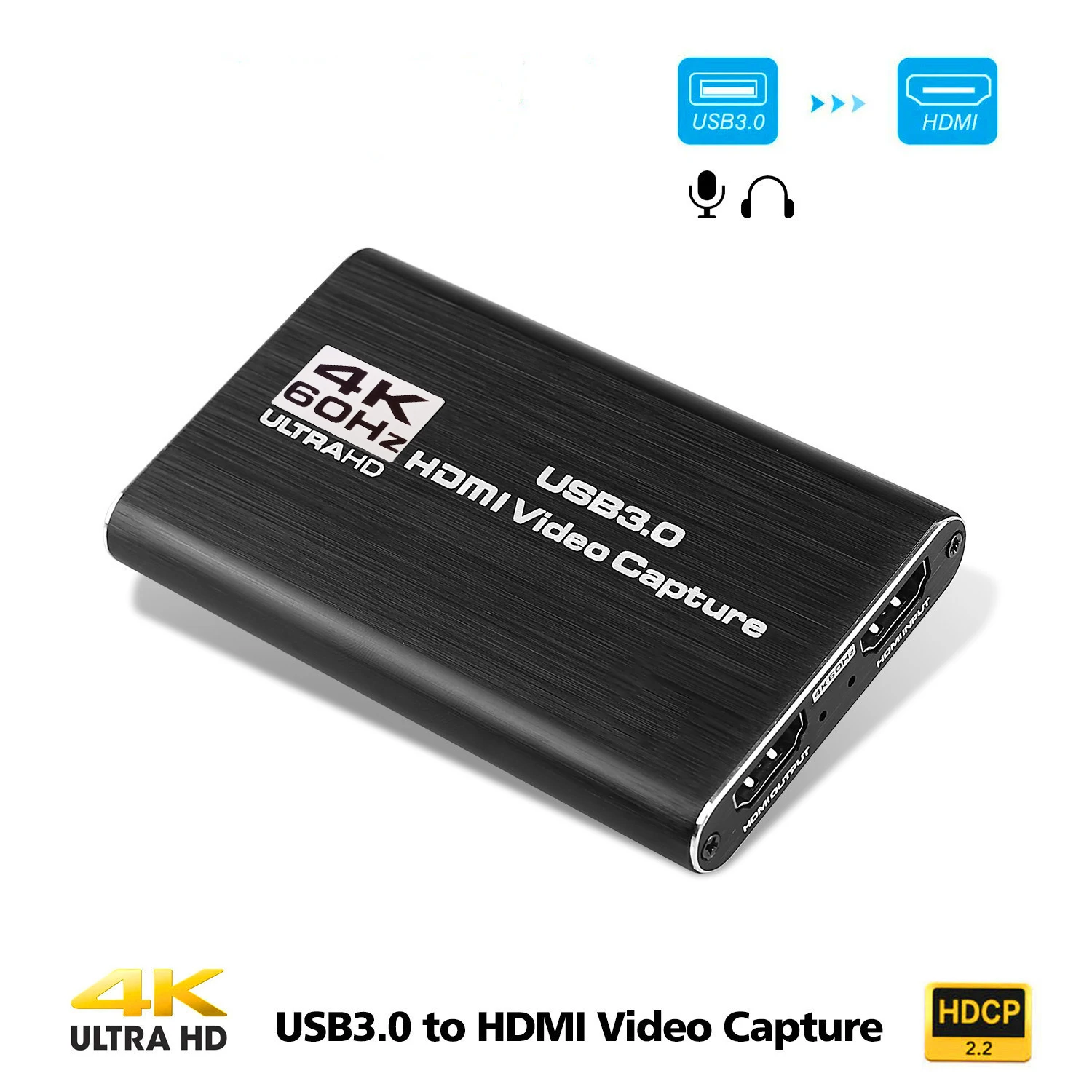
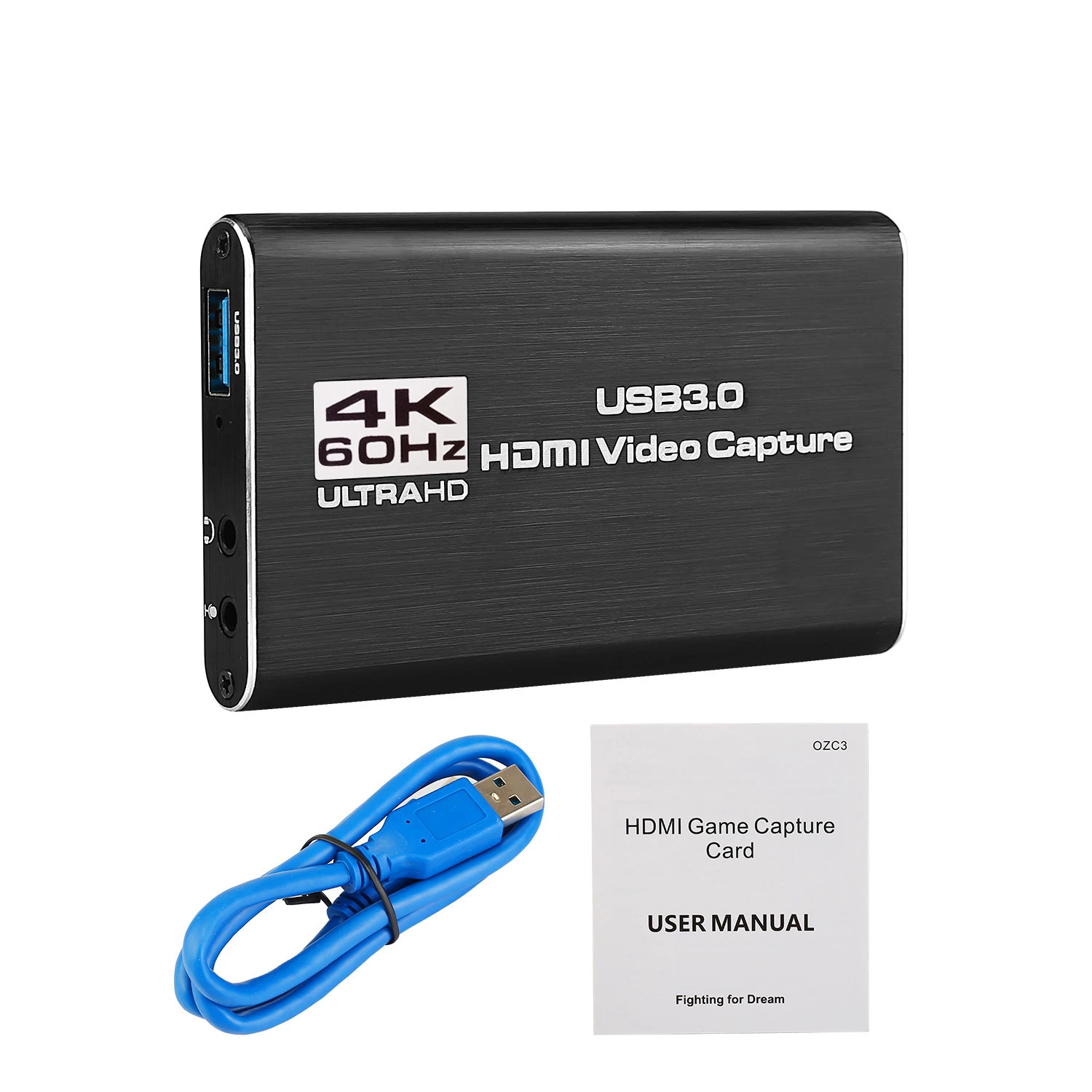
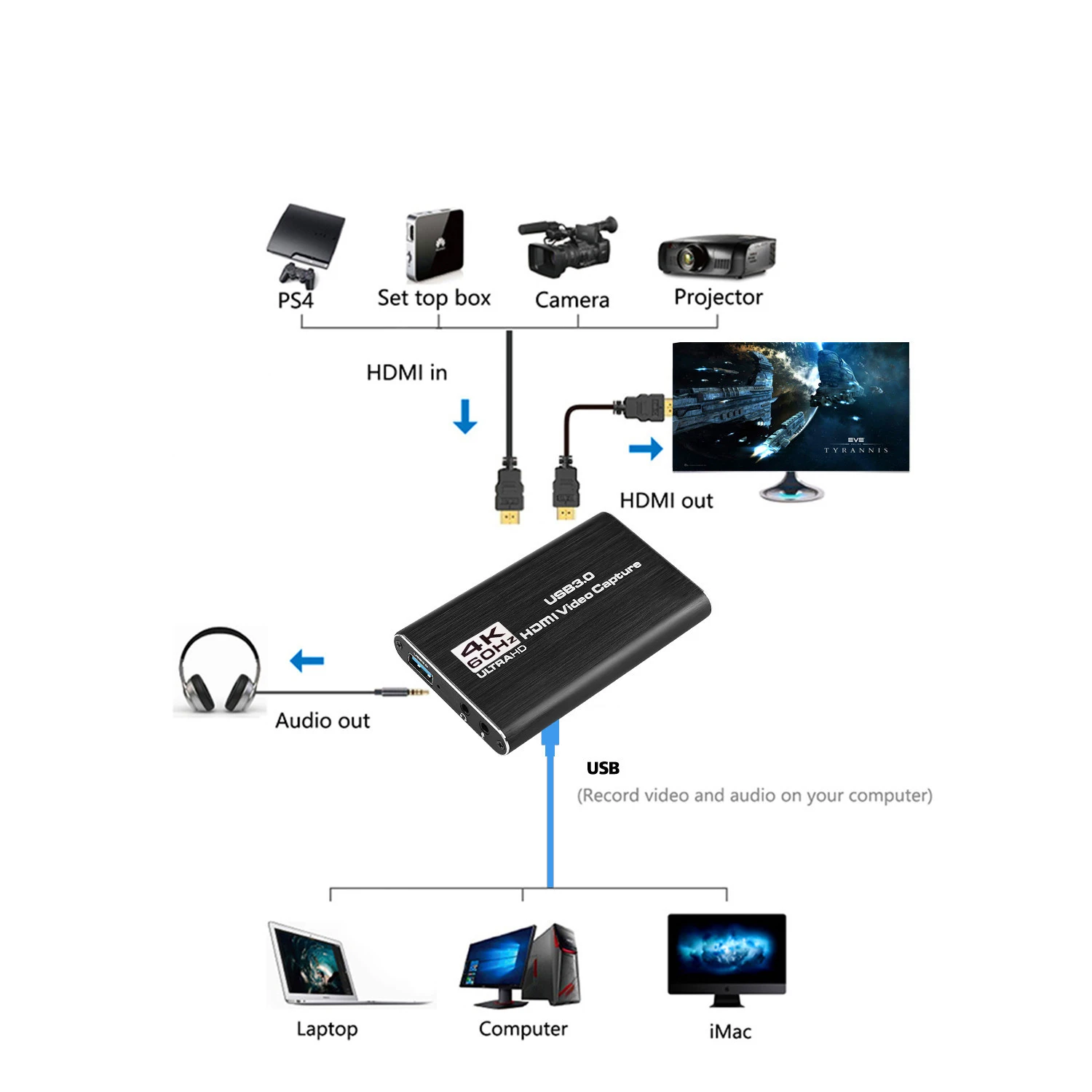
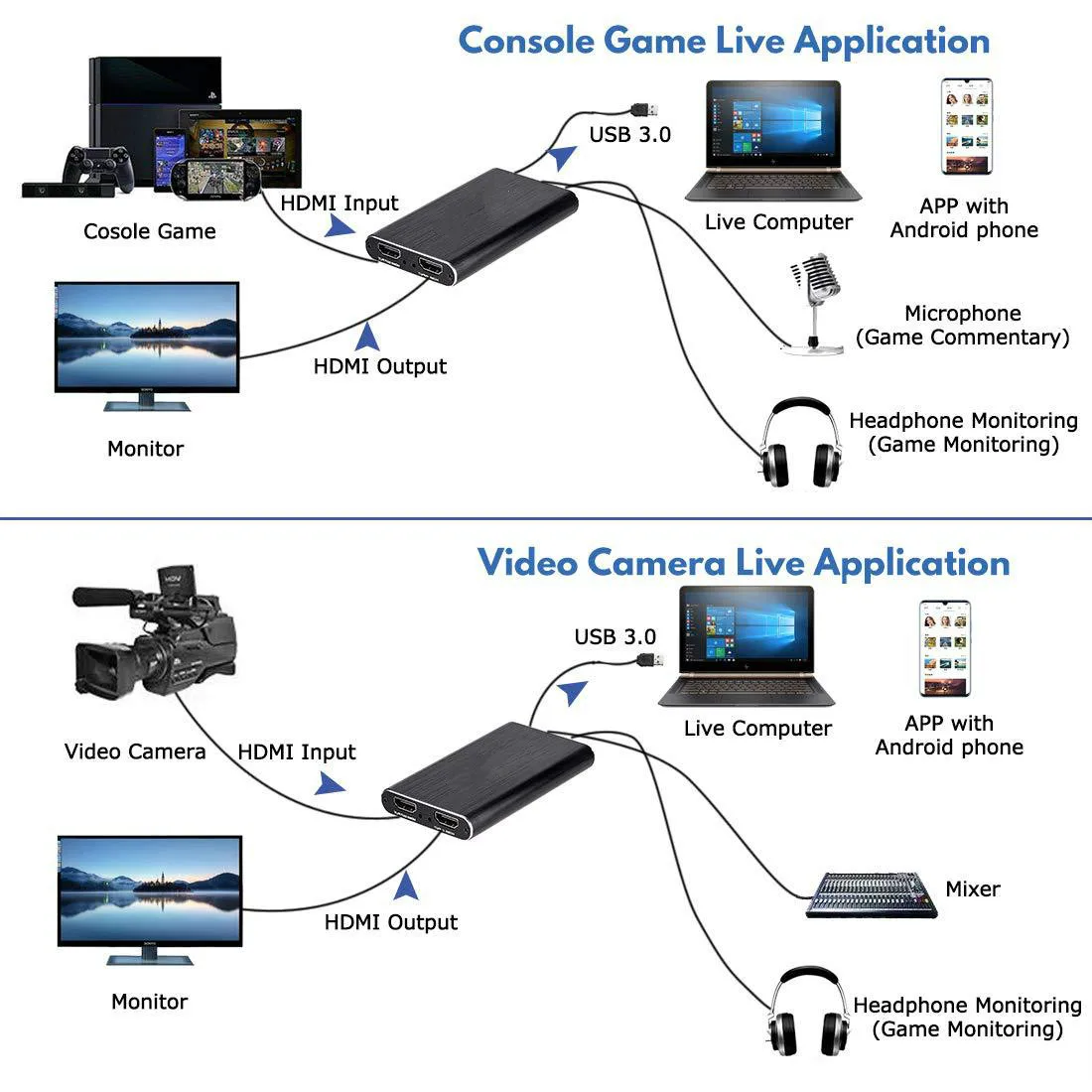
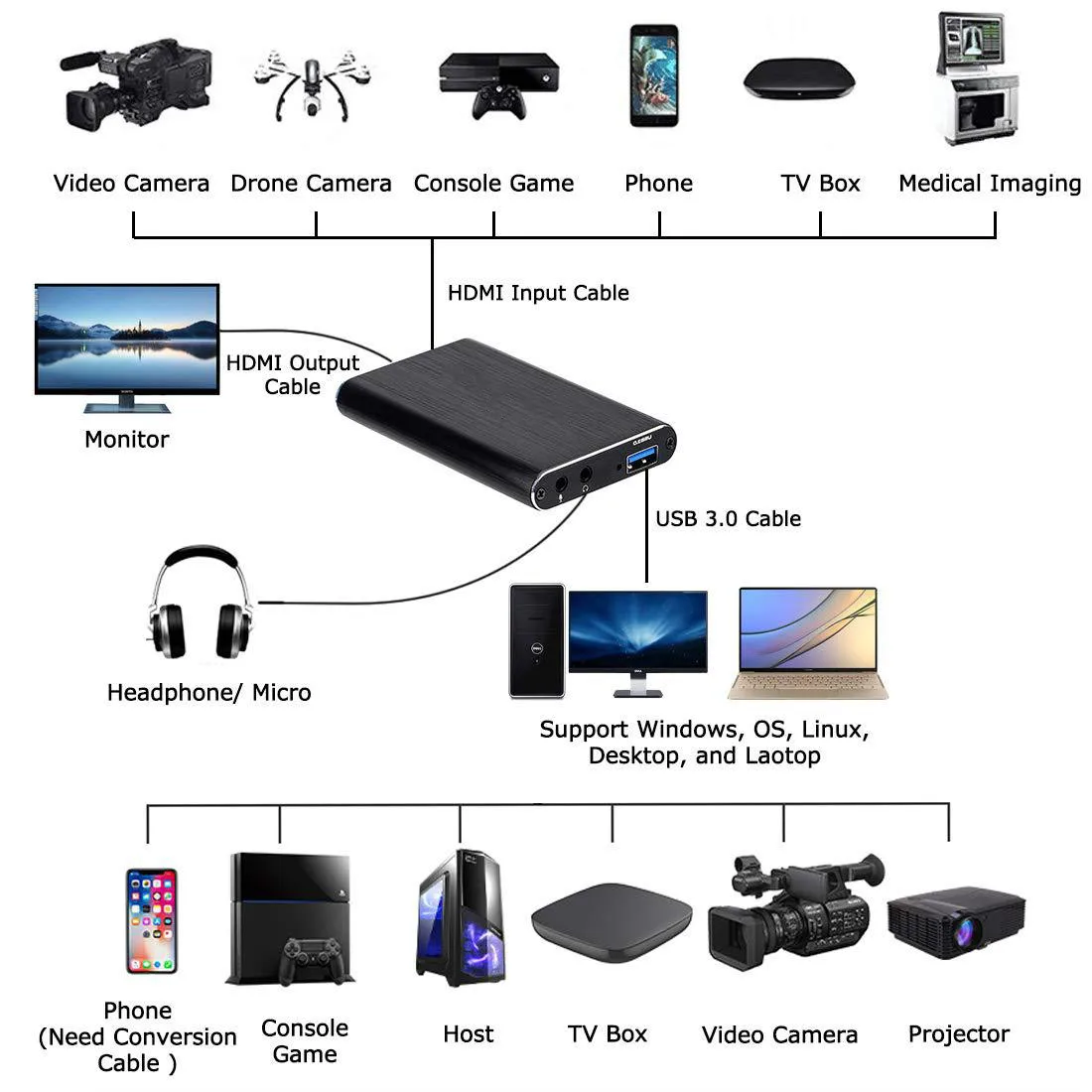
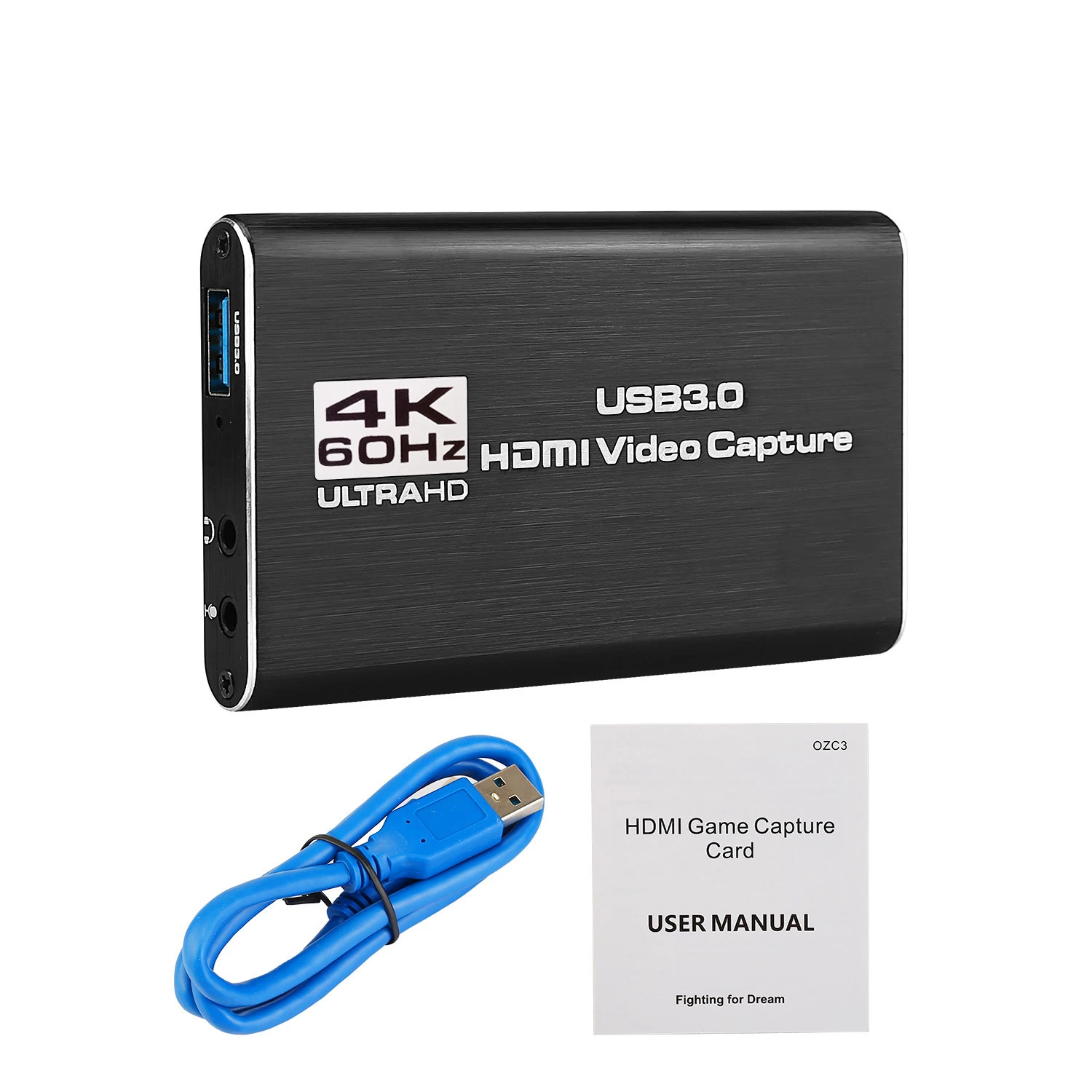
[Product name] 4K HDMI to USB3 video seize card [Product alias] dwell video capture card, USB3 video capture card, HDMI seize card, HDMI high-definition video seize box [Product Introduction] 4K HDMI to USB3 video capture card, clean to carry, superior performance, nice compatibility, uncomplicated installation, powerful features, etc, can collect 1 HDMI input signal; well matched with Windows 7, 8, 8, 10 or Later, Linux OS, Mac OS USB3 interface, well suited with a number of USB3 chipsets (Intel, Renesas, ASMedia, Fresco Logic), backward well suited with USB2, linked to PC or cellphone by way of USB3 interface Through many free third-party playback and acquisition software, to attain preview, recording, acquisition, dwell broadcast and different functions, HDMI video acquisition complies with UVC and UAC standards, clean to use 【Features】 1 It can seize unmarried HD HDMI video signal; 2 The recorded video sign can reach 1080p / 60Hz, HDMI input helps 4K / 30Hz; 3 Support MJPEG and YUY2; 4 UAC & UVC agreement, help 48 KHz PCM audio sampling rate; five Some win7 deserve to set up the driver; 6 Compatible with Windows 7, 8, 8, 10 or later, Linux OS, Mac OS working systems; 7 USB3, 300 ~ 350MB / s bandwidth, like minded with USB 2 (40MB / s bandwidth); 8 Can mechanically locate the enter video format, and automatically comply with the set output size and body rate; 9 Can robotically come across the enter audio format and convert it to 48KHz PCM audio; 10 series rods can be utilized on a PC; eleven Support online firmware improve to raised upgrade product compatibility; 12 The picture quality is clearer, the RGB colour differ is 0 ~ 255, the delay is better; 13 Support all third-party participant application well matched with UVC and UAC protocols; 【System Requirements】 Computer formula requirements: Windows® 10 / Windows eight / Windows 7 (SP1); Desktop computer: Intel® Core ™ i5-4440 3 GHz + NVIDIA® GeForce® GTX 660 or above; Notebook: Intel Core i7-4810MQ + NVIDIA GeForce GTX 870M or above; 4 GB RAM (8 GB recommended); A Mobile telephone formulation requirements: Android cellphone (supported via more moderen phones); Only helps USB2, not USB3 (The purpose is that android UVC driver would not support USB3); If it's a USB Android phone, you must power the pure USB2 cable into the USB2 mode to apply 【Product Specifications】 1 Input interface: 1 HDMI interface; 2 Output interface: USB3, 300 ~ 350MB / s throughput; 3 HDMI input: 4K / 30Hz, 1080P / 60, 59, 50, 30, 29, 25, 24, 23, 1080i 50/60, 720P 50 / 60,480P, 576P1280x1024, 1280x960, 1024x768, 800x600, 640x480 4 HDMI sound input: LPCM sound signal; 5 HDMI input format: well matched with HDMI1 standard, most bandwidth help 225MHz 4K / 30Hz, 12bit deep color; 6 Output layout Resolutions: 640x480 / 720x480 / 720x576 / 800x600 / 1024x768 / 1280x720 / 1280x960 / 1280x1024 / 1366x768 / 1360x768 / 1440x900 / 1400x900 / 1680x1050 / 1920x1080 frame rate: 25 / 29 / 30/50 / 59 / 60 fps; 7 Video sampling rate: HDMI: 165MHz; 8 Audio and video capture: it conforms to UVC (USB video class) and UAC (USB audio class) standards; 9 Output shade space: YUV, RGB; 10 Support working system: Windows 7, 8, 8, 10 or later, Linux OS, Mac OS; 11 Software compatibility: Adobe Flash Media Live Encoder (Windows, OS X); Real Producer Plus (Windows); VLC (Windows, OS X, Linux); QuickTime Broadcaster (OS X); QuickTime Player (OS X), OBS, PotPlayer and and so on 12 Power consumption: <= 2; thirteen Working temperature: 0-70 degrees Celsius; 14 Storage temperature: -20-120 levels Celsius; 15 Storage humidity: 5% -90%; 【Interface Description】 1 Signal indicator: When the gadget captures video normally, the indicator lighting fixtures up 2 Power indicator: When the gadget is connected to the USB port of the computer, this indicator lights 3 HDMI input: This slot is where the HDMI output supply reminiscent of camera, camcorder, game box, IPTV box, and so forth is connected four USB3 output: This slot is where you connect the USB3 enter of a pc or laptop computer How to apply OBS to listing video? Step1: Clik:+ Choose:Video Capture Device Step2: Create a new call Step3: Device:Choose"USB3 HD Video Capture" Step4: Resolution/FPS Type:Choose"Custom" Step5: Resolution:Choose"1920x1080" Step6: Audio Output Mode:Choose"Output desktop audio(DirectSound)" Step7: √ Usb tradition audio gadget Step8: Audio Device :Choose"USB3 HD Audio Capture" Step9: Clik"Start Recording"


Révision
0 people rated this product

4K HDMI to USB 3.0 Video Capture Card Video Recorder For OBS vMix Wirecast Potplayer VLC Encoder QuickTime Player Live Streaming
Expédition et retours
 QWQER Express,
 USPS,
USPS, DHL
DHL
Shopping security
- Safe payment options
- Secure privacy
- Secure logistics
- Purchase protection