


Descriptions
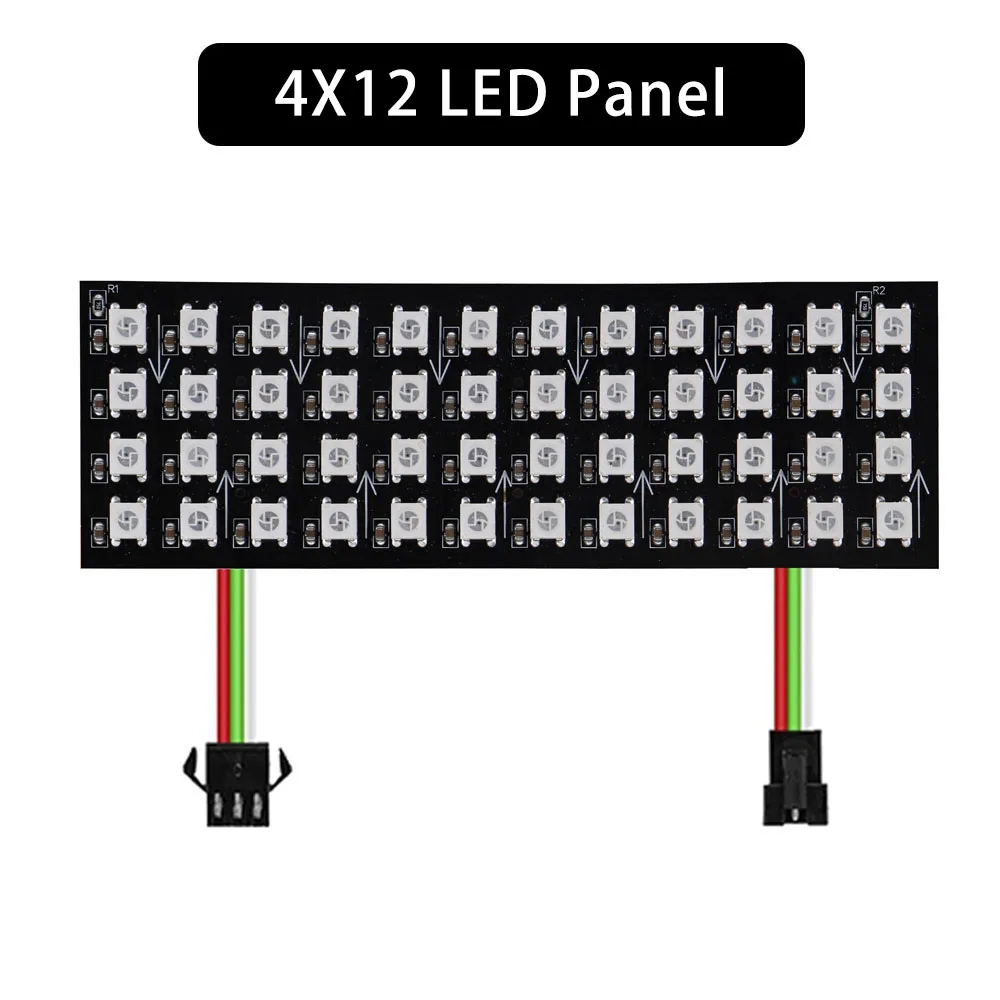
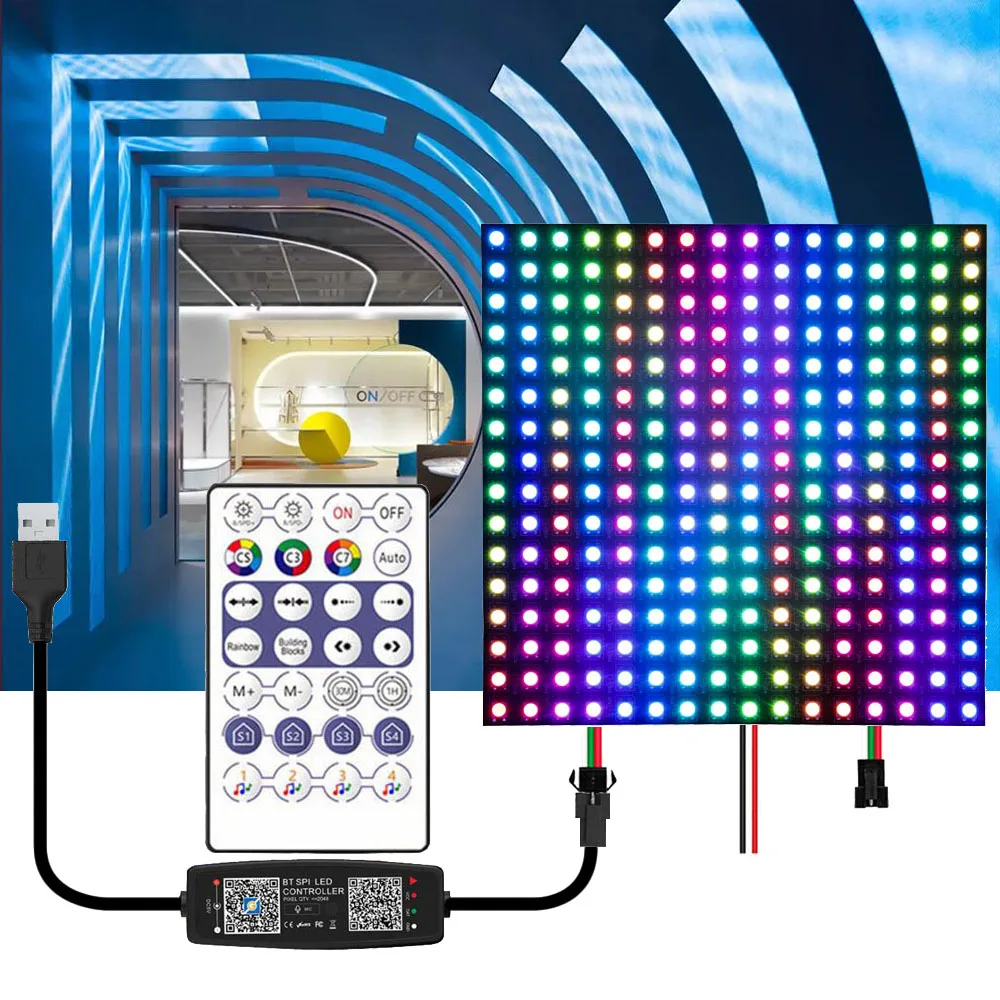
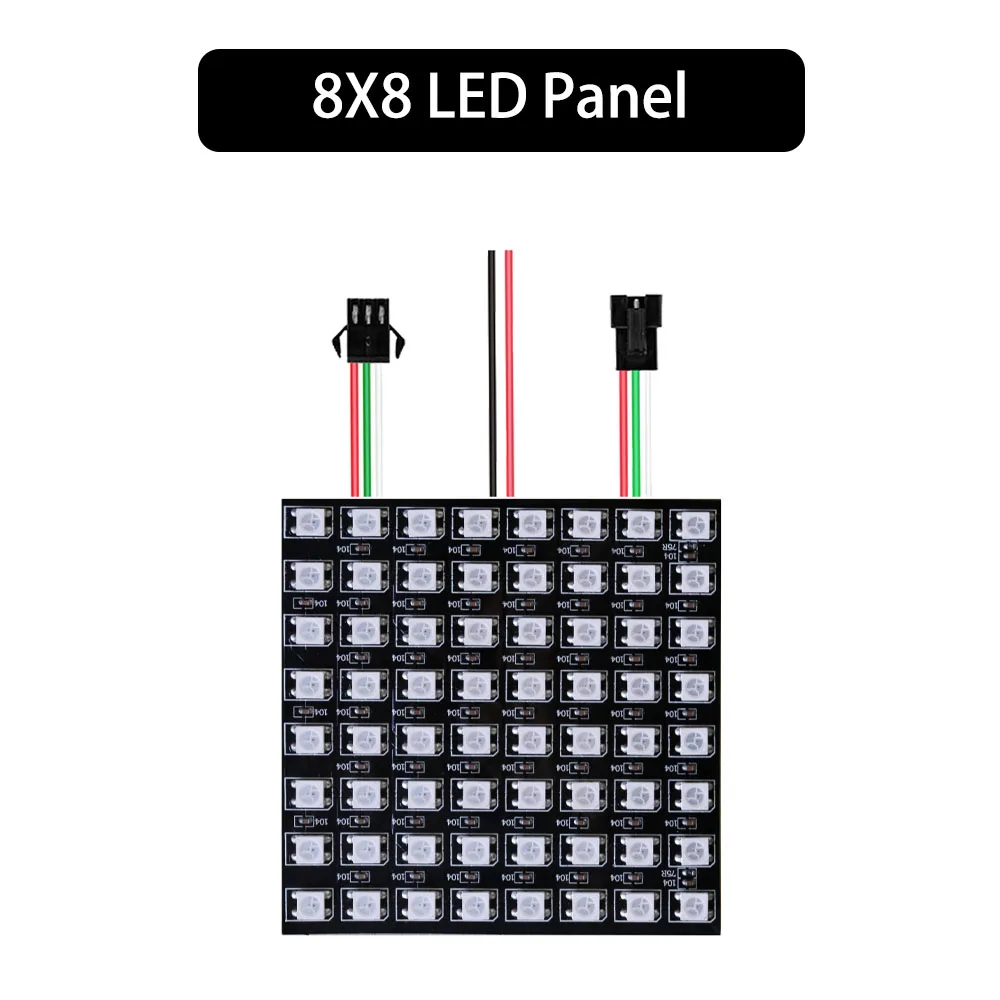
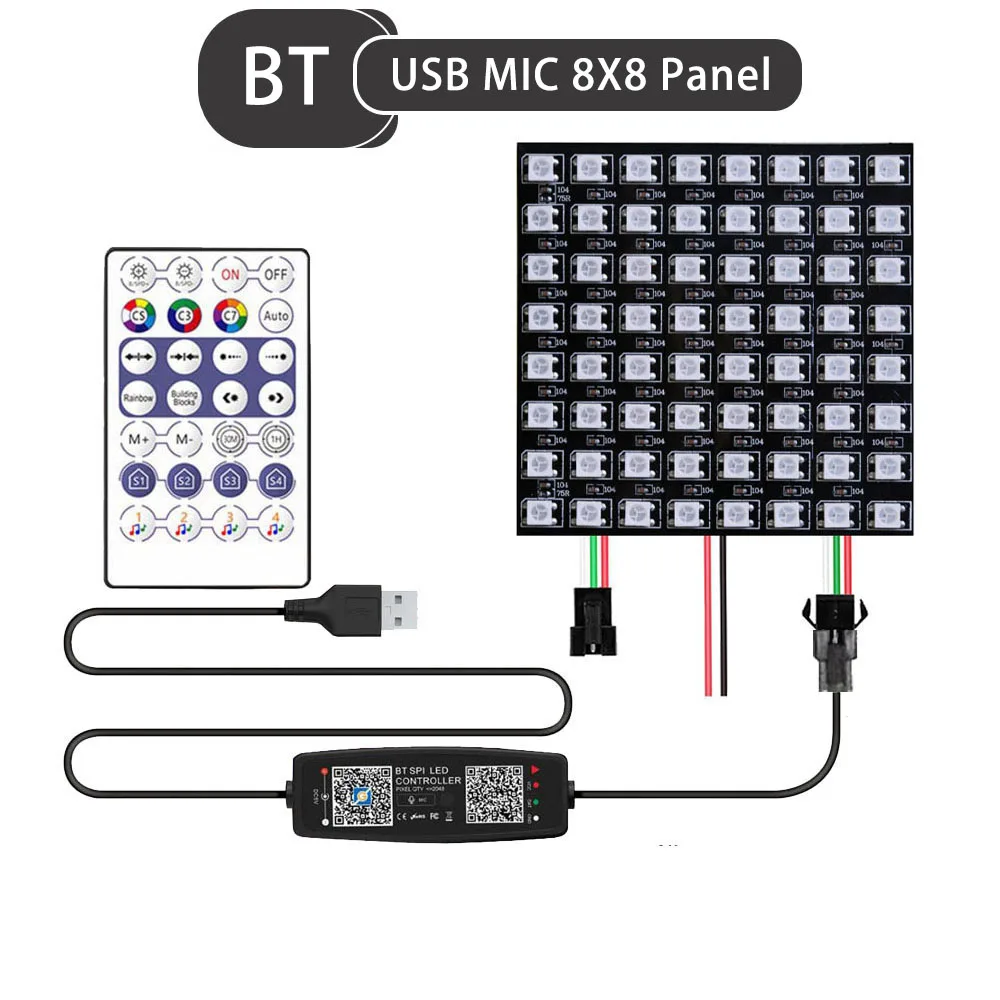
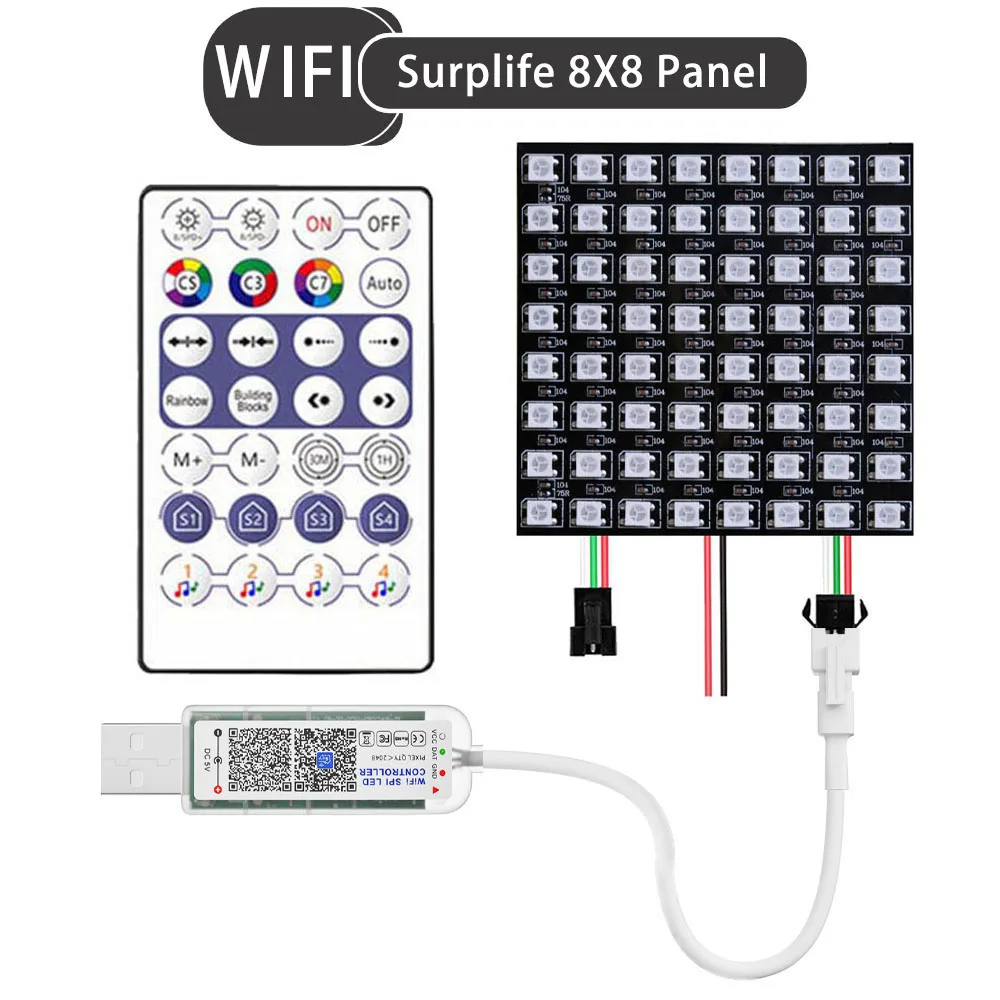
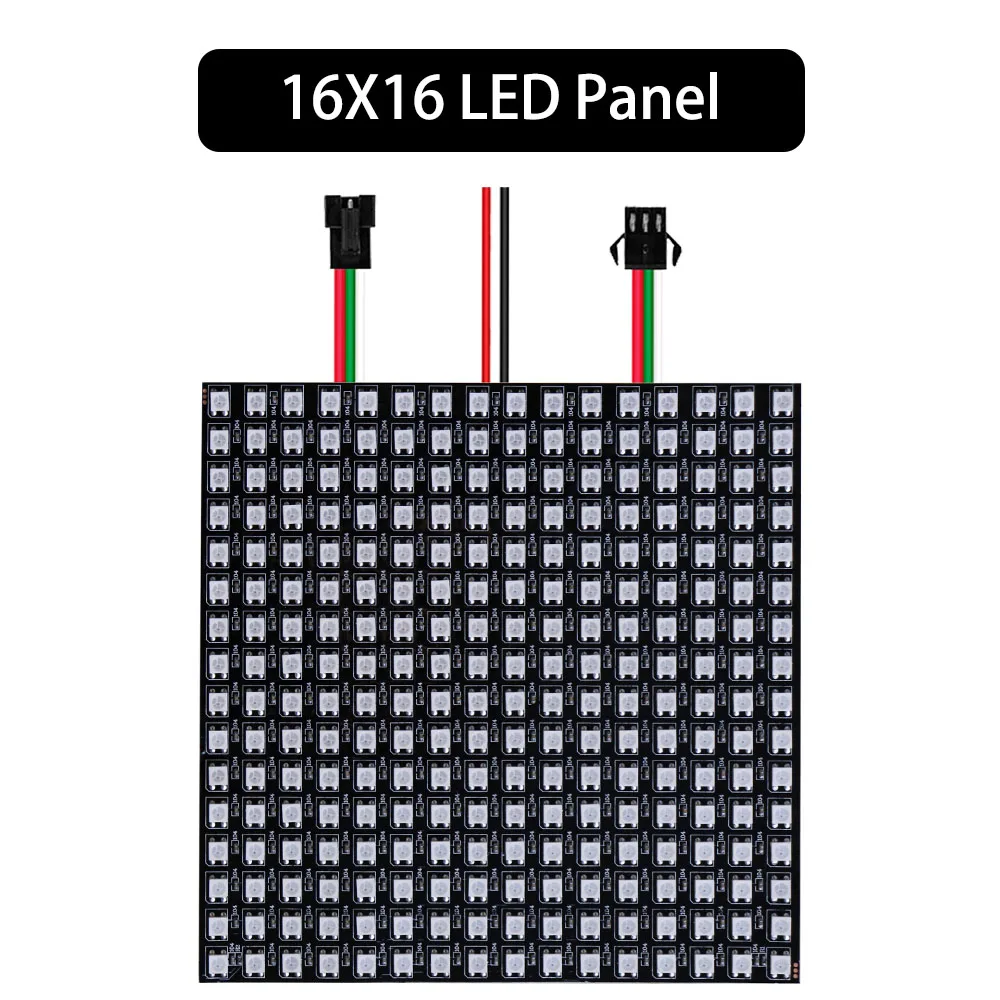
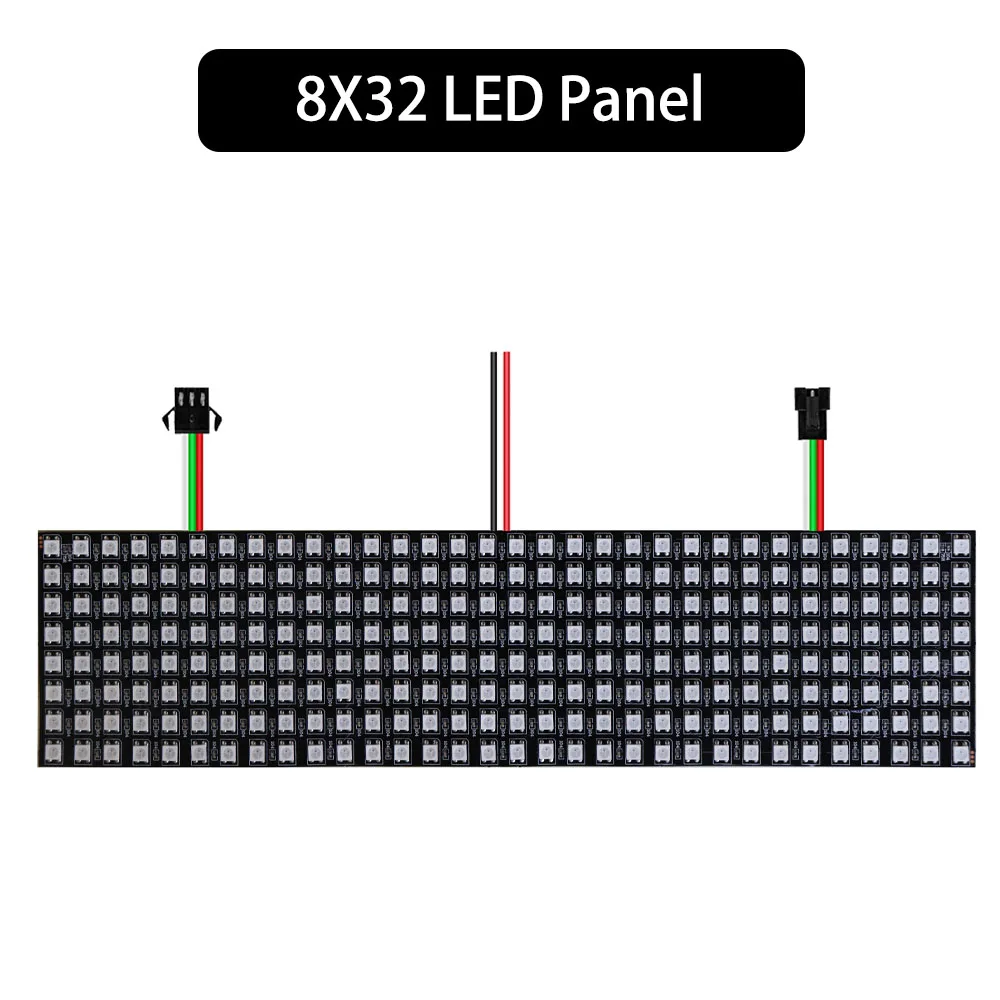
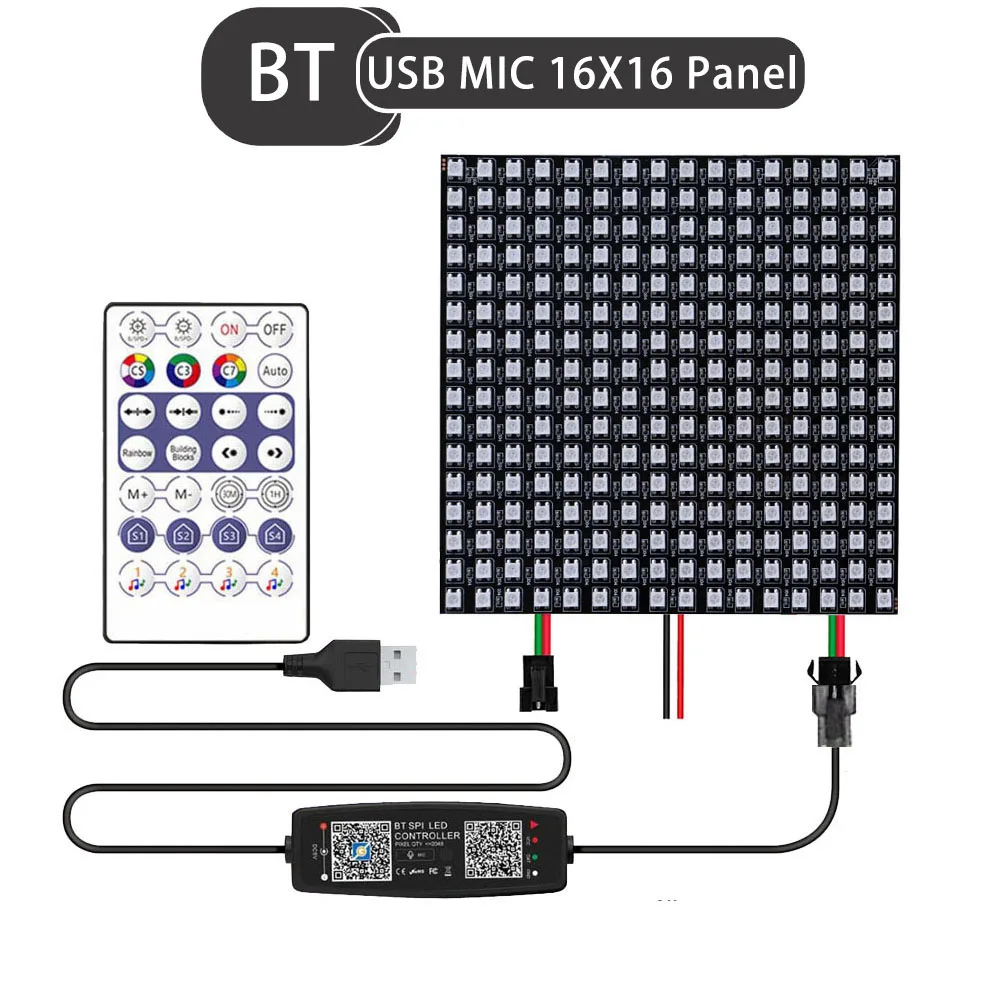
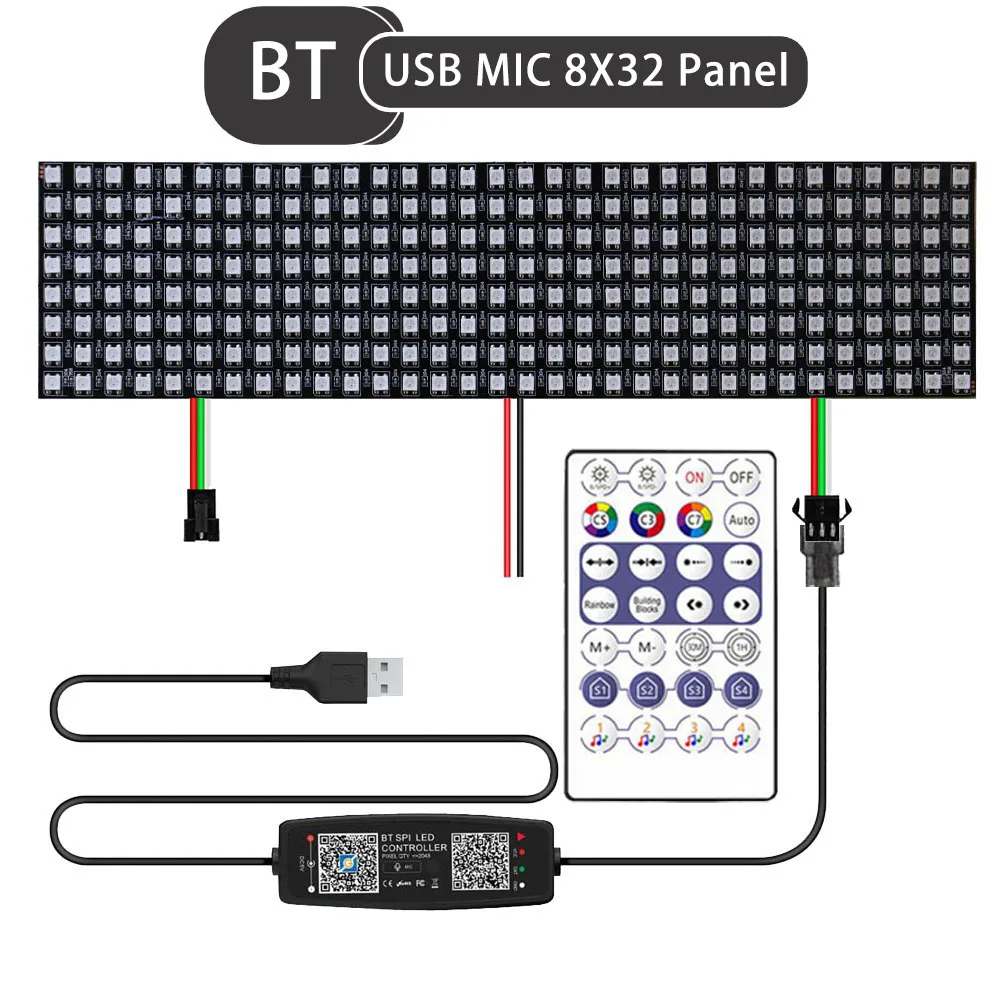
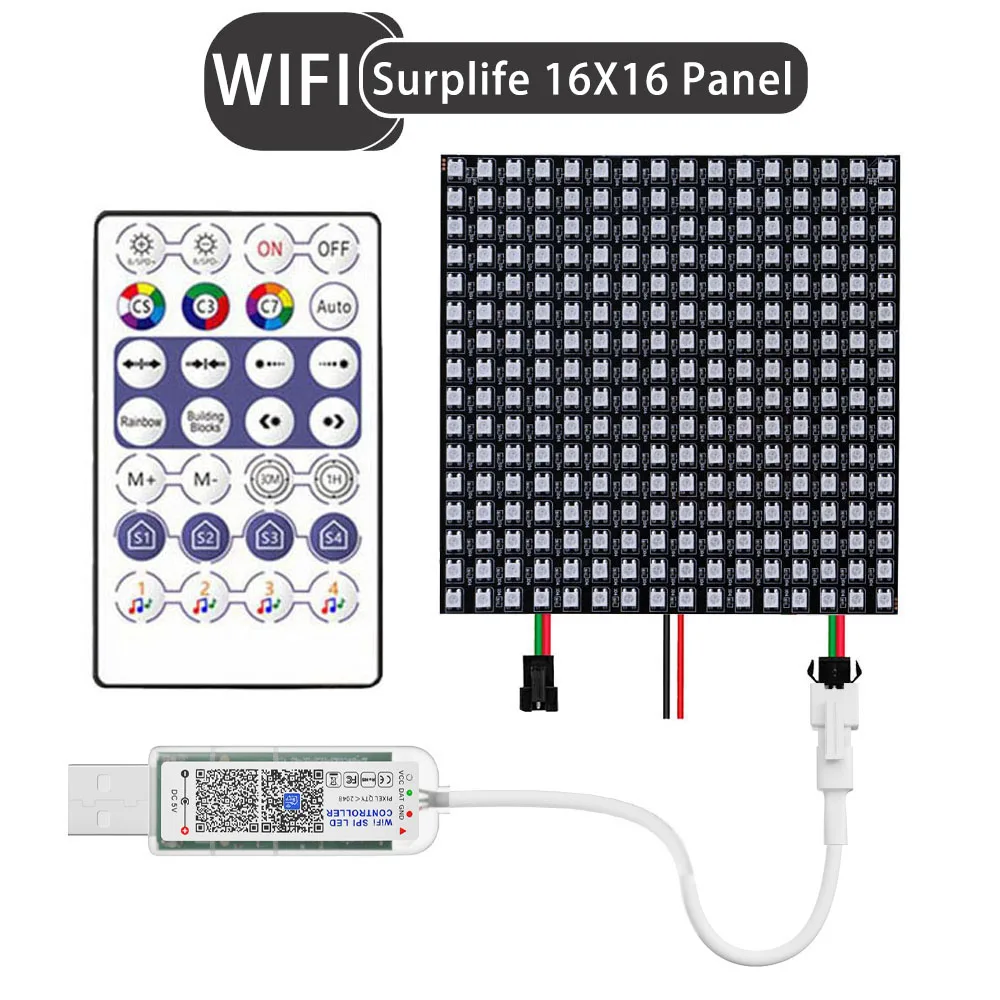
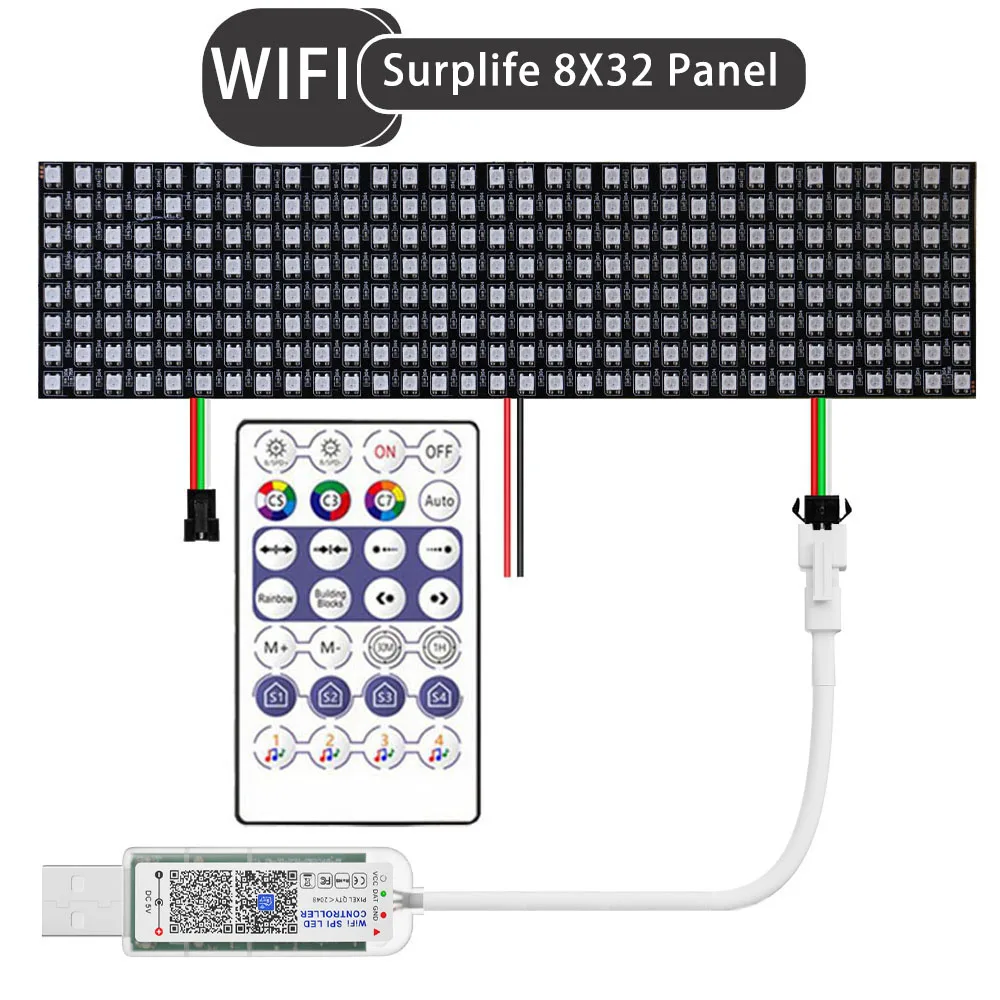
Pay Attention:1. The handheld remote control doesn't have batteries2# BT Led Controller Non-music mode controls 2048Pixel, song mode can fully management 960Pixel WS2812B LED Panel Description:Voltage: DC5VIC: WS2812BFPCB Colors: BlackLight Source: SMD 5050 RGBWorking Life: >50,000 hoursLED Quantity: 4*12 48Pixels / 8*8 64Pixels / 16*16 8*32 256PixelsPower: 48Leds 14/ 64LEDs 19/ 256LEDs 75WPlate: Soft CopperWaterproof: IP30 Non- WaterproofWorking Temperature:-20°C~40°C 28Keys LED Controller Parameter:Rated Voltage: DC5VConnection Method: USBControl Method: Mobile phone APP distant controlControl Range: 40MRemote Battery:CR2025 3V(Note:Battery now not include) Surplife LED Controller Parameter:Rated voltage: USB-5V, DC12~24V Controllable points: Max 2048 aspects Support IC: 2812, 2811, 16703, 16704, 1903, 6812, 1003, 2904, etc. Remote management battery: 1* CR2025 (Not included) Connection method: USB / DC Control method: mobile phone APP hand held handheld remote control Control range: 40m(open area) 1. Download the appliance app Download the "Surflife" software from the app shop and Google Play Store, or scan the QR code. 2. How to hook up with the Surface App? (1) Register/log in in your Surflife account. (2) You can log in as a tourist. (3) Turn at the system and allow the Bluetooth function of the telephone (4) Enter the "Surlife" app, click "Add Device" or "+" so as to add a device. Then desire your Wi Fi network (only relevant to 2 networks) and enter your password. (5) Renaming the gadget and selecting a room for it 3. Regarding settings: Click on the "Settings" icon to enter the settings interface, the place you could possibly set the chip type, color calibration, and variety of lighting fixtures for the controlled machine (the type of lighting in each part can't exceed 500, and the complete form of features can not exceed 2048), The surroundings of IC features should be applied to the application function. When the colour of the sunshine strip is incorrect, color calibration can be performed. 4. Detailed introduction to APP functions: (1) Colorful functions (2) Scenario operate (3) Rotation operate (4) Rhythmic operate ① Music mode: The lighting fixtures bounce and alter with the rhythm of the tune ② Microphone (5) Timing function (a) According to the time you set, set the change settings for the light fixtures it controls. (b) When turning at the lights, you might freely choose from colourful or different light fixtures results in the scene. (6) Fun Play There are 6 enjoyable mini games within (sliding meteors, falling colors, spotting colors, shaking, color picker, small piano) (a) Sliding meteor: You can freely draw diversified meteors at the screen, and the sunshine changes per the meteor. (b) Dropped Color: Select a color in line with the light and click on the falling coloration block. (c) Understanding colors: Select textual content by way of observing the light, word the color of the light, and click on the corresponding text. (e) Shake: The light modifications with the shaking of the phone. (f) Color picker: The mild follows the colour captured by means of means of the phone to alter colour selection, and might be manually or automatically selected. (g) Piano: The lighting changes color in segments in line with the rhythm of the piano. (7) Group control function Classifying a number of controllers into a similar organization permits for one click dimming, colour adjustment, and turn management of the instruments within the organization simultaneously (8) Linkage operate By grouping the light fixtures into the same group, a number of lighting fixtures can be related to day out the purposes of the APP. Long press and drag the order of sunshine fixtures within the device list, and you can also change the direction of the lights. ① Series connection: sequential linkage of light fixtures in the organization ② Parallel connection: synchronous linkage of light fixtures in the group (9) Scene functions In the scene interface, create diversified lighting fixtures colors or dynamic effects for different scenes in step with personal needs. (Note: "Widgets" and "Siri shortcuts" could be applied) (10) Siri Shortcut-10S Attention: 1. Siri can totally control the scene (setting the scene operate in advance). The system comes with shortcut functions for two 12 and above. 3. Please make sure that your system is in "Online Cloud", go to the page "My">click "Siri Shortcut">add scene here. (11) Steps for adding widgets (setting scene function in advance): Go to the online web page "My">Click on "Widget">Add Scene to Widget. (12) Create Intelligence In the intelligent interface, create assorted clever situations per personal needs, akin to waking up/falling asleep, leaving/returning home, sunrise/sunset, or DIY customization for instruments and scenes. (13) Voice function On the "My" page, you'll need a third-party voice carrier platform (Alexa GoogleHome、 Tmall Genie, etc., join the components according to the instructions, and as soon as the connection is successful, voice management can be activated, which is handy and fast. Kind reminder 1. Please use the product in a dry environment; 2. Please use an appropriate DC voltage for input voltage, and don't straight use 220V AC power; 3. The product should not be related incorrectly in the anode connection method, as it can smoothly lead to product failure. Package Includes:1 Controller:only have controller,no have led panel2 Led Panel:only have led panel,no have controller3 panel kit:Led Panel+Controller

Révision
0 people rated this product

WS2812B Matrix Individually Addressable LED Panel Screen WS2812 48/64/256Pixels Led Module Light USB Bluetooth/WIFI Controller
Expédition et retours
 QWQER Express,
 USPS,
USPS, DHL
DHL
Shopping security
- Safe payment options
- Secure privacy
- Secure logistics
- Purchase protection