


Opisy
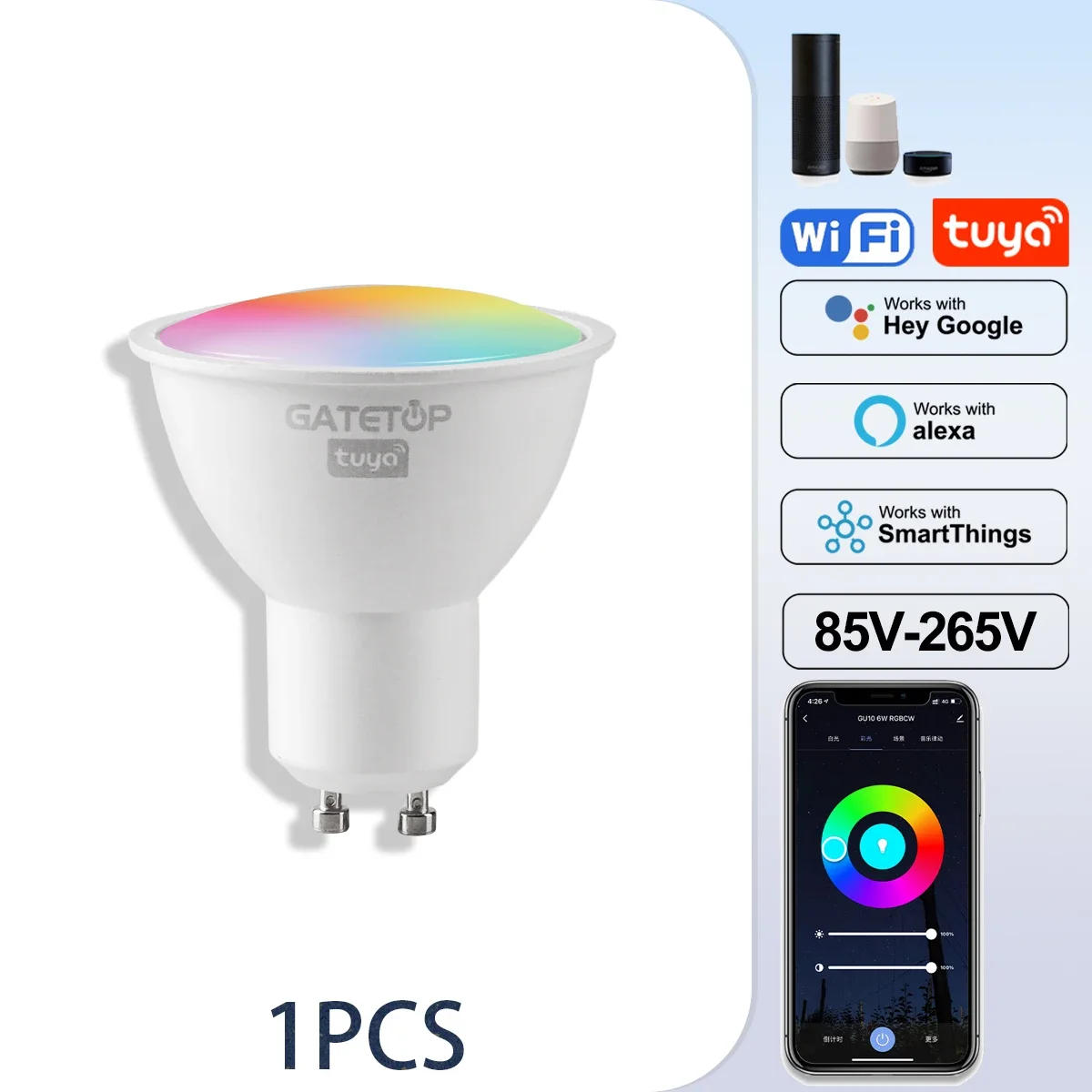
Specification: Type: GU10 C37 A60 T37 WIFI bluetooth Smart LED Bulb Material: Aluminum+Plastic Item Color: White Function: WiFi control, Compatible with Amazon Alexa Echo Google Home Assistant Light Color: RGB+Cold White (6000K)+Warm White (3000K) Socket Type: GU10 C37 A60 Power: 6W / 10W Voltage: AC 85-265V / AC 220-240V Chip: LED SMD 2835 CRI: >85 Lumen: eighty LM/W Life: >50000h Beam Angle: a hundred and twenty levels / 220 levels 1. Voice Control:Easy voice control of all smart soft bulbs by way of integration with Amazon Alexa Echo or Google Home Assistant, this entails flip on/off, brightness. Ex, you would possibly say, "Alexa change my smart light bulbs brightness to 50 percent". No Hub/Bridge Required! 2. Timing Control:Never come domestic to a dark home - during the use of mild schedules on the "Magic home-Smart home" app and be greeted with heat light. The timer function allows wise led mild bulb power on and stale automatically. 3. Remote And Group Control:Keep connecting this wifi wise light bulb with your home community (only supports 2 Wifi), you might remotely management clever light bulb in your smartphone Simulate when you go away home, there are people in the house. Group management function permits you to adjust a couple of intelligent light bulb at the same time for scene setting. Instruction Wi-Fi LED Bulb Step 1: Preparation to be used 1 at the bulb whereas guaranteeing that the telephone is attached to the two GHz Wi-Fi network; 2 and open up the app: Search for "Smart Life" or "TUYA" within the App Store or scan the QR code at the package/manual to acquire and set up the app; Please click the "Register" button to examine in everytime you download it for the 1st time. If you have already got an account, click on the "Login" button. Step 2: Device Network configuration 1 up the clever existence app "Devices" page, click on the " + " at the higher right nook of the page; 2 "Lighting " on the mechanical device listing page; three are two config mode: EZ mode and AP mode 1)EZMode Ensure the light flashing quickly (twice a second) or respiration which indicates that the device is in config mode which allows you to connect. Please press the lamp swap via five instances (on-off-on-off-on-off-on-off-on) ,stay within the open state ,till the sunshine flashing quickly or or breathing. Click the"Confirm Light blinks rapidly" button on the web page to start configuration. 2)AP Mode Click the “AP Mode”in the better appropriate comer. After the indicator light flashes slowly; click the affirmation button on the web page to connect with a 2 network. Then click "Connect Now" to connect to the hotspot of the mechanical device “SmartLife -XXXX”. Step 3: Network access settings 1 the WIFI password, listen in on connect 2 network environment, temporarily don't help 5G network; 2 can see the light bulb on the "Devices" online page after building effectively Step 4: Control instruments 1 the light management page. If it's off completely the "Schedule" function could also be displayed below. When soft up, the whole function could be displayed on the bottom; 2 on "Color", you'd manually regulate the brightness and shade temperature of the light; three at the "Scene", you would desire the lighting mode below diverse scenes.


Recenzja
0 people rated this product

1-10PCS Rgb Smart Light Bulb Tuya GU10 LED Dimmable Gu10 6W Wifi Led Magic Lamp AC 85-265V 110V 220V Work with Alexa Google Home


Wysyłka i zwroty
 QWQER Express,
 USPS,
USPS, DHL
DHL
Shopping security
- Safe payment options
- Secure privacy
- Secure logistics
- Purchase protection