


Opisy
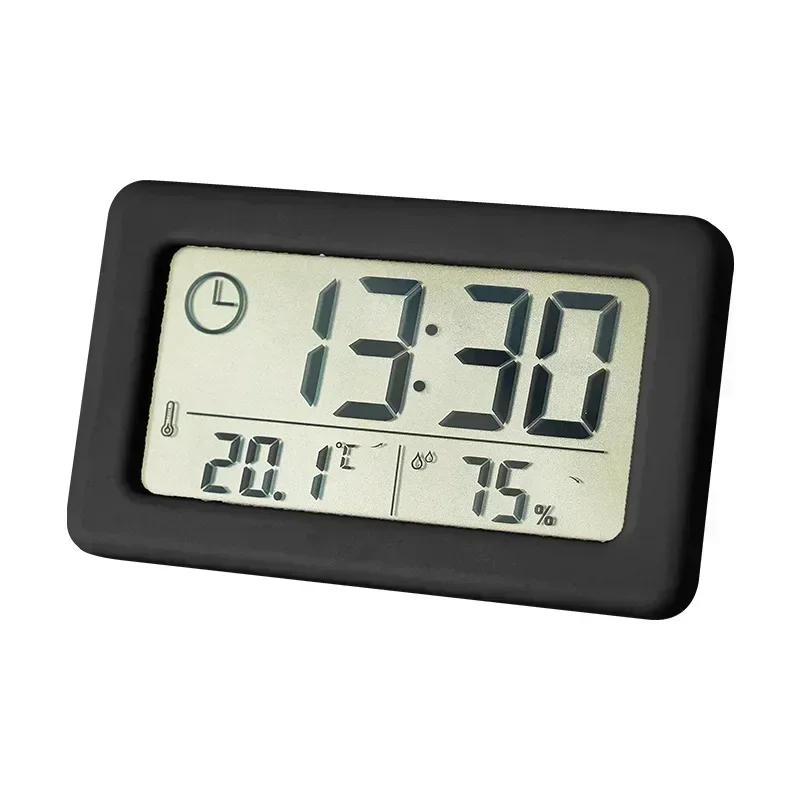
Button Setting: S: Long press to go into the time setting, then quick press to modify to set the hour and minute UP: Normal time exhibit status, brief press to change between Fahrenheit/Celsius In the setting state, to increase the adjustment object, lengthy press for instant increase DOWN: Normal time exhibit status, short press is 12/24 hours change In the setting state, to reduce the adjustment object, lengthy press to minimize quickly Time setting: In the conventional exhibit state, long press S to enter the time surroundings At this time, the hour number is displayed Use the UP or DOWN button to regulate to the required hour, and then brief press the S button to modify the environment minutes, the hour and minute numbers are flashing , Use the UP or DOWN key to adjust to the required minute Then quick press the S key to exit the surroundings interface


Recenzja
0 people rated this product

12/24 Hours Wall Clock Thermometer Digital Table Clock Hygrometer Electronic Product Desk Watches Decorate Mini Electronics Home


Wysyłka i zwroty
 QWQER Express,
 USPS,
USPS, DHL
DHL
Shopping security
- Safe payment options
- Secure privacy
- Secure logistics
- Purchase protection