


Opisy
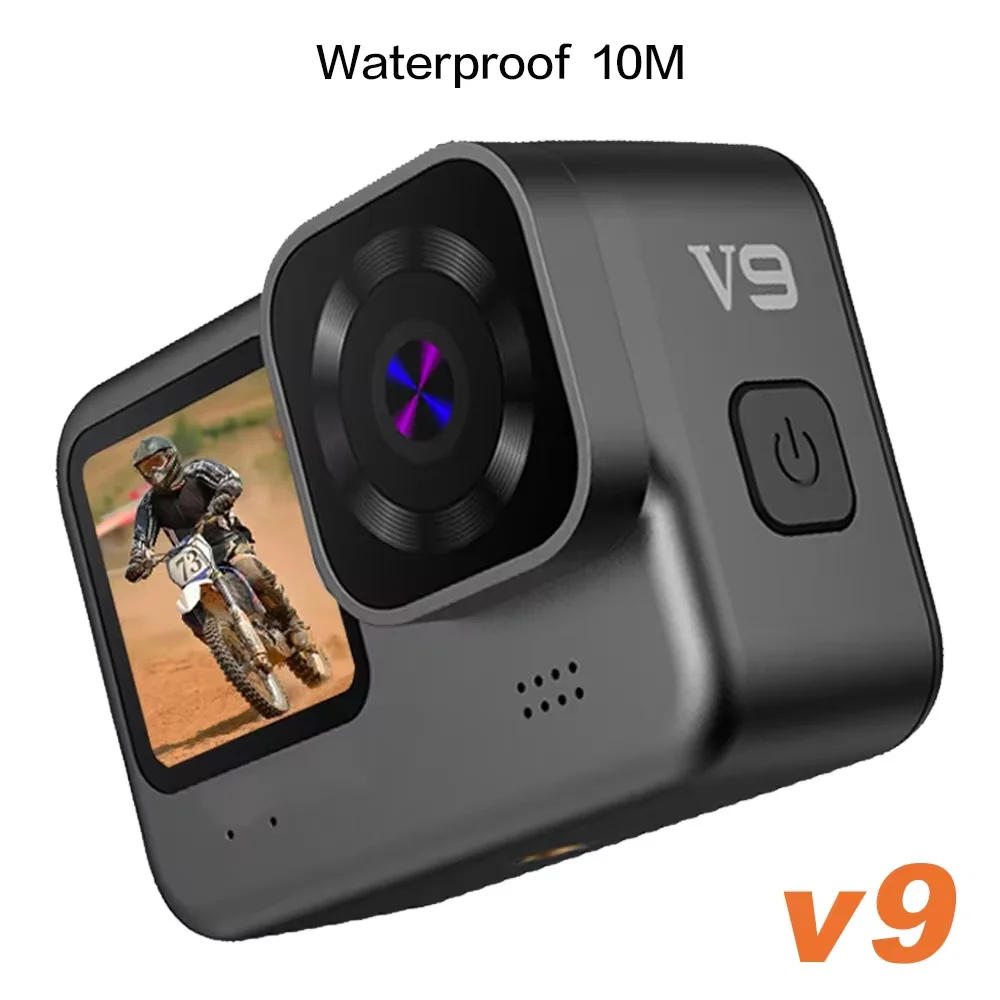
language: English, Simplified Chinese, Traditional Chinese, Italian, Spanish, Portuguese, Polish, Dutch, Hungarian, Czech, Russian, Korean, Japanese Note: 1、High-speed (U2/U3) SD/TF card is required, low-speed card can't be matched。 2、4K/60fps video requires digicam reminiscence ≥128GB High-speed (120m/s) SD/TF card is required, low-speed card can't be matched。 3、Please prefer the emblem MicroSD card The regular neutral card cannot be assured for normal use The first inserted memory card needs to be formatted on the digital camera 4、The water-resistant rubber plug should be plugged tightly and press ed in place, otherwise itwill affect the water resistant performance Switch between the large and small screens? Long press the end button for three to 5 seconds between the massive and small screens? Long press the top button for three to 5 seconds * 1 product is a high precision product, do not fall or affect * 2 Do not bring the camera close to gadgets with strong magnetism, akin to magnets and motors In addition, keep away from bringing the product near to items that emit strong radio waves A strong magnetic discipline can cause product failure or damage pictures and sound * 3 Do not position the digital camera in a high temperature or direct sunlight * 4 no longer store this machine in or close to the stable magnetic position to circumvent losing the saved information in the camera *5 the process of charging, if there may be overheating, smoke, or odor, please immediately pull out the flexibility supply and forestall charging to circumvent fireplace *6 charging, please place the product in a place out of attain of kids The power cord could cause accidental suffocation or electric shock *7 place the product in a cool, dry and dusty place *8 product includes a battery, don't discard the product within the trash bin Please select the acceptable processing procedure * 9 Special precautions: Please ensure the water-resistant rubber plug is 100 percent tightly coated and there can't be any bulge earlier than utilizing underwater If used for diving, it is strongly recommended to compare with a special water resistant case Please choose the authentic recycling point to recycle the product or its batteries, and do not abandon it within the garbage Use the operation 1 on and rancid the camera A: Long press and hold the ability change for approximately three seconds to show on / off B :Long press and keep the ‘shutter key&; button for three seconds to modify to the front screen! 2 charging A The native charging cable must use the unique information cable B Connect the pc and the flexibility adapter to charge C Charging the automobile instantly can also payment it at the car D Video recording operate whereas charging E Shutdown state is also charged 3 mode After opening the camera, press the "boot" key, which will seem within the upper left nook of the display Icon, indicating that the camera has been set in pictures mode After urgent the "OK" key, the yellow dot within the higher left nook will start to flash as 00:00:00 to start recording Press OK again during recording to stop recording four mode After opening the camera, press the "boot" button and choose the "photo mode", that may appear within the upper left nook of the screen Icon, indicating that the camera has been set to the photograph mode Press the OK "to take a picture five A The camera enters the digital camera mode, click the display "set icon", can choose to open the anti-shake function, video resolution, cycle video, automobile mode and WIFI, and so on B When the digicam enters the digicam mode, click on the display screen to "set the icon", and you can prefer the picture size, continual shooting, taking pictures method, picture quality, exposure repayment and color, and many others 6 storage and playback A Use the information cable to attach the computer, notebook, pull out the image dossier in the digicam / pull out the T card and duplicate it with the U disk to the computer B After opening the camera, press the "file icon" on the screen, and select the image replay mode to browse the saved image files 7 WIFI connection, stick to these steps: A Install the cellular phone software "iSmart DV" to a smartphone or capsule laptop Android devices can be downloaded at Smart DV (China), and Apple instruments are available at ios Foreign components kit would be downloaded at google B After the camera is opened, open the wireless community hotspot within the Settings, and the WIFI interface will seem at the display screen (exit the WIFI interface, click the decrease appropriate corner) C Turn on WIFI on the cellular device, seek for and attach "Action Cam" with an preliminary password of 1234567890 D After WIFI is efficiently connected, the display will demonstrate that WIFI has been connected After coming into the Smart DV, you would take pictures and videos, and the images and videos would be downloaded to the cellular phone


Recenzja
0 people rated this product

CERASTES V11 5K 4K60FPS WiFi Anti-shake Action Camera Go With Remote Control Screen Waterproof Sport Camera pro drive recorder


Free shipping & returns
 QWQER Express,
 USPS,
USPS, DHL
DHL
Shopping security
- Safe payment options
- Secure privacy
- Secure logistics
- Purchase protection