

Opisy
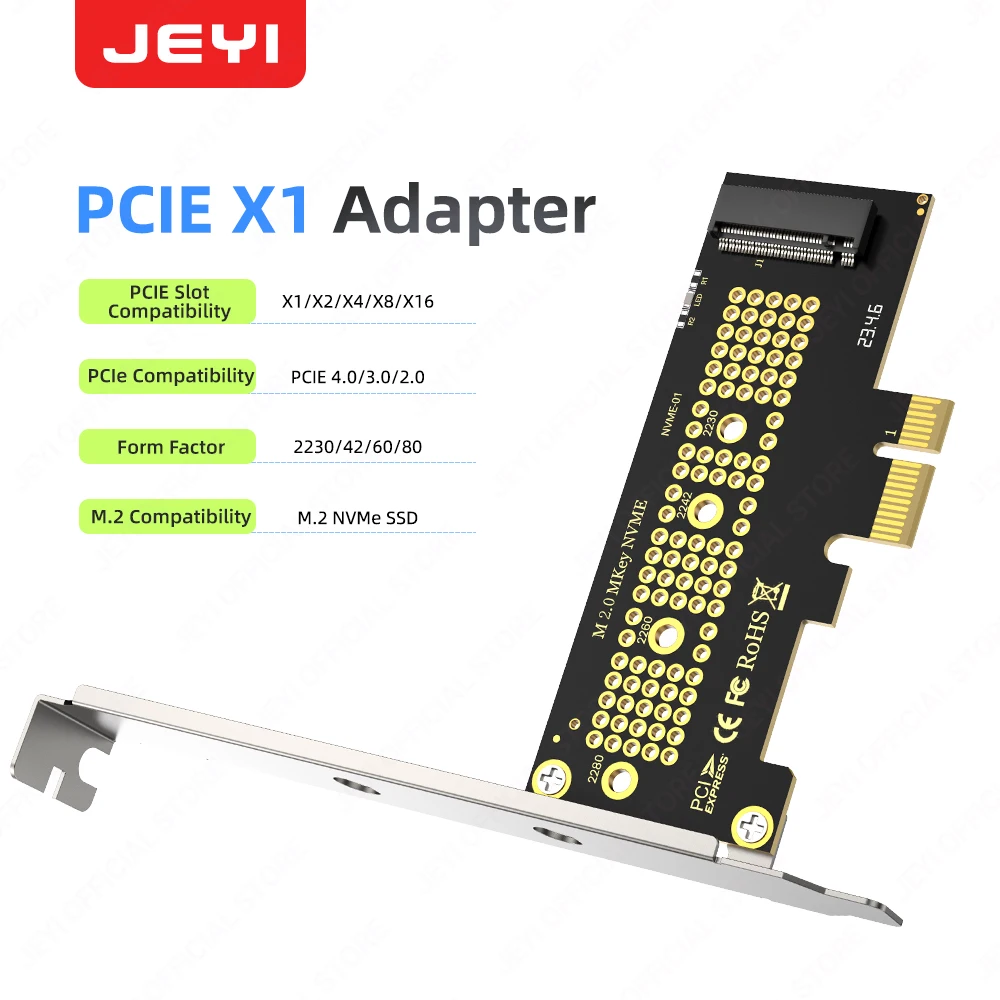
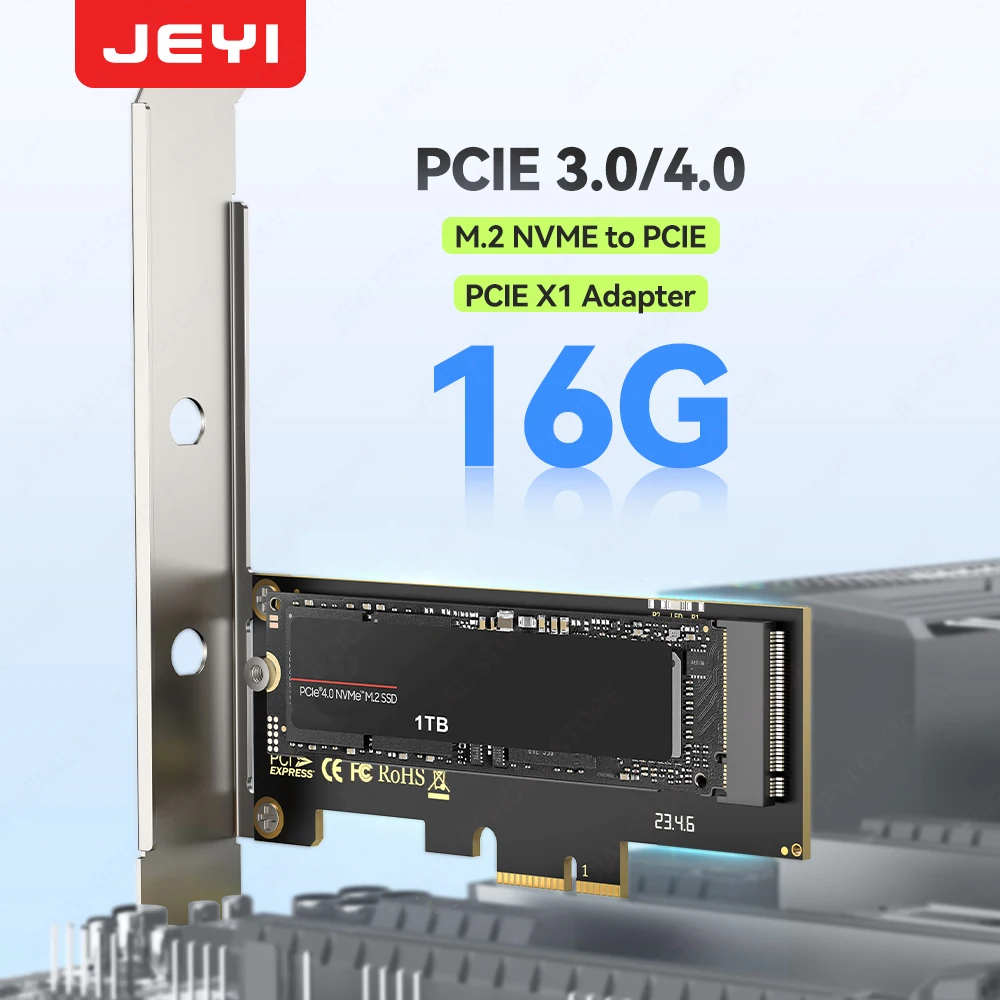
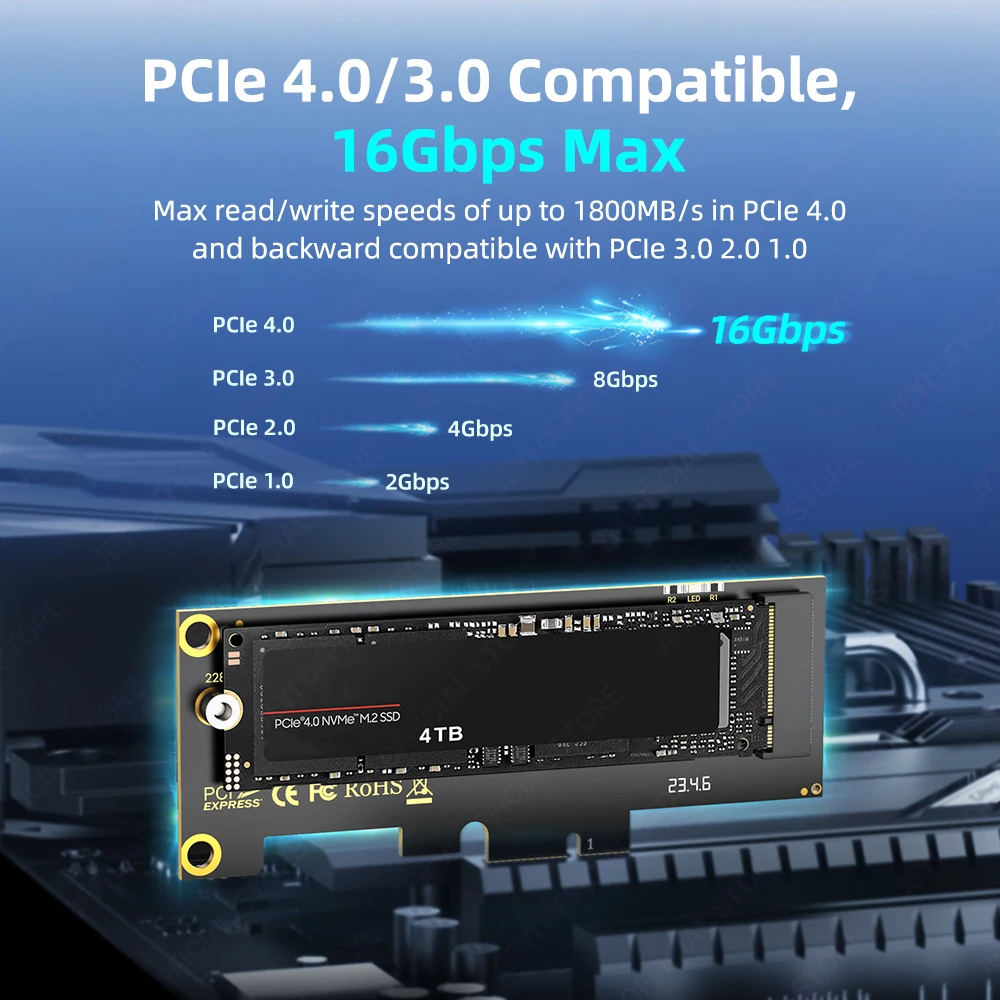
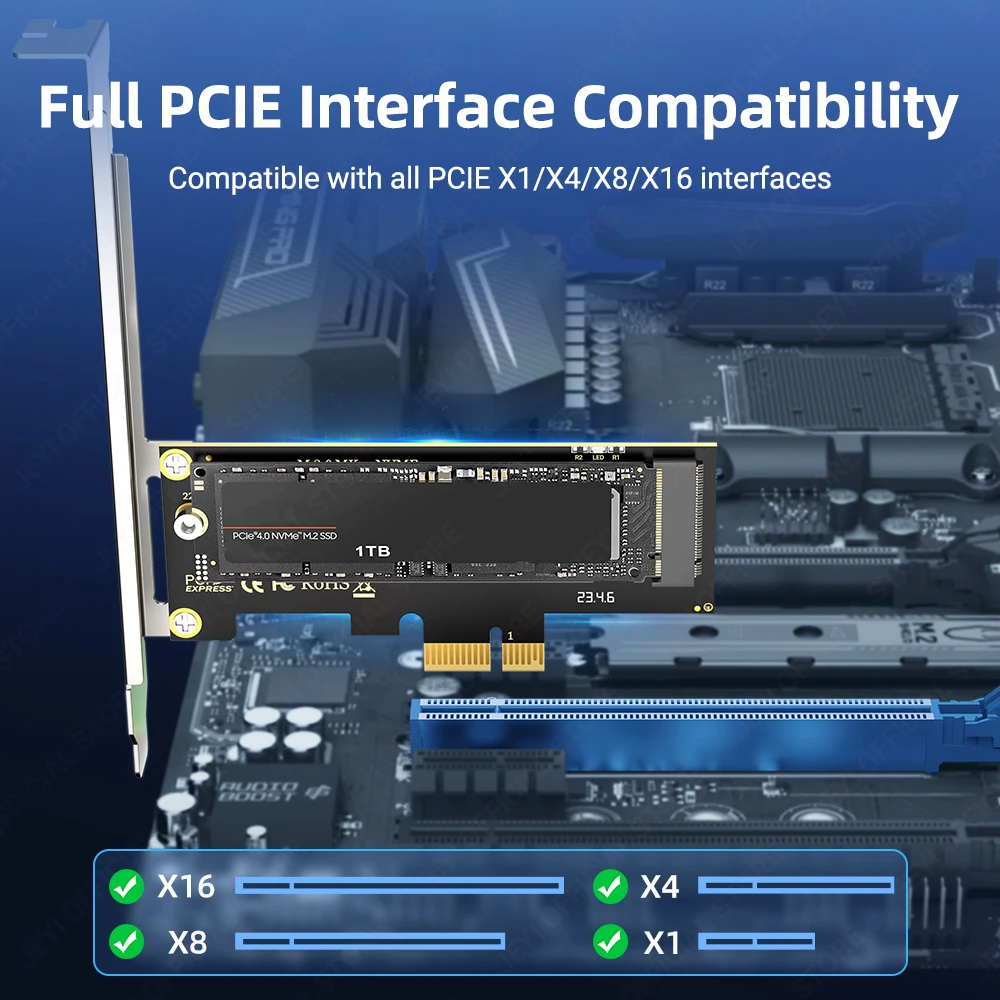
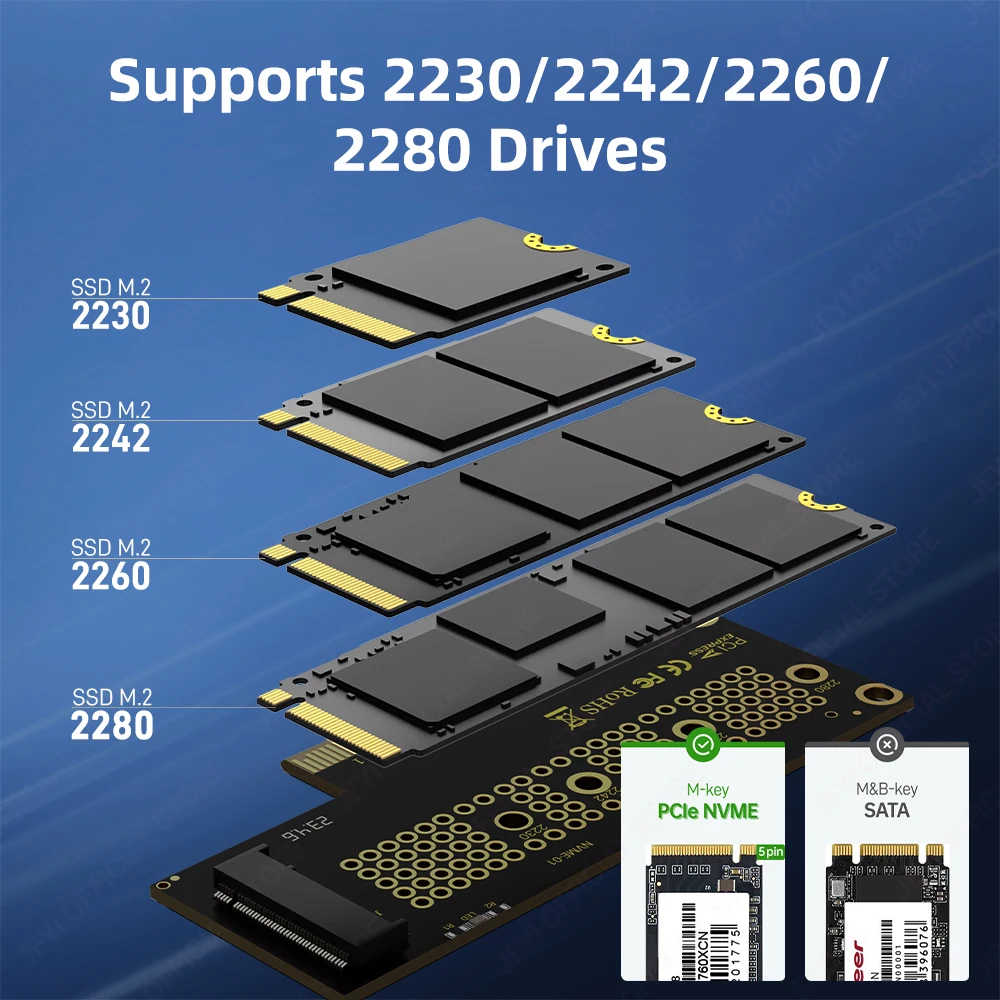
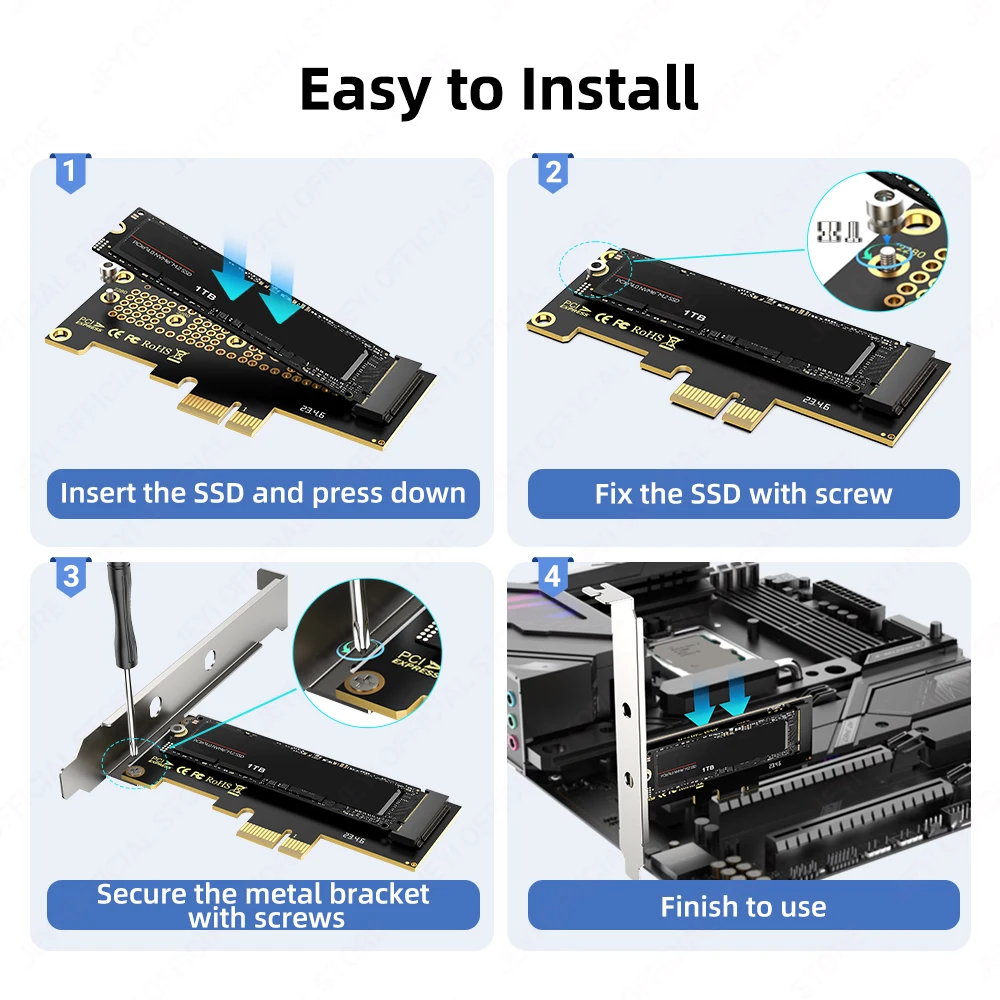
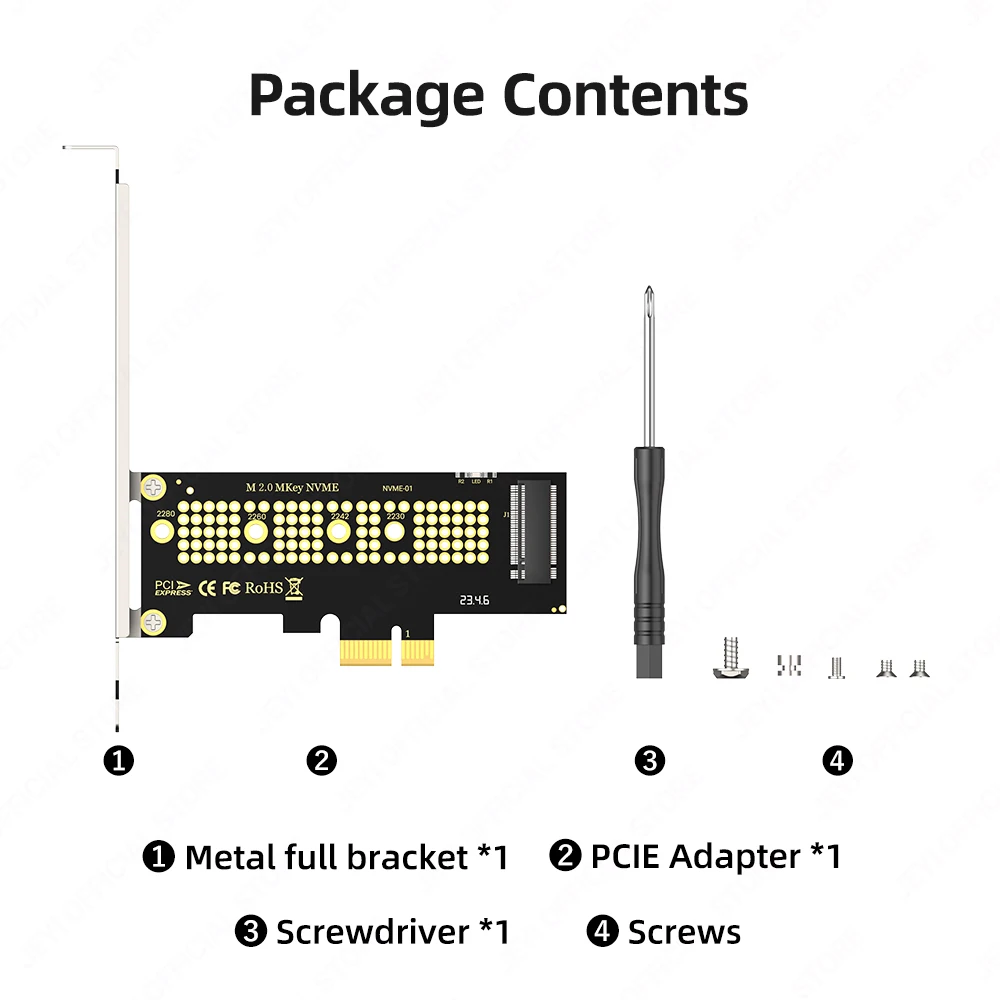
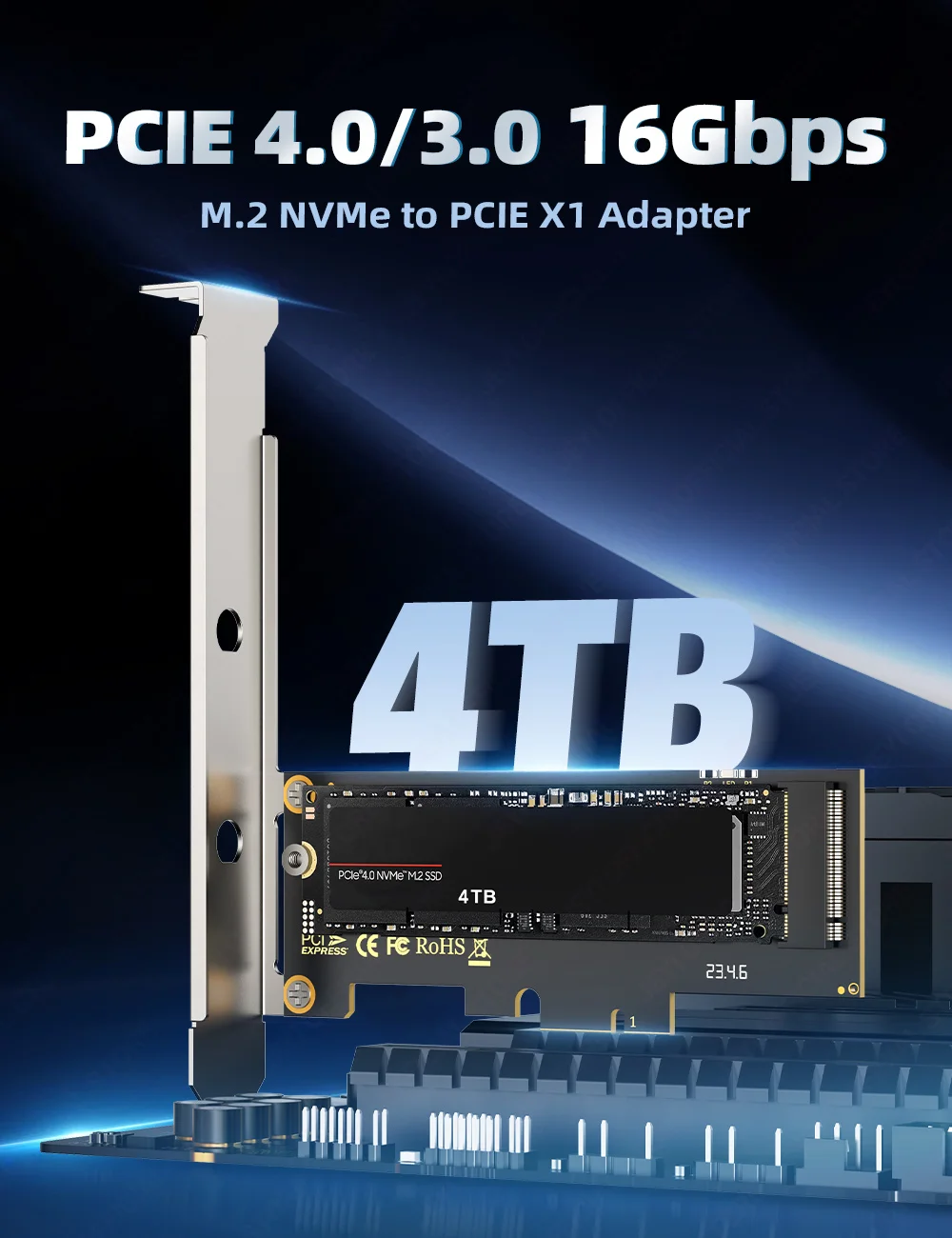
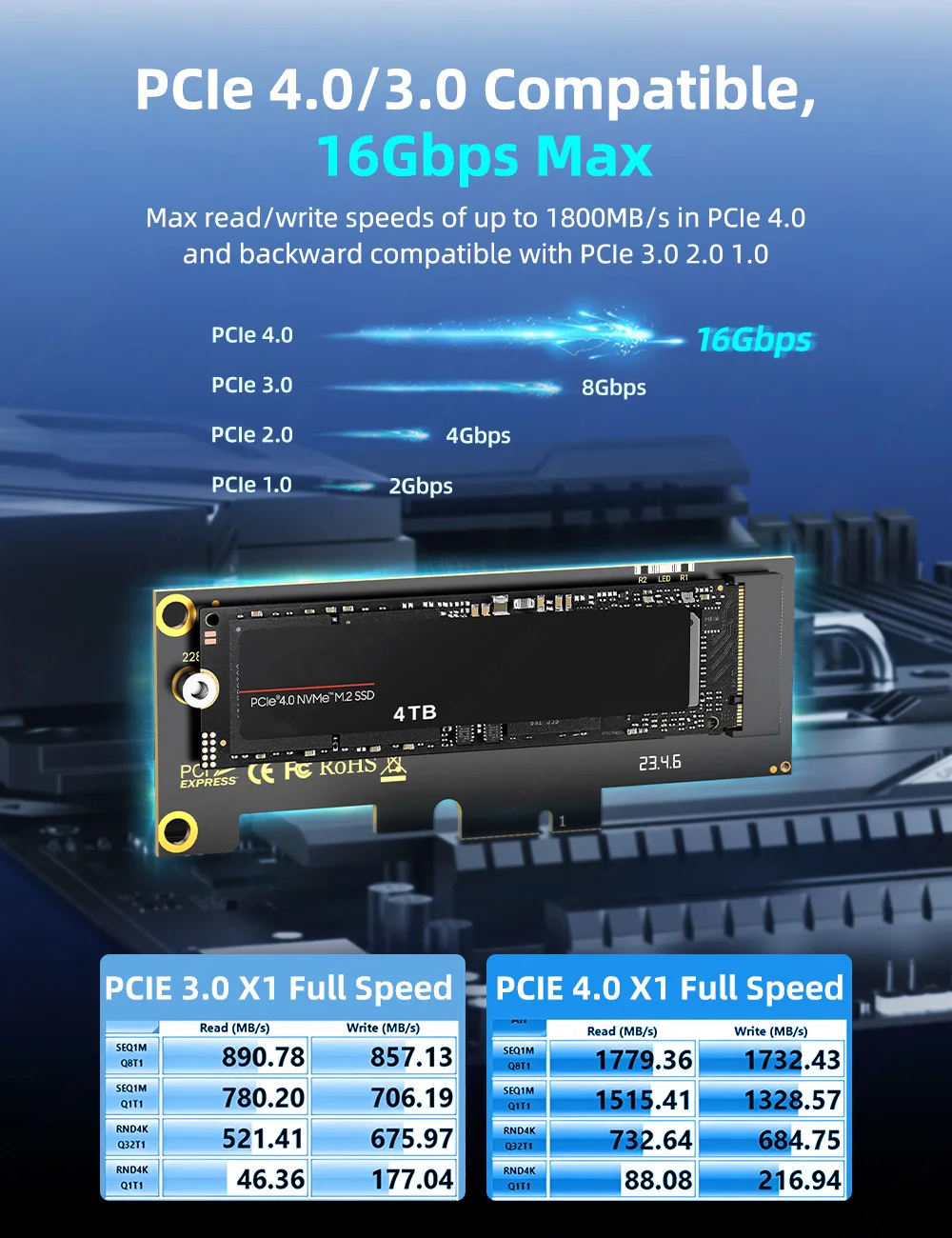
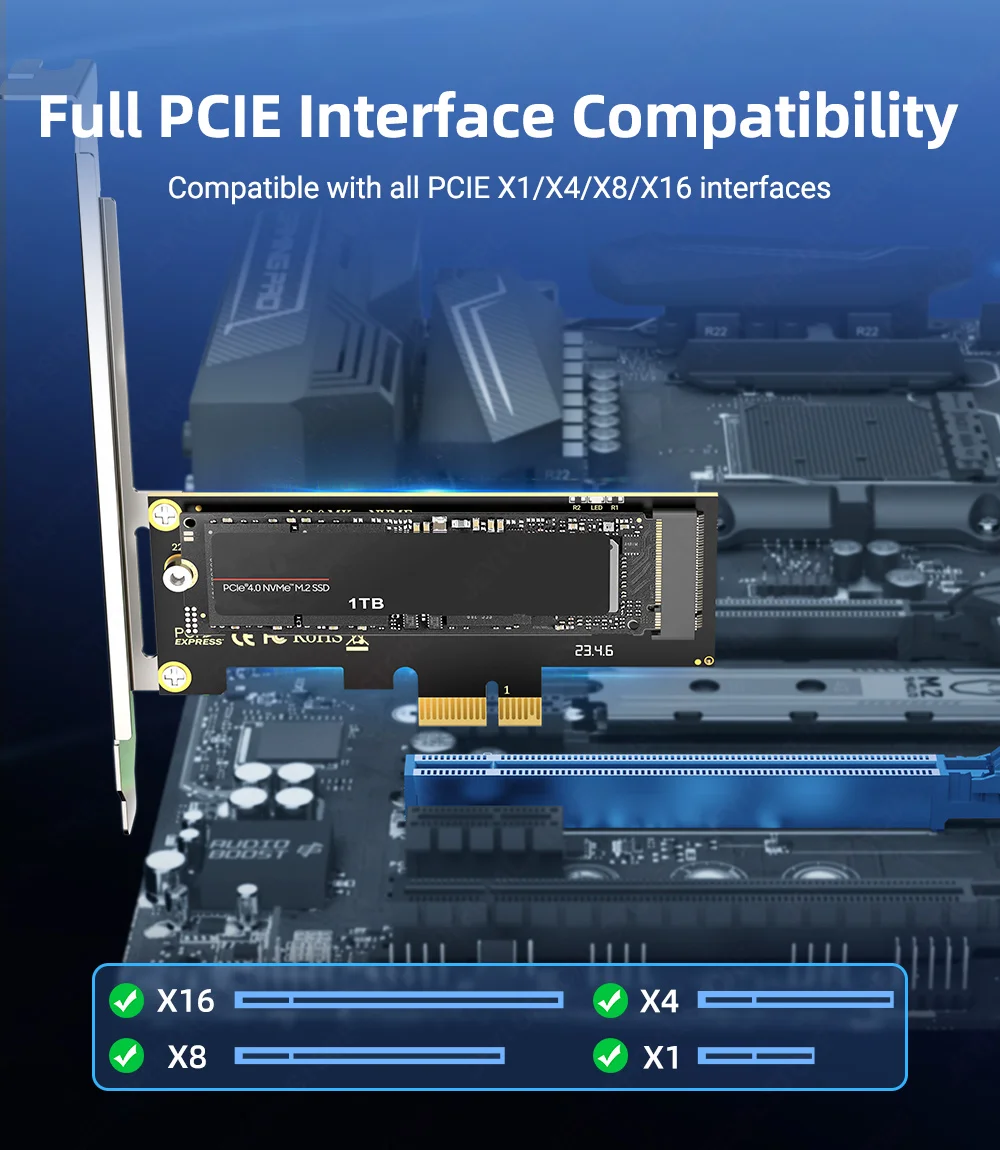
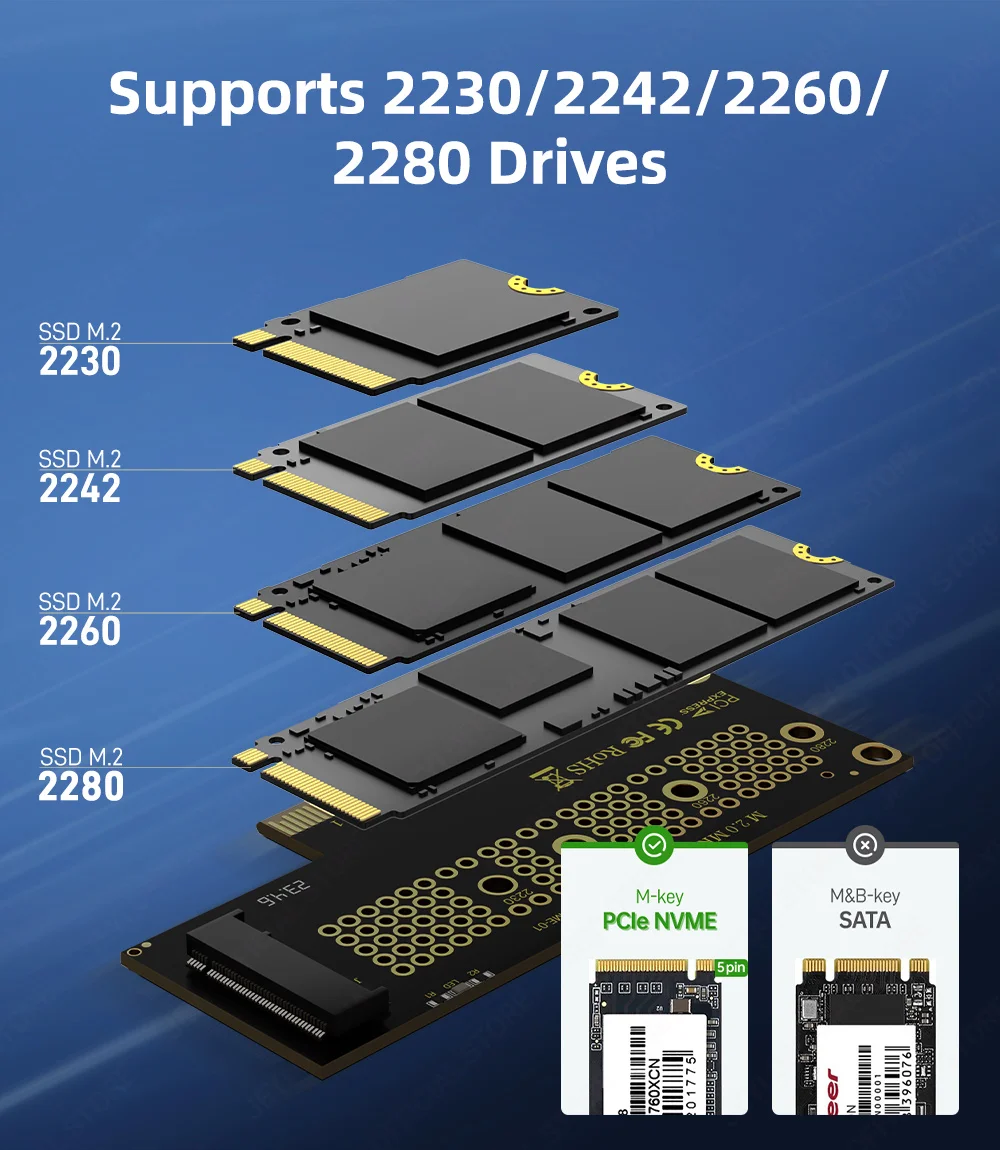
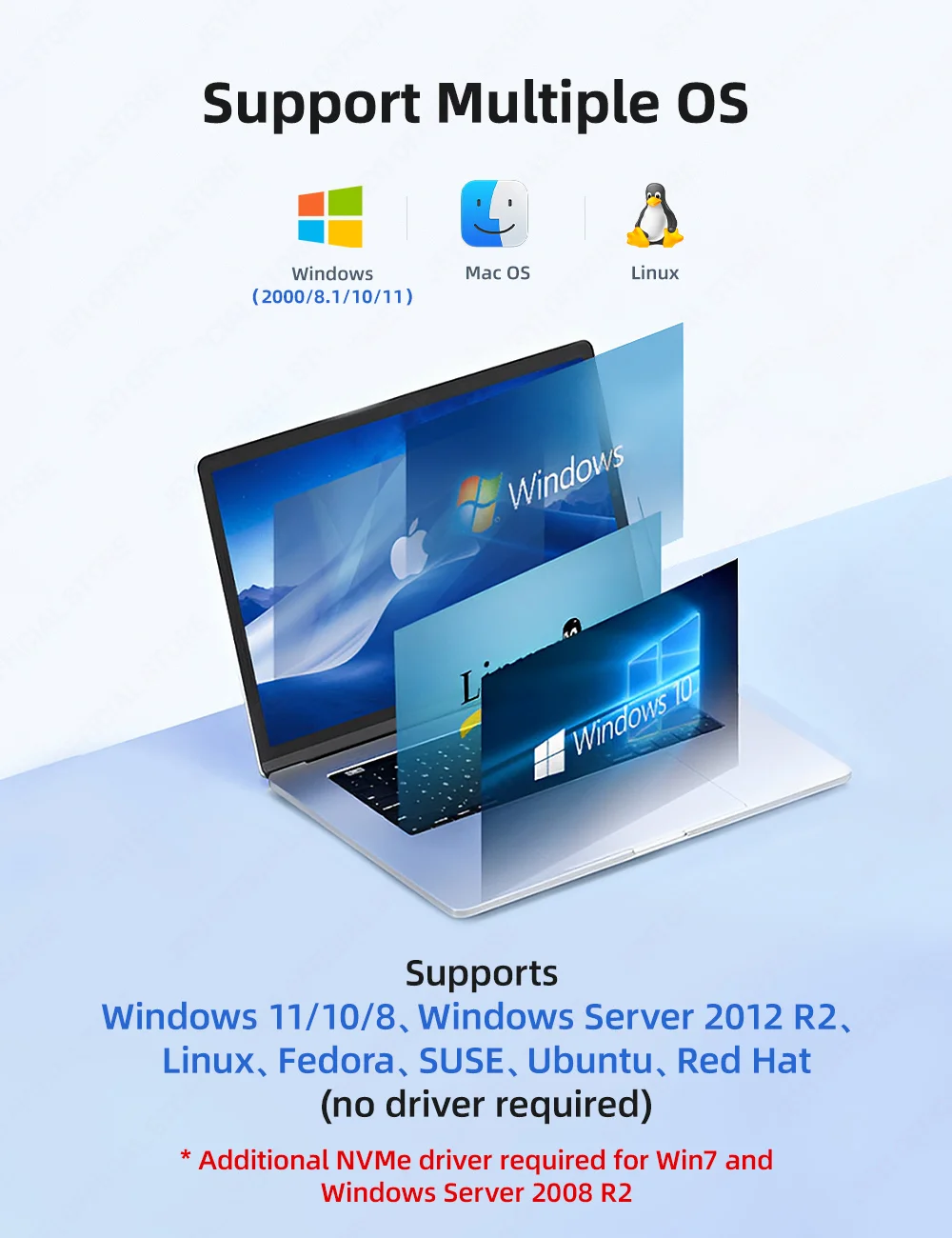
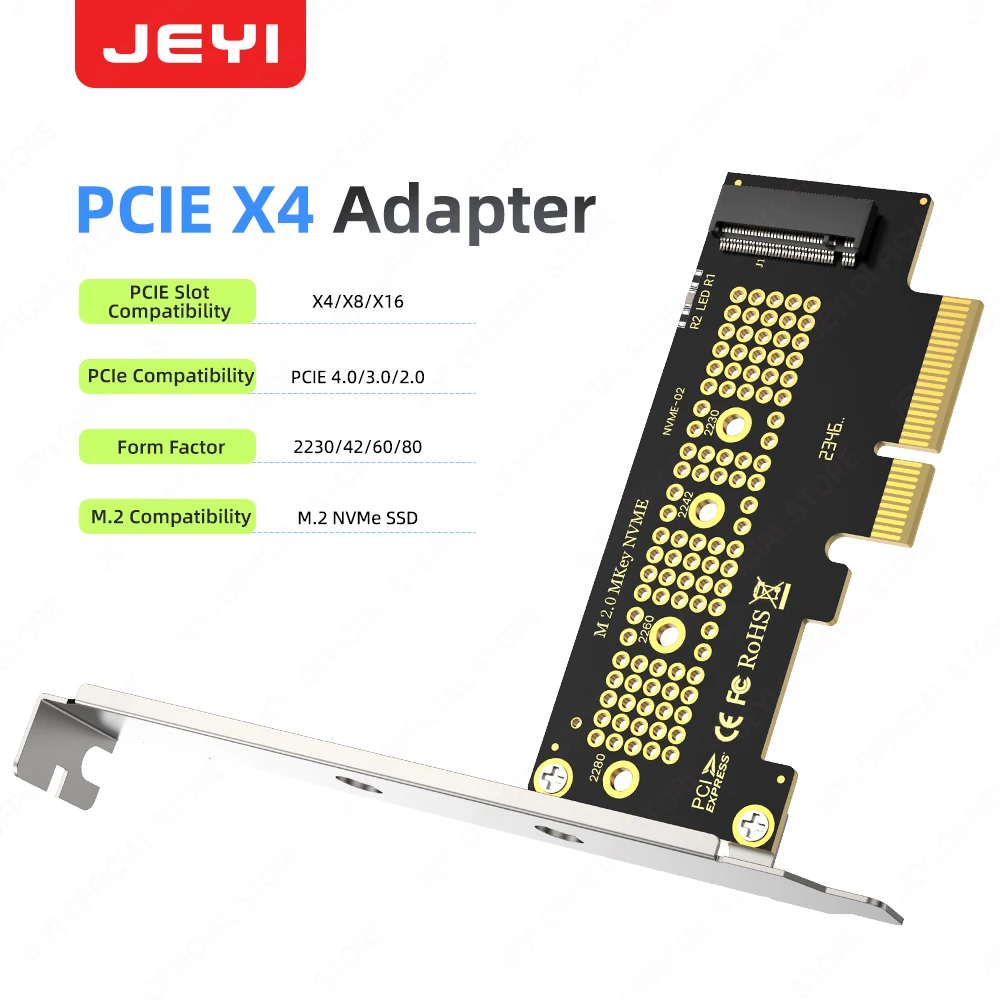
JEYI M NVMe to PCIe Adapter Upgrade your system with the JEYI M NVMe to PCIe Adapter, designed for seamless integration with PCIE X1, X4, X8, and X16 slots This flexible adapter helps either PCIe 4 and 3, providing ultra-fast read/write speeds of up to 1800 MB/s in PCIe 4 and is backward well suited with PCIe 3, 2, and 1 Key Features: 【1】High-Speed Performance: Enjoy up to 16Gbps records move speed by way of PCIe 4 and three for enhanced functionality 【2】Broad Compatibility: Compatible with all PCIE X1, X4, X8, and X16 interfaces Works with 2230, 2242, 2260, and 2280 M NVMe SSDs (supports NVMe and AHCI protocols, yet not SATA) 【3】Plug and Play: Fully well matched with Windows 11/10/8, Windows Server 2012 R2, Linux Fedora, Ubuntu, SUSE, and Red Hat (No driver required for those OS) Additional NVMe driver necessary for Windows 7 and Windows Server 2008 R2 【4】Supports OS Booting: Allows OS installation and booting from the M NVMe SSD, with motherboard and BIOS/UEFI help (some older motherboards won't support OS booting) 【5】Supported Interfaces: PCIe 4/3/2, PCIE X1/X4/X8/X16 Drive Support: Compatible with 2230, 2242, 2260, and 2280 M NVMe SSDs Note: The adapter only work for M-key socket, cannot work for B-key or B/M-key socket PCle 4/3 compatible,16Gbps Max Max read/write speeds of as much as 1800 MB/s in PCle 4 and backward well suited with PCle three 2 1 Full PClE Interface compatibility Compatible with all PClE X1/X4/X8/X16 interfaces Supports 2230/2242/2260/2280 Drives Support Multiple OS Supports Windows 11/10/8、Windows Server 2012 R2、Linux Fedora、SUSE、Ubuntu、Red Hat (no driver required) *Additional NVMe driver required for win7 and Windows server 2008 R2 Add NVMe SSD on Old Motherboard Older motherboards with out M slots can use this adapter card to install an excellent immediate M force Plug & Play If Native Support NVMe If the bios support NVMe, it may admire the NVMe directly, no need for any operation You might raid your drives, boot OS on it, make it a garage drive, the quick read/write pace will bring you an excellent cool journey Update via USB Drive for Earlier Motherboards Search the most recent bios driver which might assist NVMe and use a USB pressure to replace it Normally, the motherboard will respect the SSD after you up to date the latest bios Note: This product can't be related to the PCl interface, in any other case it'll injury your express card, SSD and motherboard! ! ! PCle3 and four mixed a Ultra Fast Speed Easy to Install 1 the SSD and press down 2 the SSD with screw 3 the metallic bracket With screws four to use
Recenzja
0 people rated this product

JEYI M.2 NVMe to PCIE X1/X4 Adapter —PCIe 3.0/4.0 M.2 PCIe Interface Converter, SSD Expansion Card for X1/X4/X8/X16 Interfaces.
Wysyłka i zwroty
 QWQER Express,
 USPS,
USPS, DHL
DHL
Shopping security
- Safe payment options
- Secure privacy
- Secure logistics
- Purchase protection